Want more mods for Wobbly Life? Explore our entire collection!
X-Ray ESP
"See the unseen. Nothing stays hidden for long."
How do I install X-Ray ESP?
Download the free ProjectMods desktop app, then install X-Ray ESP for Wobbly Life in one click.
</>What does X-Ray ESP do?
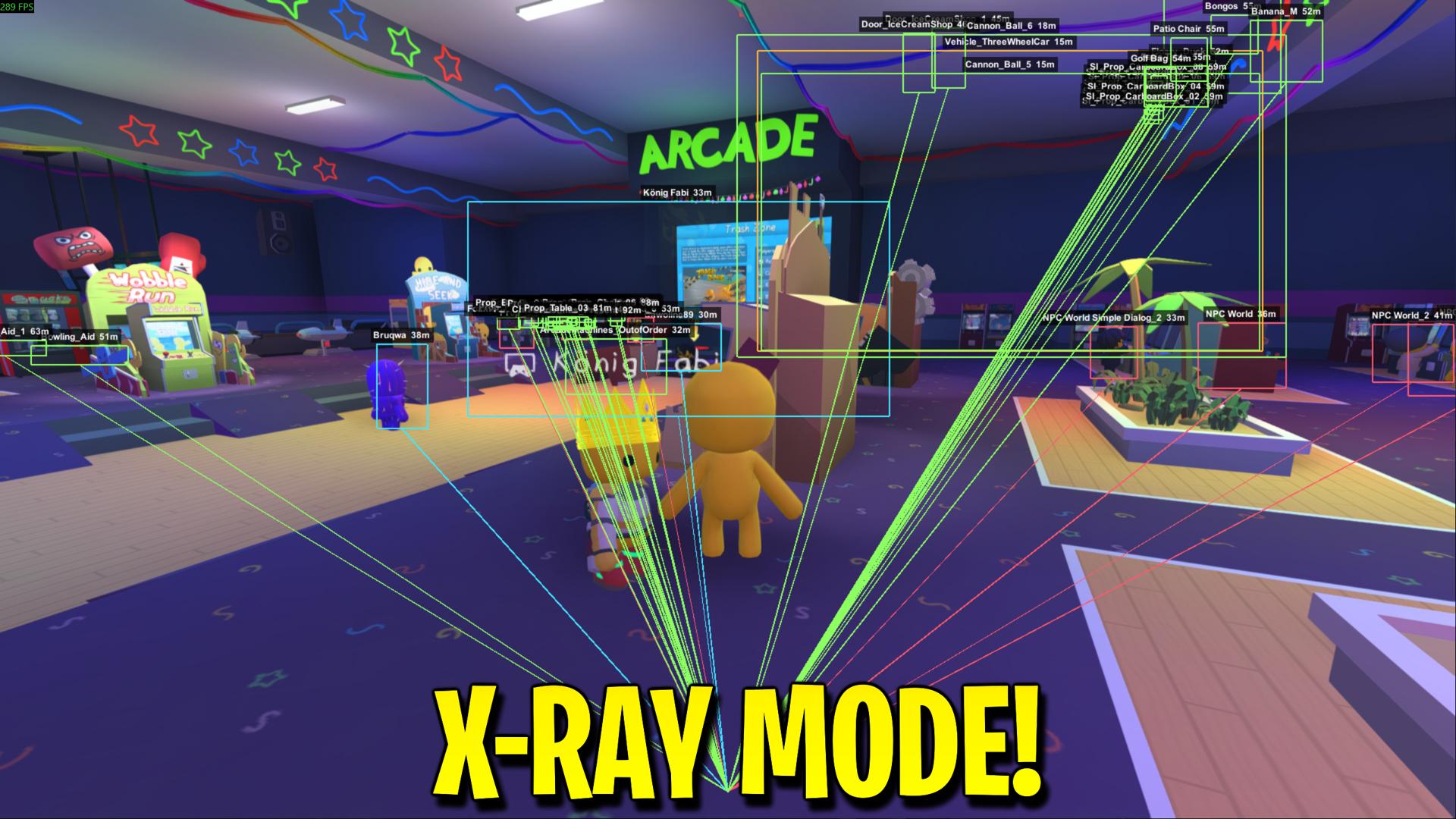
Discover what's hiding beyond walls, buildings, and scenery with X-Ray ESP. This customisable visual overlay highlights selected players, vehicles, NPCs, and other objects around your world, making it easier to locate and identify things that would otherwise be obscured from view. Choose which categories you want to track and customise how they appear on your screen. Enable bounding boxes to highlight their positions, tracer lines to guide you towards them, name labels to identify them, and distance indicators to see how far away they are. Each display option can be enabled or disabled independently. Each tracked category has its own colour, helping you distinguish players from vehicles, NPCs, and other objects at a glance. Adjust the maximum display distance to concentrate on your immediate surroundings or expand your visibility across a larger area. Looking for a misplaced vehicle? Trying to locate a friend behind a building? Searching for NPCs while exploring Wobbly Island? Enable the relevant categories and display options to keep the information you need visible without overcrowding your screen. Whether you're exploring unfamiliar locations, organising activities with friends, locating objects, or simply discovering what's happening around the island, X-Ray ESP adds an entirely new layer of visual awareness to your Wobbly Life experience.
</>What is X-Ray ESP?
The X-Ray ESP mod for Wobbly Life is a PC utility that provides a configurable visual tracking overlay for players, vehicles, NPCs, and other supported objects, including those obscured by walls, buildings, terrain, and scenery. The overlay supports bounding boxes, tracer lines, name labels, and distance indicators. Each visual element can be toggled independently, allowing players to customise the amount and type of information displayed on their screen. Separate tracking categories and category-specific colours help distinguish different types of objects during exploration. Players can enable only the categories relevant to their current activity, whether they are locating vehicles, finding friends, or searching for NPCs. An adjustable maximum display distance limits how far the overlay tracks objects. Shorter distances help reduce visual clutter in busy areas, while longer distances provide broader awareness of the surrounding world. Unlike a traditional X-ray vision effect that makes scenery transparent, X-Ray ESP uses visual markers to reveal tracked objects while retaining the appearance of the game world. Available through ProjectMods, X-Ray ESP is ideal for exploration, player tracking, vehicle recovery, NPC discovery, object location, and improved situational awareness throughout Wobbly Life.
</>Common questions about X-Ray ESP
What does X-Ray ESP do in Wobbly Life?
X-Ray ESP adds a configurable visual overlay that highlights players, vehicles, NPCs, and other supported objects, even when they are hidden behind walls or scenery.
How do I see through walls in Wobbly Life?
Enable X-Ray ESP through ProjectMods and select the categories you want to track. The overlay displays visual markers for supported targets even when scenery obstructs your view.
What does ESP mean in Wobbly Life?
ESP stands for extrasensory perception. In gaming, it refers to an overlay that reveals information about players, objects, or other entities that would otherwise be difficult or impossible to see.
Can I locate other players with X-Ray ESP?
Yes. Enable player tracking to display visual markers for players within your configured maximum display distance.
Can I find vehicles using X-Ray ESP?
Yes. Enable vehicle tracking to highlight supported vehicles around your world, including vehicles obscured by buildings and scenery.
Can X-Ray ESP locate NPCs?
Yes. NPC tracking is a separate category that can be enabled independently of player, vehicle, and object tracking.
What visual indicators does X-Ray ESP include?
The overlay includes bounding boxes, tracer lines, name labels, and distance indicators. Each option can be enabled or disabled independently.
What are ESP tracer lines?
Tracer lines are visual indicators that point towards tracked targets, helping you determine their direction and locate them more easily.
Can I see how far away a tracked object is?
Yes. Enable distance labels to display how far away tracked players, vehicles, NPCs, and supported objects are.
Can I change the ESP tracking distance?
Yes. Adjust the maximum display distance to control how far away tracked objects can appear on your overlay.
Can I display only players or vehicles?
Yes. Tracking categories are independently configurable, allowing you to display only the types of targets you want to locate.
How can I distinguish different tracked objects?
Each tracking category has its own colour. You can also enable name labels to help identify individual targets.
Does X-Ray ESP make walls transparent?
No. It displays visual markers for tracked targets through walls and scenery rather than making the environment itself transparent.
Can I use X-Ray ESP without boxes or tracer lines?
Yes. Each visual indicator is independently configurable. You can display only names, distances, boxes, tracer lines, or any combination of these options.
Does X-Ray ESP teleport me to tracked objects?
No. X-Ray ESP reveals the location of supported targets through visual indicators. You still navigate to them using your normal movement controls.
What options does X-Ray ESP include?
Names
Show the target name above its box.
NPCs
Mark non-player characters.
Enabled
Show or hide the entire X-ray overlay.
Tracer Lines
Draw a line from the bottom-center of the screen to each target.
Max Distance
Maximum range for marked targets in meters.
Distance
Show distance in meters beside the target name.
Boxes
Draw an outline around each target.
Other Objects
Mark supported pickups and interactive objects.
Players
Mark player characters.
Vehicles
Mark vehicles.
X-Ray ESP lets you locate players, vehicles, NPCs, and other objects through walls and scenery in Wobbly Life. Customise your overlay with coloured boxes, tracer lines, names, distance labels, and an adjustable maximum display distance.
System Requirements
What features does X-Ray ESP include?
- Locate supported objects through walls, buildings, and scenery.
- Track players, vehicles, NPCs, and other objects independently.
- Display bounding boxes around tracked targets.
- Enable tracer lines to visually guide you towards tracked objects.
- Display names to identify tracked targets.
- Show distance labels to determine how far away objects are.
- Distinguish tracking categories using separate colours.
- Adjust the maximum display distance to control tracking coverage.
- Independently enable or disable boxes, tracers, names, and distance labels.
- Combine tracking categories and visual indicators to create a personalised overlay.
- Reveal obscured targets without making the surrounding scenery transparent.
Best For
- Locate friends hidden behind buildings or surrounding scenery.
- Find misplaced vehicles around Wobbly Island.
- Identify nearby NPCs while exploring unfamiliar locations.
- Track supported objects that are obscured from normal view.
- Use distance labels to determine which tracked targets are closest.
- Follow tracer lines towards players, vehicles, or NPCs.
- Explore busy areas using a category-specific tracking overlay.
- Reduce visual clutter by disabling unnecessary tracking categories.
- Limit tracking distance when searching your immediate surroundings.
- Expand tracking coverage when exploring larger areas of the island.
- Keep track of friends during private multiplayer activities.
- Create a personalised visual overlay for sandbox exploration.
More Mods for Wobbly Life
Web Wobbler Mask
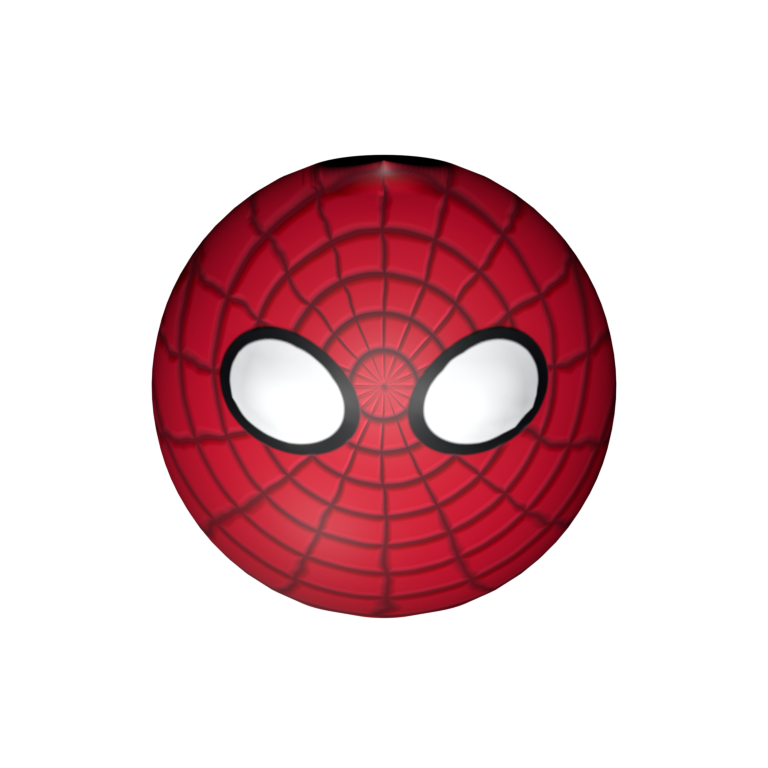
A full-head hero mask with giant white lenses and hand-spun webbing wrapping every angle. Your Wobbly's secret identity starts here. Pairs with the Web Wobbler Suit Top and Tights — and darker colours turn it into a shadow-suit look.
Vehicle Flinger
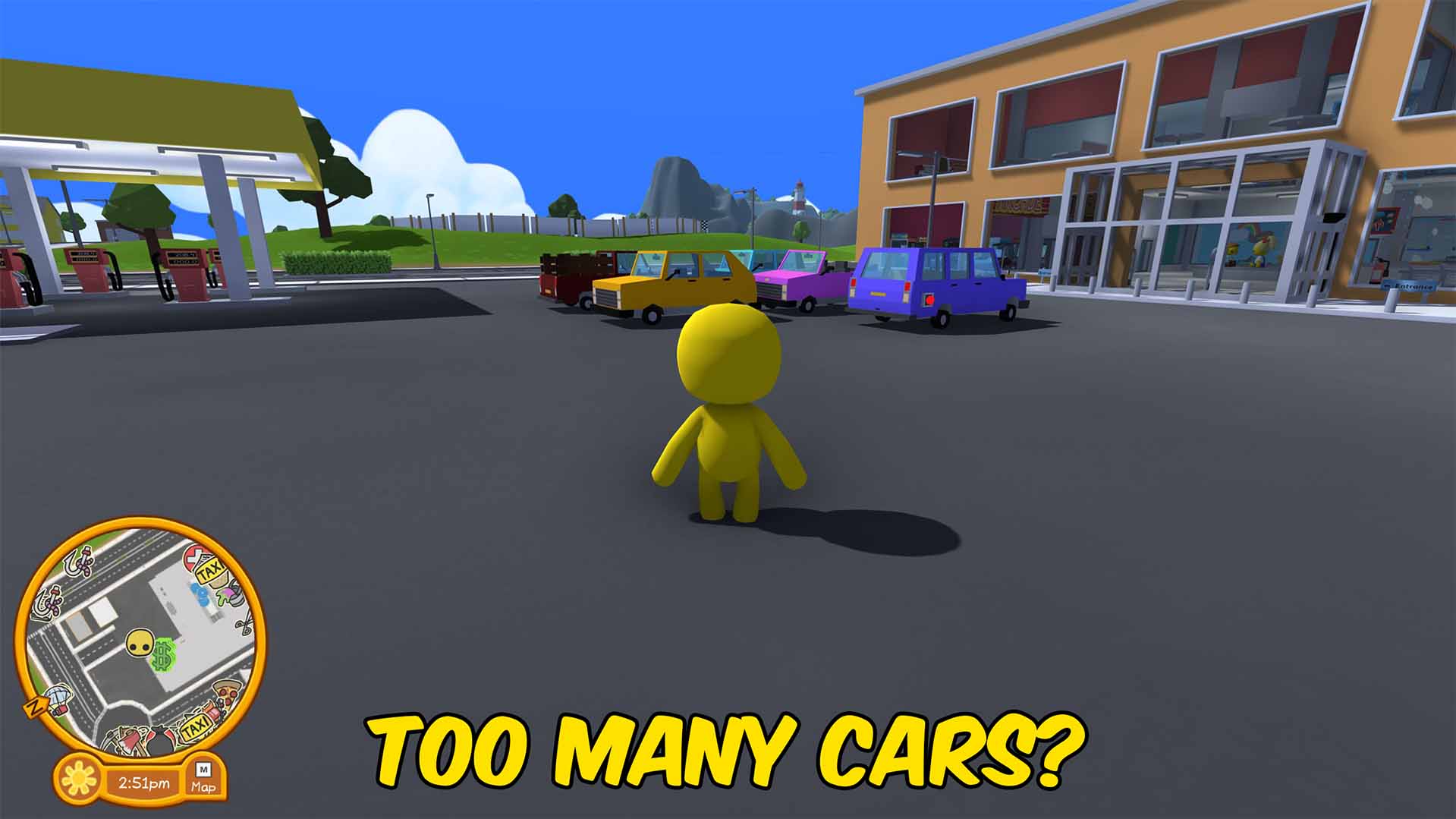
Press the button and send every vehicle around you rocketing into the sky. Set the min and max launch force, hit SLING SHOT!, and watch the cars, boats, and trucks go flying. Pure chaos.
Grappling Hook
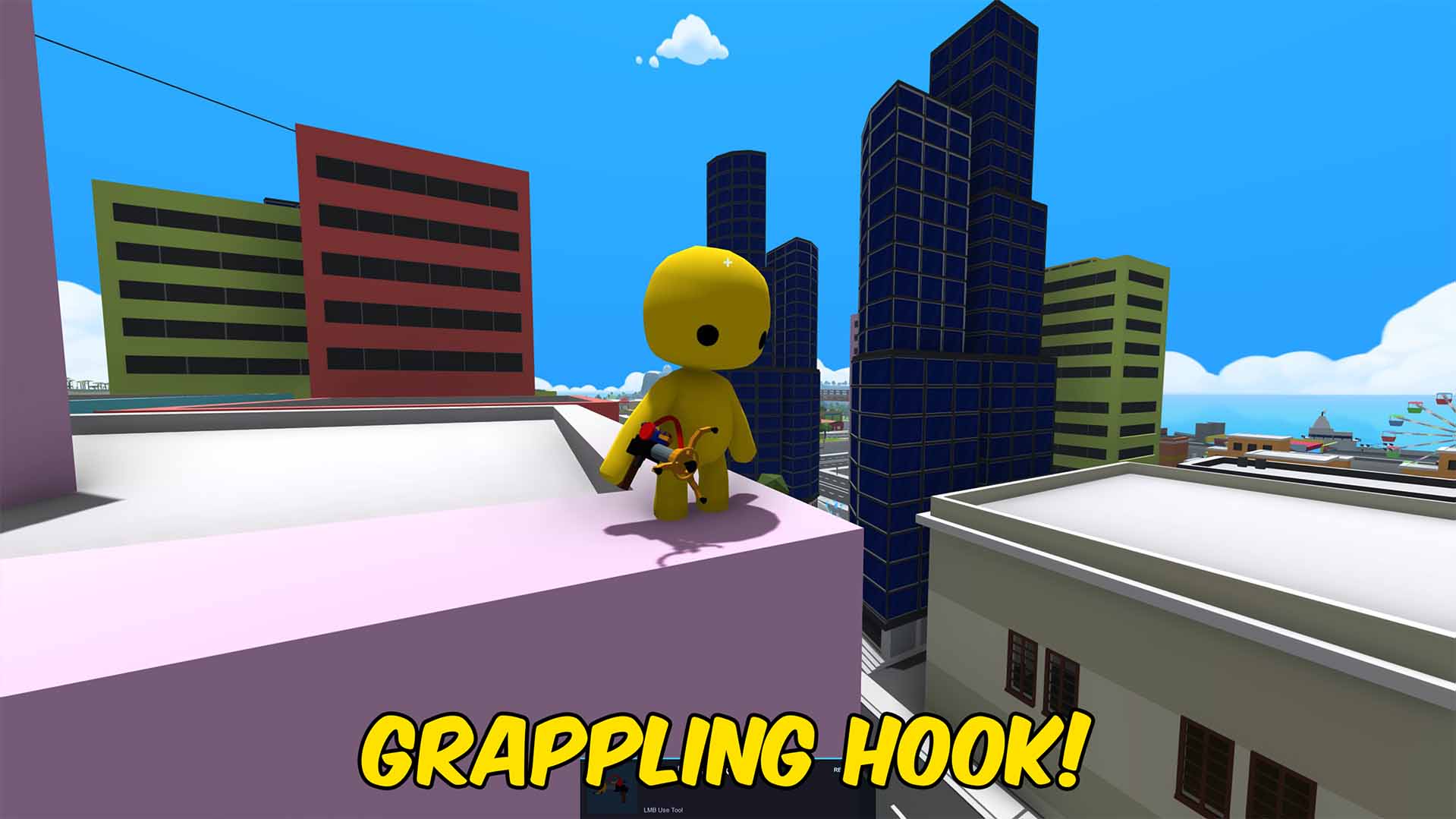
Fire a rope at any surface and swing or pull yourself toward it.







