Want more mods for Zad Archery? Explore our entire collection!
Cooldown Cutter
"Every skill, every time you want it."
How do I install Cooldown Cutter?
Download the free ProjectMods desktop app, then install Cooldown Cutter for Zad Archery in one click.
</>What does Cooldown Cutter do?
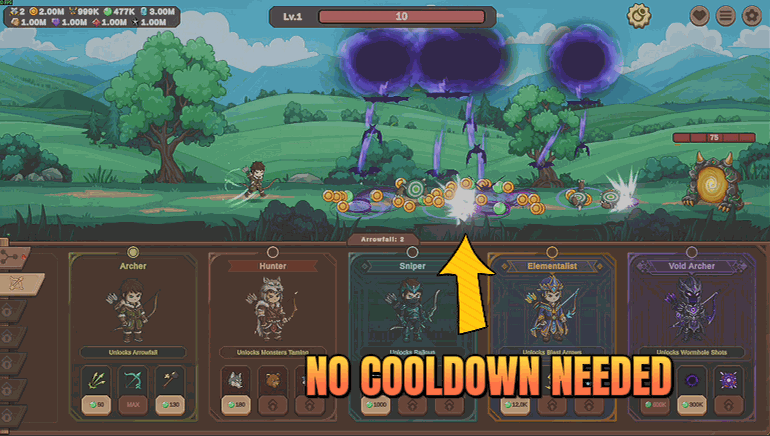
Zad Archery gives you a lovely spread of job skills and then makes you wait on all of them. Rapid Fire, Sharp Shooter, Multishot, Blizzard, Super Nova, your pets and everything else spend most of a run greyed out. Cooldown Cutter keeps them all ready. Flip Always Ready on and every skill you have levelled can be used the moment you want it, back to back, for the whole run. The dials on your skill bar clear as they become available so you can still see what is happening at a glance. It is the fastest way to actually feel a build you have been investing in for hours, and it makes testing a new job or a new skill order take seconds instead of a run. Turn it off and cooldowns go back to normal immediately.
</>What is Cooldown Cutter?
Rapid Fire, Sharp Shooter, Multishot, Blizzard and Super Nova spend most of a Zad Archery run greyed out, which is why a build you have invested hours in rarely gets to show what it does. Cooldown Cutter keeps every job skill ready, back to back, all run. A free-tier mod in ProjectMods, the community-first game modding platform for 400+ games.
</>Common questions about Cooldown Cutter
What does Cooldown Cutter do in Zad Archery?
Cooldown Cutter keeps your job skills ready in Zad Archery instead of making you wait on them. Flip the single Always Ready switch and every skill you have levelled can be used the moment you want it, back to back, for a whole run. Rapid Fire, Sharp Shooter, Multishot, Blizzard, Super Nova and the rest normally spend most of a run greyed out, which is why a build you have invested hours into rarely gets to show what it can do. This is the fastest way to actually feel it. Turn the switch off and cooldowns return to normal straight away.
Which skills does Always Ready cover?
Every job skill on your bar in Zad Archery, not a chosen few. Whatever your current job gives you and whatever you have levelled into is covered by the same switch, so there is no per-skill setting to manage and nothing that quietly stays on its old timer. That includes the ones people build whole runs around, such as Rapid Fire, Multishot and Blizzard, and the slower heavy hitters like Super Nova that normally arrive once a fight. Cooldown Cutter does not change what your skills do or how much damage they deal, only how long you wait between uses.
Do the cooldown dials still show on my skill bar?
Yes. The dials on the Zad Archery skill bar still animate, clearing as each skill becomes available again, so you can read your bar at a glance exactly as you did before. Cooldown Cutter does not hide or blank the interface, which matters more than it sounds: a bar that is permanently lit gives you nothing to look at, while one that keeps sweeping around still tells you which skill just fired. In practice you stop watching it, because anything you press is already available, but the information is there when you want it.
Can I turn cooldowns back on partway through a run?
Yes, and nothing carries over when you do. Always Ready is a single switch, so turning it off in the middle of a Zad Archery run puts every job skill straight back on its normal timer from that moment. There is no cooldown debt to pay off and no skill left stuck. That makes it easy to use Cooldown Cutter as a testing tool: flip it on to try a job or a skill order in seconds rather than a full run, then flip it off and play the rest of the session at the game's own pacing.
Why use Cooldown Cutter instead of levelling cooldown reduction in the trees?
Because the trees in Zad Archery take hours to reach the point where a skill rotation feels good, and most players never get there on a build they are still experimenting with. Cooldown Cutter skips that wait, so you can find out whether a job is worth investing in before you spend the currency. It also changes how a run plays: with every skill permanently available the game becomes about which skill to press rather than which one happens to be ready. Pair it with Time Lapse if you want to test several skill orders in one sitting.
What options does Cooldown Cutter include?
Always Ready
Clears the wait on every job skill so you can use them back to back.
Cooldown Cutter is a free-tier ProjectMods mod for Zad Archery that keeps every job skill off cooldown, so Rapid Fire, Multishot, Blizzard and the rest can be fired back to back for a whole run.
System Requirements
What features does Cooldown Cutter include?
- Clears the wait on every job skill, so Rapid Fire, Multishot, Blizzard and the rest are always ready.
- Fire skills back to back for a whole run instead of watching dials slowly refill.
- Your skill bar still shows what is available, so you can read a fight at a glance.
- One switch, and turning it off puts cooldowns straight back to normal.
Best For
- You have poured hours into a job build and want to actually feel it instead of waiting on it.
- Trying a new job and wanting to know within seconds whether its skills are worth levelling at all.
- Guardian fights where the skill you need is greyed out for the exact ten seconds it would have mattered.
- Creators showing off a full skill rotation on camera without dead air between every cast.
More Mods for Zad Archery
Pack Leader
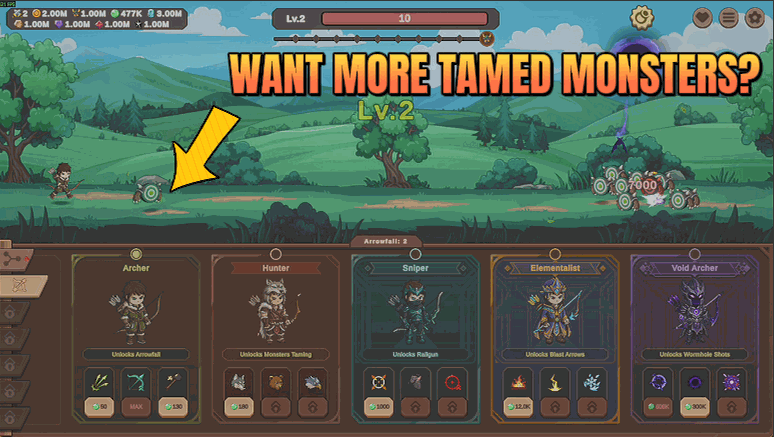
Tame monsters as they fall, keep more of them at once, and make your whole animal team hit far harder.
Clean Sweep
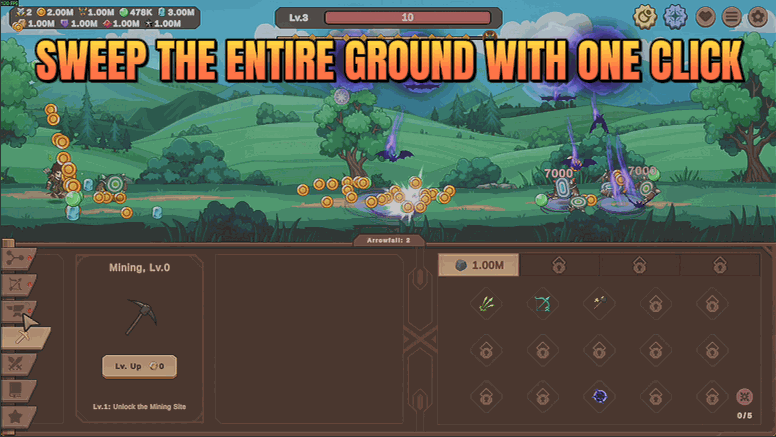
Loot, ore and chests collect themselves while you play, or clear the whole field with one press.

Time Lapse
A game speed dial from a quarter speed up to eight times normal.







