Want more mods for Zad Archery? Explore our entire collection!
Deep Quiver
"Twelve wallets, one number, no more waiting on drops."
How do I install Deep Quiver?
Download the free ProjectMods desktop app, then install Deep Quiver for Zad Archery in one click.
</>What does Deep Quiver do?
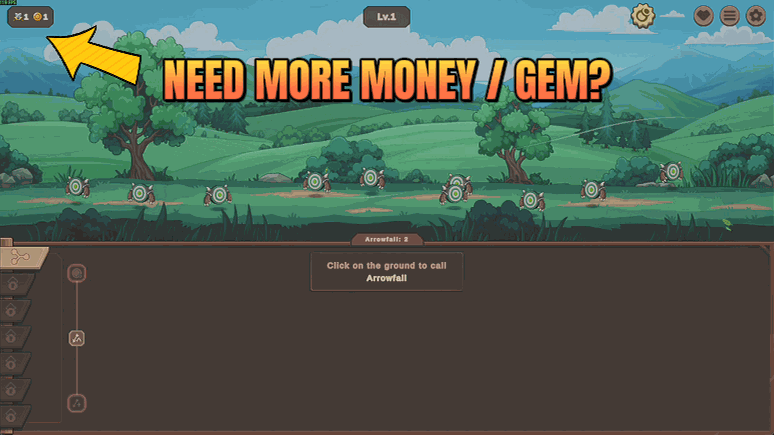
Zad Archery runs on twelve separate piles of currency, and every upgrade tree wants a different one. Deep Quiver fills whichever is holding you up. Pick a wallet, type an amount, and press. Gold for the early upgrade curve, claw gems for jobs, archer gems for crafting, mage and warrior and bat gems for the trees that need them, portal and guardian currency for the late game, and rock, copper, silver and gold ore for the mine. There is a single button that tops up all twelve at once when you would rather not choose. The amount is a plain text box, so the enormous numbers this game deals in stay easy to type. Changed your mind and want the challenge back? Emptying a wallet drops it to zero. The counter on screen rolls over the moment you press, so you can go straight out and spend it.
</>What is Deep Quiver?
Zad Archery runs on twelve separate piles of currency and every upgrade tree wants a different one, so progress stalls on whichever wallet is empty. Deep Quiver fills whichever is holding you up: pick a wallet, type an amount, press once, or top up all twelve together. Part of the ProjectMods catalogue, a community-first game modding platform for 400+ games.
</>Common questions about Deep Quiver
What does Deep Quiver do in Zad Archery?
Deep Quiver tops up the currencies Zad Archery runs on. The game keeps twelve separate piles and every upgrade tree wants a different one, so progress usually stalls on whichever wallet is empty rather than on anything you did wrong. Pick a wallet from the dropdown, type an amount, and press Top Up Selected. There is also a button that adds the same amount to all twelve at once when you would rather not choose, and one that empties the selected wallet back to zero. The counter on screen rolls over immediately, so you can spend it straight away.
Which twelve wallets can Deep Quiver fill?
All of them: gold, the five monster gem types that come from claw, archer, warrior, mage and bat monsters, portal currency, guardian currency, and the four mining ores, which are rock, copper, silver and gold. That covers the whole of Zad Archery, because gold carries the early upgrade curve, claw gems feed jobs, archer gems feed crafting, the remaining gems feed their own trees, portal and guardian currency handle the late game, and ore is what the mining tree eats. Whichever one your next upgrade is waiting on, it is in the Deep Quiver dropdown.
How do I type the enormous numbers this game deals in?
The Amount box in Deep Quiver is plain text rather than a slider, which matters because Zad Archery deals in numbers that get silly quickly. A slider would either cap out early or jump in steps too coarse to be useful, so you type the figure you want instead and nothing sits out of reach. That keeps the box usable at every stage of the game: a few thousand gold in the opening hours, then whatever enormous figure the late upgrade trees are asking for. Whatever you type is the amount added to the wallet you picked, or to all twelve at once if you top up everything.
What is the difference between Top Up Selected and Top Up Everything?
Top Up Selected adds the amount you typed to the one wallet showing in Deep Quiver's dropdown, which is what you want when a single tree in Zad Archery is holding you up and you would rather not flatten the rest of the game. Top Up Everything adds that same amount to all twelve wallets in one go, which is the option for a session where you just want the upgrade trees to open up without thinking about which currency feeds which. Both use the same Amount box, so the only decision is how wide you want it to land.
Can I take currency back out if I want the challenge again?
Yes. Empty Selected drops the wallet showing in Deep Quiver's dropdown back to zero, so a top up is never a one-way door. That is worth knowing before you experiment, because Zad Archery is an incremental game and part of its pull is watching a pile grow. If you over-fill gold and the early curve stops meaning anything, empty it and carry on. It also lets you run a deliberately lopsided save, with mining ore full and combat gems at zero or the other way round, to see how differently the game plays.
What options does Deep Quiver include?
Empty Selected
Drops the wallet you picked back to zero.
Amount
How much to add. Plain numbers work, and so does shorthand like 1e9 for a billion.
Currency
Which wallet the top up and empty presses act on.
Top Up Everything
Adds the amount above to all twelve wallets at once.
Top Up Selected
Adds the amount above to the wallet you picked.
Deep Quiver is a ProjectMods mod for Zad Archery that tops up any of the game's twelve wallets, covering gold, five monster gem types, portal and guardian currency and four mining ores, one at a time or all twelve at once.
System Requirements
What features does Deep Quiver include?
- Fills any of twelve wallets: gold, all five monster gems, portal and guardian currency, and all four ores.
- Type the amount into a plain text box, so the enormous figures this game deals in stay easy to enter.
- Top up all twelve wallets at once with a single press when you would rather not pick.
- Empty a wallet back to zero whenever you want the squeeze of the upgrade curve back.
- The counter on screen rolls over the moment you press, so you can go spend it straight away.
Best For
- You are three ore short of the next mining tier and cannot face another twenty minutes of swinging.
- Claw gems stacked to the roof, archer gems at zero, because crafting eats them faster than monsters drop them.
- Late-game players who want the portal and guardian trees finished rather than permanently theorycrafted.
- Restarting a save and wanting to skip the first two hours to land where the build gets interesting.
- Anyone who wants to see what the top of an upgrade tree actually does before committing hours to reaching it.
More Mods for Zad Archery
Pack Leader
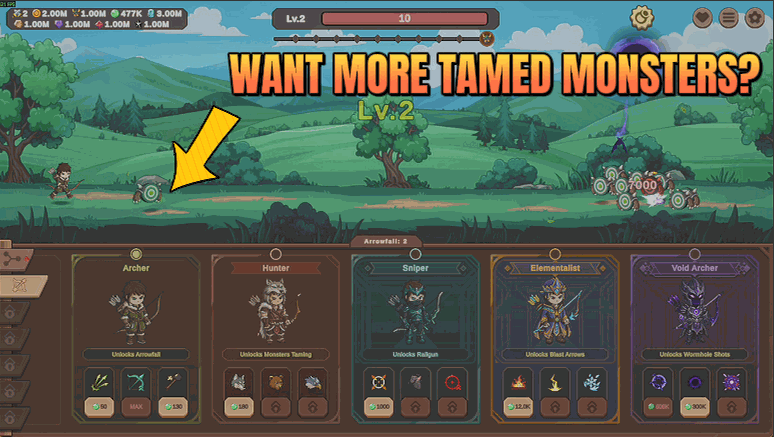
Tame monsters as they fall, keep more of them at once, and make your whole animal team hit far harder.
Ironhide
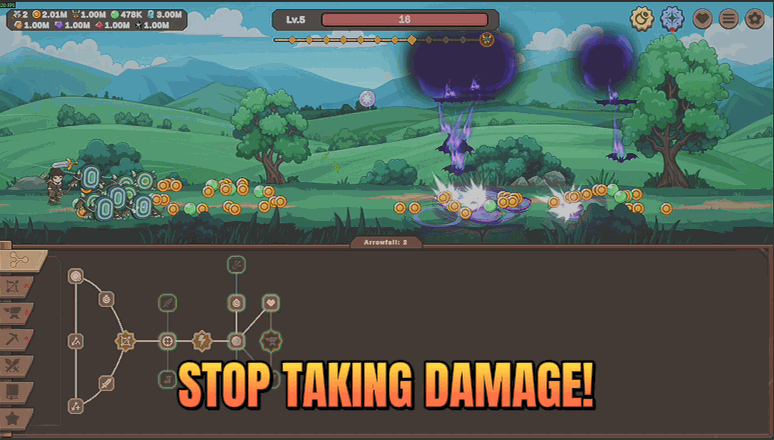
Stop taking damage entirely, keep your health topped up, or both. Runs stop ending on a death you did not see coming.
Clean Sweep
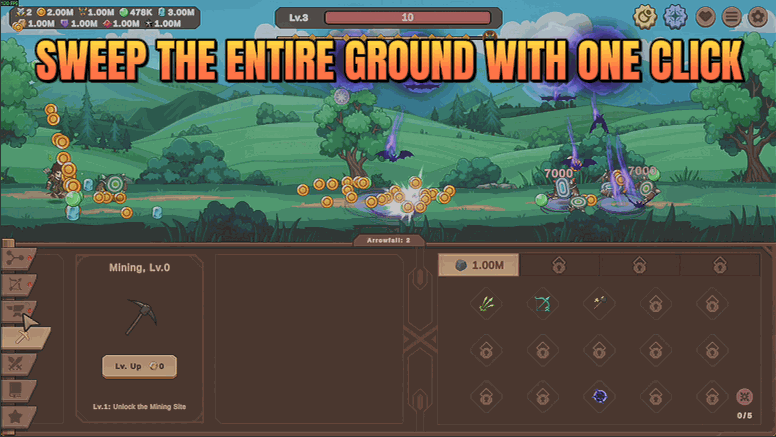
Loot, ore and chests collect themselves while you play, or clear the whole field with one press.







