Want more mods for 687 Days on Mars - First Steps? Explore our entire collection!
Rover Upgrades
"A battery that never dies. Air that never runs out."
How do I install Rover Upgrades?
Download the free ProjectMods desktop app, then install Rover Upgrades for 687 Days on Mars - First Steps in one click.
</>What does Rover Upgrades do?
Sitting in the car costs 25 energy a second whether you move or not, 25.5 with the Car lights on, and every breath you take inside draws on its air. Rover Upgrades hands you three upgrades for your rover (the game calls it the car), all off by default. Endless Rover Battery keeps every Battery in its slots full, so it never stops for lack of energy; it needs a Battery in at least one slot. Endless Rover Air keeps the air inside full of oxygen, so you can sit in with your helmet off for as long as you like. Faster Rover lifts the top speed to Rover Top Speed, 60 to 150 km/h in steps of 5 (90 by default), and gives the car an extra push past its normal top speed of 40 km/h on open ground, so it can actually get there. Switch Endless Rover Battery or Endless Rover Air off and the battery or air keeps what it has, then drains normally. Switch Faster Rover off and the car's own top speed is back at once.
</>What is Rover Upgrades?
Rover Upgrades gives the car, as the game calls your rover, three switches. Endless Rover Battery keeps every Battery in its slots charged, Endless Rover Air keeps the oxygen you breathe inside full, and Faster Rover raises the top speed to Rover Top Speed, 60 to 150 km/h, with an extra push to get there. It needs a Battery in a slot, never refills batteries or tanks outside the car, and never makes the car tougher, lighter or able to fly.
</>Common questions about Rover Upgrades
What does Rover Upgrades do in 687 Days on Mars - First Steps?
It takes the energy and air worries out of driving and lets the car go faster. The Battery never runs down, the air inside never runs out, and the top speed rises to whatever you set, with each upgrade on its own switch. It works in a loaded game, not on the main menu.
Why does the car still say No energy to start vehicle?
There's no Battery in a Car battery slot. Endless Rover Battery fills batteries that sit in the car's two slots, and an empty slot has nothing to fill. Put a Battery in, and if it was flat when you got in, driving comes back within about a second of the switch being on.
Can I refill an Oxygen tank from the car's air?
Yes, with Endless Rover Air on. An Oxygen tank in the car's oxygen slot set to OUT fills from the car's own air, which holds up to 30,000 oxygen and is kept full. It needs a car with its own air supply; in a car without one, Endless Rover Air has nothing to fill.
Does Faster Rover change reverse or how the car handles?
Reverse rises to the same limit, because the game uses one speed limit for both directions, but the extra push only helps going forward. Hills, rough ground and the brake still slow you: the push only works with the throttle held and most wheels on the ground. Steering at speed stays as the game tuned it, so the car is no twitchier than at its normal top speed. Even the lowest setting, 60, is well above what the car manages on its own.
Does a Battery stay charged after I take it out?
Yes, it keeps the charge it had, but the mod only fills batteries while they sit in the car, so one in your suit isn't topped up. The car's battery charge and air are saved by the game, so they're still full after a reload with the switches off. Faster Rover leaves nothing in your save.
What options does Rover Upgrades include?
Faster Rover
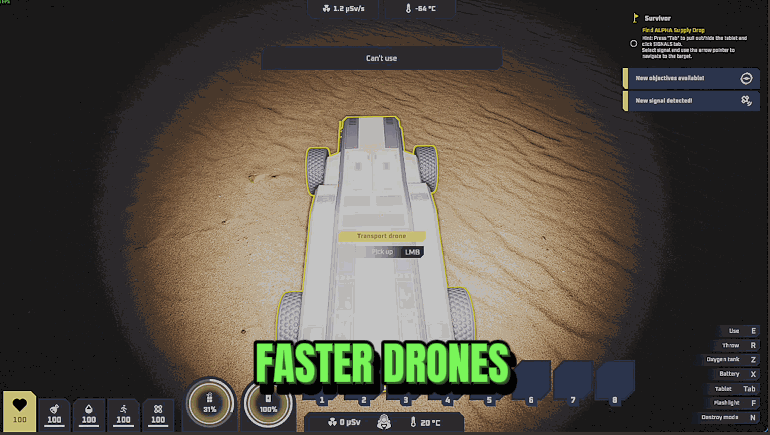
Raises the rover's top speed to the Rover Top Speed setting, with an extra push on open ground once you pass the car's normal top speed. The game uses one speed limit for both directions, so the reverse limit rises to the same setting. Off by default; off puts the rover's normal top speed back.
Endless Rover Air
The rover's air supply stays full, so you can breathe inside it with your helmet off for as long as you like. Off by default; switching it off leaves the air supply full.
Rover Top Speed
The rover's top speed in km/h while Faster Rover is on: 60 to 150, default 90. The car's normal top speed is 40 km/h, so every setting is faster.
Endless Rover Battery
Every battery in your rover's battery slots stays full, so the rover never runs out of energy, even with the car lights on. It needs at least one battery in a slot. Off by default; switching it off leaves the batteries charged.
Rover Upgrades is a ProjectMods mod for 687 Days on Mars - First Steps that keeps the car's batteries and air full and raises its top speed to as much as 150 km/h, though it only fills a Battery sitting in the car and refills nothing outside it.
System Requirements
What features does Rover Upgrades include?
- Endless Rover Battery tops up every Battery in the car's two slots twice a second, and again after each second of driving.
- Endless Rover Air refills the car's oxygen twice a second and again after every breath you take inside.
- Past the car's normal top speed, Faster Rover adds its own push on open ground, so the car keeps pulling up to the number you set.
- The car's energy and oxygen displays read full while the matching switch is on.
Best For
- A supply drop has landed far across the map and the car's Battery is half empty, so switch on Endless Rover Battery and drive there and back without watching the charge.
- You want a long break out in the field without heading back to the base, so switch on Endless Rover Air and keep your helmet off inside the car for as long as you need.
- The run between your base and a far Mining Beacon is long and flat, so switch on Faster Rover with Rover Top Speed at 120 and cover it quicker.
More Mods for 687 Days on Mars - First Steps
Survival Needs
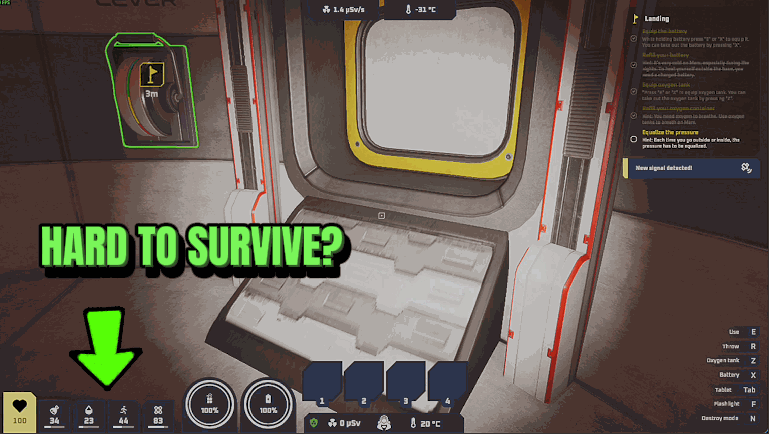
Keeps any of your food, water, stamina and vitamins from going down, each on its own switch, and sets the pace for the rest anywhere from stopped to three times normal. Health, oxygen and battery are left alone.
Radiation & Cold Protection
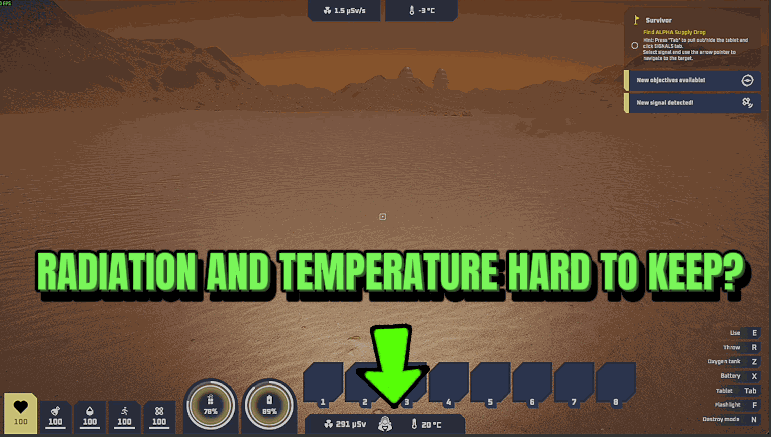
Two switches: Radiation Shield keeps the radiation in you at 0, solar storms included, and Stay Warm holds your suit at 20 °C without spending battery or the lander's power. Weather, storms and the outside temperature stay as they are.
Faster Production & Research
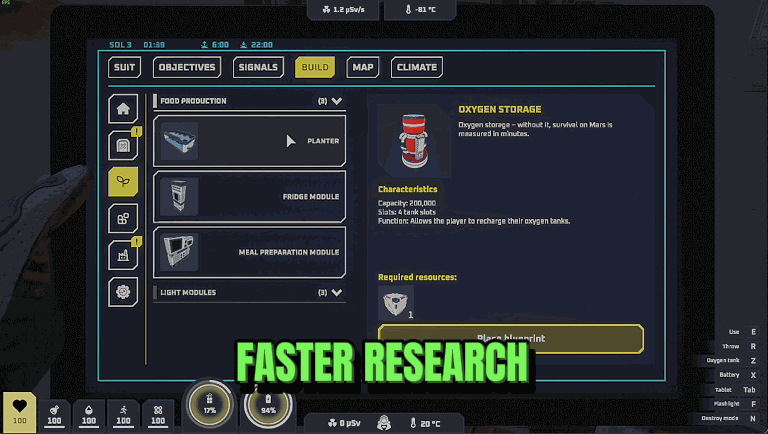
Run the Melter and your other processing machines up to ten times faster, the Research Station up to twenty, and cook meals in a tenth of a second, while each machine run still costs what it always did.







