Want more mods for 687 Days on Mars - First Steps? Explore our entire collection!
Radiation & Cold Protection
"Solar storms can't reach you. Nor can the Martian night."
How do I install Radiation & Cold Protection?
Download the free ProjectMods desktop app, then install Radiation & Cold Protection for 687 Days on Mars - First Steps in one click.
</>What does Radiation & Cold Protection do?
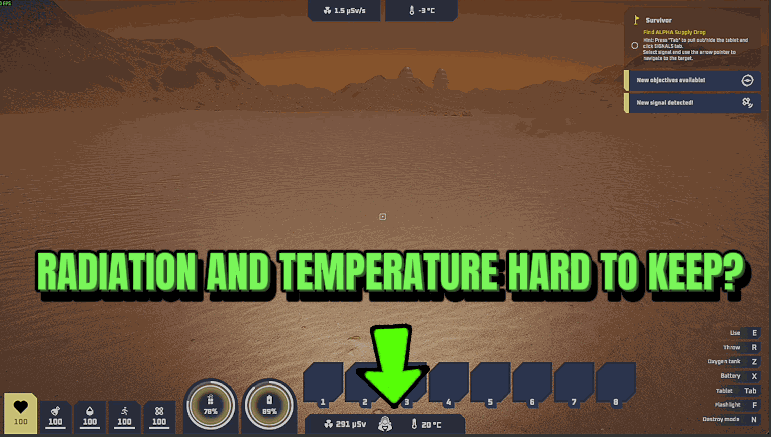
Every trip outside comes with two slow dangers. Radiation builds up in you, and once it climbs high enough for the game to warn you 'High radiation! Find shelter', it costs up to 1% of your health a second. Meanwhile your suit cools toward the outside air: freezing starts once your suit drops below -20 °C, the point where the game warns you about the cold, and at -60 °C outside, staying warm costs your battery 3.2 charge a second. Radiation & Cold Protection puts each danger on its own switch. Radiation Shield brings the radiation in you down to 0 the moment it's on and keeps it there, solar storms included. Stay Warm warms your suit to 20 °C, the top of its range, and keeps it there without using battery charge or the lander's power. Both are off by default. Turn Radiation Shield off and radiation can build up again from where it is, normally 0. Turn Stay Warm off and the suit cools toward the outside temperature again, with heating back on your battery or the lander's power.
</>What is Radiation & Cold Protection?
Radiation & Cold Protection has two switches for life on the surface. Radiation Shield clears the radiation you've absorbed and stops it rising, even in a solar storm. Stay Warm holds your suit at 20 °C, and heating stops costing battery charge or lander power. The outside radiation reading still shows how strong an area is. The weather, storms and outside temperature don't change, and plants, buildings and cables get no protection.
</>Common questions about Radiation & Cold Protection
What does Radiation & Cold Protection do in 687 Days on Mars - First Steps?
It takes two of the surface's slow killers off the table: radiation building up in you and your suit going cold. Radiation Shield and Stay Warm work on their own, so you can drop one danger and keep the other. Both start once a game is running; switched on in the main menu, they apply as the game starts and again after every load.
Why do I still see radiation readings outside?
The outside reading shows how strong the radiation is where you are, and Radiation Shield leaves it alone. Only the radiation in you is held at 0, so a high outside number can't hurt you while the shield is on.
Does Stay Warm recharge my battery?
No. It stops heating from using the battery, but it never adds charge. One detail: while it's on, a suit battery charged right to the top is kept half a unit under full. It still reads 100% and is saved that way, the energy storage's 'Refill your battery' step can still be done, and the half unit comes back when the battery comes off or Stay Warm goes off.
Why does the game still warn me about my battery?
With no battery equipped, the game may still show its low-battery warning while Stay Warm holds your temperature; you stay at 20 °C regardless. If this version of the game won't let heating skip the battery, Stay Warm says so on screen and still keeps you warm, but heating then draws on the battery as normal.
Will Radiation & Cold Protection keep me alive on its own?
Not against everything. Running out of air, hunger and thirst still hurt you. God Mode stops every kind of health loss, and Survival Needs and Endless Suit Oxygen & Battery stop the needs and your suit's supplies from running down in the first place.
What options does Radiation & Cold Protection include?
Radiation Shield
Radiation no longer builds up in you outside, even in a solar storm, and switching it on clears what you have already taken in, down to 0. Off by default.
Stay Warm
Your suit stays at its full 20 °C on the coldest night, and keeping it warm no longer uses your battery or the lander's power. Switching it on warms the suit to 20 °C at once. Off by default.
Radiation & Cold Protection is a ProjectMods mod for 687 Days on Mars - First Steps that keeps the radiation in you at 0 and your suit at 20 °C with no battery drain; it doesn't change the weather or protect your buildings.
System Requirements
What features does Radiation & Cold Protection include?
- Switching Radiation Shield on drops a dangerous dose to 0 at once, instead of waiting for it to fall at 10 a second once you're clear of the radiation.
- Stay Warm holds 20 °C through a cold snap as well as an ordinary night, because your suit temperature simply never falls while it's on.
- Your radiation and suit temperature go into the save as they are, low and warm.
Best For
- A solar storm rolls in while you're far from any shelter, so switch on Radiation Shield and walk back without picking up a dose.
- Night is coming and your battery is all that stands between you and freezing, so switch on Stay Warm and keep working outside.
- A long trip to a distant supply drop is next, so switch on Radiation Shield and Stay Warm before you open the external doors.
More Mods for 687 Days on Mars - First Steps

No Wear & Tear
Keeps storms from wearing down your buildings or dirtying your solar panels, and adds a button that fixes every damaged device and cleans every dusty panel without Repair Kits, apart from a device a mission task is waiting on.
Fly & Noclip
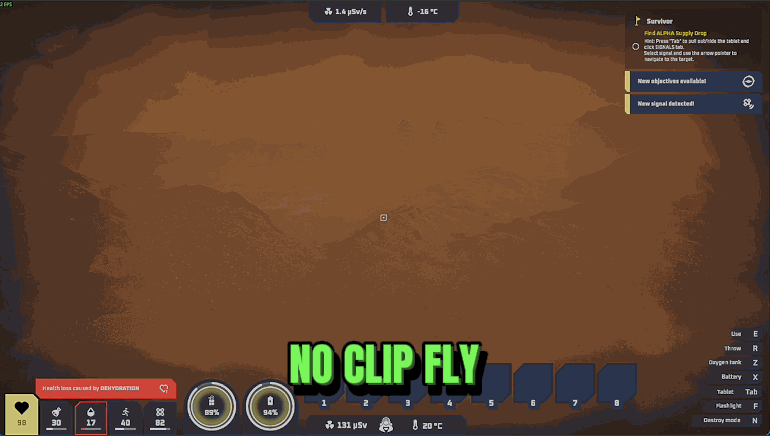
Fly where you look at 1 to 100 m/s, up to 300 holding Shift, and switch on Noclip to pass through rock, walls and ground. Keyboard only, and flying pauses while you're in the vehicle or pushing the cart.
Endless Suit Oxygen & Battery
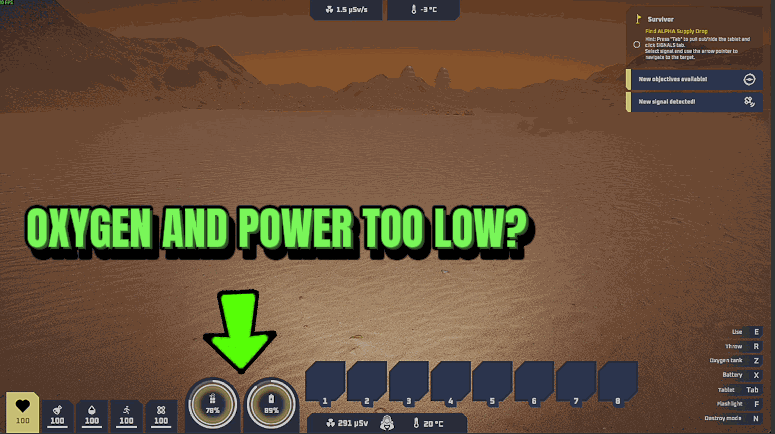
Keeps the oxygen tank and battery you're wearing at 100%, each on its own switch, so trips outside never run dry. You still need both equipped, and spare tanks, the base and the lander get nothing.







