Want more mods for 687 Days on Mars - First Steps? Explore our entire collection!
Fly & Noclip
"Fly over Mars. Or straight through it."
How do I install Fly & Noclip?
Download the free ProjectMods desktop app, then install Fly & Noclip for 687 Days on Mars - First Steps in one click.
</>What does Fly & Noclip do?
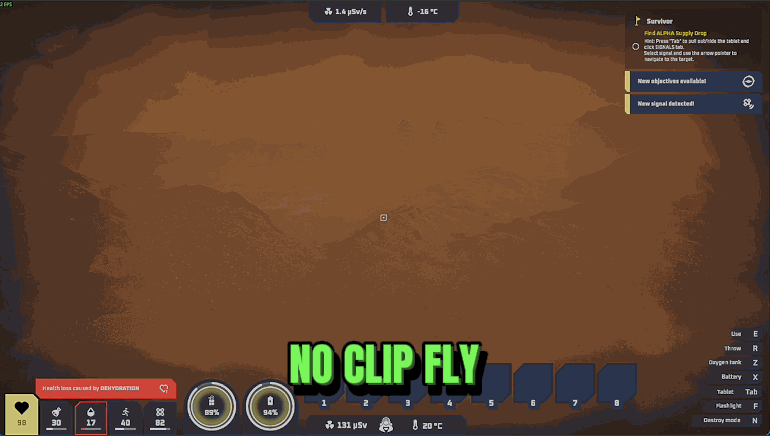
On foot you walk at 3 m/s and run at 6, so long trips across Mars are slow going. Fly & Noclip gives you two switches that each work on their own. Fly Enabled lifts you off the ground: W A S D fly you where you look, Space rises, Ctrl sinks and holding Shift flies at Shift Speed. Walls, rocks and the ground still stop you. Noclip flies too, with the same keys, and lets you pass straight through them. Fly Speed sets your pace from 1 to 100 m/s (default 12) and Shift Speed from 1 to 300 (default 36). Switch both off and the game's own walking, jumping and gravity come back at once and you drop to the ground. The game has no fall damage, so any height is safe. Turn off only Noclip and walls stop you again while Fly Enabled keeps you in the air; turn off only Fly Enabled and Noclip keeps you flying through them.
</>What is Fly & Noclip?
Fly & Noclip lets your own character fly over Mars. Fly Enabled flies with W A S D, Space and Ctrl while walls stay solid, and Noclip flies straight through them. Fly Speed runs from 1 to 100 m/s and Shift Speed from 1 to 300. The keys are fixed keyboard keys with no gamepad support, it never flies the vehicle, and survival keeps running while you're airborne.
</>Common questions about Fly & Noclip
What does Fly & Noclip do in 687 Days on Mars - First Steps?
It makes your character fly and, with Noclip, pass through solid things. It's your own body in the air, not a separate camera, so your oxygen, the cold and radiation still work on you as you fly. The switches live in the launcher; the mod has no hotkey of its own.
What happens if I switch Noclip off while I'm inside a rock?
You're lifted out onto the surface first. Under the ground or inside a big rock it looks up to 300 m above you for the surface; if you're only partly inside something, it climbs up to 60 m, and when a flight ends with Noclip on you're set down on the first floor below you, up to 80 m down. If there's no way out within those distances you stay put: switch Noclip back on and fly out, or use the game's Player unstuck button, which takes you to the lander.
Why won't Fly & Noclip work in the vehicle?
Flying waits while you're in the vehicle, driving it or walking inside it, and pauses if you get in mid-flight; it starts again when you get out. It also holds still whenever the game stops your movement: a panel or screen is open, the tablet holds you in place, or the game is saving or loading. There's no flying while the game is paused, in menus or during cutscenes.
Can I fly with a controller or rebind the keys?
No. The flying keys are fixed keyboard keys, W A S D, Space, Left Ctrl and Left Shift, and rebinding the game's controls doesn't change them. While you fly, Space also does the game's Jump and Ctrl its Crouch, so the view dips while Ctrl is held, but neither moves you.
What happens if I save while flying?
The game saves where you are, so a save made mid-flight loads you in the air and you drop to the ground. A save made inside rock with Noclip on loads you inside it, so fly out with Noclip again or use Player unstuck. The mod keeps nothing of its own in your save.
What options does Fly & Noclip include?
Shift Speed
Flying speed in metres per second while you hold Shift, from 1 to 300 (default 36).
Fly Speed
Flying speed in metres per second, from 1 to 100 (default 12). For scale, you walk at 3 and run at 6.
Noclip
Fly through walls, rocks and the ground. Works on its own: switching it on starts flying too, with the same keys and speeds. Off by default; switching it off makes walls stop you again (and lands you, unless Fly Enabled is on), lifting you out of anything you're inside first.
Fly Enabled
You fly where you look: W A S D move you, Space rises, Ctrl sinks, and holding Shift flies at Shift Speed. Flying waits while you're in the vehicle or pushing the cart. Off by default; switching it off (with Noclip off too) brings back normal walking and gravity, and you drop to the ground (the game has no fall damage).
Fly & Noclip is a ProjectMods mod for 687 Days on Mars - First Steps that lets you fly where you look with the keyboard and, with Noclip, through solid rock and walls; flying pauses in the vehicle and there's no gamepad flying.
System Requirements
What features does Fly & Noclip include?
- You can use, pick up and interact with things while you're in the air.
- Flying speed holds steady at any game speed.
- If a game update ever stops the mod from moving you, flying stays off and a note on screen says so.
Best For
- Teleport only reaches the lander, the vehicle, your objective and places your tablet has found, so for anywhere else switch on Fly Enabled and cover the distance at Shift Speed.
- You want to plan where the next buildings go, so switch on Fly Enabled, drop Fly Speed to 5 and hover over your base for a view from above.
- You've wedged yourself between rocks, so switch on Noclip, rise up through them, then switch it off to land back on open ground.
More Mods for 687 Days on Mars - First Steps

Bigger Storage
Make your base's energy, oxygen, water and hydrogen storages and your drones' storage hold up to ten times as much, while carried batteries, barrels and tanks keep their usual size.
Teleport
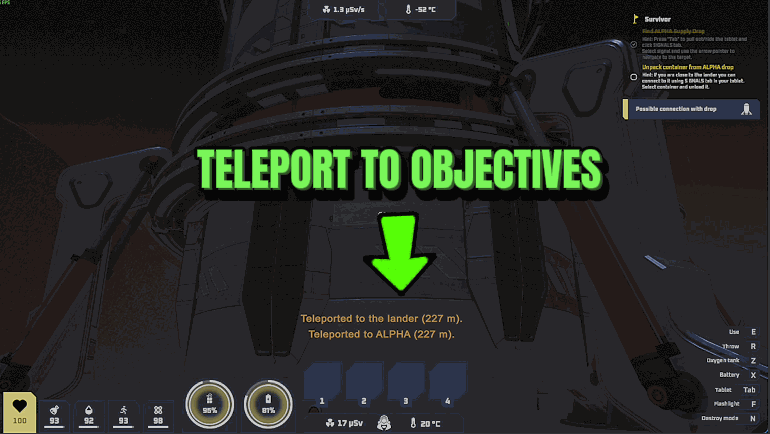
Pick the lander, your active objective's marker, the vehicle or any supply drop or signal your tablet has found, then press Teleport to arrive on clear ground beside it. It can't take you anywhere that isn't on the list.
Accessibility
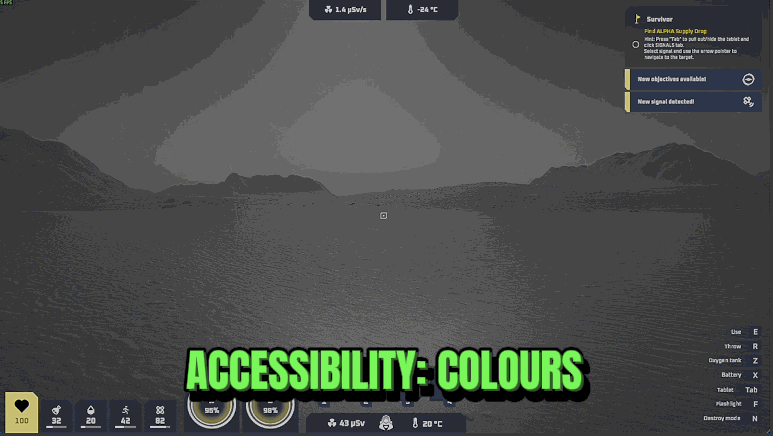
Colour-blind filters and a contrast boost for the world, panels and menus grown up to the game's largest UI scale, and a switch for the dark screen edges. Menus and panels keep their own colours.







