Want more mods for 687 Days on Mars - First Steps? Explore our entire collection!
Teleport
"Skip the long walk. Pick a place and you're there."
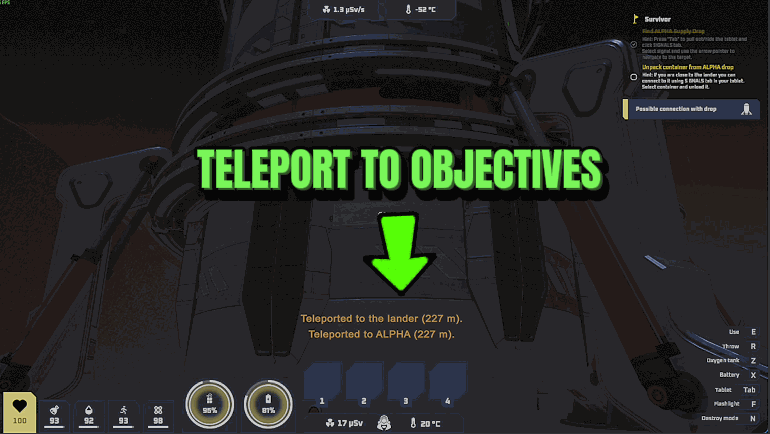
How do I install Teleport?
Download the free ProjectMods desktop app, then install Teleport for 687 Days on Mars - First Steps in one click.
</>What does Teleport do?
Mars is big, and every walk back from a far-off drop costs you time and oxygen. Teleport gives you a list and a button. Destination fills in as you play: Lander from the start, then your active objective's marker, named after the step, the vehicle once it's unpacked, and every drop and signal you've located with the tablet. Press Teleport and you arrive on clear, flat ground beside your pick. Choosing Lander does the same as the game's own Player unstuck button. There's nothing to switch off: each press moves you once and changes nothing else in the game, and your save only keeps where you're standing, as if you had walked there. It can't take you to a spot that isn't on the list, to coordinates or to a saved spot of your own.
</>What is Teleport?
Teleport adds a Destination list and a Teleport button. The list grows as you play, from the Lander to your objective's marker, the unpacked vehicle and each supply drop and signal you've discovered, and each press sets you on clear, flat ground beside your choice. It never reveals undiscovered drops or signals, can't go to coordinates or saved spots, and has no hotkey: the button is in the launcher.
</>Common questions about Teleport
What does Teleport do in 687 Days on Mars - First Steps?
It moves you to a place you choose from the Destination list, one press of the Teleport button at a time. The list only holds places the game already knows about and grows as you play, and the mod works only while you're playing a save.
Why isn't a supply drop on the Destination list?
Drops and signals appear only once your tablet has found them, the ALPHA, BETA and GAMMA drops included. Teleport never reveals one you haven't found, so the list only ever matches what you've discovered. The vehicle is added once you've unpacked it from the GAMMA drop, and each entry carries the name your tablet gives it.
What happens if there's no room to land?
Teleport tells you on screen and leaves you where you are. Around a drop or the vehicle it tries 4 rings of 12 spots, 2 m apart, looking for clear, flat ground before it gives up, so a place boxed in by rocks or buildings can come up empty. If that happens, pick a different destination close by and walk the last stretch from there.
Why didn't anything happen when I pressed Teleport?
It waits while the game is saving or loading, or while a panel, a screen or sleep holds you in place, then moves you as soon as you can move again. You press it in the launcher, so you'll see the result on the game screen when you switch back to it.
Can I teleport while I'm driving?
Yes, but only you go. Teleport takes you out of the vehicle first, the way the game's Player unstuck does, and leaves the vehicle where it is. Pick the vehicle from Destination later and you'll land on clear ground right beside it.
What options does Teleport include?
Destination
Where Teleport takes you: the lander, your objective's marker, the vehicle once it's unpacked, and every supply drop and signal your tablet has already found, by the names the tablet shows. The list fills in while you play. Default: Lander.
Teleport
Takes you to the chosen Destination, onto clear ground beside it. Going to the lander does what the game's own Player unstuck button does. Reaching a place an objective asks you to visit counts, just as walking there would.
Teleport is a ProjectMods mod for 687 Days on Mars - First Steps that moves you to the lander, your objective, the vehicle or a drop or signal already found on your tablet; it can't send you to unlisted spots or reveal new ones.
System Requirements
What features does Teleport include?
- The Destination list refreshes every 2 seconds while you play, so a drop your tablet has just found shows up within a couple of seconds.
- Arriving within 21 m of a place an objective asks you to visit completes that step, just as walking there would.
- Your objective's entry appears whenever the game shows a marker for your active objective's current step.
Best For
- Your objective's marker sits far across open ground, so pick it in Destination and press Teleport.
- You left the vehicle somewhere and lost track of it, so pick it in Destination and Teleport sets you down beside it.
- You've wedged yourself somewhere you can't walk out of, so leave Destination on Lander and press Teleport.
- The spot you want isn't a drop or a signal, so fly there with Fly & Noclip instead.
More Mods for 687 Days on Mars - First Steps
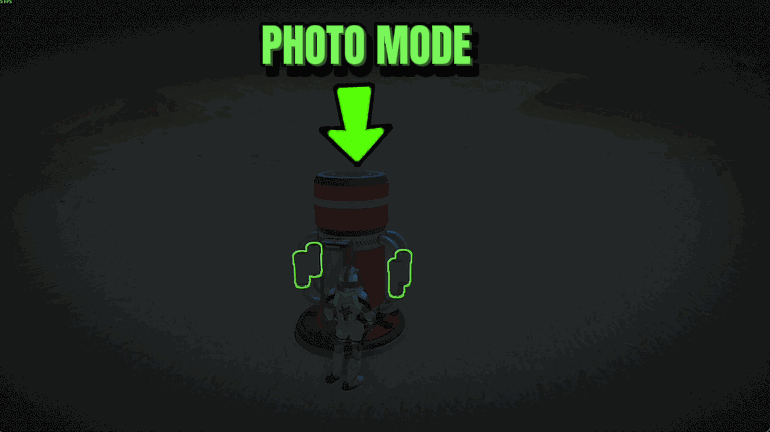
Photo Mode
Swaps your first-person view for a flying, zooming camera and hides the game's on-screen panels while you frame the shot. Time keeps running, and the vehicle can't be driven while it's on.
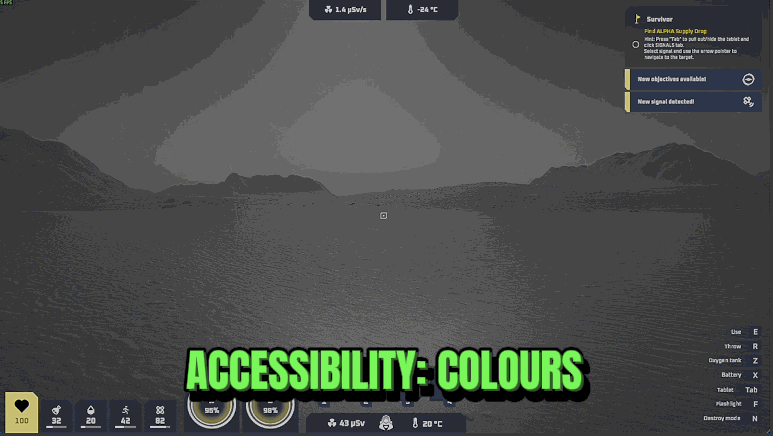
Accessibility
Colour-blind filters and a contrast boost for the world, panels and menus grown up to the game's largest UI scale, and a switch for the dark screen edges. Menus and panels keep their own colours.
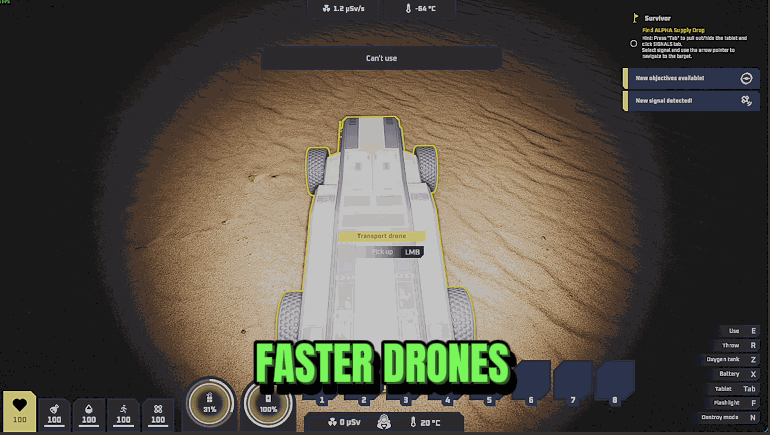
Faster Drones & Mining
Makes your mining and transport drones drive up to five times as fast, carry up to five times the load and dig up to five times quicker, skips the energy each trip costs and keeps deposits from shrinking, every part on its own switch; unload and dispatch waits stay as they are.







