Want more mods for 687 Days on Mars - First Steps? Explore our entire collection!
Time Control
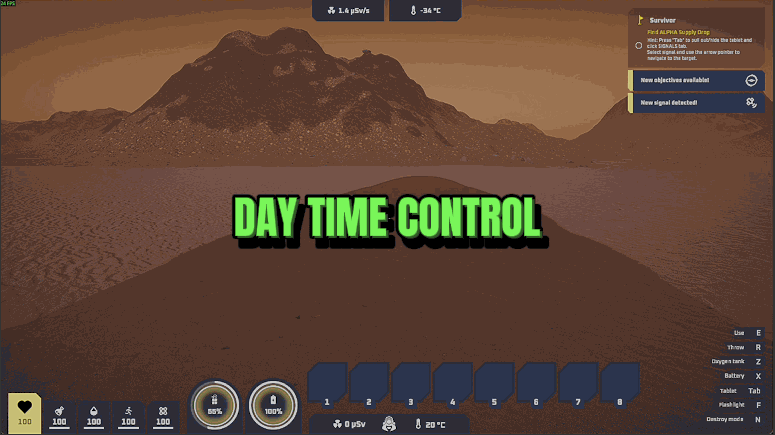
"Stop the Martian clock. Or set it to any hour."
How do I install Time Control?
Download the free ProjectMods desktop app, then install Time Control for 687 Days on Mars - First Steps in one click.
</>What does Time Control do?
A sol is 25 real minutes long, and the sun won't wait for you to finish a build before it sets. Time Control hands you three ways to handle the clock, each working on its own. Freeze Time, off by default, stops the time of day, the sun, the outside temperature, mission countdowns, research and the weather forecast. Longer Days stretches every sol to Day Length real minutes, from 25 to 240 in steps of 5 (50 by default, twice the usual length), and the clock, the sun and your countdowns slow to match. To jump instead, choose an Hour from 0 to 24 on the game's 25-hour clock (12 by default) and press Set Time. The clock moves to the start of that hour on the current sol, earlier or later, and shows you the new and the old time. Food, water, oxygen and energy are still used throughout, and drones, plants and production keep working. Switch Freeze Time off and the clock runs on from where it stopped; switch Longer Days off and sols last 25 minutes again. A time you set with Set Time stays, as if you had waited.
</>What is Time Control?
Time Control works on the clock alone. Freeze Time stops the time of day, the sun, temperature, countdowns and research; Longer Days with Day Length makes a sol last 25 to 240 real minutes; Hour and Set Time move the clock to any hour of the current sol. It never stops hunger, thirst, oxygen or energy use, never pauses drones, plants or crafting, and Set Time never moves you to another sol.
</>Common questions about Time Control
What does Time Control do in 687 Days on Mars - First Steps?
It puts the Martian clock in your hands without touching your needs: freeze it, stretch each sol or move it to a set hour. The three controls work alone or together, and only while a save is being played. Only an hour you set with Set Time is kept in your save; Freeze Time and Longer Days save nothing.
What happens to storms while time is frozen?
A storm that's blowing when you freeze time keeps blowing until the clock runs again, and the weather forecast's schedule stands still with the clock, so the next storm waits as well. To end the current one, press Stop Storm in the Weather Control mod.
Can Set Time skip a storm or bring one back?
Yes, both. Moving the clock ahead can start a storm that was due in the skipped hours, a storm whose whole time you skip never comes, and one still blowing at the new time deals the building damage of the hours you skipped. Moving back can bring back a storm from earlier that sol; during a storm it blows longer by the hours you went back, but its building damage doesn't repeat. Mission countdowns jump ahead with the clock, and going back holds them until the clock passes the old time again.
Why are my solar panels making no energy with Freeze Time on?
Because they follow the frozen hour: freeze at night and the panels stay dark until the clock runs again, with the outside temperature held at its night-time level too. Freeze between sunrise and sunset instead, or use Set Time to move to a daytime Hour first.
How do Day Length and Game Speed work together?
Day Length is measured at normal game speed, so a faster game shortens it in real time: with Game Speed Percent at 200, a Day Length of 100 plays out in 50 real minutes. Longer Days only stretches the clock and what follows it, while Game Speed changes the pace of everything at once.
What options does Time Control include?
Longer Days
Makes every sol (a Martian day) last as many real minutes as Day Length; a normal sol lasts 25. Your needs and machines keep their usual pace, so a longer sol also means more food and water used per sol. Off by default; switching it off puts the normal length back.
Day Length
How many real minutes one sol lasts while Longer Days is on, at normal game speed. 25 is the game's own length. From 25 to 240, default 50.
Freeze Time
Stops the Martian clock: the time of day, the sun, the outside temperature, the weather forecast, mission countdowns and research stand still. Food, water, oxygen and power are still used, and production keeps running. Sleeping still works: the clock runs while you sleep and stops again when you wake. Off by default; switching it off starts the clock again.
Hour
The hour Set Time moves the clock to, on the game's 25-hour clock: the sun comes up at 6, is highest at 14 and goes down at 22. From 0 to 24, default 12.
Set Time
Moves the clock to the start of the chosen Hour on the current sol, earlier or later. Only the clock moves: your needs, production and plants don't jump ahead. Moving ahead also moves mission countdowns and the weather forecast ahead; moving back can bring back a storm from earlier that sol. Pressed while you sleep, it moves the clock when you wake up.
Time Control is a ProjectMods mod for 687 Days on Mars - First Steps that freezes the clock, stretches sols up to 240 real minutes or picks the hour, while your needs keep draining.
System Requirements
What features does Time Control include?
- On the game's 25-hour clock the sun comes up at 06:00, peaks at 14:00 and sets at 22:00, so Hour 14 with Set Time puts it at its highest.
- Day Length slows research and mission countdowns along with the clock, while your needs and production keep their usual pace per real minute.
- Sleep works as normal: the clock runs while you sleep so you wake on time, then the freeze or the longer sol picks up again.
- Press Set Time while you're asleep and it waits, moving the clock the moment you wake up.
Best For
- The sun is going down with solar panels still to connect, so switch on Freeze Time and finish the job in daylight.
- You'd like calmer sols while your base keeps producing at its usual rate, so switch on Longer Days with Day Length at 100 and each sol lasts four times as long.
- A mission countdown is running low, so switch on Freeze Time and it stands still while you keep building, though your food and water still go down.
More Mods for 687 Days on Mars - First Steps
God Mode
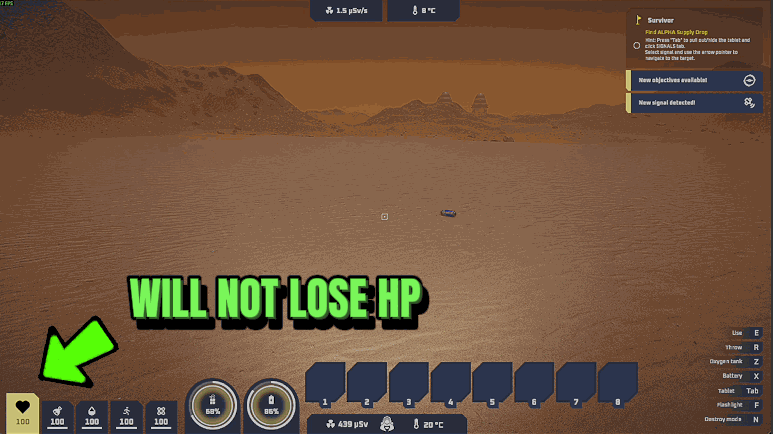
Holds your health at 100%, so running out of air, freezing, radiation, starvation, dehydration and exhaustion can't kill you, and heals you to full as it switches on. Food, water, oxygen and battery still run down.
Accessibility
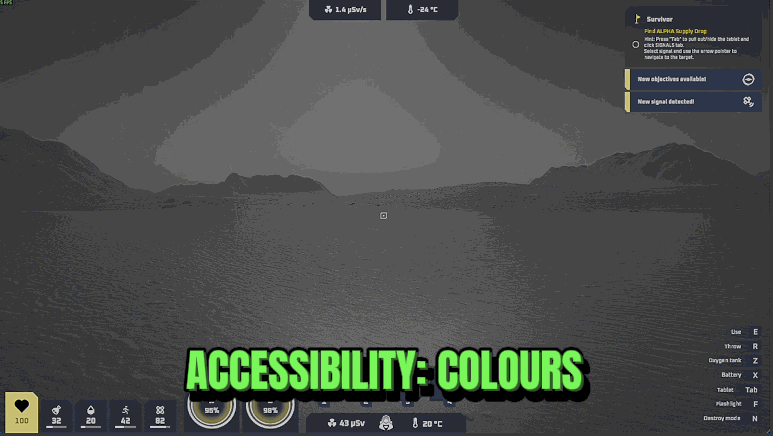
Colour-blind filters and a contrast boost for the world, panels and menus grown up to the game's largest UI scale, and a switch for the dark screen edges. Menus and panels keep their own colours.
Endless Suit Oxygen & Battery
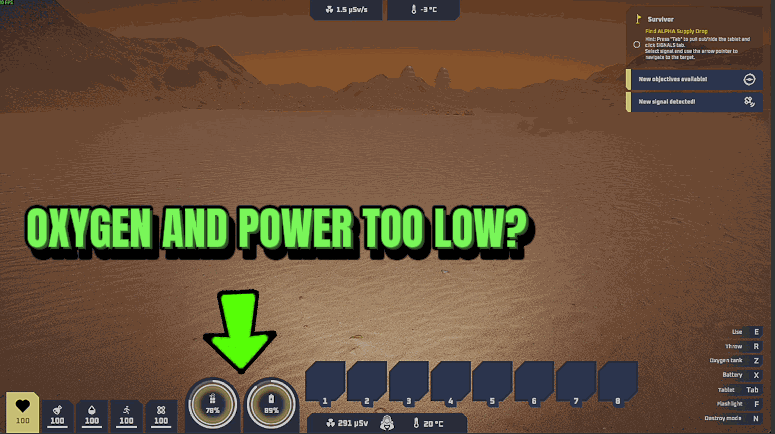
Keeps the oxygen tank and battery you're wearing at 100%, each on its own switch, so trips outside never run dry. You still need both equipped, and spare tanks, the base and the lander get nothing.







