Want more mods for Animal Revolt Battle Simulator? Explore our entire collection!
Zoo Keeper (Spawn Any Unit)
"Pick a creature. Pick a number. Stand back."
/AnimalRevoltBattleSimulatorZooKeeper1.jpg)
How do I install Zoo Keeper (Spawn Any Unit)?
Download the free ProjectMods desktop app, then install Zoo Keeper (Spawn Any Unit) for Animal Revolt Battle Simulator in one click.
</>What does Zoo Keeper (Spawn Any Unit) do?
Animal Revolt Battle Simulator has a gloriously silly roster, and Zoo Keeper puts all of it one click away. Press Refresh List and every creature the game knows about fills the dropdown, sorted A to Z, from the humble wild boar all the way down to the dinosaurs, gorillas, giant bugs and rocket-toting oddities lurking at the bottom of the list. Pick your creature, pick a team from 1 to 7, say how many you want, and hit Spawn Creature. They appear right in front of your view, spread out in a tidy block so nobody arrives inside anybody else, and they settle onto solid ground instead of being buried halfway into a hillside. Two sliders handle the rest: how far ahead of you they land, and how big they turn up, anywhere from knee-high nuisance at 0.2x to absolutely enormous at 5x. Best of all, it works mid-fight. Drop creatures in while you are still setting up and they wait patiently, exactly like anything you placed by hand. Drop them in while a battle is raging and they wake up, look around for the nearest enemy, and charge straight in. Ideal for rescuing a side that is losing badly, stress-testing a 200-creature pile-up, or finally settling the only question that matters: how many gorillas does it take to stop a T-Rex?
</>What is Zoo Keeper (Spawn Any Unit)?
Zoo Keeper puts every creature in Animal Revolt Battle Simulator one click away. Hit Refresh List once and the whole roster fills the dropdown A to Z, then pick your creature, choose any of the seven teams, say how many you want and how big they should be, and they land in a tidy block in front of your view. It works mid-fight too, so a side that is losing badly can be rescued on the spot.
</>Common questions about Zoo Keeper (Spawn Any Unit)
What does Zoo Keeper do in Animal Revolt Battle Simulator?
Zoo Keeper is a ProjectMods mod for Animal Revolt Battle Simulator that puts the game's entire creature roster into one dropdown. Press Refresh List and every creature the game knows about fills it, sorted A to Z, from the humble wild boar down to the dinosaurs, gorillas, giant bugs and rocket-toting oddities at the bottom. Pick one, choose which of the seven teams it fights for, say how many you want, and press Spawn Creature — they land in a tidy block on solid ground in front of your view rather than buried in a hillside.
Why is the creature dropdown empty when I load into a map?
It fills once you press Refresh List. The dropdown starts empty on purpose — press Refresh List once after you load into a map and every creature in the game appears, sorted alphabetically. Building the list fresh like this means it always matches the version of Animal Revolt Battle Simulator you are actually playing, so creatures added in later updates turn up on their own instead of the list going stale.
Can I spawn creatures for the enemy side?
Yes, and that is where it gets interesting. The Team box in Zoo Keeper takes any number from 1 to 7. Team 1 is your own army, so anything dropped there will fight for you — pick 2 or higher and you have given yourself an opponent instead. That is how you set up an ambush in Animal Revolt Battle Simulator, stack a fight against yourself deliberately, or run a three-way where two enemy armies have to deal with each other as well as with you. Spawn the same creature onto two different teams and you get a genuinely even mirror match.
Can I change how big and how far away the creatures arrive?
Both are sliders. Unit Size decides how big the creatures turn up, from a knee-high nuisance at 0.2 through normal at 1 to absolutely enormous at 5, so you can drop a pocket-sized T-Rex into an Animal Revolt Battle Simulator fight or one you have to step back to see. Spawn Distance decides how far ahead of your view they land — push it higher when you are spawning a large group and want a proper look at the whole lot rather than having them appear in your face. Zoo Keeper spreads a group into a tidy block either way, so nothing arrives inside anything else.
Does it work in the middle of a battle?
It does, and that is the best thing about it. Drop creatures in while you are still setting up an Animal Revolt Battle Simulator battle and they wait patiently, exactly like anything you placed by hand. Drop them in while a fight is already raging and they wake up immediately, look around for the nearest enemy and charge straight in. That makes Zoo Keeper ideal for rescuing a side that is losing badly, stress-testing a two hundred creature pile-up, or settling the only question that really matters: how many gorillas does it take to stop a T-Rex?
What options does Zoo Keeper (Spawn Any Unit) include?
Creature
Which creature to drop in. Press Refresh List first to fill this with the game's full roster.
Refresh List
Fills the creature list above. Do this once after you load into a map.
Spawn Creature
Drops your chosen creatures onto the ground in front of you. Works while you are setting up and in the middle of a battle.
Spawn Distance
How far ahead of your view they land. Push it higher when you want a good look at the whole group.
Unit Size
How big they turn up. 1 is normal, 0.2 is pocket-sized, 5 is towering.
Team
Which side they fight for. Team 1 is your own army, so pick 2 or higher if you want something to fight.
How Many
How many to drop in at once. They land in a tidy block so they do not turn up inside each other.
Zoo Keeper is a ProjectMods mod for Animal Revolt Battle Simulator that lists every creature in the game in one dropdown, so you can choose one, pick which side it fights for, set how many you want, and drop them in front of you.
System Requirements
What features does Zoo Keeper (Spawn Any Unit) include?
- One press of Refresh List fills a searchable list with the game's entire roster, sorted A to Z from the humble wild boar to the rocket-toting oddities
- Choose a side from 1 to 7, so what you drop in either fights for you or gives you something to fight
- Say how many you want and they land in a tidy block on solid ground, rather than buried halfway into a hillside
- Set how far ahead of your view they arrive and how big they turn up, from knee-high nuisance to absolutely enormous
- Works mid-fight, so creatures dropped into a live battle wake up, look for the nearest enemy and charge straight in
Best For
- Players finally settling how many gorillas it takes to stop a T-Rex, adding ten more each time until it does
- Creators who need forty of one specific creature on camera and do not want to place them one at a time
- Anyone rescuing a side that is losing badly by dropping reinforcements in while the battle is still going
- Streamers taking creature requests from chat and having them land in front of the camera seconds later
More Mods for Animal Revolt Battle Simulator
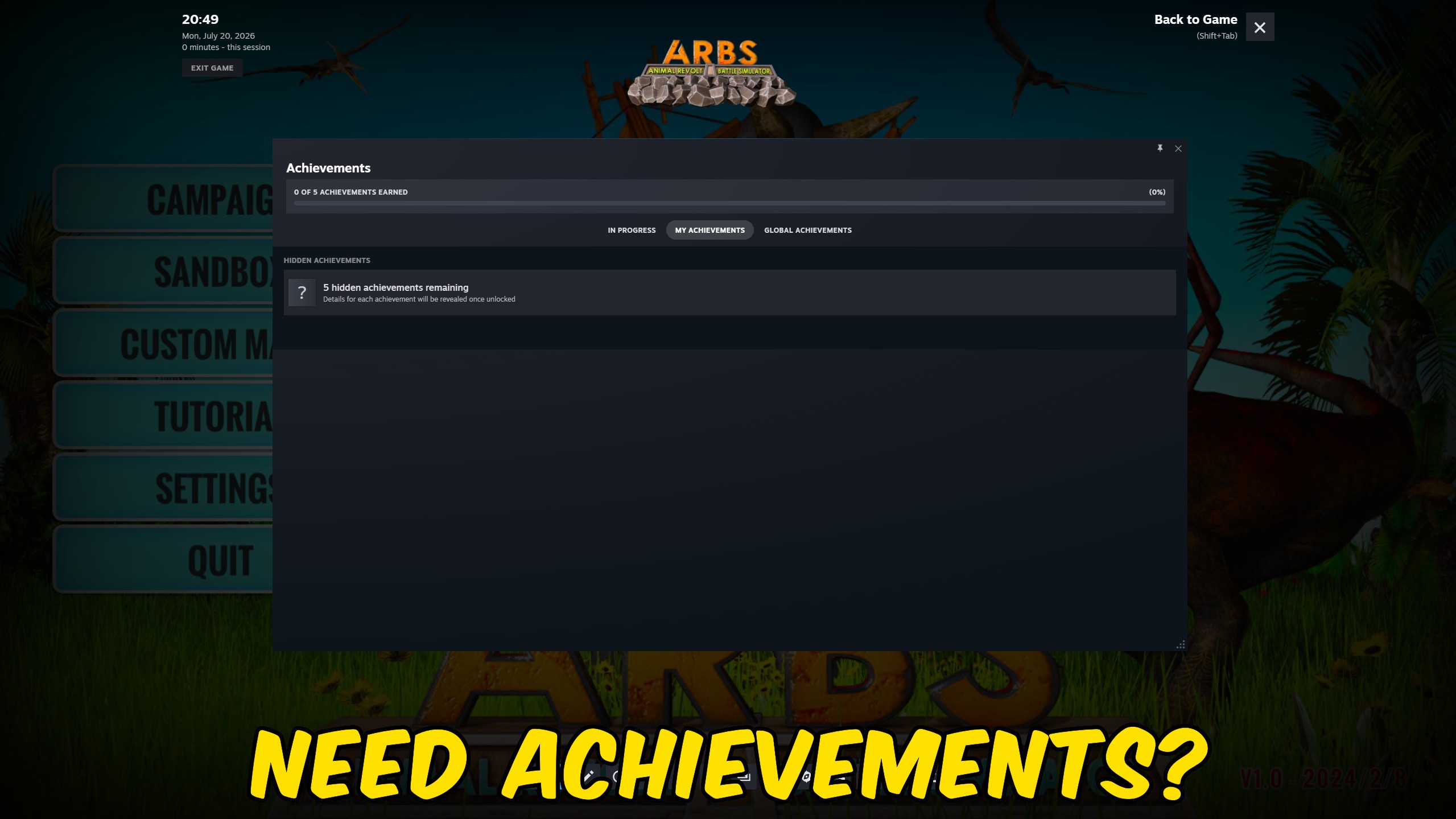
Achievement Unlocker
Unlock any selected Steam achievement, unlock every achievement at once, or lock them all again.
/AnimalRevoltBattleSimulatorStatJuicer5.jpg)
Stat Juicer (Unit Power Tuner)
Two sliders that decide how much punishment your units can take and how hard they hit back. Boost your side, weaken theirs, or handicap yourself for a proper challenge.
/AnimalRevoltBattleSimulatorDronePilot1.jpg)
Drone Pilot (Free Camera Boost)
Push the sandbox camera far past the speed the menu allows, look properly straight up and down, and set your own view width. Fly around your battle like a film crew.







