Want more mods for Baldi's Basics Plus? Explore our entire collection!
Thought Bubble Bank
"Stuff your report card with points on demand."
How do I install Thought Bubble Bank?
Download the free ProjectMods desktop app, then install Thought Bubble Bank for Baldi's Basics Plus in one click.
</>What does Thought Bubble Bank do?
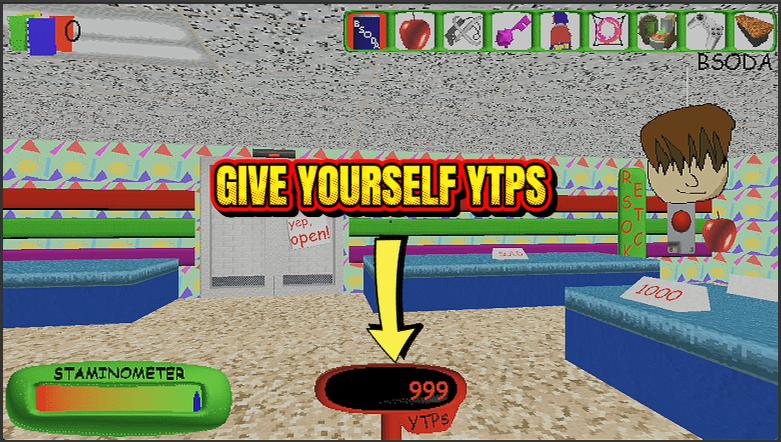
YTPs are the currency that makes the school store worth visiting, but earning enough to actually splurge means a lot of runs and a lot of careful play. Thought Bubble Bank puts your point total under your own control. Type in an amount, hit Give YTPs, and they land on your report card instantly — ready to spend big on whatever the store has stocked. Changed your mind, or want a clean slate? One press of Reset drops you back to zero. It's the fast way to try out every store item, plan a full shopping spree, or set your points to an exact number for a challenge run. Great for players who want to experiment with everything the store sells, anyone setting up a specific starting balance for a self-made challenge, and folks who'd rather skip the point grind and get to the fun part.
</>What is Thought Bubble Bank?
Thought Bubble Bank lets you top up your YTP score in Baldi's Basics Plus whenever you want, then spend it big at the school store. One button hands you the points, another wipes your score back to zero. It installs in one click from ProjectMods, the community-first PC mod manager.
</>Common questions about Thought Bubble Bank
What does Thought Bubble Bank do in Baldi's Basics Plus?
Thought Bubble Bank lets you control your YTP score in Baldi's Basics Plus directly. Type in an amount and press one button to add that many points to your total, then head to the school store and spend as much as you like on whatever catches your eye. A second button resets your score back to zero whenever you want a clean slate. YTPs are the points you would normally earn slowly through play, so this hands you the spending power to experiment with the store's offerings immediately, without grinding floor after floor just to afford the item or upgrade you have your eye on.
What do the Give YTPs and Reset YTPs buttons do?
Thought Bubble Bank gives you two actions in Baldi's Basics Plus. Give YTPs adds the number you have typed into the Amount field to your current score the instant you press it, so you can hand yourself exactly as many points as you want. Reset YTPs does the opposite, wiping your score back to zero in one press. Together they let you set your points to almost any figure: give a big stack for a shopping spree, or reset and give a precise amount when you want a specific total. Both act immediately, so your score is always exactly where you set it.
How many YTPs can I give myself with Thought Bubble Bank?
The Amount field in Thought Bubble Bank is where you decide how many YTPs to hand yourself in Baldi's Basics Plus, and you can set it modestly for a small top-up or high for a huge windfall. Press Give YTPs and that number is added to your score straight away; press it again and it adds the same amount once more, so stacking up a large balance is quick. If you overshoot or just want to start over, Reset YTPs clears the score to zero so you can dial in a fresh figure. It puts your exact spending budget entirely in your hands.
Can I spend Thought Bubble Bank's YTPs at the school store normally?
Yes. The YTPs you add with Thought Bubble Bank are the same points Baldi's Basics Plus uses at the school store, so once they are on your score you spend them exactly as you would points earned through play. Load up your total, visit the store, and buy items and upgrades without waiting to save up for them. Nothing about how the store works changes; the only difference is that your budget is whatever you decided to give yourself. That makes it easy to try everything the store sells in a single visit, or to afford a pricey option the moment you want it.
Why would I use Thought Bubble Bank in Baldi's Basics Plus?
Thought Bubble Bank is for players who want to explore the school store in Baldi's Basics Plus without grinding points across dozens of floors. Curious players use it to see everything the store sells, content creators use it to showcase each purchase on stream, and experimenters use the reset button to test different spending runs from a clean slate. It is perfect when you want to focus on the shopping side of the game rather than the point grind. Thought Bubble Bank is part of the premium library in ProjectMods, the community-first PC mod manager, and installs in one click.
What options does Thought Bubble Bank include?
Give YTPs
Add the amount above to your score.
Amount
How many YTPs to hand over.
Reset YTPs
Set your YTP score back to zero.
Thought Bubble Bank is a ProjectMods mod that lets you top up your YTP score in Baldi's Basics Plus on demand, then spend big at the school store.
System Requirements
What features does Thought Bubble Bank include?
- Top up your YTP total to any amount with a single button
- Reset your points back to zero any time you want a clean slate
- Splurge on everything the school store stocks without grinding for it first
- Set an exact balance to build your own challenge-run starting conditions
Best For
- Players who want to try every item the school store sells without dozens of grinding runs
- Challenge-run makers setting an exact point balance as a self-imposed rule
- Anyone who'd rather skip earning points the slow way and jump straight to spending
More Mods for Baldi's Basics Plus
Track Star
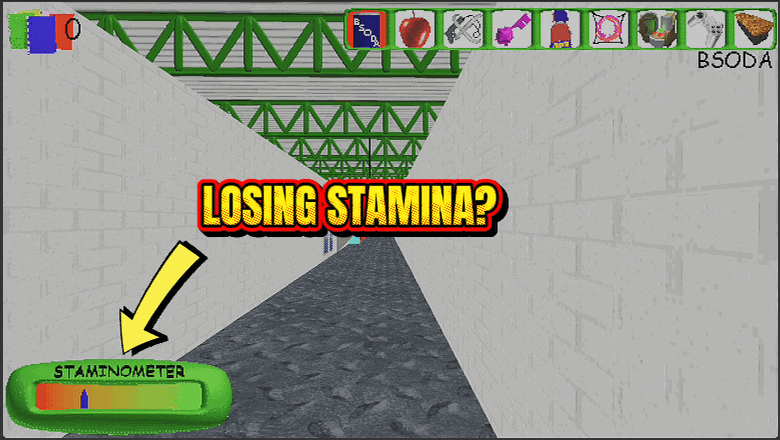
Your run meter stays pinned to full, so you can sprint from the first bell to the last notebook without ever dropping to a walk.
Supply Closet
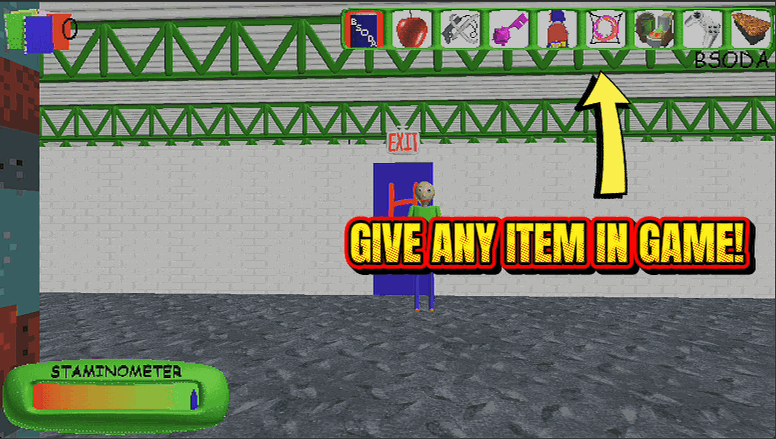
Pick any item in the game from a searchable list and drop it straight into your bag. Grab a Portal Poster, a fistful of quarters, or that key you keep missing.
Hall Pass
Baldi can chase all he wants, but his catch just bounces off. Explore every floor at your own pace with zero game-overs.