Want more mods for Bloons TD 6? Explore our entire collection!
Life Support
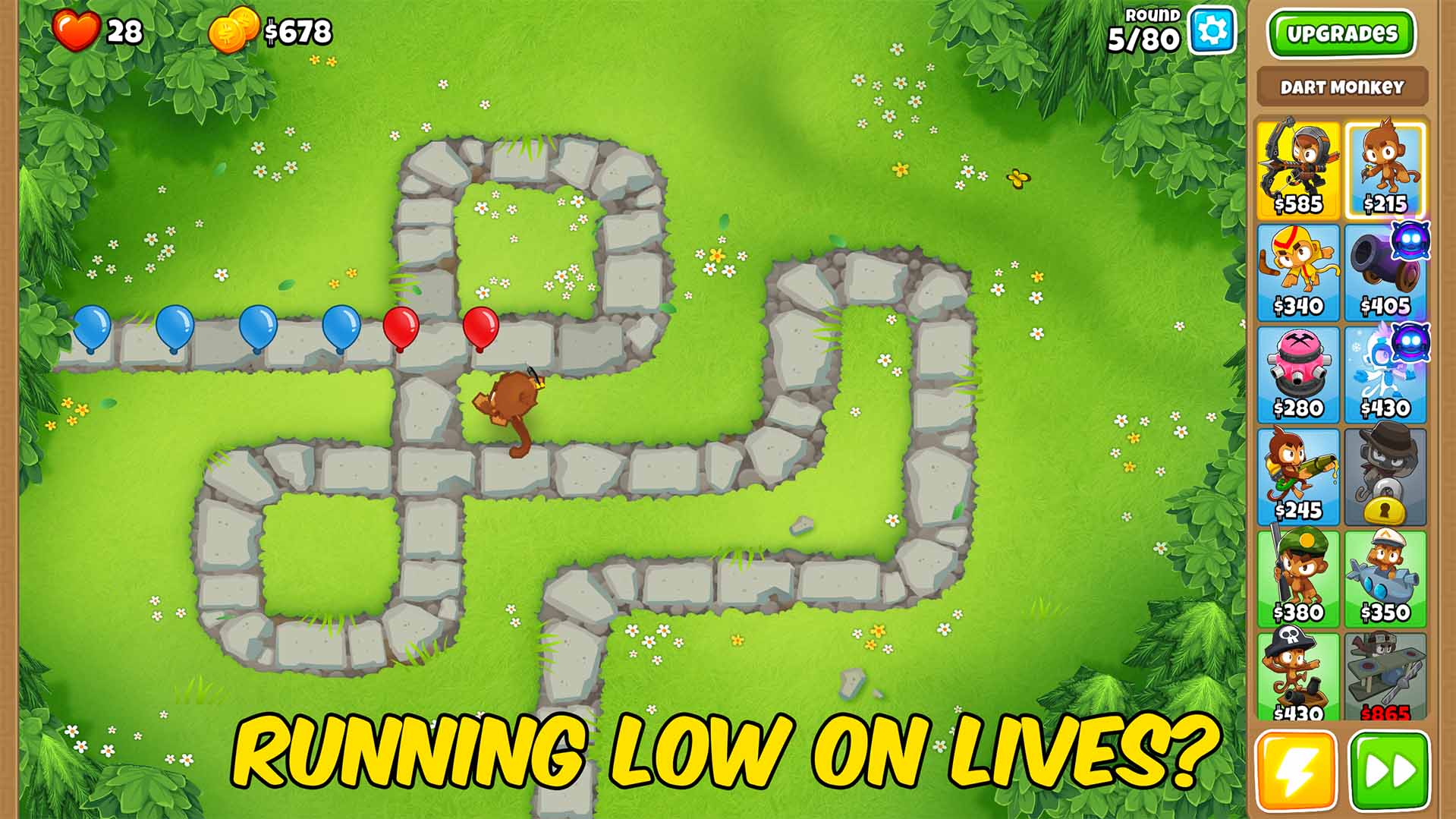
"Out of lives? Not anymore. Top up whenever a leak sneaks through."
How do I install Life Support?
Download the free ProjectMods desktop app, then install Life Support for Bloons TD 6 in one click.
</>What does Life Support do?
Some rounds just get away from you. Life Support lets you top up your remaining lives mid-match whenever you need a cushion, so a single leak on round 98 doesn't throw away an hour of play. Set how many lives to add, press the button, and your counter jumps up. Perfect for pushing deep into freeplay, surviving experimental defenses, or relaxing on a hard map without sweating every escape. Works in any match where you have lives. Pairs great with Round Warp for stress-free late-game practice.
</>What is Life Support?
Life Support lets you top up your lives in a Bloons TD 6 match whenever you need a cushion, so a single leak on round 98 never throws away an hour of play. Choose how many lives to add and your counter jumps instantly. Great for pushing deep into freeplay, surviving experimental defenses, or relaxing on a hard map. From ProjectMods, a free, community-first game modding platform.
</>Common questions about Life Support
What does Life Support do in Bloons TD 6?
Life Support lets you add a chunk of lives to your current Bloons TD 6 match on demand, so one unlucky leak doesn't end the run. Some rounds just get away from you, and with the mod you set how many lives to add, press the button, and your counter jumps back up. It works in any match where you have lives, giving you a cushion right when you need it. Use it to push deep into freeplay, survive experimental defenses, or relax on a hard map without sweating every single bloon that sneaks past your towers on a bad round.
How do I add lives during a match with Life Support?
With Life Support, you choose how many lives you want to add and then press the button to apply them instantly to your Bloons TD 6 match. There's no waiting and no limit on how often you can do it, so if another rough round chews through your cushion, just top up again. This on-demand approach means you only add lives when you actually need them, rather than starting with a fixed boost. It's handy for those moments where a blimp slips through on a late round and you'd otherwise be staring at a game over screen. Set your number, press, and keep playing.
Can Life Support push my lives above the normal starting cap?
Yes. Life Support isn't limited to the lives you'd normally start a Bloons TD 6 map with, so you can top up well past the usual figure, whether you began on Easy's larger pool or a tighter Hard-mode count. Because you set the amount yourself and can apply it repeatedly, you can build a huge buffer that carries you deep into freeplay's brutal late rounds. That's the whole point: instead of nervously guarding a thin margin, you give yourself enough headroom to experiment with risky defenses. When you want the tension back, just stop topping up and let the run ride on what you have left.
Can I choose how many lives Life Support adds?
Yes. Life Support puts the number in your hands, so you set how many lives to add, then press the button to apply exactly that amount to your Bloons TD 6 match. A small top-up gives you a light cushion for a nervy round, while a big one sets you up to tank leaks for the rest of a freeplay run. Because you can apply it as often as you like, you're never locked into a single boost. This makes it easy to match the mod to the moment, adding just enough to keep a promising run alive without erasing the challenge entirely from the game.
What's the difference between Life Support and Untouchable?
Life Support and Untouchable, both from ProjectMods, protect a Bloons TD 6 run in different ways. Life Support is an on-demand top-up: leaks still lower your lives normally, and you press a button to add more whenever you want a cushion. Untouchable is preventive: while it's on, your lives simply never drop below where you switched it on, so leaks stop mattering at all. Choose Life Support when you want to keep playing a real game but with a safety net you control, and Untouchable when you'd rather remove the game-over risk entirely for relaxed freeplay or testing. Many players keep both on hand.
What options does Life Support include?
Lives Amount
How many lives to add to your match each time you press Add Lives.
Add Lives
Adds the chosen number of lives to your current match.
In Bloons TD 6, Life Support tops up your remaining lives mid-match by an amount you choose, so a single unlucky leak deep into a run never ends the game. It's a mod from ProjectMods, a free game modding platform.
What features does Life Support include?
- Tops up your remaining lives mid-match on demand, so one bad leak doesn't end the run
- Set how many lives to add, press the button, and your counter jumps right back up
- Works in any match where you have lives, from the early rounds to deep freeplay
- Pairs with Round Warp for stress-free late-game practice — warp ahead, top up, keep pushing
Best For
- Freeplay pushers who took a rough leak on round 98 and want to save an hour of progress
- Players learning a brutal map who need a cushion while they figure out the choke points
- Sandbox experimenters running risky defenses that leak on purpose to test the edges
- Anyone relaxing on a hard map who'd rather not sweat every single escaped bloon
More Mods for Bloons TD 6

Turbo Speed
Blows past the built-in speed cap with a slider, so rounds fly by as fast as you like.
Cash Printer
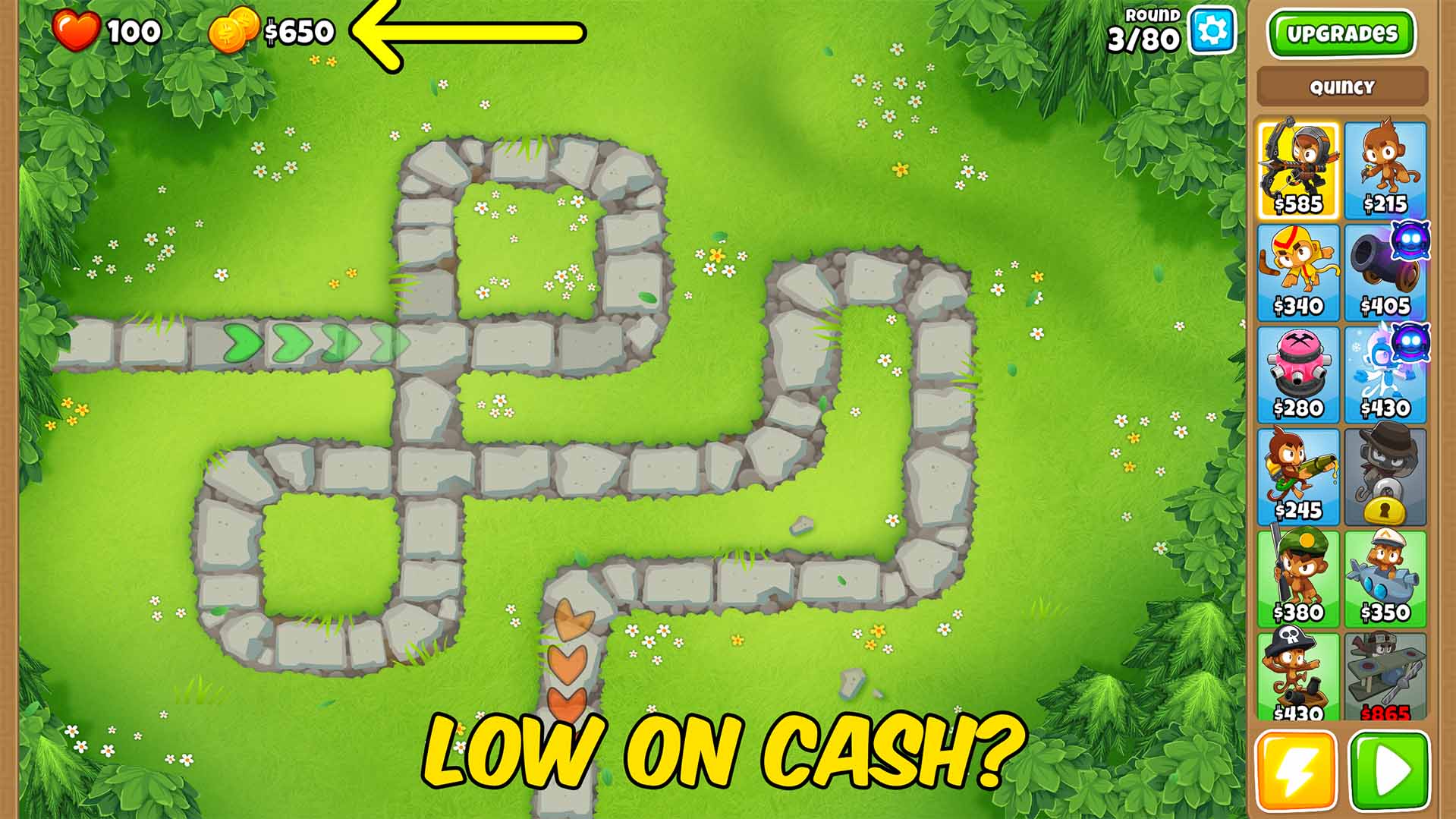
Drops a pile of cash into your bank mid-match so you can buy any tower or upgrade on the spot.

Auto Start Round
Kicks off the next round automatically the moment the last one clears, so the match never stops for you.







