Want more mods for Bloons TD 6? Explore our entire collection!
Turbo Speed
"3x too slow? Crank it. Blitz whole games in minutes."

How do I install Turbo Speed?
Download the free ProjectMods desktop app, then install Turbo Speed for Bloons TD 6 in one click.
</>What does Turbo Speed do?
The normal 3x button just isn't enough when you're grinding. Turbo Speed hands you a speed slider that goes way past the cap, so you can rip through slow early rounds and long freeplay grinds in a fraction of the time. Set your multiplier, flip it on, and everything moves faster. Dial it back down whenever you want to actually watch the action. Change the slider any time and the speed updates instantly. Best enjoyed offline. Pairs perfectly with Auto Start Round for a hands-free, hyper-speed run.
</>What is Turbo Speed?
Turbo Speed hands you a speed slider in Bloons TD 6 that pushes well past the normal 3x cap, so slow early rounds and long freeplay grinds rip by in a fraction of the time. Set your multiplier, flip it on, and change it any time — the speed updates on the spot. Best enjoyed offline. From ProjectMods, a free game modding platform.
</>Common questions about Turbo Speed
What does Turbo Speed do in Bloons TD 6?
Turbo Speed hands you a speed slider in Bloons TD 6 that pushes well past the game's built-in 3x button, so rounds fly by as fast as you like. Set your multiplier, flip it on, and everything moves faster, so slow early rounds and long freeplay grinds rip by in a fraction of the usual time. You can change the slider whenever you want and the speed updates on the spot, making it easy to dial back down for a moment you actually want to watch. It's made for players grinding cash, XP, or a high freeplay round who don't want to wait around.
How much faster than 3x can Turbo Speed go?
Turbo Speed's whole point is that the normal 3x button just isn't enough when you're grinding Bloons TD 6, so the slider reaches well beyond it. You pick the multiplier, meaning you decide how aggressive the fast-forward is: a modest bump for a little extra pace, or a big jump to blitz whole games in minutes. Because it's a slider rather than a fixed setting, you're not locked into one speed for the match. Push it high to tear through filler rounds, then ease it back when something interesting is happening. The exact feel is yours to tune from one run to the next.
Can I change the speed in the middle of a match?
Yes. Turbo Speed lets you move the slider at any time during a Bloons TD 6 match, and the game speed updates instantly to match. That means you can crank it up to rush through slow early waves, then drag it back down the moment a tense boss round or a clutch defense you want to actually watch comes up. There's no need to commit to one speed for the whole game. This live control is what makes the mod comfortable for long sessions, since you stay fast through the boring stretches and slow for the good parts, adjusting as often as you like across a run.
Why is Turbo Speed best enjoyed offline?
Turbo Speed is best used offline or in solo play because dramatically changing the game speed doesn't line up with how Bloons TD 6 keeps a shared co-op match in sync. In single-player and sandbox, you're the only clock that matters, so the slider does exactly what you'd expect with no side effects. In co-op, everyone's game needs to agree on timing, and running far above the normal speed can cause problems there. If you mainly want to blitz through solo grinds, freeplay runs, and sandbox experiments, that's precisely where Turbo Speed shines. Keep it to your own games and enjoy the fast-forward without worry.
What pairs well with Turbo Speed for grinding?
Turbo Speed pairs perfectly with Auto Start Round, another mod from ProjectMods, for a nearly hands-free Bloons TD 6 grind. Turbo Speed makes each round play out fast, and Auto Start Round launches the next wave the instant the last one clears, so a long freeplay or farming session runs itself at high speed while you barely touch the mouse. Set a defense strong enough to hold on its own, switch both on, and watch the rounds blur past. When you want to slow down or take control again, just ease the slider back or toggle Auto Start Round off for a breather.
What options does Turbo Speed include?
Speed Multiplier
How much faster than normal the game runs while Turbo Speed is on.
Turbo Speed
Turn on to run the game at your chosen speed. Turn off to return to normal.
Turbo Speed is a Bloons TD 6 mod from ProjectMods that hands you a speed slider blowing past the built-in 3x cap, so slow early rounds and long freeplay grinds fly by in a fraction of the time.
What features does Turbo Speed include?
- Crank a speed slider way past the normal 3x button so whole rounds fly by in seconds
- Set your multiplier, flip it on, and everything speeds up — change the slider and it updates instantly
- Dial it back down whenever you want to actually watch the action at normal pace
- Pairs with Auto Start Round for a hands-free run that blitzes a whole game in minutes
Best For
- Grinders ripping through slow early rounds and long freeplay stretches to save real time
- Monkey money farmers who want a full run done in minutes instead of an hour
- Players running quick experiments who need to see how a defense holds without the wait
- Anyone playing offline who's just tired of the 3x cap on a map that drags
More Mods for Bloons TD 6
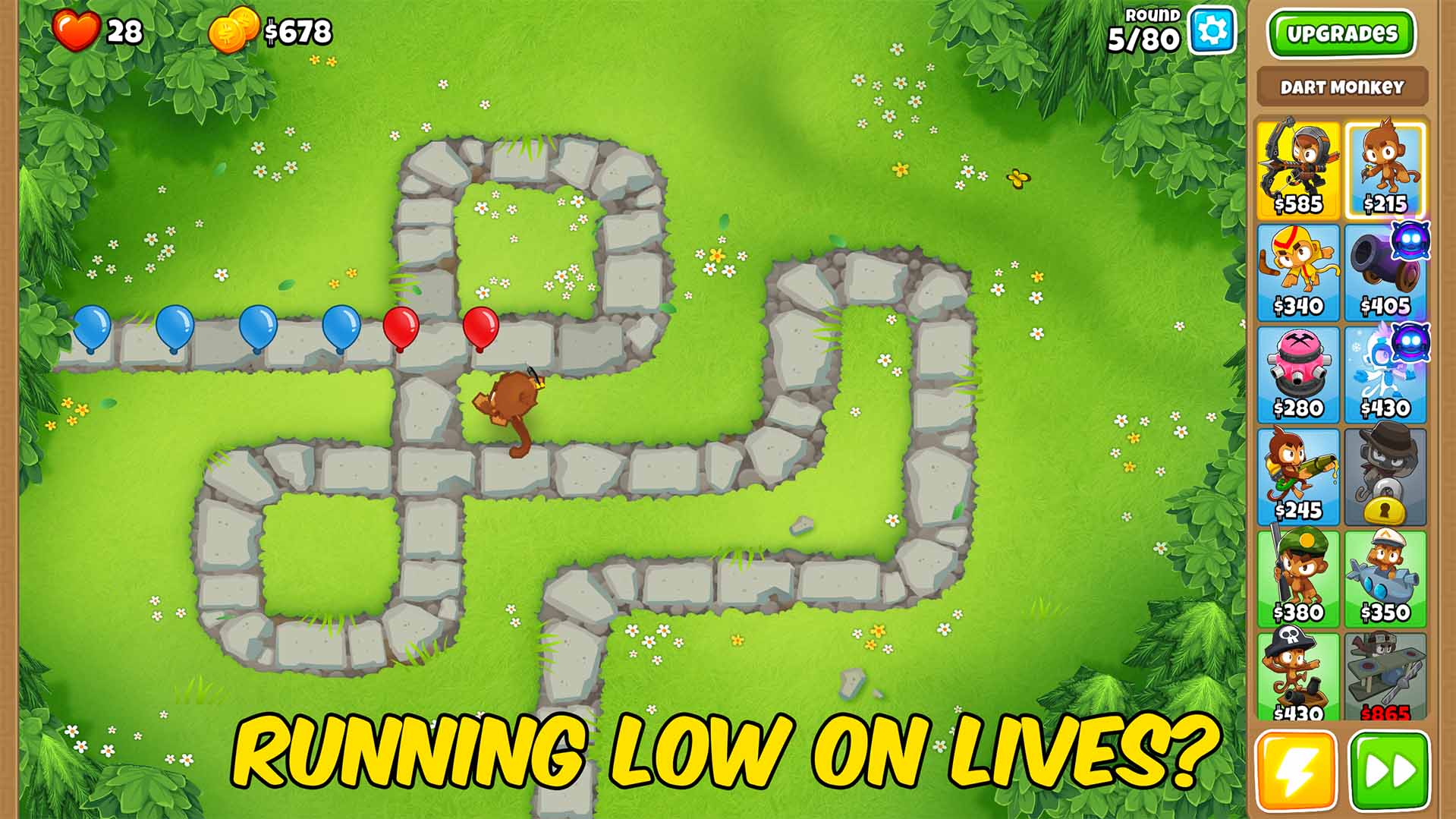
Life Support
Adds a chunk of lives to your current match on demand, so one unlucky leak doesn't end the run.

Untouchable
Keeps your lives from ever dropping while it's on, so no leak can end your run.

Auto Start Round
Kicks off the next round automatically the moment the last one clears, so the match never stops for you.







