Want more mods for Bookshop Simulator? Explore our entire collection!
Store Expansion Unlocker
"Open the full shop floor and storage area without buying each room separately."
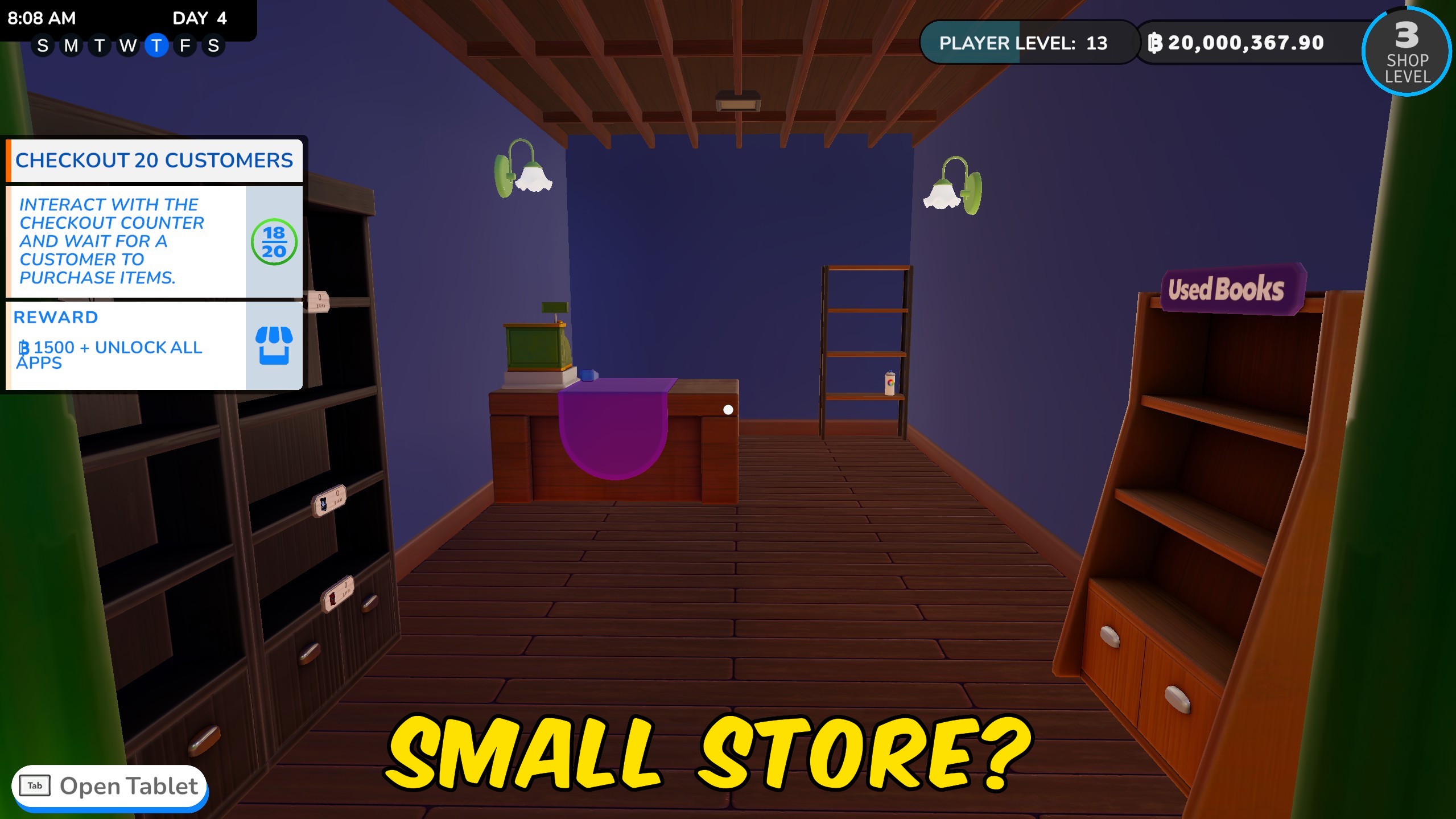
How do I install Store Expansion Unlocker?
Download the free ProjectMods desktop app, then install Store Expansion Unlocker for Bookshop Simulator in one click.
</>What does Store Expansion Unlocker do?
Open every room in your current Bookshop Simulator location without purchasing expansions one at a time. Choose the sales floor, the storage area, or unlock both parts of the shop together. Extra floor space gives you room for more shelves, displays, cafe furniture, decorations, stock, and wider customer paths. The separate storage button is ideal when you only need more space behind the scenes. The expansion is free and your blep balance is left unchanged. Enter the shop you want to expand before pressing a button, because only the current location is changed.
</>What is Store Expansion Unlocker?
Unlock all Bookshop Simulator store expansions for the shop you are currently playing. Open every sales-floor room, expand the full storage area, or do both at once without spending bleps. Use the extra space for shelves, stock, cafe equipment, decorations, and larger layouts.
</>Common questions about Store Expansion Unlocker
Can I unlock the shop and storage separately?
Yes. Each area has its own button, plus there is an option for unlocking both.
Which shop will be expanded?
The shop location you currently have open.
Does expanding cost bleps?
No. Your money is left unchanged.
Will furniture be placed in the new rooms?
No. The rooms are opened and ready for you to decorate.
What options does Store Expansion Unlocker include?
Unlock Storage Expansions
Opens every storage room in your current shop.
Unlock Store Expansions
Opens every sales-floor room in your current shop.
Unlock All Expansions
Opens the complete sales floor and storage area.
Unlock the sales floor, the storage area, or every expansion in your current shop.
System Requirements
What features does Store Expansion Unlocker include?
- Unlock every sales-floor expansion in the current shop.
- Open every storage expansion with a separate button.
- Unlock the entire shop and storage area at once.
- Keep your full blep balance after expanding.
Best For
- Create a large bookshop layout without waiting to buy more rooms.
- Open extra storage for bigger stock orders and busy sales days.
- Expand only the part of the shop needed for your current design.
More Mods for Bookshop Simulator
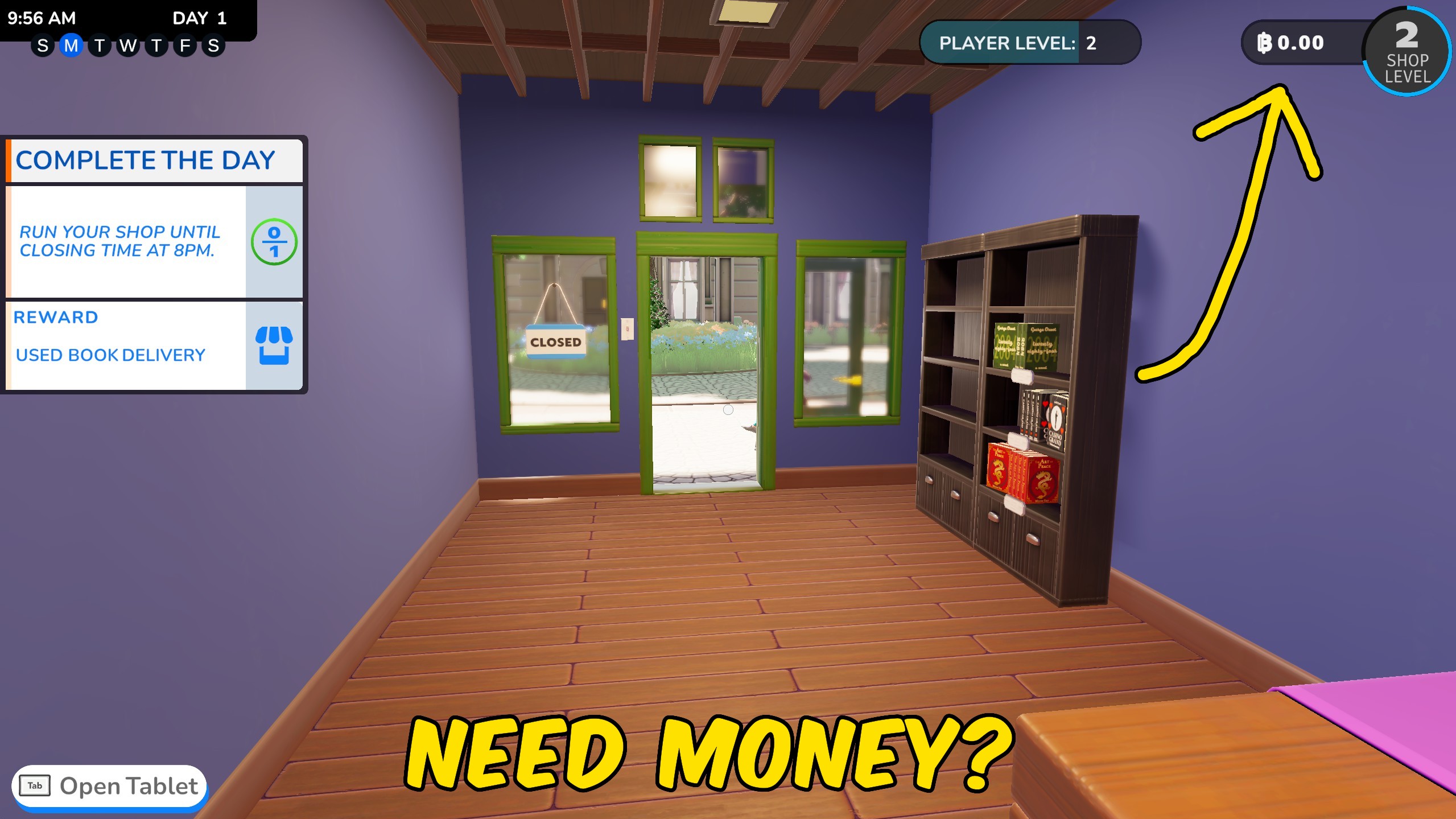
Give Money
Add a custom amount of bleps to your current balance or reset the till to exactly zero.

Achievement Unlocker
Pick any Bookshop Simulator achievement to unlock, complete all 74 at once, or clear the collection for a fresh run.
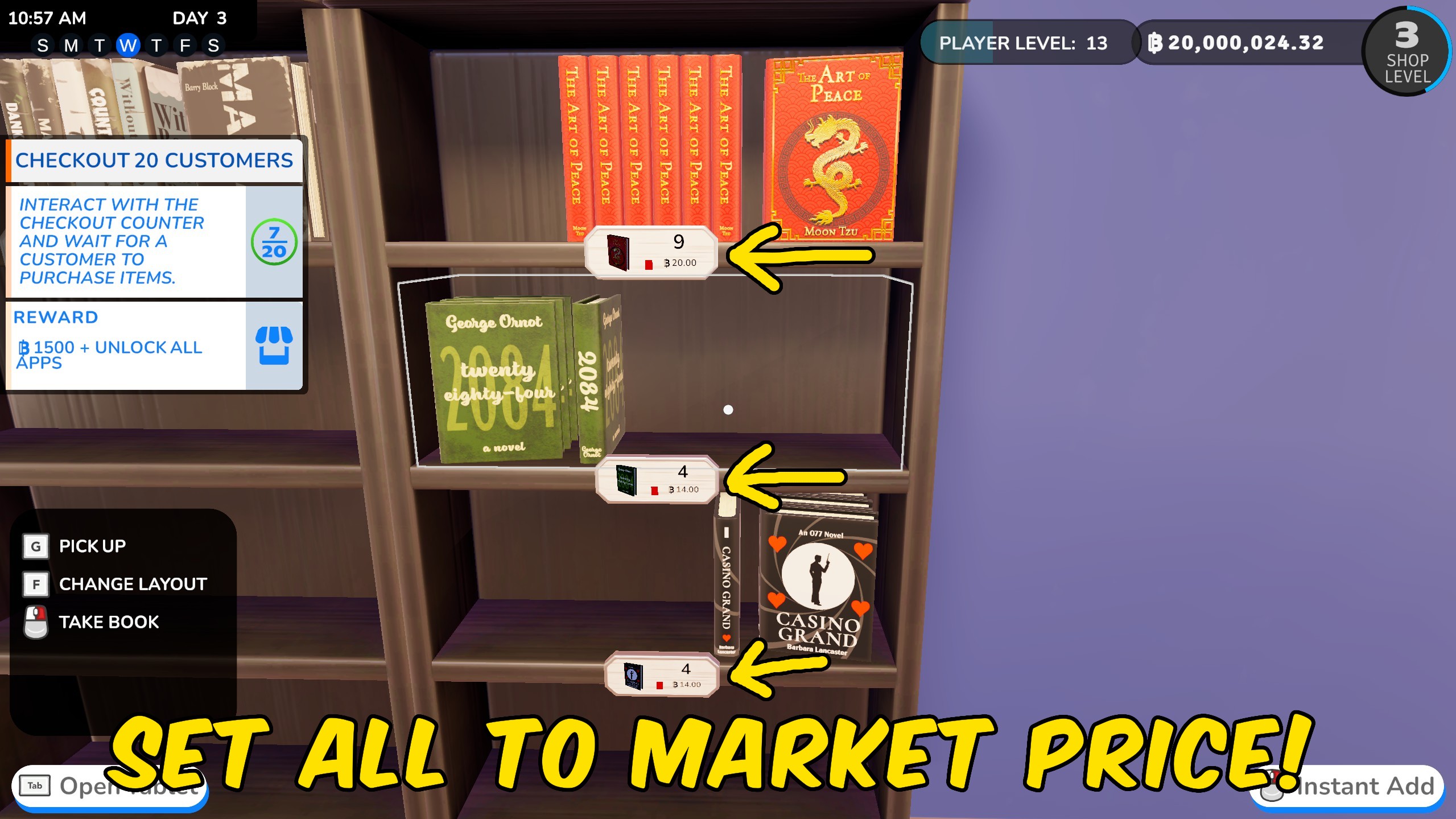
Set Store Prices
Reset every sell price to market value or apply one shop-wide markup or discount.







