Want more mods for Bookshop Simulator? Explore our entire collection!
Set Store Prices
"Change every price at once with a market reset, markup, or store-wide sale."
How do I install Set Store Prices?
Download the free ProjectMods desktop app, then install Set Store Prices for Bookshop Simulator in one click.
</>What does Set Store Prices do?
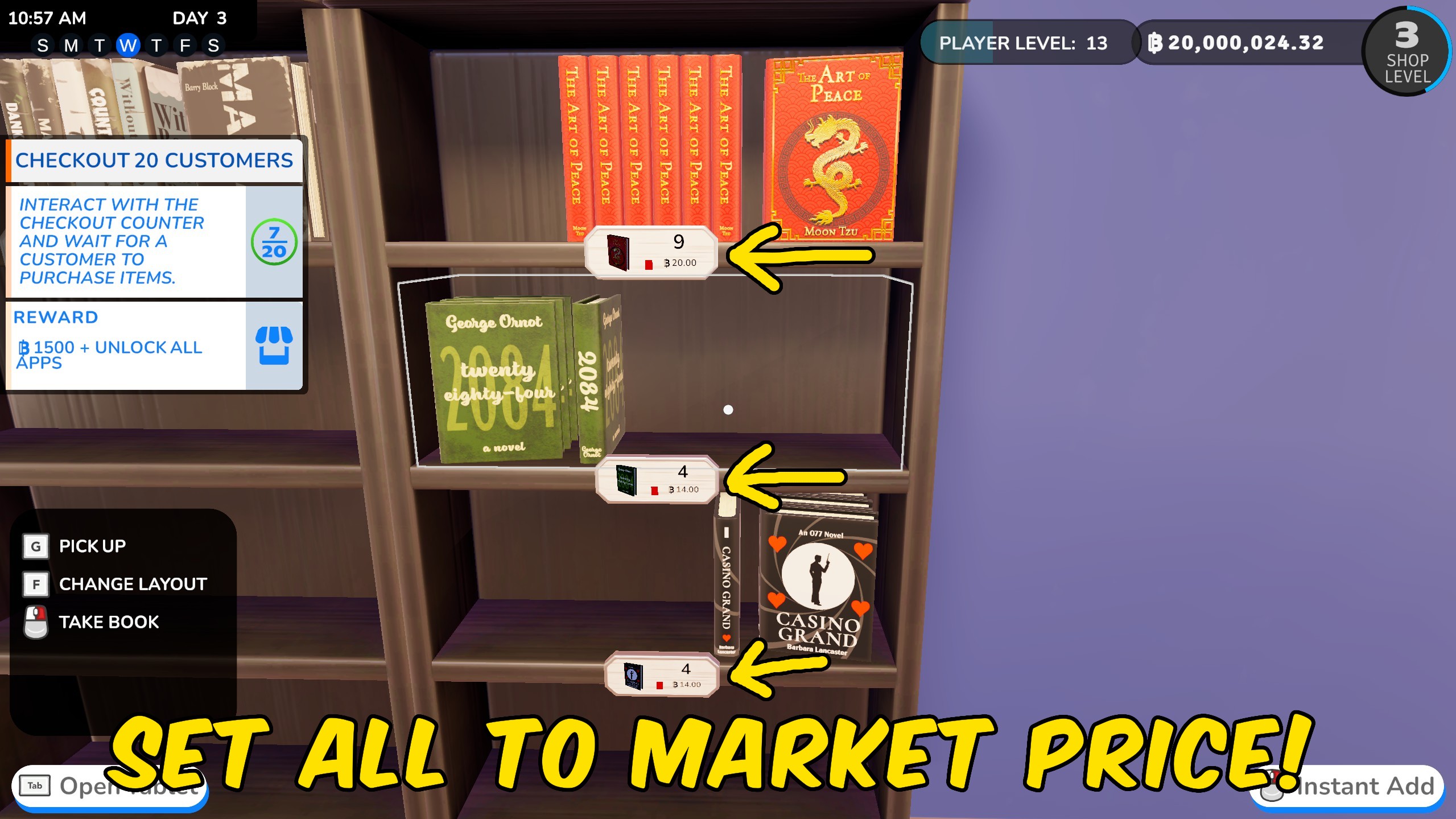
Change every selling price across your Bookshop Simulator store in one press. Reset everything to market value or choose one percentage for a shop-wide markup or discount. The change covers books, comics, manga, magazines, board games, sweets, cafe drinks, pastries, and other everyday products. It saves you from opening every item and adjusting its price by hand. Set the percentage to 100 for market value, 150 for a 50% markup, or 50 for half-price sales. You can apply another percentage whenever you want to change your pricing plan.
</>What is Set Store Prices?
Update prices across your entire Bookshop Simulator store with one percentage. Return every product to market value, raise prices for a higher-profit strategy, or launch a shop-wide sale. Books, cafe goods, comics, manga, magazines, sweets, board games, and other sellable products are handled together.
</>Common questions about Set Store Prices
What does 100% mean?
It sets each product to its market price.
How do I add a markup?
Choose a value above 100%. For example, 150% adds a 50% markup.
How do I run a sale?
Choose a value below 100%. For example, 50% makes products half price.
Which products are changed?
Books, comics, manga, magazines, board games, sweets, cafe drinks, pastries, and other everyday sellable products are included.
What options does Set Store Prices include?
How Pricing Works
Use 100% for market price, a higher number for a markup, or a lower number for a discount.
Price Percent
Choose the percentage to use across the shop. Try 150% for a markup or 50% for a sale.
Apply Price Percent
Applies the chosen percentage to every tracked product.
Set All to Market Price
Returns every tracked product to its market price.
Use 100% for market price, go higher for a markup, or lower for a store-wide discount.
System Requirements
What features does Set Store Prices include?
- Reset all tracked products to market price.
- Apply one markup across the entire shop.
- Create a store-wide sale with a lower percentage.
- Update books, cafe goods, comics, games, sweets, and more.
Best For
- Fix a shop full of messy prices after experimenting with markups.
- Launch a quick sale across books and cafe products.
- Try a higher-profit pricing plan without editing every item separately.
More Mods for Bookshop Simulator
Time Manager
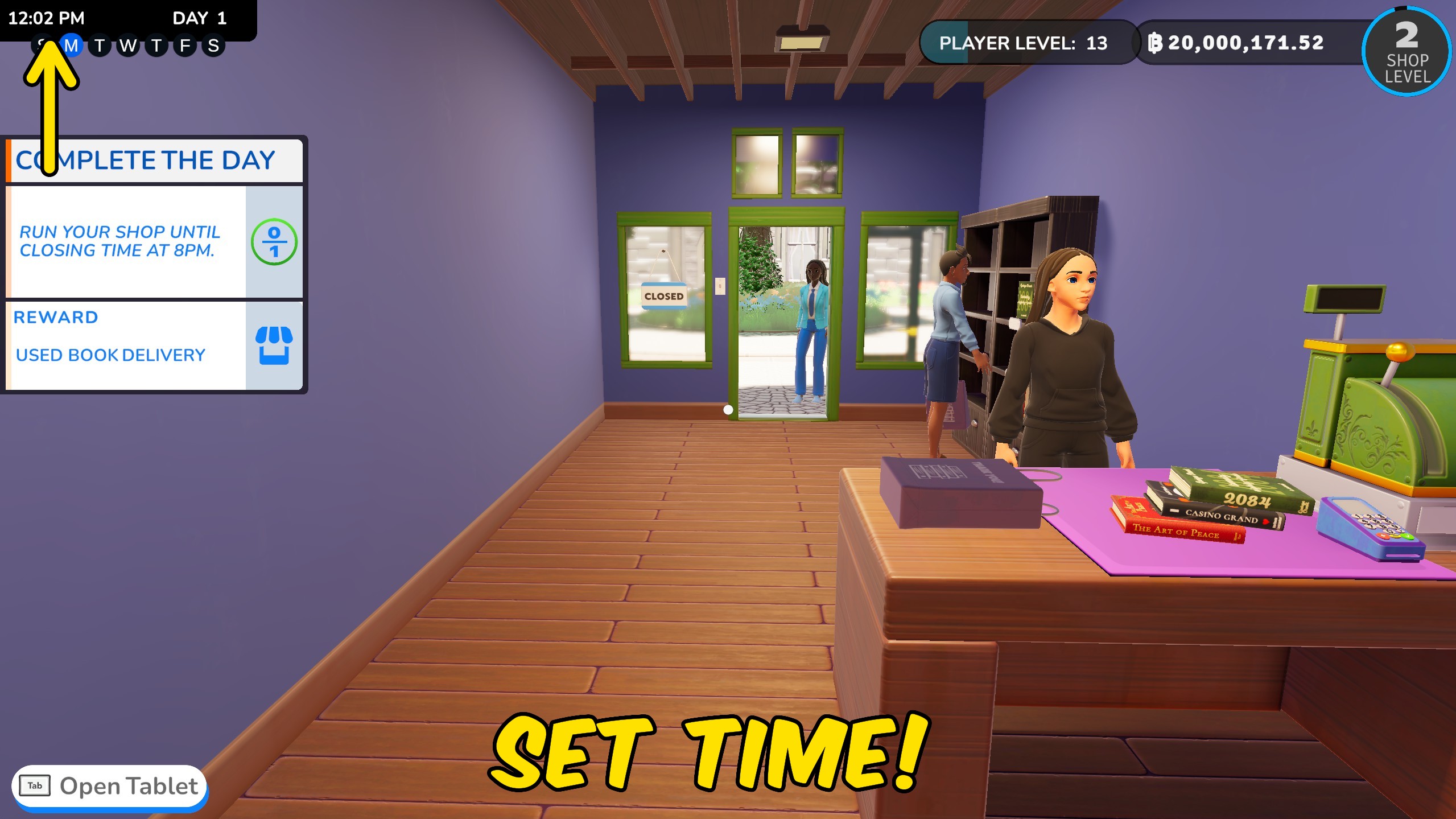
Set the clock, freeze time, speed up the day, or jump forward by one or more days.
Give XP
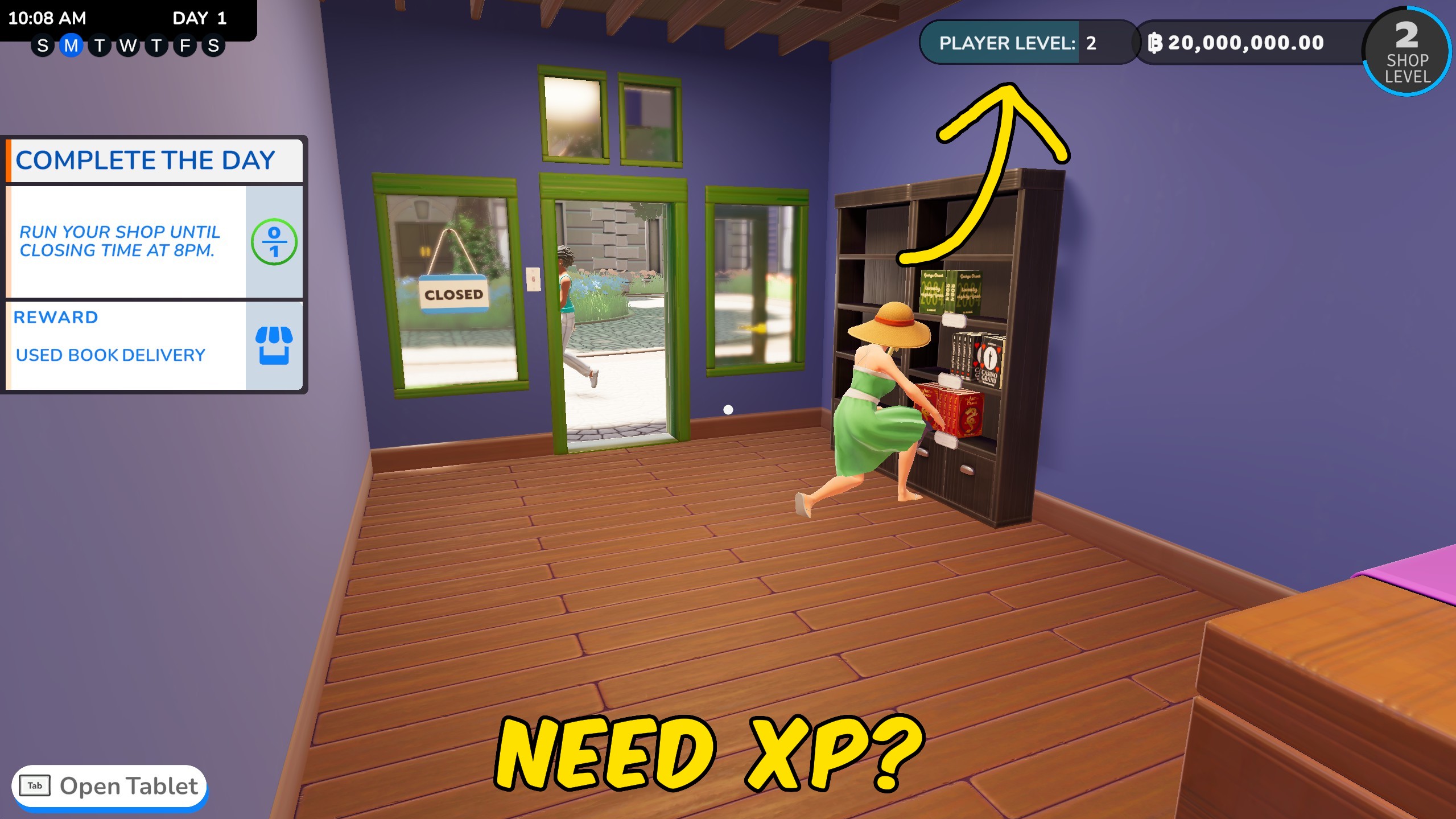
Add a custom amount of player XP to gain levels faster, or return to level one with zero XP.
Store Expansion Unlocker
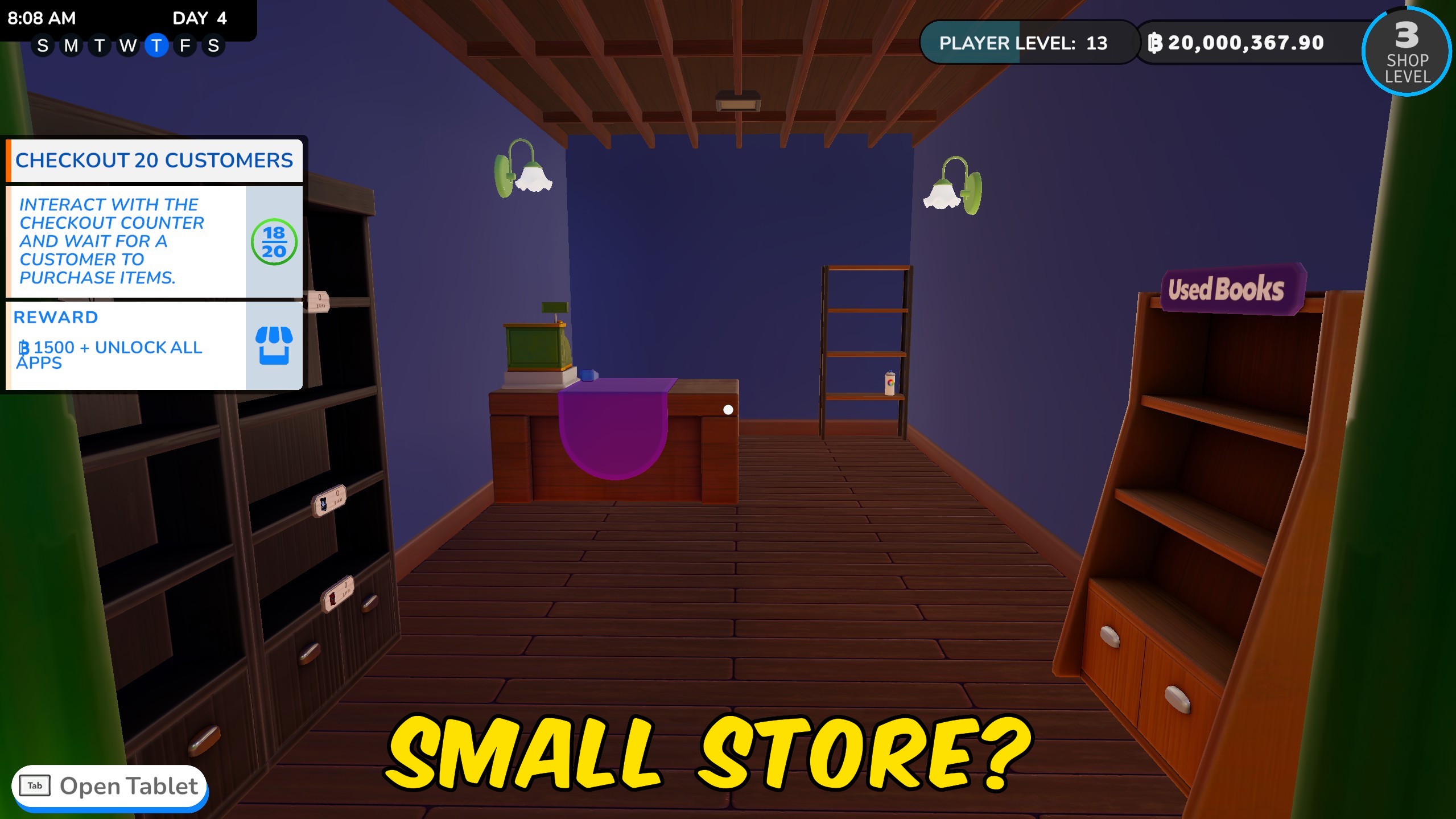
Open every sales-floor room, every storage room, or the complete shop expansion in one press.







