Want more mods for Bookshop Simulator? Explore our entire collection!
Time Manager
"Take control of the shop clock and move through days at your own pace."
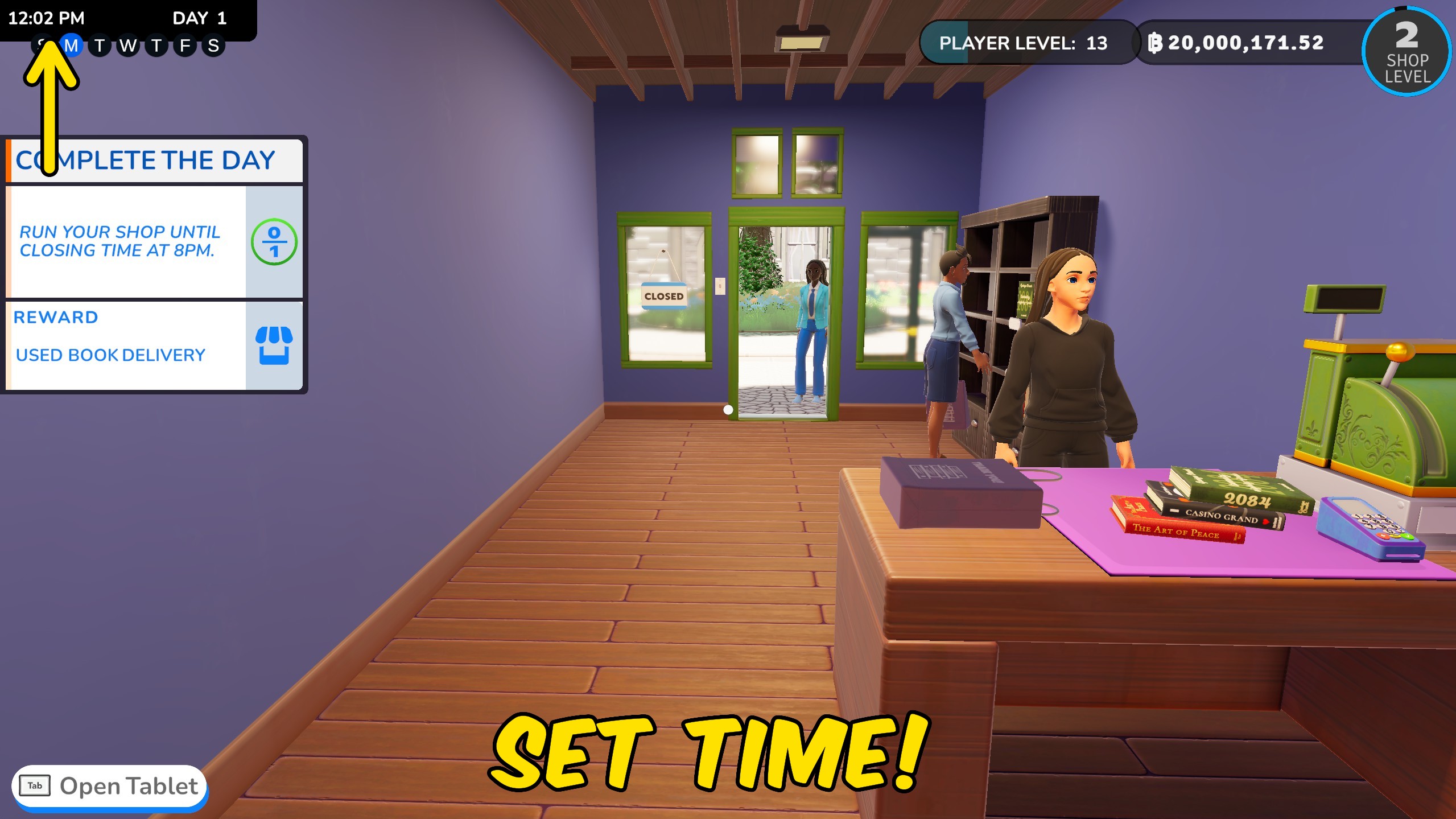
How do I install Time Manager?
Download the free ProjectMods desktop app, then install Time Manager for Bookshop Simulator in one click.
</>What does Time Manager do?
Take control of the Bookshop Simulator clock while your store is open. Jump to a chosen time, freeze the day while you stock and decorate, or speed things up when business is moving too slowly. Skip Day moves straight to the next day, while Skip Days lets you jump ahead by any number you choose. This is handy for reaching later bills, deliveries, unlocks, or events without playing through every day in between. Set Time uses the time shown in the picker, and Time Speed controls how quickly the clock moves. Set the speed to 1 for the usual pace, or switch Pause Time off whenever you are ready for the day to continue.
</>What is Time Manager?
Control time in Bookshop Simulator with exact clock settings, pause, speed changes, and day skipping. Freeze the shop while restocking or decorating, move busy days faster, jump to a preferred opening hour, or skip several days to reach upcoming deliveries, bills, unlocks, and events.
</>Common questions about Time Manager
Can I choose an exact time?
Yes. Pick a time and press Set Time.
How do I freeze the day?
Switch on Pause Time. Switch it off when you want the clock to continue.
What speed is normal?
A Time Speed of 1 uses the usual game speed.
What is the difference between Skip Day and Skip Days?
Skip Day moves forward once. Skip Days uses the number entered in Days To Skip.
What options does Time Manager include?
Time Speed
Choose how quickly the clock moves. A value of 1 is the usual speed.
Skip Days
Jumps forward by the number entered above.
How To Use
Load your shop first. Set the clock, pause it, change its speed, or skip ahead whenever you want.
Set Time
Moves the shop clock to the chosen time.
Skip Day
Moves straight to the next day.
Days To Skip
Choose how many days to jump forward.
Time
Choose the time you want the shop clock to show.
Pause Time
Freezes the shop clock until you switch it off.
Set an exact time, freeze the clock, change its speed, or skip ahead by one or more days.
System Requirements
What features does Time Manager include?
- Jump to an exact time chosen from the clock picker.
- Freeze the shop clock while stocking or decorating.
- Speed up the day or return to the usual pace.
- Skip one day or jump forward by several days.
Best For
- Pause the clock while rebuilding shelves or restocking the whole shop.
- Speed through quiet hours and reach closing time sooner.
- Skip several days to reach an upcoming delivery, bill, unlock, or event.
More Mods for Bookshop Simulator
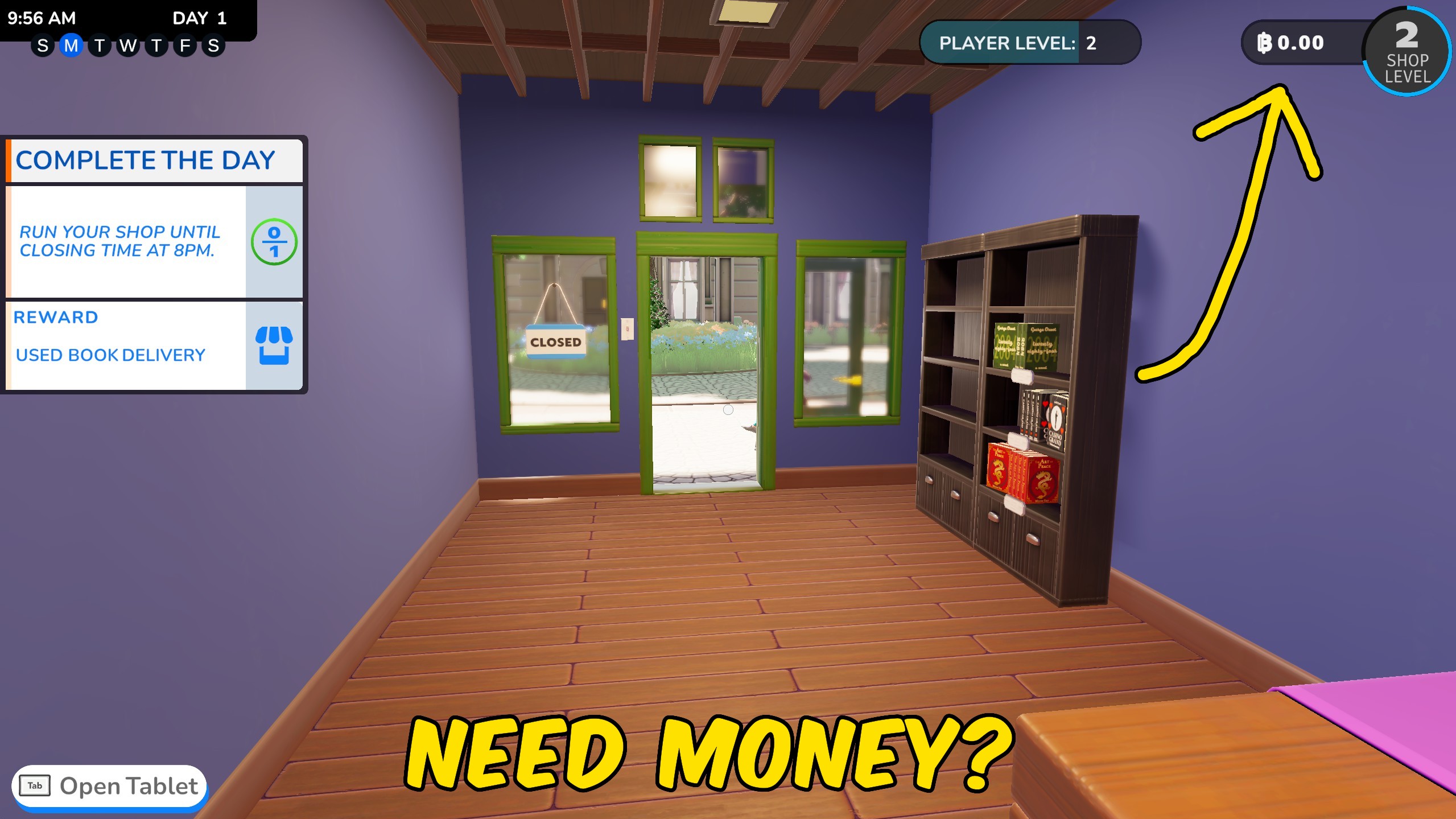
Give Money
Add a custom amount of bleps to your current balance or reset the till to exactly zero.
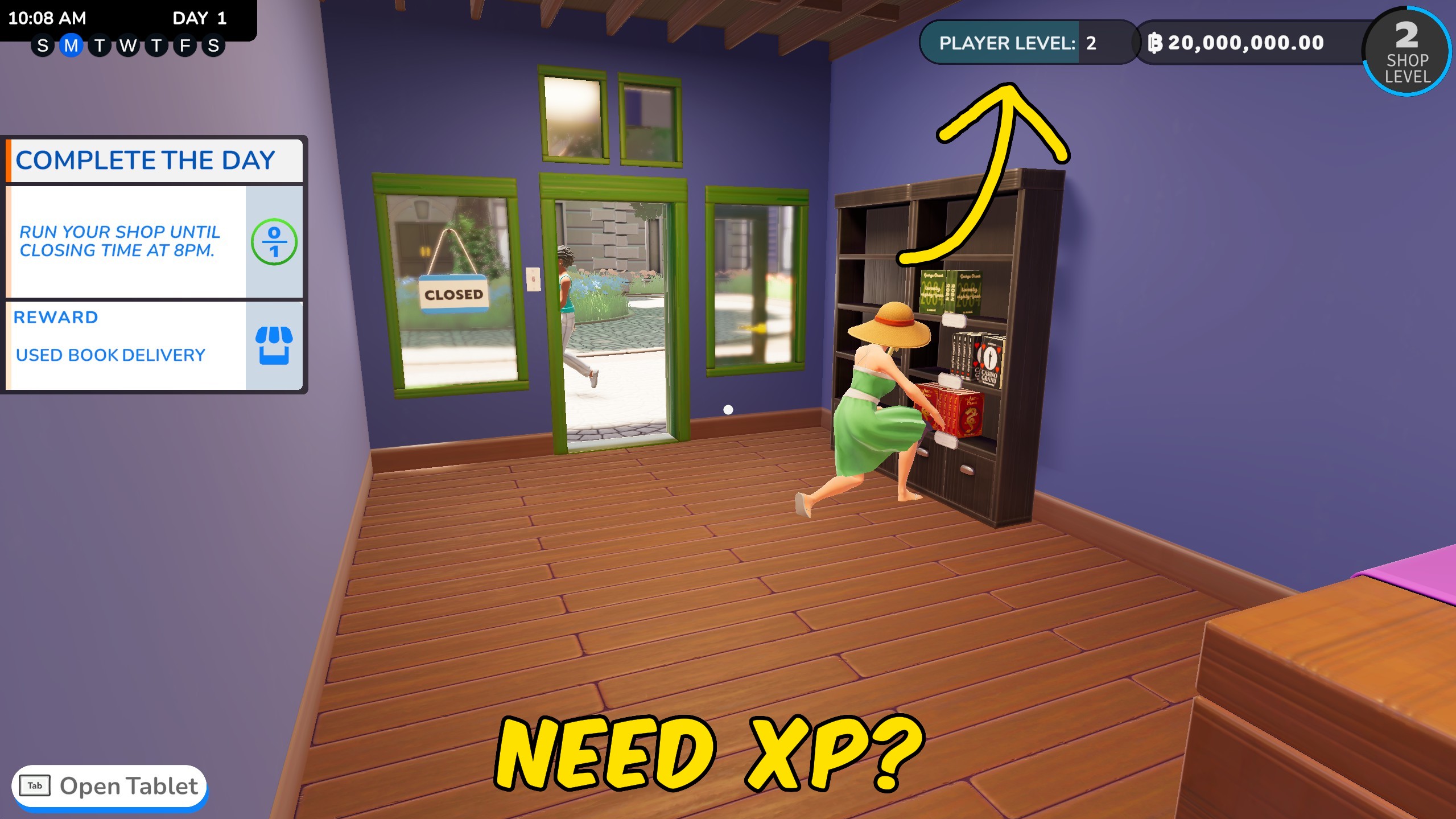
Give XP
Add a custom amount of player XP to gain levels faster, or return to level one with zero XP.
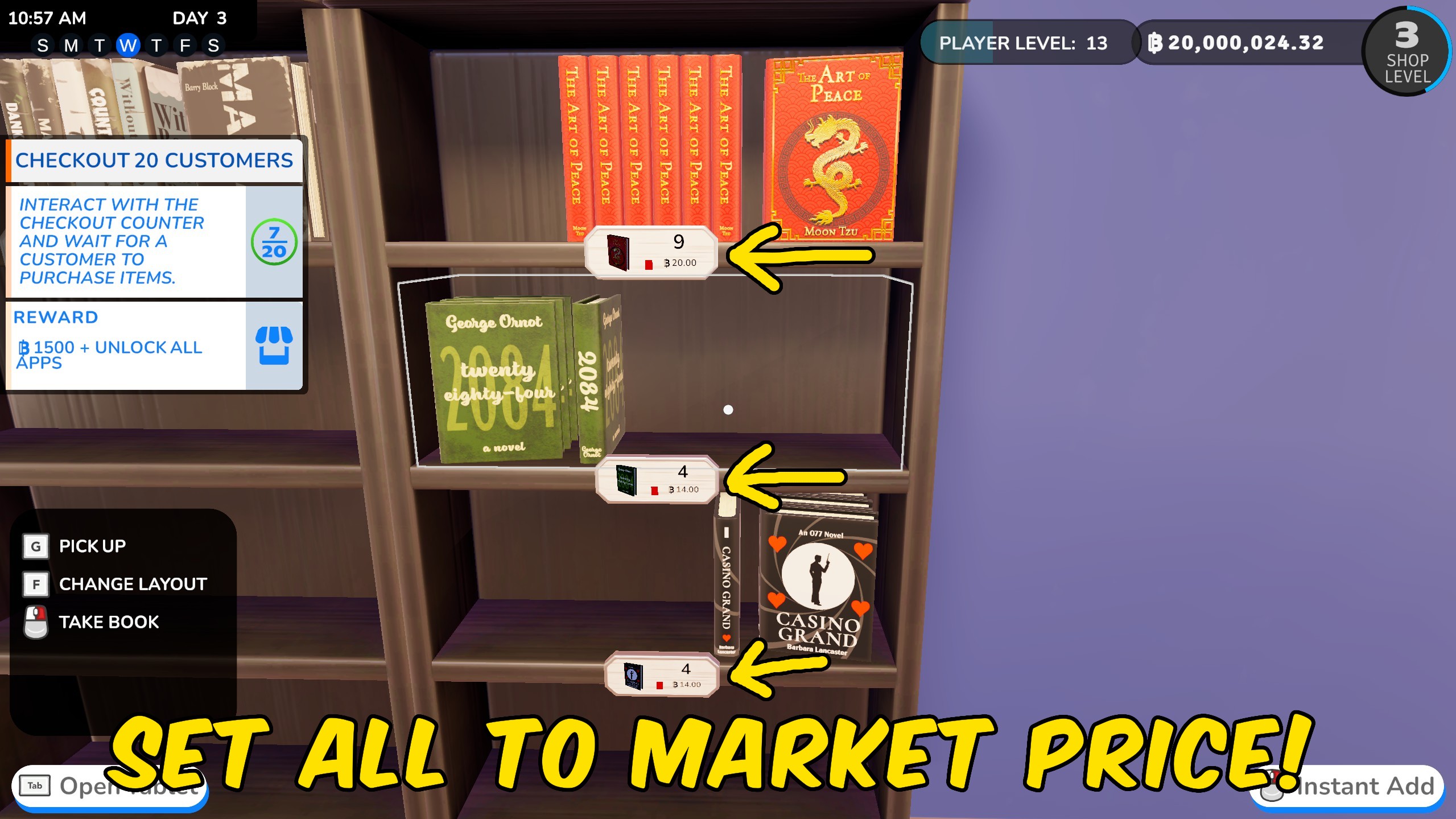
Set Store Prices
Reset every sell price to market value or apply one shop-wide markup or discount.







