Want more mods for Carpet Cleaning Simulator? Explore our entire collection!
Long Arms
"If you can see it, you can grab it."

How do I install Long Arms?
Download the free ProjectMods desktop app, then install Long Arms for Carpet Cleaning Simulator in one click.
</>What does Long Arms do?
Half the time in the shop is spent shuffling forward that last half-step until the game finally admits you're close enough. Long Arms fixes it. Turn it on and everything you can see comes into range — the shop PC, the drain, the fans, the helper robot's terminal — all of it usable from where you're standing. It stretches how far you can put things down too, so laying out a carpet, dropping a fan in the right spot or parking a piece of equipment stops being a game of inches. Line the shot up from across the room, place it, and move on. The Reach Multiplier slider runs from 1x up to 8x and adjusts live, so you can start gentle at 2x if you only want the last few frustrating steps gone, or push it right up and run the whole shop from one spot. Everything snaps back to normal the moment you switch it off, so it's easy to keep it on for the fiddly setup at the start of a run and turn it off again once the carpets are down. A great pick when the meteor countdown is breathing down your neck and every wasted step is a stain you didn't get to.
</>What is Long Arms?
Half of a Carpet Cleaning Simulator shift is spent shuffling forward that last half-step until the game admits you're close enough. Long Arms stretches your reach from one to eight times normal, for using things and for putting them down, so laying a carpet or parking a fan stops being a game of inches. Free at ProjectMods, the community-first PC mod manager for 400+ games.
</>Common questions about Long Arms
What does Long Arms do in Carpet Cleaning Simulator?
Long Arms extends how far away you can interact with things in Carpet Cleaning Simulator. With it on, everything you can see comes into range: the shop computer, the drain, the fans, the helper robot's terminal, all usable from where you're standing instead of after that last half-step forward. It stretches how far you can put things down too, so laying out a carpet, dropping a fan in the right spot or parking a piece of equipment becomes a matter of aiming rather than walking. One slider controls the whole thing, and everything snaps back to normal the moment you switch it off.
Does it affect placing things as well as using them?
Yes, and that's the half most players notice. The Long Arms reach multiplier applies to both using things and putting them down in Carpet Cleaning Simulator, so a carpet, a fan or a piece of equipment can be positioned from across the room rather than nudged into place at arm's length. Line the shot up from where you're standing, drop it, and move on. This matters most during the setup at the start of a run, when you're laying out several items at once and each one otherwise means walking over, placing it, and walking back for the next.
How far can the reach actually stretch?
The Reach Multiplier runs from one, which is completely normal, up to eight times normal. Two is enough to remove the last few frustrating steps without changing how the shop feels. Three is the default, since you can use the computer and the drain from a sensible distance and still have to move around the place. Pushing Long Arms toward eight lets you run most of your Carpet Cleaning Simulator shop from one spot, which is deliberately silly but very quick. The slider adjusts live, so raise it for the fiddly setup and drop it back for the cleaning.
Can I turn it off mid-run?
Yes. Enable Longer Reach is a master switch, and flipping it off returns your reach in Carpet Cleaning Simulator to exactly what it was, immediately, with no restart. Because the slider also adjusts live, a common way to play is to keep Long Arms on while you're laying carpets and setting up equipment at the start of a shift, then switch it off once the rugs are down and the actual scrubbing begins. Nothing you placed while it was on is affected by turning it off, and every item stays exactly where you put it.
Why does longer reach matter with the meteor countdown running?
Because every wasted step in Carpet Cleaning Simulator is a stain you didn't get to. The shift runs against a countdown, and a surprising amount of it goes on small corrections: half a step forward to reach the drain, a shuffle around a rug to get at the far corner, a walk back to the computer for one click. Long Arms removes that friction, which adds up to real minutes over a full shift. It pairs neatly with Sprint Shift for the longer trips, since between them the walking stops being what limits how many carpets you finish.
What options does Long Arms include?
Enable Longer Reach
Master switch. Turn it off and your reach goes straight back to normal.
Reach Multiplier
How far your reach stretches. 3 is three times normal for both using things and putting them down.
Long Arms stretches how far you can reach in Carpet Cleaning Simulator, so the shop computer, the drain, the fans and the robot terminal all work from where you're standing. It's a free mod from ProjectMods, the community-first PC mod manager for 400+ games.
System Requirements
What features does Long Arms include?
- Reach the shop computer, the drain, the fans and the robot's terminal from where you stand
- Place carpets, fans and equipment from across the room instead of shuffling into position first
- Dial your reach from a gentle nudge up to eight times normal, adjusting live mid-run
- Everything snaps back to arm's length the second you flip the switch off
Best For
- Players tired of that last half-step shuffle before the game admits you're close enough
- Anyone laying out a big rug who wants it lined up properly from across the room
- Tight shifts where every wasted step is a stain you didn't get to before the countdown
- Setup-heavy runs where fans, equipment and carpets all need placing before the real work starts
- Players who like running the shop computer, the drain and the robot from one comfy spot
More Mods for Carpet Cleaning Simulator
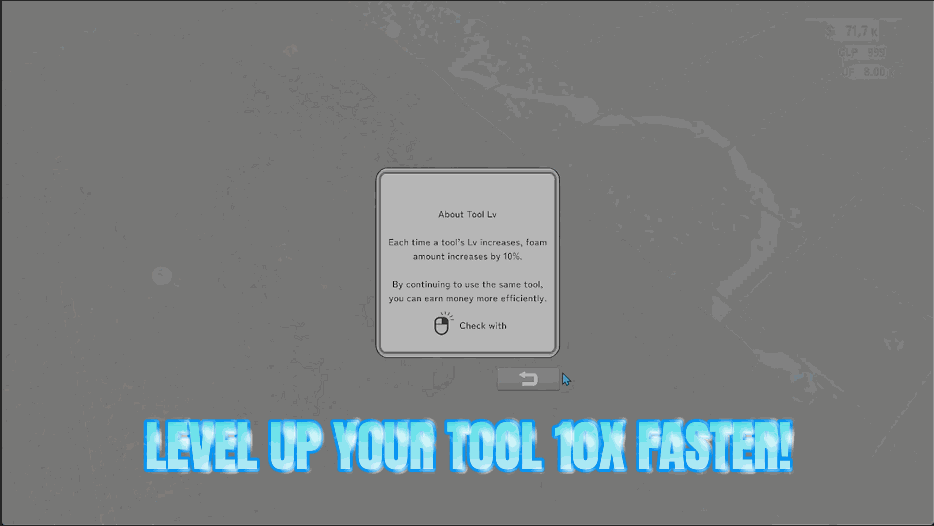
Tool Prodigy
Every scrub, brush, polish and buff counts for far more, so all four of your tools race up their levels instead of crawling. One slider sets the pace.
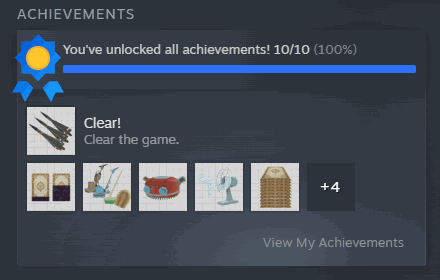
Spotless Record
Pick any achievement from the list and claim it on the spot, or fill the whole shelf in one click. Changed your mind? Clear them all just as easily.
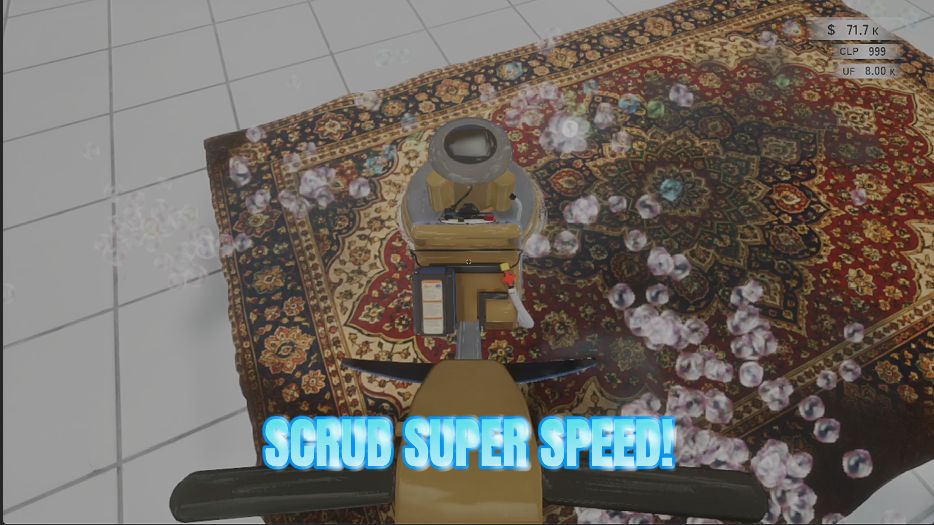
Turbo Scrub
Speeds up your scrubber, brush, polisher and multi-polisher so you rack up strokes much faster and dirty rugs come clean in a fraction of the time.







