Want more mods for Carpet Cleaning Simulator? Explore our entire collection!
Turbo Scrub
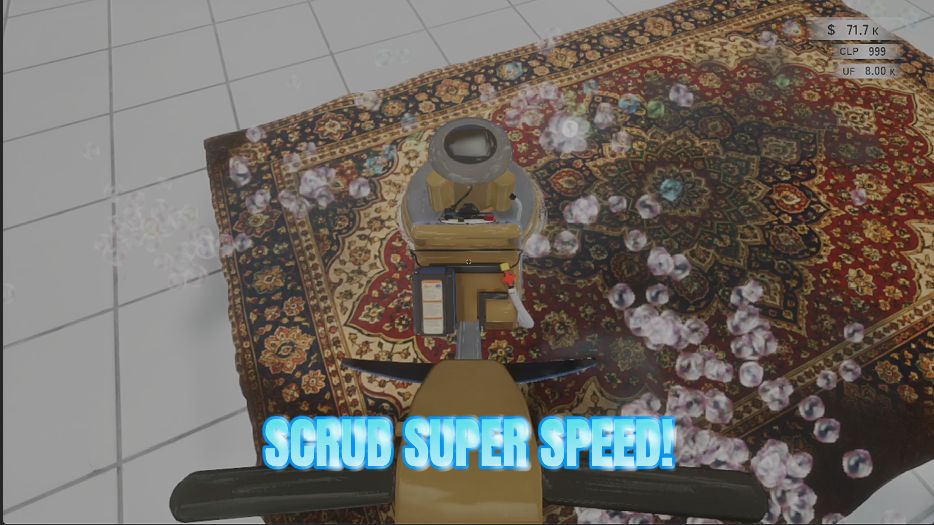
"Every tool strokes faster, so grubby rugs come clean in a fraction of the time."
How do I install Turbo Scrub?
Download the free ProjectMods desktop app, then install Turbo Scrub for Carpet Cleaning Simulator in one click.
</>What does Turbo Scrub do?
This game is at its best when you can actually see the dirt lifting. Turbo Scrub keeps that satisfying part and takes out the waiting. Your scrubber, brush, polisher and multi-polisher all stroke faster, so you get through far more sweeps in the same stretch of time. One slider runs the whole thing, from a gentle nudge up to ten times the normal pace. Push it up when you are staring down a huge stained rug or grinding toward a payout target, and slide it back toward the bottom whenever you want the original rhythm again. Changes land the moment you move the slider, so you can tune it in the middle of a job until it feels right. It stacks neatly with your tool levels, so the better your gear gets, the quicker a whole carpet comes clean. Flip the switch off at any point and every tool goes straight back to its normal speed.
</>What is Turbo Scrub?
Carpet Cleaning Simulator is at its best when you can see the dirt lifting, and Turbo Scrub keeps that while taking out the waiting. All four tools stroke faster, so the same job takes a fraction of the time, and one slider runs the whole thing from normal up to ten times. It stacks with your tool levels, so better gear clears a carpet even quicker. From ProjectMods, the PC mod manager for 400+ games.
</>Common questions about Turbo Scrub
What does Turbo Scrub do in Carpet Cleaning Simulator?
Turbo Scrub makes your cleaning tools work faster in Carpet Cleaning Simulator. The scrubber, brush, polisher and multi-polisher all stroke more quickly, so you get through far more sweeps than you used to and a filthy carpet comes clean in a fraction of the usual time. A single slider controls it, running from the normal pace up to ten times faster, and changes land the moment you move it, so you can tune it in the middle of a job. The satisfying part, actually watching the dirt lift as you work, stays exactly as it was, just without the waiting.
What is the difference between Turbo Scrub and a stronger brush?
Turbo Scrub changes speed, not power. Your tools in Carpet Cleaning Simulator move faster, so more passes happen in the same amount of time, but each individual pass lifts what it always did and covers the same width. That keeps the rhythm of cleaning intact, since you still work across the rug the same way, just quicker. If you want each pass to dig deeper or cover a wider band instead, that is what Power Wash does, and the two are aimed at different annoyances. Speed helps most when a carpet is simply large; strength helps most when a patch is stubborn.
Does it stack with my tool levels?
Yes, and that is where it gets interesting. Turbo Scrub works on top of whatever level your tools have reached in Carpet Cleaning Simulator, so the better your gear gets, the quicker a whole carpet comes clean. A levelled-up multi-polisher running at several times normal speed clears a rug remarkably quickly. It also means levelling still matters, because the better tools are still worth chasing, you just spend less time waiting on each stroke along the way. Every tool in the kit is covered, so whichever one the job calls for benefits equally.
What is a good speed multiplier to start with?
Three is the default and a comfortable place to start. Carpet Cleaning Simulator still feels like cleaning at that setting, you still see the dirt lifting stroke by stroke, and the tedious stretches simply pass faster. Ten is the top of the Turbo Scrub slider and turns your tool into a blur, which is genuinely useful when you are staring down an enormous stained rug with the meteor countdown ticking, though it does flatten the pacing. One leaves the tools exactly as the game made them. Since the slider takes effect immediately, start at three and adjust mid-carpet until it feels right.
Can I turn Turbo Scrub off partway through a shift?
Yes. Enable Faster Tools is a master switch, and flipping it off returns every tool in Carpet Cleaning Simulator to its normal speed straight away, with no restart, no reload and no effect on the carpet you are currently working on. Plenty of people play this way on purpose: speed up for the large, boring middle section of a big rug, then drop back to normal for the last stretch where the satisfying part lives. Nothing about your progress, payouts or tool levels is affected by switching Turbo Scrub on or off mid-job.
What options does Turbo Scrub include?
Speed Multiplier
How much faster your tools work. 1 is normal, 3 is a comfortable sweet spot, 10 is a blur.
Enable Faster Tools
Master switch. Turn it off and every tool goes back to its normal speed.
Turbo Scrub speeds up your scrubber, brush, polisher and multi-polisher in Carpet Cleaning Simulator so cleaning a whole carpet takes a fraction of the time, all controlled by a single slider. Part of the ProjectMods catalog for 400+ games.
System Requirements
What features does Turbo Scrub include?
- Speed up your scrubber, brush, polisher and multi-polisher so you rack up strokes far faster
- One slider runs from normal pace to ten times faster, changing the moment you move it
- Stacks with your tool levels, so better gear clears a whole carpet even quicker
- Flip the switch off and every tool goes back to its normal speed straight away
Best For
- Players facing a huge stained rug who want to see the dirt lifting rather than wait for it
- Anyone working toward a payout target who would rather bank three carpets than one
- Sim fans who love the satisfying part and could happily skip the repetitive part
- Players tuning it mid-job, up for a filthy patch and back down for the fiddly detail work
- Short sessions where you have twenty minutes and want a finished carpet at the end of them
More Mods for Carpet Cleaning Simulator
Tool Prodigy
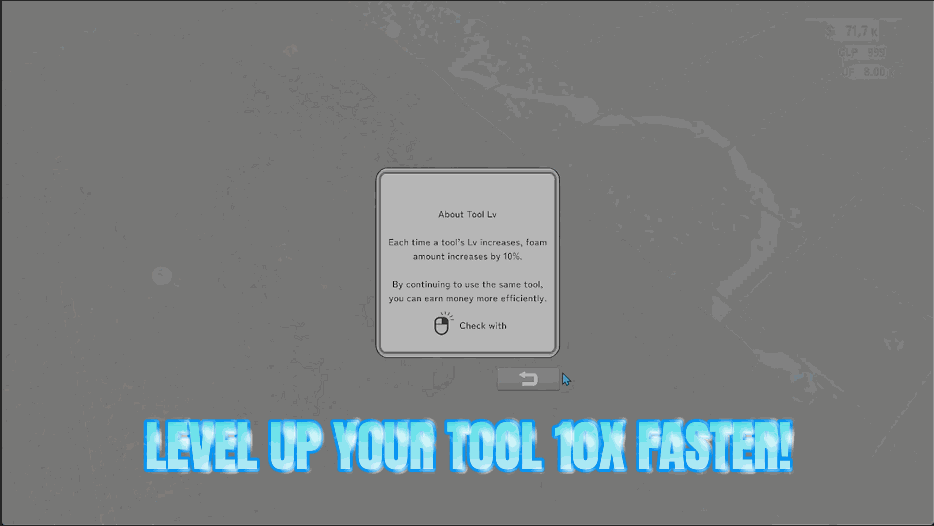
Every scrub, brush, polish and buff counts for far more, so all four of your tools race up their levels instead of crawling. One slider sets the pace.
Power Wash
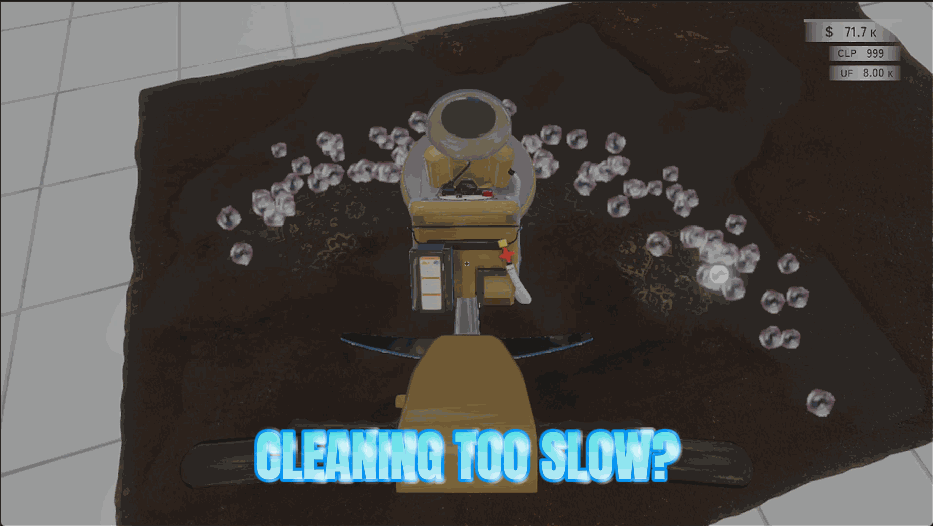
Every tool covers a wider stretch of carpet and digs in far harder, so a rug that used to take a hundred passes comes clean in a handful of sweeps.
Sprint Shift
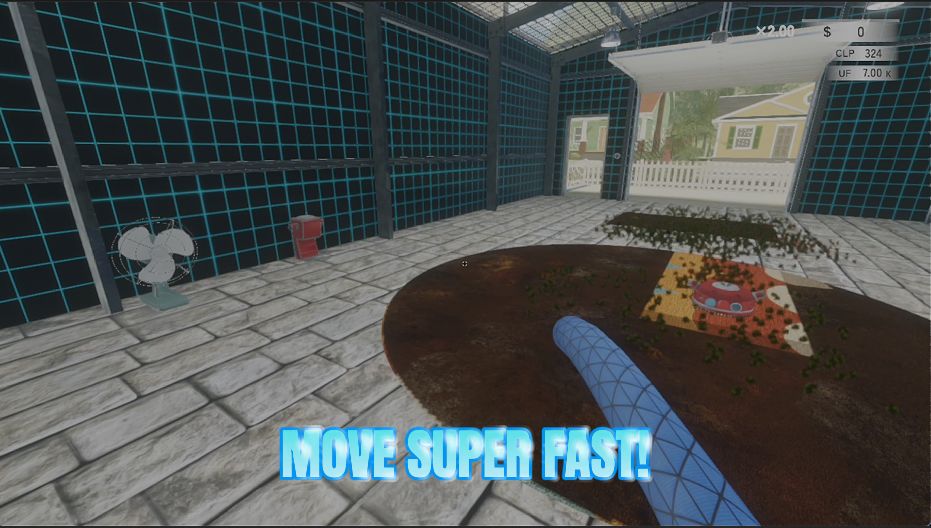
Move around the shop faster with two dials: one for your normal walk, one for your sprint. Perfect for the endless trips between the carpet, the water and the drying spot.







