Want more mods for Cat Quest? Explore our entire collection!
Furocious
"Turn your kitty into a claw-swinging wrecking ball."
How do I install Furocious?
Download the free ProjectMods desktop app, then install Furocious for Cat Quest in one click.
</>What does Furocious do?
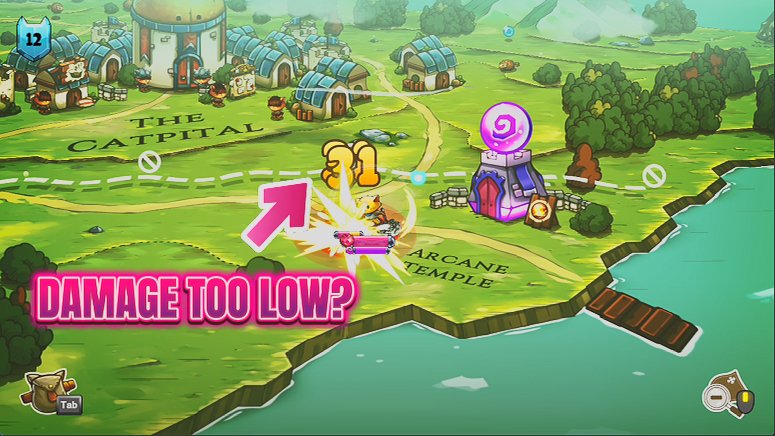
Want your cat hitting harder, casting bigger, or shrugging off blows that used to sting? Furocious gives you three sliders, attack, magic and defence, and lets you pile bonuses on top of your normal stats. Crank attack and magic for a glass-cannon that deletes enemies before they get a turn. Pour it all into defence to become an immovable wall. Or spread it around for a balanced bruiser. The bonuses stack on top of your real gear, so your build still matters, you're just dialling it up. Great for tailoring the difficulty to your mood, powering past a stretch that's fighting back too hard, or testing wild builds you'd never risk on a normal run. Switch it off and your stats snap back to vanilla.
</>What is Furocious?
Furocious puts three stat dials on your cat in Cat Quest. Slide up attack, magic, and defence in any mix to build a glass-cannon caster, an unshakable tank, or something between. The bonuses stack on your normal stats, so you shape how your hero fights. A free-tier mod from ProjectMods, the community-first PC mod manager.
</>Common questions about Furocious
What does Furocious do in Cat Quest?
Furocious gives you three sliders in Cat Quest, one each for attack, magic, and defence, so you can crank your cat into a claw-swinging wrecking ball. The bonuses add on top of your normal stats, meaning whatever your level and gear already provide, these sliders push it further. Want to nuke bosses with spells? Crank magic. Want to shrug off every hit? Crank defence. Want to hit like a truck? Crank attack. You can push one to the extreme for a specialist build or spread them evenly for an all-rounder. It is a master switch plus three dials, and flipping the switch off removes every bonus cleanly.
What do the three bonus sliders in Furocious control?
Each slider in Furocious targets a different part of your cat's power in Cat Quest. The Attack Bonus adds extra melee damage on top of your normal stats, so your sword swings land harder. The Magic Bonus boosts your spell power, turning Flamepurr and Lightpaw into far bigger threats. The Defence Bonus reduces how much you take from enemy hits, letting you stand in the fire longer. Because all three are separate, you decide the shape of your build rather than getting one flat boost. Drag one to the top and leave the others low for a specialist, or lift all three for a hero who is simply strong across the board.
Can Furocious build both a glass cannon and a tank?
Yes, that flexibility is the point of Furocious. For a glass cannon in Cat Quest, push the Magic Bonus or Attack Bonus high and leave Defence low, so you deal enormous damage while staying fragile and reliant on dodging. For a tank, crank the Defence Bonus and keep offense modest, letting you soak enemy blows that would normally drop you. You can also blend the two, lifting all three sliders for a hero who hits hard and takes hits, which is handy when a boss is punishing you on both ends. Since the sliders are independent and adjust live, you can retune your build between fights until it feels right.
What does the Enabled switch do in Furocious?
Enabled is the master switch for Furocious. With it on, your three slider bonuses to attack, magic, and defence all apply to your cat in Cat Quest; with it off, every bonus is removed and your stats return to their normal values. That makes it easy to compare your boosted build against vanilla on the fly, flip the switch to feel how much the sliders are actually doing. It also means you can set up a powerful loadout for a tough stretch, then switch back to a fair fight when you want the original challenge. Because turning it off cleanly clears the bonuses, there is no leftover effect on your save.
Why would I use Furocious in Cat Quest?
Furocious is for players who like tinkering with how their cat fights in Cat Quest. If a boss keeps wiping you, a few points of extra defence or attack can tip a fight you were losing. If you want to feel overpowered and steamroll familiar areas on a replay, crank all three sliders and enjoy the power fantasy. Build-focused players use it to test how a heavy-magic or heavy-tank cat feels without grinding gear for hours first. And because everything is adjustable and reversible with the master switch, you can experiment freely, dialing the numbers up for fun and back down whenever you want a proper challenge.
What options does Furocious include?
Defence Bonus
Extra defence added on top of your normal stats.
Attack Bonus
Extra attack power added on top of your normal stats.
Magic Bonus
Extra magic power added on top of your normal stats.
Enabled
Master switch. Turn it off to remove the bonuses.
Furocious is a free-tier Cat Quest mod from ProjectMods that adds bonus attack, magic and defence through three sliders, letting you build a glass cannon, a tank, or a bit of both.
System Requirements
What features does Furocious include?
- Boost attack, magic and defence independently with three sliders you can tune on the fly
- Build a glass-cannon that one-shots enemies, an unkillable wall, or anything in between
- Stack bonuses on top of your real gear, so your equipment choices still matter
- Turn the master switch off to drop every bonus and return to your normal stats
Best For
- Players who want to tune Cat Quest's difficulty to their mood instead of a fixed setting
- Powering past a boss or region that's punching back harder than you'd like
- Theory-crafters testing extreme glass-cannon or full-tank builds without a full re-spec
- Anyone who wants to feel genuinely overpowered while still using their own gear
More Mods for Cat Quest
Endless Spells
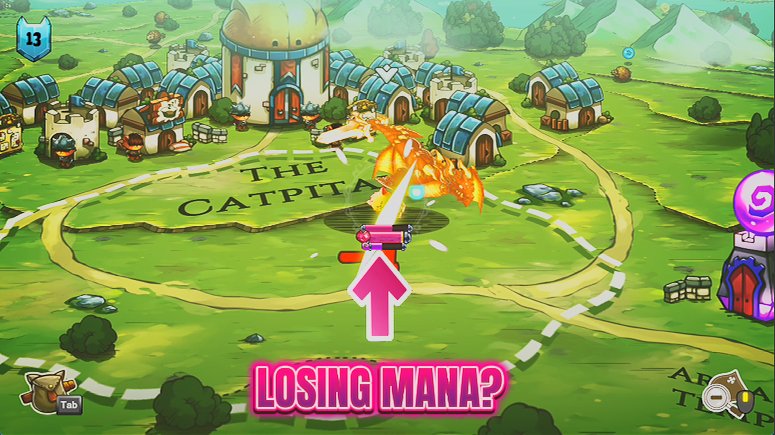
Your spell meter stays topped up, so you can chain Flamepurr, Lightpaw and every other spell back to back without ever waiting to recharge.
Big Cat, Lil Cat
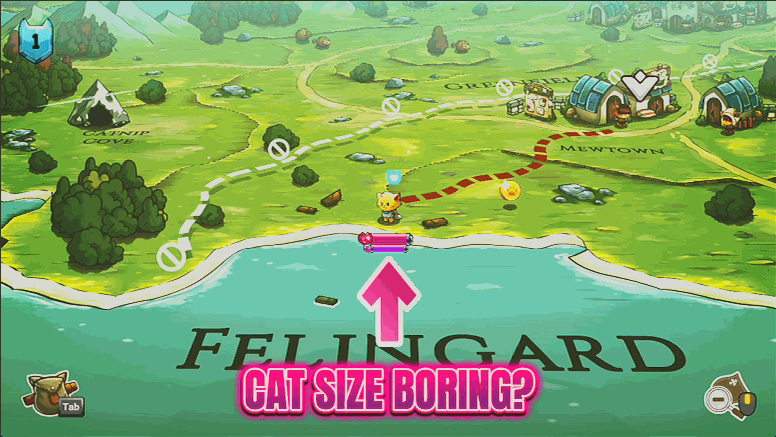
Resize your hero cat on the overworld, from a tiny pocket kitten to a map-filling colossus. Pure silliness for screenshots and a fresh way to see Felingard.
Master of Magic
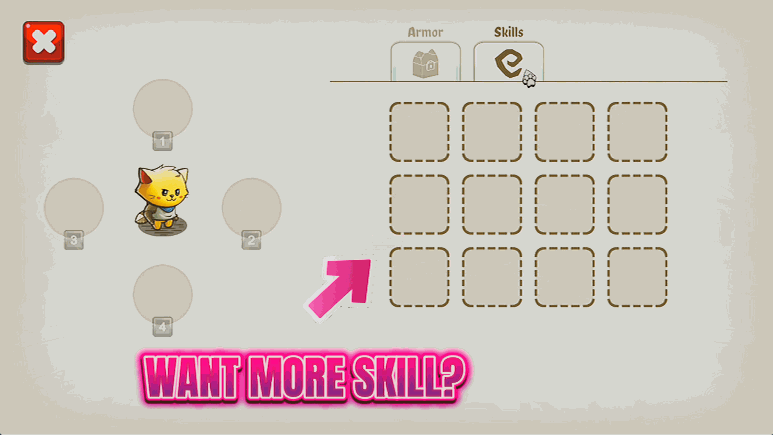
Instantly learn every spell in Cat Quest, from Flamepurr to Lightpaw and beyond. Build any loadout you like without hunting down each spell scroll first.