Want more mods for Cat Quest? Explore our entire collection!
Big Cat, Lil Cat
"From pocket kitten to colossal chonk."
How do I install Big Cat, Lil Cat?
Download the free ProjectMods desktop app, then install Big Cat, Lil Cat for Cat Quest in one click.
</>What does Big Cat, Lil Cat do?
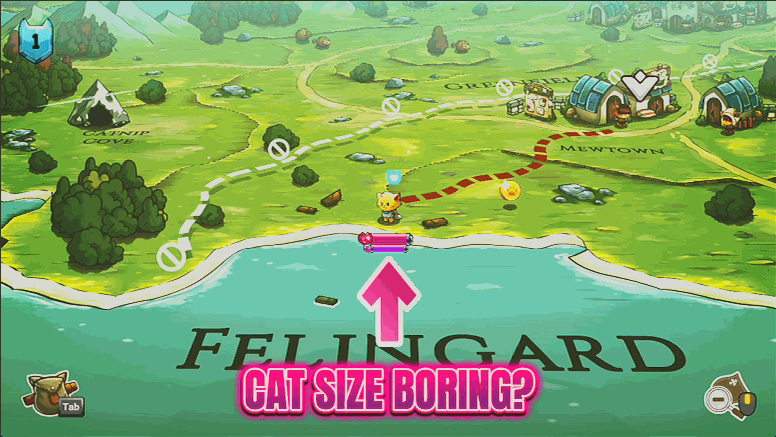
Ever wanted your hero to tower over the mountains, or shrink down to the size of a passing beetle? Big Cat, Lil Cat puts a size slider on your overworld cat and lets you go wild. Drag it down for an adorable pocket kitten padding across the map, or crank it up until your cat fills the whole screen and dwarfs entire towns. It's purely cosmetic fun, the world reacts exactly the same, you just look ridiculous doing it. Great for screenshots, goofy stream moments, or simply seeing Felingard from a totally new angle. Flip the master switch off any time and your cat snaps right back to normal size.
</>What is Big Cat, Lil Cat?
Big Cat, Lil Cat puts a size slider on your hero cat in Cat Quest. Shrink to a pocket kitten tiptoeing across Felingard, or balloon into a colossus that fills the map. It changes nothing about combat or the story, just pure screenshot silliness. A free-tier mod from ProjectMods, the community-first PC mod manager.
</>Common questions about Big Cat, Lil Cat
What does Big Cat, Lil Cat do in Cat Quest?
Big Cat, Lil Cat resizes your hero cat on the Cat Quest overworld using a single slider. Slide it down and you become a tiny pocket kitten padding between towns; slide it up and you swell into a colossal cat that fills half the map. It is built for laughs and screenshots rather than power, so your stats, combat, and progress all stay exactly the same no matter how big or small you look. Flip the master switch off at any time and your cat snaps straight back to its normal size. It is a fresh, silly way to wander Felingard and show the place off.
How big or small can I make my cat with the Size slider?
The Size slider is the heart of Big Cat, Lil Cat, running from adorably tiny to comically enormous, with 1x sitting at your cat's normal size in Cat Quest. Push it low and your hero shrinks to a pocket kitten that looks lost against the scenery; push it high and you tower over towns, forests, and whole stretches of Felingard. Everything updates live as you drag, so you can dial in the exact scale that looks best for a screenshot or a stream. Because the slider only changes how big your cat appears, there is no wrong setting to pick, you just choose whatever look makes you grin the most in the moment.
Does resizing my cat change combat or my stats?
No. Big Cat, Lil Cat only changes how large your hero cat looks on the Cat Quest overworld, so your health, damage, spells, and story progress all stay completely untouched. A giant cat does not hit harder, and a tiny cat is not any more fragile, your stats stay exactly where they were. The way you move around the map behaves normally too, so you will not get stuck or knocked off course by the new size. That is the whole point: it is a cosmetic bit of fun for photos and videos, not a power boost, so you can turn it on whenever the mood strikes without touching your actual run.
What does the Enabled switch do in Big Cat, Lil Cat?
Enabled is the master switch for Big Cat, Lil Cat. Turn it on and your chosen Size slider takes effect, growing or shrinking your hero cat across the Cat Quest overworld. Turn it off and your cat returns to its normal size instantly, with no lingering effect on your save. That makes it easy to pop into giant mode for a quick screenshot, then flip back to play the game at regular scale. Because the switch is fully reversible, you can bounce between silly and serious as often as you like, snapping a colossal-cat photo one minute and diving into a dungeon at normal size the next.
Why would I use Big Cat, Lil Cat in Cat Quest?
Big Cat, Lil Cat is all about fun and content. Streamers and video makers use it for instant visual gags, since a colossal cat looming over Felingard or a pocket kitten scurrying past a boss reads brilliantly on camera. Screenshot hunters love dialing in odd scales for a fresh framing of a world they have already explored a dozen times. And plenty of players just enjoy seeing the familiar Cat Quest map from a wildly different size for a while. Since it changes nothing about your stats or progress and turns off cleanly, there is no cost to messing around with it between quests.
What options does Big Cat, Lil Cat include?
Size
How big your cat is (1x is normal).
Enabled
Master switch. Turn it off to return your cat to normal size.
Big Cat, Lil Cat is a free-tier Cat Quest mod from ProjectMods that resizes your hero cat on the overworld, from a tiny pocket kitten to a colossal, map-filling chonk.
System Requirements
What features does Big Cat, Lil Cat include?
- Scale your overworld cat with a single slider, from tiny pocket kitten to screen-filling giant
- Tower over mountains and towns, or shrink small enough to look like a bug on the road
- Keeps everything cosmetic, so the world plays the same while your cat looks gloriously silly
- Toggle the master switch off to snap straight back to your cat's normal size
Best For
- Screenshot hunters framing a giant cat looming over a tiny Felingard village for the perfect shot
- Streamers who want a quick visual gag between fights without changing how the game plays
- Anyone curious what the map looks like from beetle height versus mountain height
- Friends messing about with the game who just want to make the cat enormous and laugh
More Mods for Cat Quest
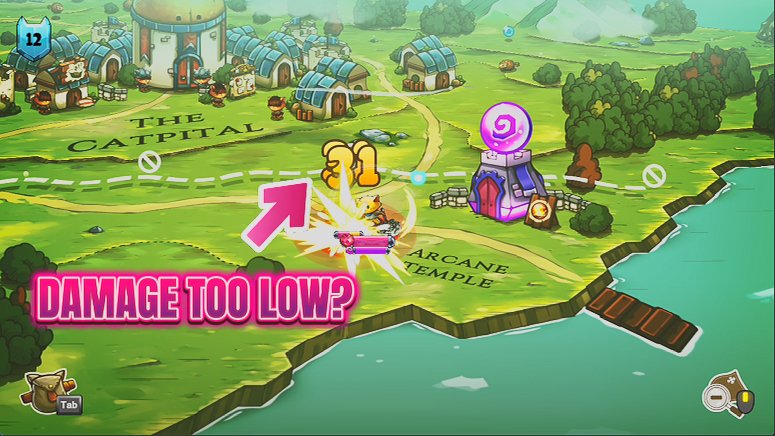
Furocious
Add big bonuses to your attack, magic and defence with three sliders. Build a glass-cannon spellcaster, an unshakable tank, or a bit of both.
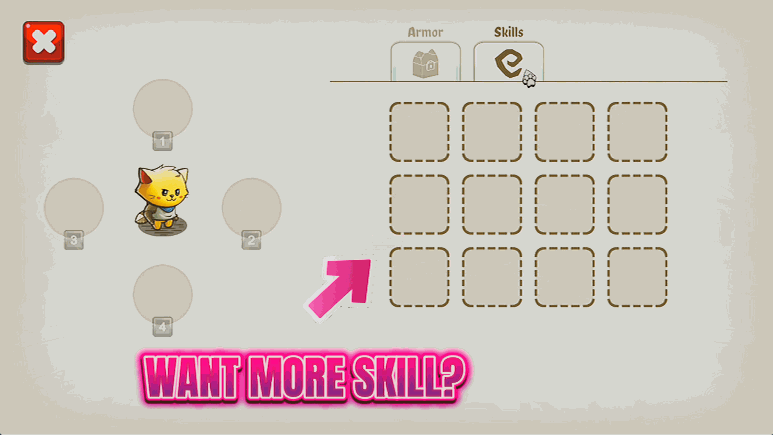
Master of Magic
Instantly learn every spell in Cat Quest, from Flamepurr to Lightpaw and beyond. Build any loadout you like without hunting down each spell scroll first.
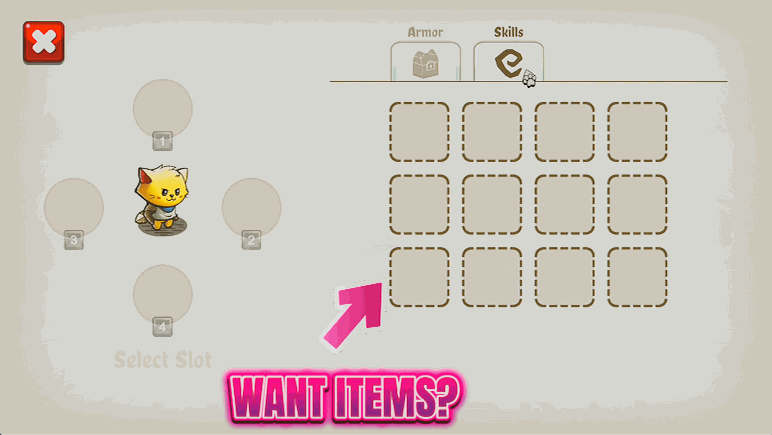
Loot Goblin
Pick any weapon or armor piece from a searchable list and add it straight to your collection. Grab that dream sword early or complete a themed outfit on demand.