Want more mods for Chocolate Factory Simulator? Explore our entire collection!
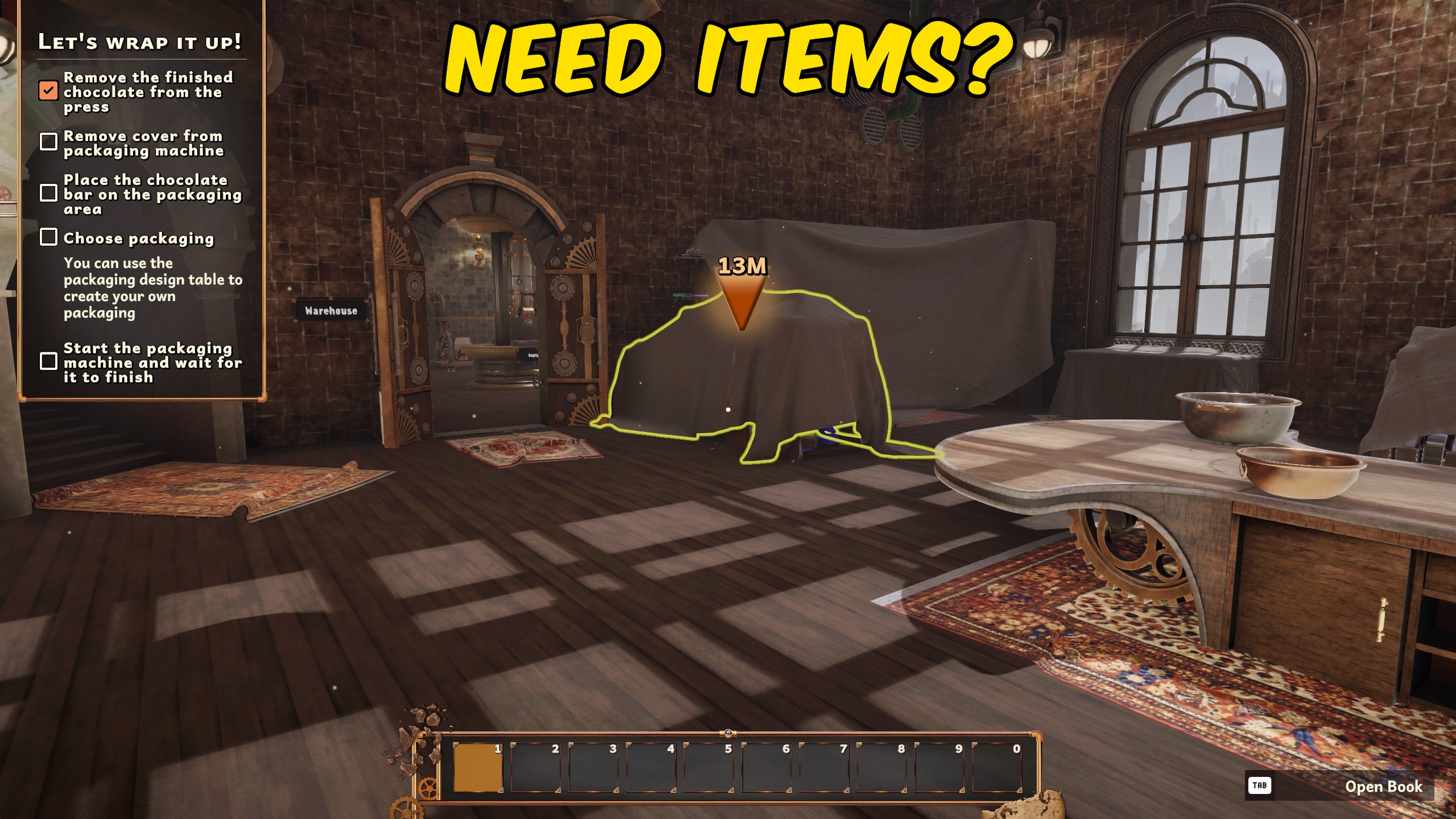
Give Items
"Choose an item from a readable in-game list and add one instantly."
How do I install Give Items?
Download the free ProjectMods desktop app, then install Give Items for Chocolate Factory Simulator in one click.
</>What does Give Items do?
Give Items loads the available items from your current Chocolate Factory Simulator session and places them in a searchable dropdown using their normal in-game names. There is no need to enter item codes or guess hidden names. Enter your factory, press Refresh Items, choose what you want, and press Give Selected Item. Each press adds one item to your quick-access inventory when space is available. If the inventory is full, the item is placed safely in front of your character instead of disappearing. The item list can include ingredients, tools, containers, parts, and other objects available in the loaded game. Duplicate display names are removed to keep the dropdown tidy and make individual items easier to find. Remove Last Given Item deletes the most recent item created by this mod, whether it was added to your inventory or placed nearby. This makes it easy to undo an accidental selection without searching the factory floor.
</>What is Give Items?
Give Items is a Chocolate Factory Simulator item spawner that loads the current item list into a readable dropdown. It lets you add ingredients, tools, parts, containers, and other available objects without typing item IDs. Each press gives one selected item, placing it in the quick-access inventory when there is room or in front of the player when the inventory is full. A separate remove action can delete the last item created by the mod.
</>Common questions about Give Items
How do I load the item dropdown?
Enter your factory and press Refresh Items before choosing an item.
Do I need to type an item name or code?
No. Choose the item from a dropdown filled with readable in-game names.
What happens if my inventory is full?
Any items that do not fit are placed in front of your character.
Can I undo the last item I gave myself?
Yes. Remove Last Given Item deletes the most recent item created by the mod.
What options does Give Items include?
Select Item
Choose the item you want to receive.
Give Selected Item
Add one chosen item to your inventory or place it in front of you when full.
Remove Last Given Item
Delete the most recent item created by this mod.
Refresh Items
Load the available item list after entering your factory.
Enter your factory, press Refresh Items, choose an item from the dropdown, and press Give Selected Item to receive one.
System Requirements
What features does Give Items include?
- Build a dropdown from the items available in the loaded game session.
- Show readable in-game item names instead of item IDs or hidden codes.
- Give one copy of the selected item with each button press.
- Remove the most recently given item with a separate action.
Best For
- Replace a missing ingredient or tool without searching the entire factory.
- Create materials quickly while testing recipes, machinery, or production layouts.
More Mods for Chocolate Factory Simulator
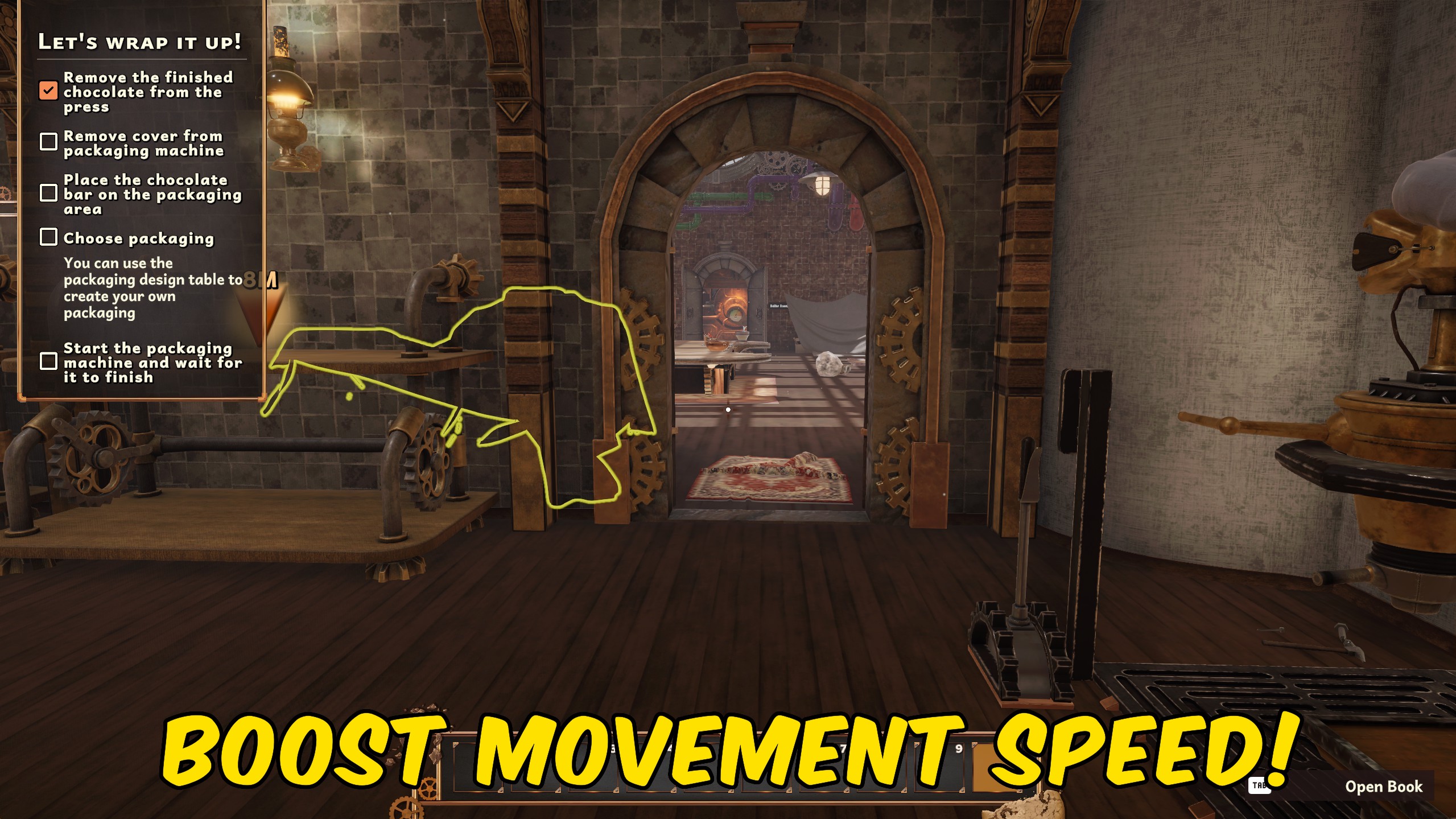
Movement Controller
Adjust your walking and sprinting speeds with separate multipliers in Chocolate Factory Simulator.
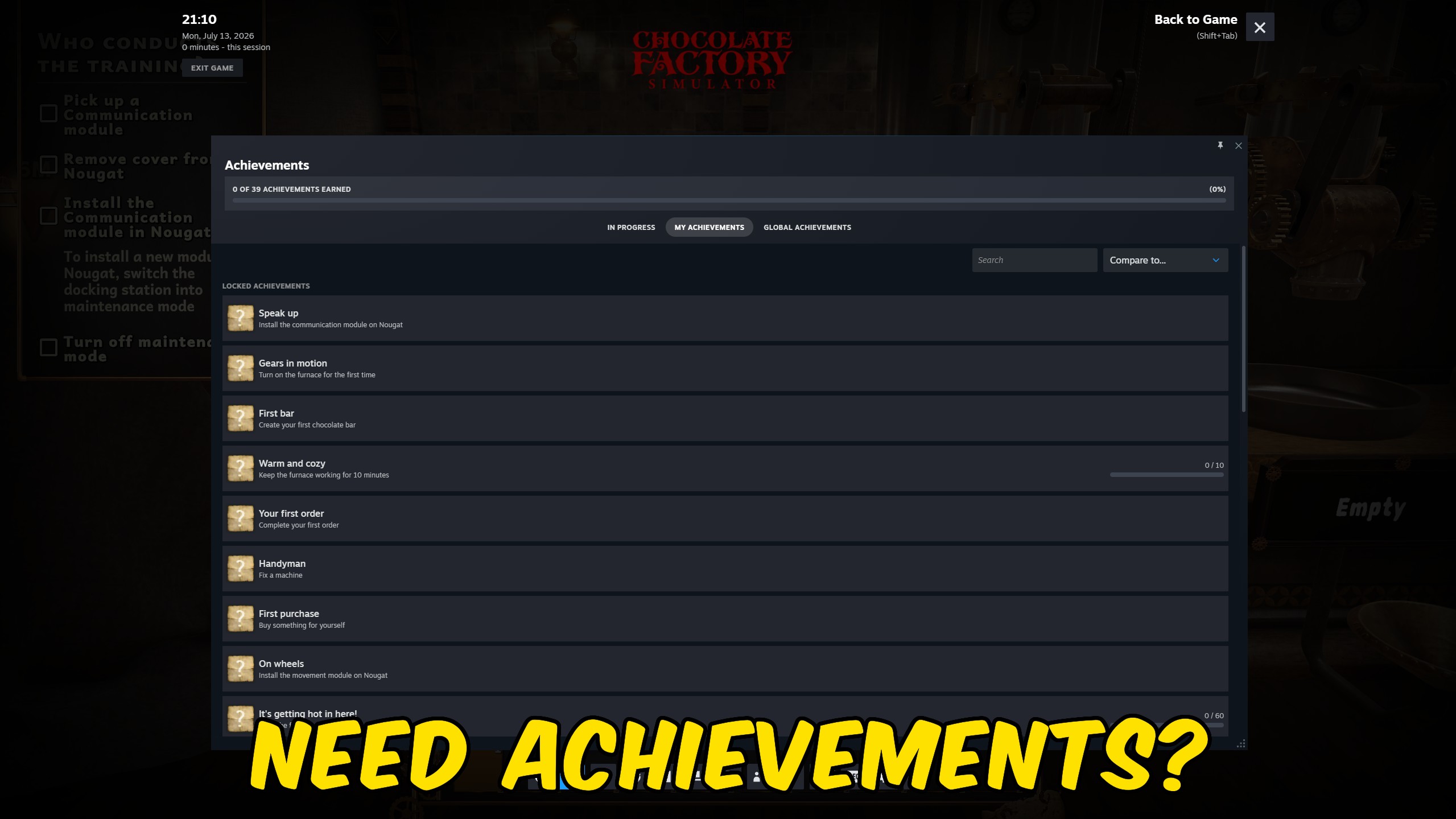
Achievement Unlocker
Unlock any selected Chocolate Factory Simulator achievement, complete the full collection at once, or lock every achievement for a fresh start.
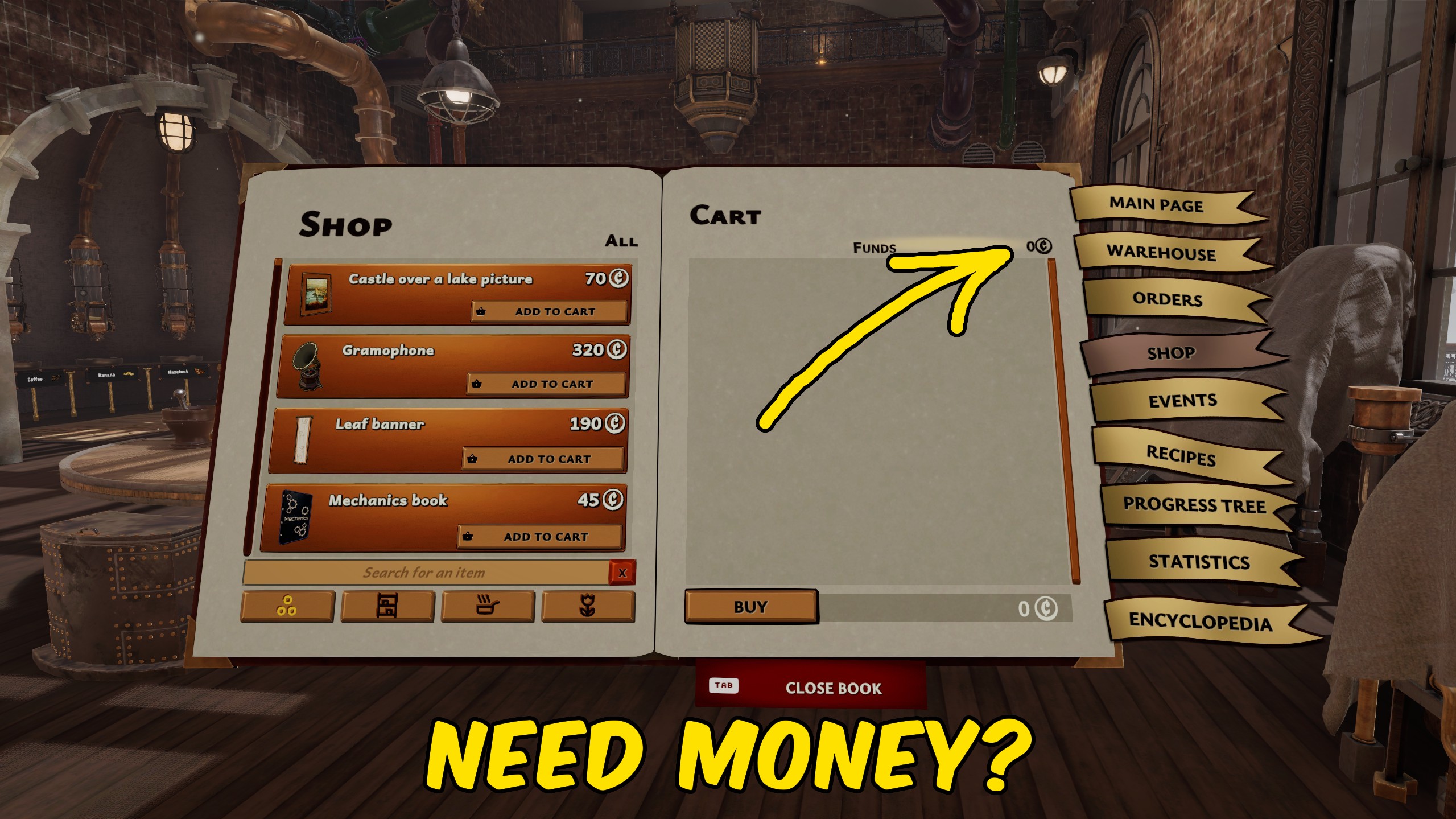
Give Money
Add any chosen amount of money to your Chocolate Factory Simulator balance, or reset your current funds to zero.







