Want more mods for Chocolate Factory Simulator? Explore our entire collection!
Give Money
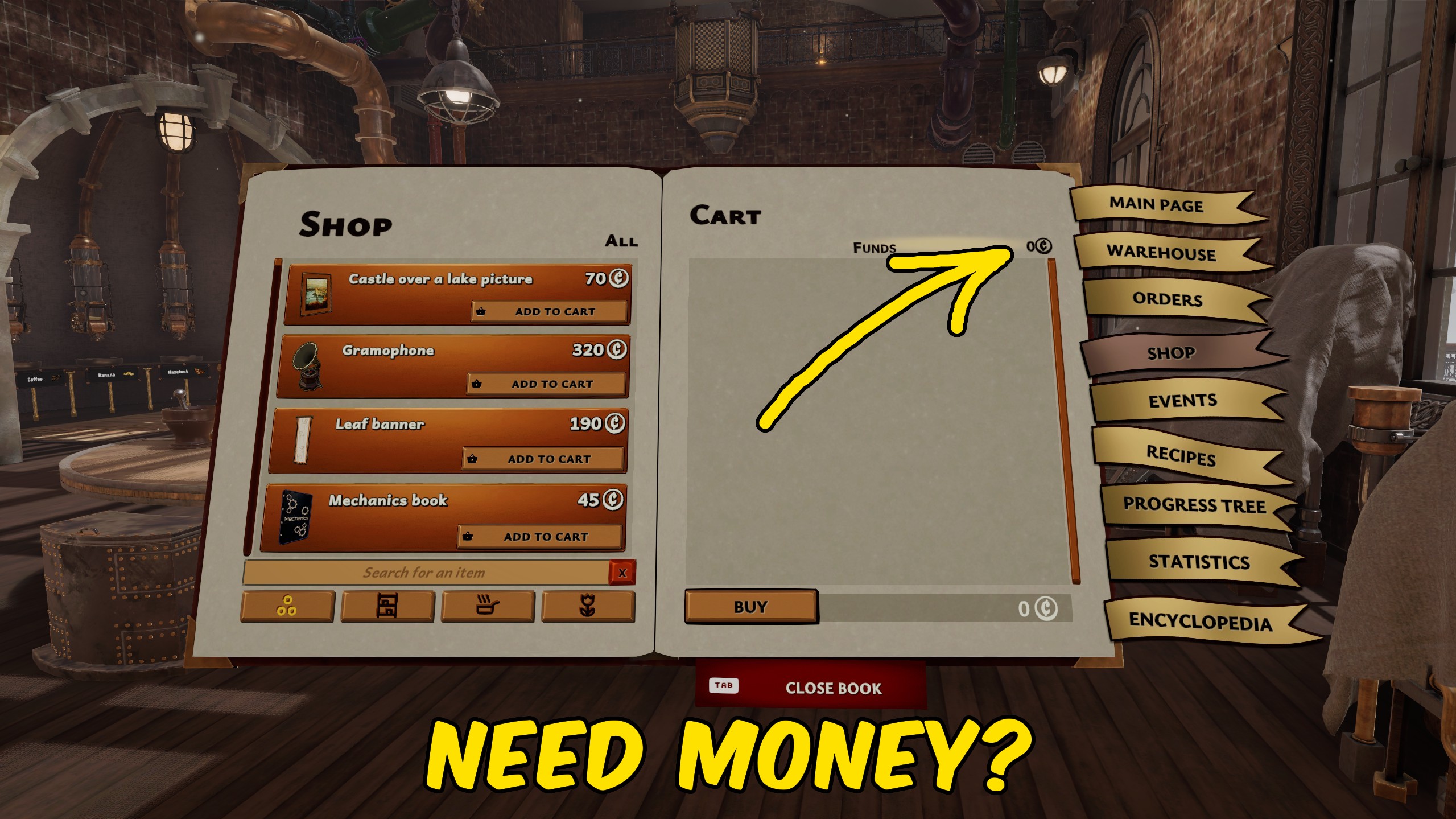
"Add spending money instantly or reset your balance to zero."
How do I install Give Money?
Download the free ProjectMods desktop app, then install Give Money for Chocolate Factory Simulator in one click.
</>What does Give Money do?
Give Money lets you choose exactly how much money to add to your balance in Chocolate Factory Simulator. Enter an amount, press Give Money, and the new funds are ready to spend on ingredients, equipment, upgrades, and everything else your chocolate business needs. The amount can be changed before every use, so the mod works for both small boosts and much larger factory budgets. Your balance updates immediately on screen, making it easy to confirm the result before returning to production. A separate Reset Money action sets the current balance back to zero. This is useful when you want to clear an experimental balance, begin a stricter challenge, or undo a large amount without calculating it manually.
</>What is Give Money?
Give Money is a Chocolate Factory Simulator money mod for adding a custom amount of currency whenever your factory needs a larger budget. It is useful for buying ingredients, testing equipment upgrades, expanding production, and experimenting with factory layouts without waiting to complete more orders. The included reset action sets the balance to zero when you want to clear the added funds or start a new money challenge.
</>Common questions about Give Money
Can I choose how much money to add?
Yes. Set the Money Amount to any positive value before pressing Give Money.
Does the money display update immediately?
Yes. The current balance refreshes when money is added or reset.
What does Reset Money do?
It sets your entire current balance to zero.
Do I need to load into my factory first?
Yes. Open a factory save before using either money action.
What options does Give Money include?
Reset Money
Set your current money balance to zero.
Money Amount
Choose how much money to add to your balance.
Give Money
Add the selected amount to your current balance.
Enter the amount you want, press Give Money to add it to your balance, or use Reset Money to set your funds back to zero.
System Requirements
What features does Give Money include?
- Add any chosen amount directly to your current factory balance.
- Refresh the on-screen money display as soon as funds are added.
- Reset the complete balance to exactly zero with a separate action.
Best For
- Fund ingredients, machinery, and upgrades while testing a new factory setup.
- Clear your balance before starting a self-imposed zero-money challenge.
More Mods for Chocolate Factory Simulator

Movement Controller
Adjust your walking and sprinting speeds with separate multipliers in Chocolate Factory Simulator.
Give Items
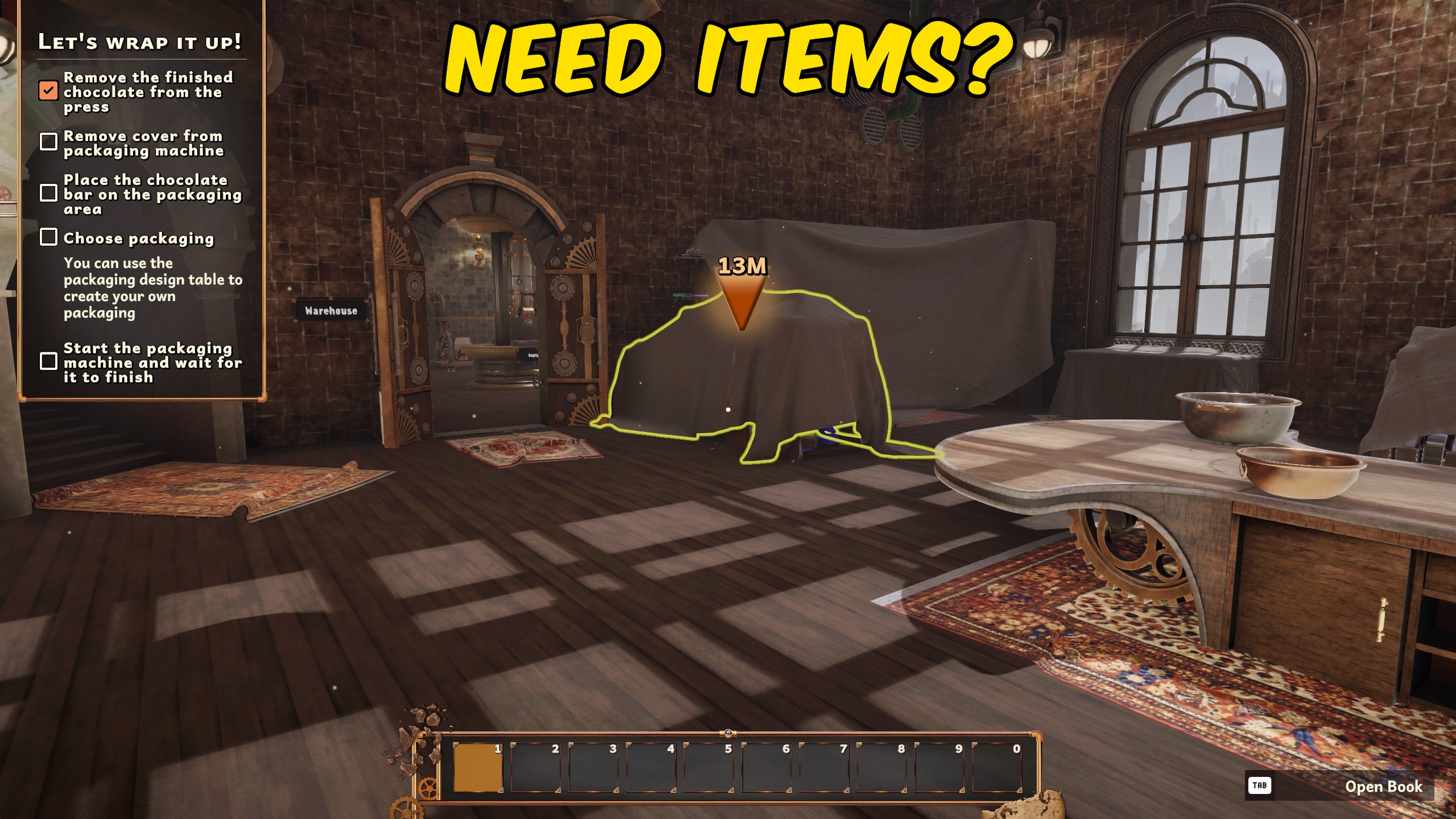
Refresh the Chocolate Factory Simulator item list, choose an item by its readable name, and add one to your inventory.

Fly
Fly freely around Chocolate Factory Simulator with adjustable Fly Speed, a faster Left Shift boost, and optional noclip movement.







