Want more mods for Chocolate Factory Simulator? Explore our entire collection!
Fly
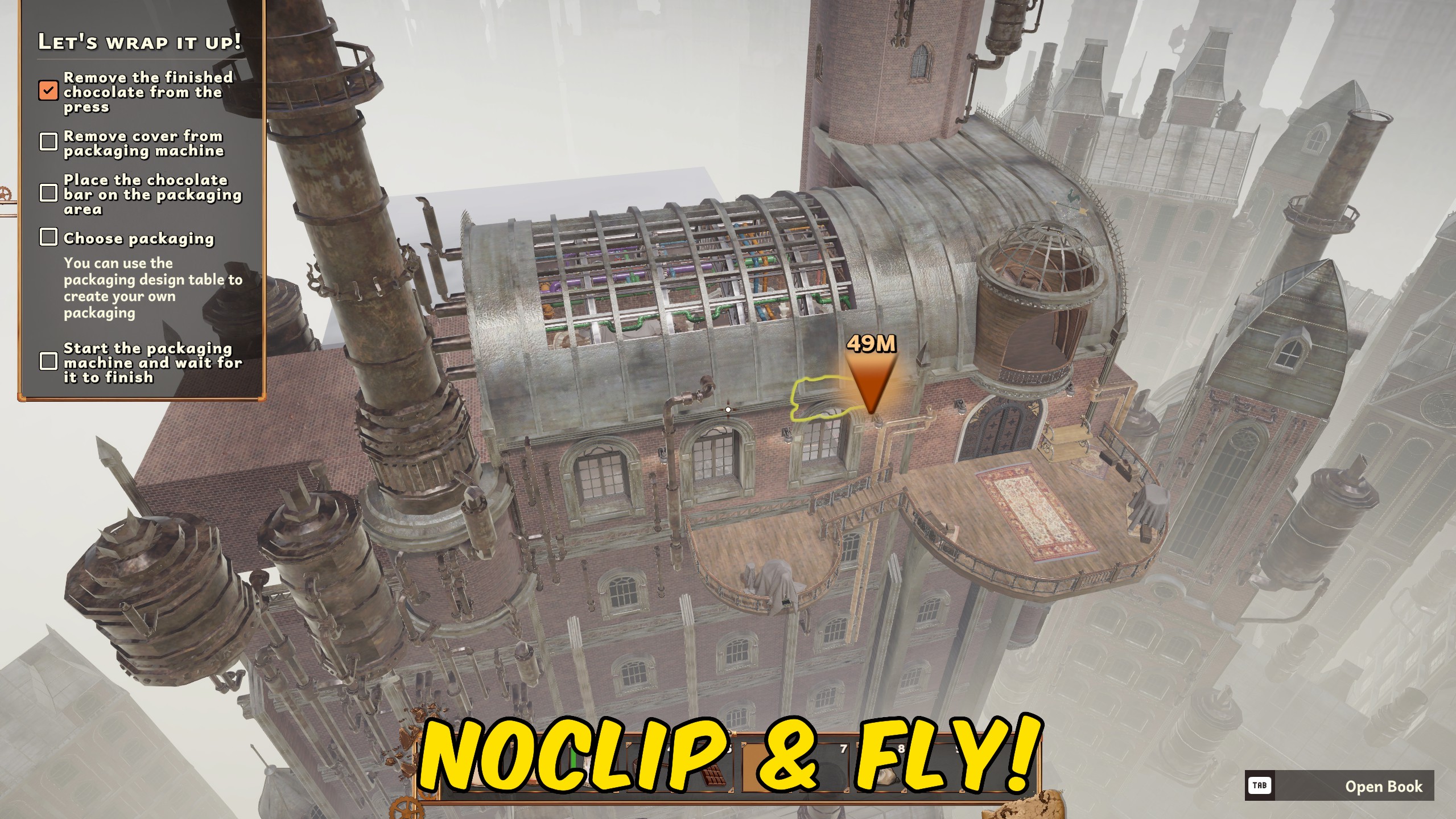
"Fly through the factory with adjustable speed and an optional noclip mode."
How do I install Fly?
Download the free ProjectMods desktop app, then install Fly for Chocolate Factory Simulator in one click.
</>What does Fly do?
Fly lets you move freely through the air anywhere in Chocolate Factory Simulator. Use the normal movement keys to travel in the direction you are looking, hold Space to rise, and hold Left Control to descend. Fly Speed controls your normal movement while Shift Speed sets the faster boost used when Left Shift is held. Both values can be adjusted independently, whether you want careful positioning around machinery or quick travel across the factory. The Noclip option lets you pass through walls, floors, equipment, and other solid objects while flight is enabled. Turn noclip off when you want airborne movement with normal collisions, or disable Fly Enabled to return to standard walking and gravity. Gravity is suspended only during flight and the stored fall speed is cleared when flight ends, preventing the character from dropping as though they had been falling for the entire time.
</>What is Fly?
This Chocolate Factory Simulator fly mod adds free aerial movement for navigating the factory from any height. It includes separate Fly Speed and Shift Speed settings, vertical movement controls, gravity suspension, and an optional noclip mode for passing through walls, floors, and machinery. Disable flight at any time to restore normal movement, collisions, and gravity without carrying a large fall into the landing.
</>Common questions about Fly
What are the flight controls?
Use WASD to move, Space to rise, Left Control to descend, and Left Shift for the faster boost speed.
Can I change the normal and boosted flight speeds separately?
Yes. Fly Speed controls normal flight and Shift Speed controls movement while Left Shift is held.
What does Noclip do?
Noclip lets you move through solid objects while Fly Enabled is turned on.
Will I keep falling while flight is enabled?
No. Gravity is suspended during flight and returns when flight is disabled.
What options does Fly include?
Shift Speed
Set your faster flying speed while holding Left Shift.
Fly Speed
Set your normal flying speed.
Noclip
Lets you pass through walls, floors, and objects while Fly Enabled is on.
Fly Enabled
Lets you fly around the factory using WASD, Space, and Left Control.
Enable Fly, use WASD to move, Space to rise, Left Control to descend, and Left Shift to use the faster Shift Speed.
System Requirements
What features does Fly include?
- Fly in the direction you are looking with full vertical movement.
- Set separate Fly Speed and faster Left Shift boost values.
- Enable noclip to pass through walls, floors, and factory equipment.
- Restore normal gravity and collisions when flight is disabled.
Best For
- Move quickly between distant parts of a large factory without following walkways.
- Reach awkward areas and inspect machinery or layouts from above.
More Mods for Chocolate Factory Simulator
Give Items
Refresh the Chocolate Factory Simulator item list, choose an item by its readable name, and add one to your inventory.

Achievement Unlocker
Unlock any selected Chocolate Factory Simulator achievement, complete the full collection at once, or lock every achievement for a fresh start.
Give Money
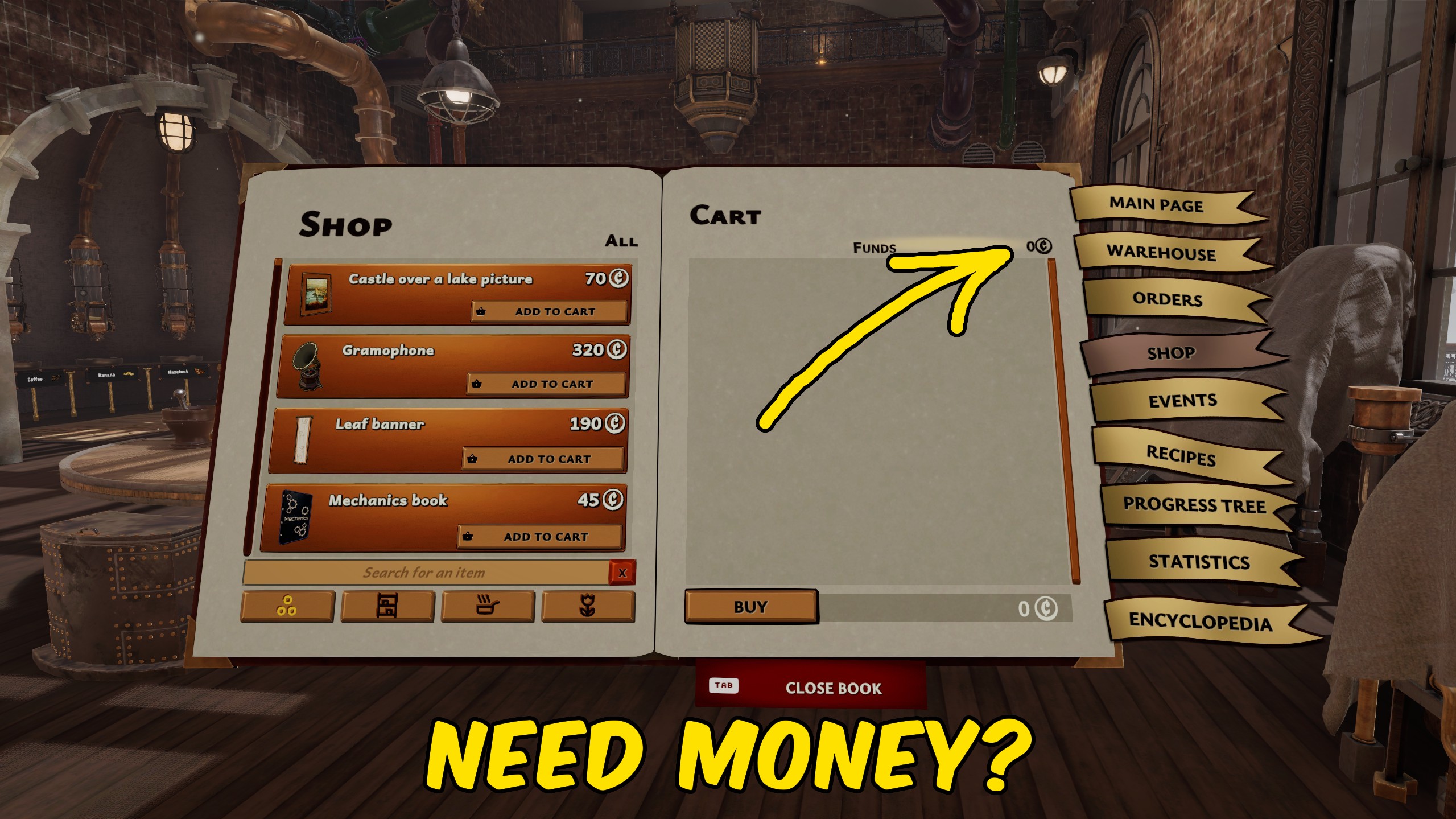
Add any chosen amount of money to your Chocolate Factory Simulator balance, or reset your current funds to zero.







