Want more mods for Choo-Choo Charles? Explore our entire collection!
Teleport
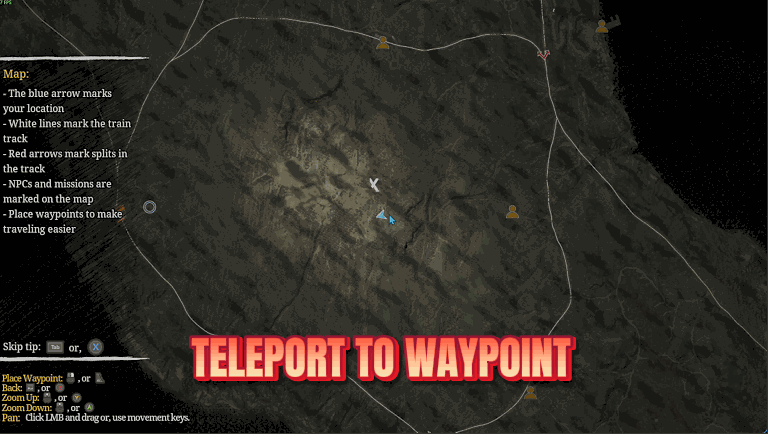
"Back at your train in one press. Or anywhere you marked."
How do I install Teleport?
Download the free ProjectMods desktop app, then install Teleport for Choo-Choo Charles in one click.
</>What does Teleport do?
You leave the train, walk a long way to a building, and then Charles turns up while the train is far behind you. Teleport hands you four buttons for that walk. Save Location remembers the spot where you stand. Return To Saved Location puts you back on it. There is one saved spot at a time, so saving again replaces the last one, and it is forgotten when you die, load a save or go back to the menu. Teleport To Train puts you at your train from anywhere on the island, at the same spot the game uses when it brings you back to your train. Teleport To Waypoint puts you on the ground at the waypoint you placed on the map. By default the map opens with M and the right mouse button places a waypoint on it. Every button acts once. Nothing stays switched on, and turning the mod off doesn't move you back.
</>What is Teleport?
Teleport moves you around the island in Choo-Choo Charles without the walk. Save Location and Return To Saved Location work as a pair on one remembered spot, Teleport To Train takes you to your train, and Teleport To Waypoint drops you at the waypoint on your map. It never moves the train or Charles, has no list of named places, and doesn't place waypoints for you. The saved spot doesn't survive death or a reload.
</>Common questions about Teleport
What does Teleport do in Choo-Choo Charles?
It moves you instantly to one of three places: a spot you saved, your train, or your map waypoint. You need to be in a game first. At the main menu each button answers "Load into a game first". The mod writes nothing to your save, so after a teleport you simply are where it put you.
Why did a teleport button refuse to work?
The three teleport buttons are refused while you are dead, the death screen included, and while you are on one of the train's guns. Save Location is refused while you are dead. Each time, the reply says why. Teleport To Waypoint also needs a waypoint on the map and tells you to place one if there isn't any.
Why did Teleport To Waypoint put me on a roof?
You land on the first surface found at the waypoint's spot, and when the waypoint sits on a marked place that surface can be a roof. Your feet are set 10 centimetres above it. Put the waypoint on open ground beside the place if you want to arrive at ground level.
Can I keep several saved locations or waypoints?
No, one of each. The game itself keeps a single waypoint on the map, and Teleport To Waypoint always goes to that one. The mod doesn't place or remove waypoints, so you move the waypoint on the map yourself, then press the button again.
What options does Teleport include?
Return To Saved Location
Puts you back at the spot you saved with Save Location. Not while you are dead or on the train's gun.
Teleport To Waypoint
Puts you on the ground at the waypoint you placed on the map. Place one first: open the map (M by default) and click a spot with the right mouse button (the default). Both can be changed in the game's settings. Not while you are dead or on the train's gun.
Save Location
Remembers the spot where you stand. It is kept until you die, load a save or go back to the menu.
Teleport To Train
Puts you at your train from anywhere on the island, at the same spot the game uses when it brings you back to your train. Not while you are dead or on the train's gun.
Teleport is a ProjectMods mod for Choo-Choo Charles that adds four buttons to save one spot and return to it, jump to your train, or jump to your map waypoint, with the saved spot lost when you die or load a save.
System Requirements
What features does Teleport include?
- Save Location remembers one spot, and Return To Saved Location puts you back there until you die, load a save or return to the menu.
- Teleport To Train works from anywhere on the island.
- Teleport To Waypoint sets you down at the single waypoint the game keeps on your map.
Best For
- You are about to go into a building far from the tracks. Press Save Location at the door, and if things go wrong inside, Return To Saved Location puts you back outside.
- Charles shows up while you are on foot and your train is out of sight. Press Teleport To Train and you are standing at it.
- Somewhere you want to visit is on the other side of the island. Put a waypoint on it on the map and press Teleport To Waypoint.
- You are searching a spot and need something from your train. Press Save Location, then Teleport To Train, then Return To Saved Location to carry on where you were.
More Mods for Choo-Choo Charles
No Gun Overheating
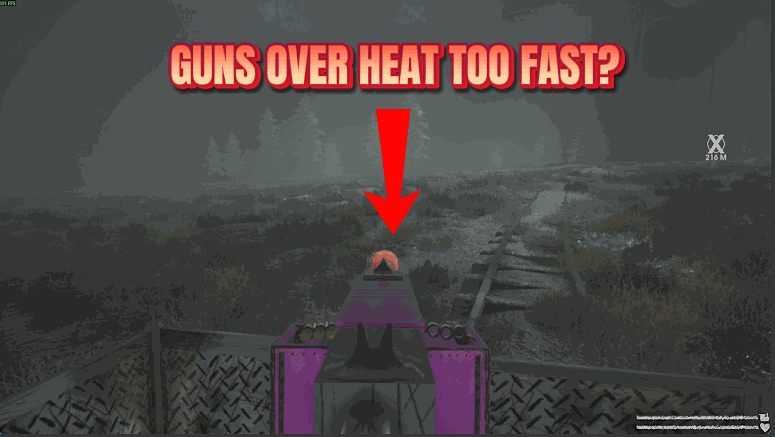
Your train's Derailer machine gun, Bob cannon and Bug Spray flamethrower build no heat, so they never jam and you can keep firing without a pause.
Charles Speed & Damage
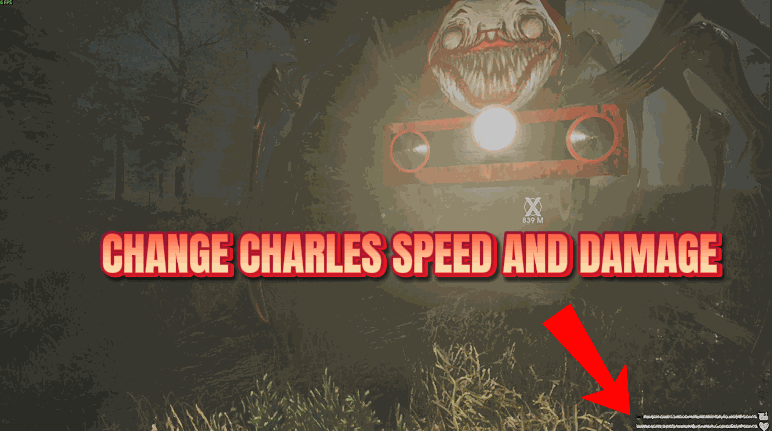
Set how fast Charles moves (25 to 300 percent of normal) and how hard his hits land on you and your train (0 to 500 percent), each with its own switch.
Weapon Damage Multiplier
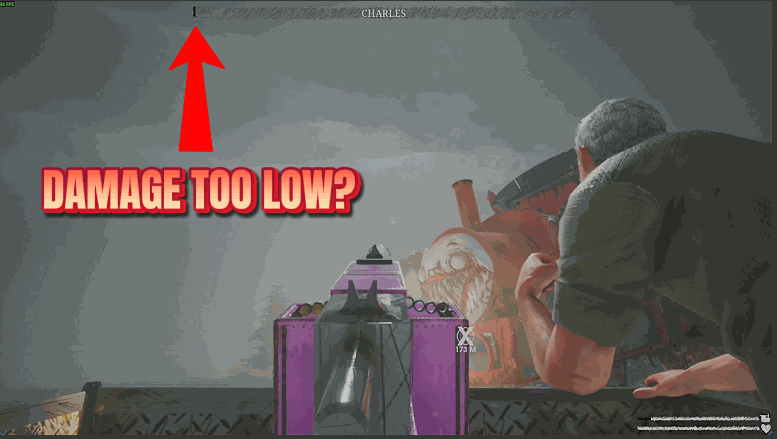
A switch and a percent slider that scale the damage of all four train guns, from a tenth of normal (10) to ten times (1000).







