Want more mods for Choo-Choo Charles? Explore our entire collection!
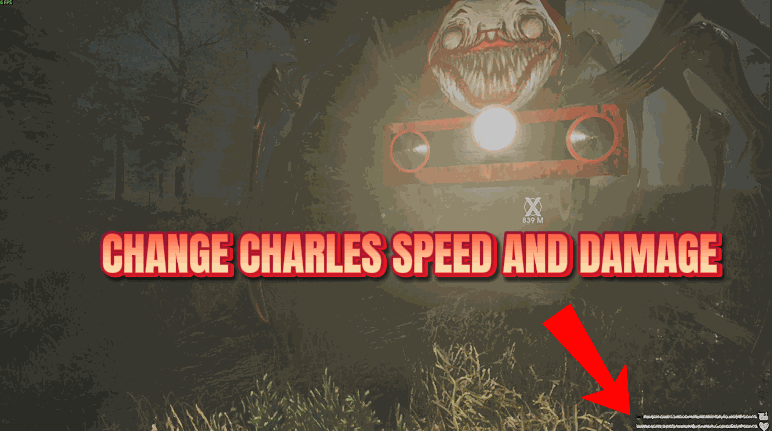
Charles Speed & Damage
"A slower Charles. Or a much, much worse one."
How do I install Charles Speed & Damage?
Download the free ProjectMods desktop app, then install Charles Speed & Damage for Choo-Choo Charles in one click.
</>What does Charles Speed & Damage do?
Charles comes with one difficulty: his. If he's on you before you can react, or if he stopped being scary once your armor went up, the game has no dial for that. Charles Speed & Damage hands you two. Switch on Change Charles Speed and he chases, searches and wanders at Charles Speed Percent of his normal pace. The slider moves in steps of 5 and starts at 50, so the first thing you get is a half-speed Charles. 100 is normal and 300 is three times as fast. Switch on Change Charles Damage and his hits on you on foot, on you aboard the train and on the train itself do Charles Damage Percent of their normal damage. That slider also starts at 50. At 0 his hits are harmless, at 500 they do five times the damage. The two switches are independent, so a fast Charles who hits softly is as quick to set up as a slow one who hits like a truck. Switch either one off, or set its percent to 100, and his normal numbers are back at once.
</>What is Charles Speed & Damage?
Charles Speed & Damage is a difficulty dial for the island's biggest threat. Change Charles Speed with Charles Speed Percent slows him to a quarter of his pace or triples it. Change Charles Damage with Charles Damage Percent scales what each hit costs you and your train, down to nothing or up to five times. It never touches his health, the cultists or how often he attacks, and the very end of the final fight keeps its own fixed values.
</>Common questions about Charles Speed & Damage
What does Charles Speed & Damage do in Choo-Choo Charles?
It scales how fast Charles moves and how much damage his hits do, as percentages of the game's own values. Each has a switch and a slider, both off by default, so nothing changes until you turn one on. Only Charles is affected. His health, what your shots do to him and the cultists all stay as the game set them.
Why does Charles hit normally at the very end of the final fight?
Because the mod leaves the last sliver of that fight alone. Once Charles drops below 5 percent of his health, the game gives him its own fixed chase speed and damage, and neither percent applies from there. Every earlier stage of the final fight follows your settings.
Is Charles Damage Percent at 0 the same as being invincible?
No, it only makes Charles's own hits harmless. They still land, with the knockback, screen effects and sounds, but take no health from you or the train. Cultists, falls and everything else hurt as usual. For full protection on foot, use the God Mode mod alongside it.
How much damage does a normal Charles hit do?
In normal play a hit does about 25 to you on foot, 20 to you aboard the train and 15 to the train, and the game varies each hit by a random factor. Your percent scales those figures. At the default 50 that's roughly 12 on foot. At 500 it's about 125, more than a full health bar.
Does the speed setting change how often he attacks?
No. Charles Speed Percent changes how fast he walks and runs, nothing else. His attack timing, his knockback and how much your shots slow him stay the game's own. In Nightmare Mode he also keeps that mode's 1.3x chase boost on top of your percent, so 50 there is quicker than 50 in Classic.
What options does Charles Speed & Damage include?
Charles Damage Percent
How hard Charles hits while Change Charles Damage is on: 100 is normal, 50 is half damage, 0 makes his hits harmless, 500 is five times the damage. Range 0 to 500, default 50.
Charles Speed Percent
How fast Charles moves while Change Charles Speed is on: 100 is normal, 50 is half speed, 300 is three times as fast. Range 25 to 300, default 50.
Change Charles Damage
Makes Charles's hits on you and on your train do Charles Damage Percent of their normal damage. Switch it off to give his hits their normal damage back. Default off.
Change Charles Speed
Makes Charles move at Charles Speed Percent of his normal speed when he chases, searches and wanders. Switch it off to give him his normal speed back. Default off.
Charles Speed & Damage is a ProjectMods mod for Choo-Choo Charles that scales how fast Charles moves and how much his hits take from you and your train. The last sliver of the final fight keeps the game's own numbers.
System Requirements
What features does Charles Speed & Damage include?
- Charles Speed Percent covers his chase, search and wander speeds, from 25 to 300.
- Charles Damage Percent covers three kinds of hit: on you on foot, on you aboard the train, and on the train itself.
- Both settings hold in normal play, in the opening and through the stages of the final fight.
- A change applies at once to the Charles in the world, with no reload.
Best For
- Charles keeps closing in before your train has any upgrades. Switch on Change Charles Speed and leave Charles Speed Percent at 50 so he covers ground at half his pace while you gather scraps.
- Your train's armor is upgraded and you want his attacks to bite again. Switch on Change Charles Damage and set Charles Damage Percent to 200 or higher.
- You want to watch how he moves and attacks up close. Set Charles Damage Percent to 0: his hits still land with knockback and sound, but take no health.
- You're setting up a harder run of your own. Start a new game with Charles Speed Percent at 150 and Charles Damage Percent at 300, and both apply from the opening onwards.
More Mods for Choo-Choo Charles
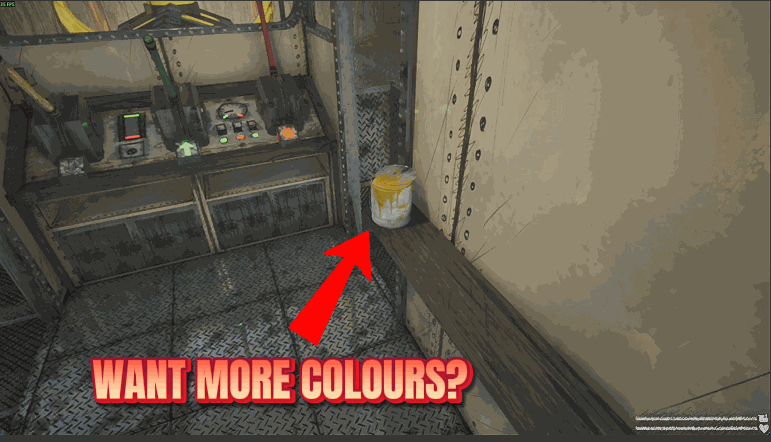
Unlock All Paint Colors
One button unlocks all 11 collectible paint colors for your train and puts their cans on the paint shelf, next to the Yellow you always have.
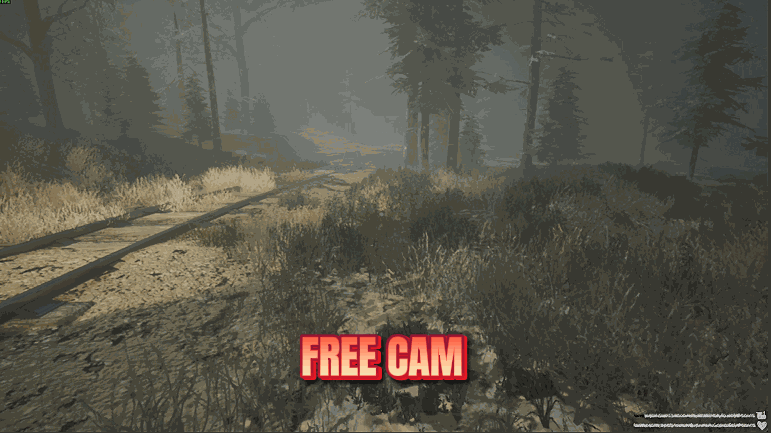
Free Camera
Detach your view from your character and fly it anywhere on the island at 2.5 to 40 metres per second, four times faster with Shift, and hide the HUD for a clean screenshot. The game keeps running while you look.
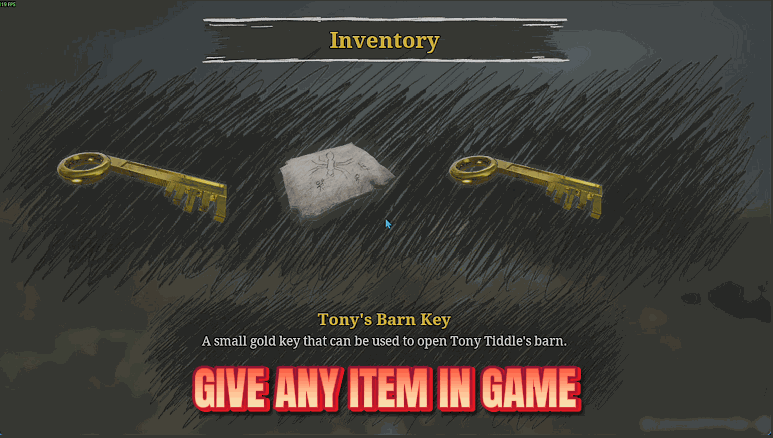
Give Item
Pick any of the game's 25 keys and mission items, set an Amount from 1 to 10 and press Give Item to add it to your inventory with the game's own pickup message.







