Want more mods for Choo-Choo Charles? Explore our entire collection!
Unlock All Paint Colors
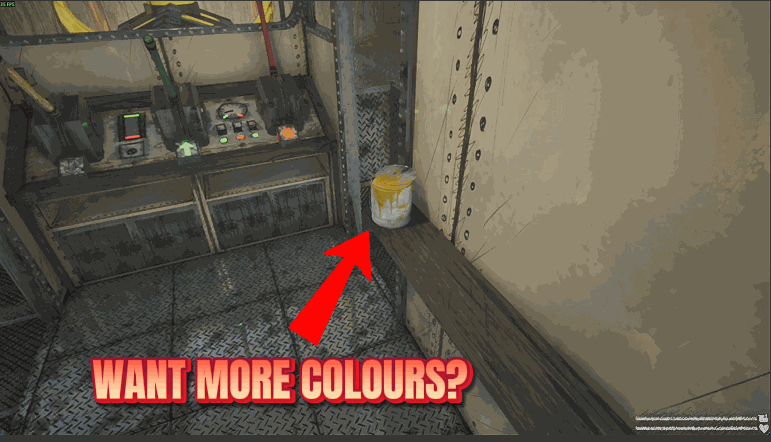
"Eleven paint cans on the shelf. No hunting."
How do I install Unlock All Paint Colors?
Download the free ProjectMods desktop app, then install Unlock All Paint Colors for Choo-Choo Charles in one click.
</>What does Unlock All Paint Colors do?
Your train comes in Yellow. The other eleven colors are paint cans you have to collect one by one before you can use them. Unlock All Paint Colors hands you the full set in one press. Load your game, press Unlock All Paint Colors, and Orange, Red, Grey, Black, White, Lime, Purple, Pink, Blue, Green and Teal all join Yellow on the paint shelf in your train: 12 colors to choose from. The button doesn't repaint anything. You still walk up to the shelf and pick the can you want. It needs your train in the world, so it does nothing at the main menu, and it won't respond while you are dead or the death screen is up. Press it again once you are back in the game. If the cans can't be shown straight away, the button tells you they'll appear after the next load. The colors are saved as collected and stay that way. There is no button to lock them again, and the mod does not unlock the Dripped Out achievement.
</>What is Unlock All Paint Colors?
Unlock All Paint Colors gives your Choo-Choo Charles train every color without the search. Press Unlock All Paint Colors in a loaded game and the 11 collectible cans, from Orange to Teal, appear on the paint shelf beside Yellow. The unlock is saved and has no undo. It never repaints the train for you, and it does not award the Dripped Out achievement for collecting all eleven cans.
</>Common questions about Unlock All Paint Colors
What does Unlock All Paint Colors do in Choo-Choo Charles?
It unlocks every train color the game makes you collect. One press marks the 11 collectible paint colors as found and sets their cans out for you to pick from. Yellow was already yours, so you end up with the full dozen.
Will this give me the Dripped Out achievement?
No. The mod unlocks the colors, not the achievement. Dripped Out asks you to collect all eleven paint cans, and nothing here promises it. If you want it on your Steam account anyway, the Achievement Unlocker mod for this game has Dripped Out in its Select Achievement list.
Can I lock the paint colors again afterwards?
No. The 11 colors are saved as collected for good and the mod has no lock-again button. If you'd like to find the cans yourself on this playthrough, don't press it on that save. It is a one-time button, so there is nothing to switch off either.
I pressed the button and no cans appeared. Why?
You were most likely at the main menu, dead, or looking at the death screen. The button needs a loaded game with your train in the world, and it ignores presses while you are dead, so press it again once you are playing. When the unlock goes through but the cans can't be put on the shelf yet, the button's message says so and they turn up after the next load.
What options does Unlock All Paint Colors include?
Unlock All Paint Colors
Unlocks all 11 collectible paint colors for your train at once: Orange, Red, Grey, Black, White, Lime, Purple, Pink, Blue, Green and Teal (Yellow is always there). The cans go on the paint shelf in your train. Use it in a loaded game. The colors stay unlocked in your save.
Unlock All Paint Colors is a ProjectMods mod for Choo-Choo Charles that puts all 11 collectible paint cans on your train's paint shelf with one button, for good, and does not unlock the Dripped Out achievement.
System Requirements
What features does Unlock All Paint Colors include?
- Unlock All Paint Colors marks all 11 collectible colors as collected in a single press.
- The cans go on the paint shelf in your train, which makes 12 colors with the always-there Yellow.
- The unlock is kept in your save for good.
- When the cans can't be shown at once, the button says they will be there after the next load.
Best For
- You're starting a new save and want a Black train from the first drive, so load in, press Unlock All Paint Colors and pick Black off the shelf.
- You've found eight cans and can't track down the last three, so press Unlock All Paint Colors and the missing ones fill in beside the ones you earned.
- You want the train's paint to suit a screenshot, so unlock the set once and try Pink, Teal and Lime at the shelf.
More Mods for Choo-Choo Charles
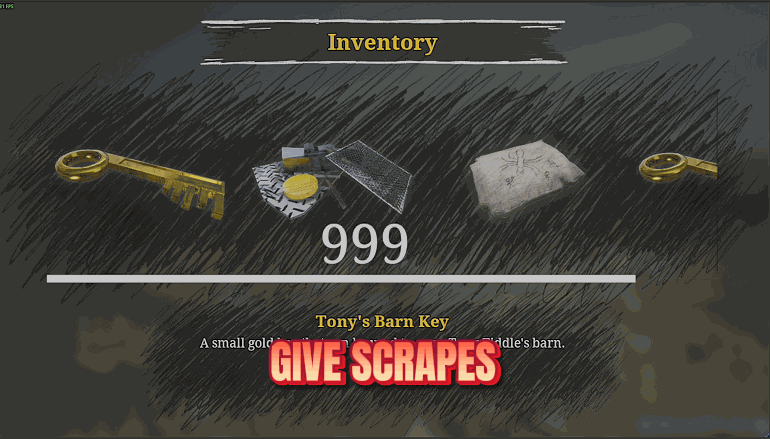
Give Scraps
Add 1 to 999 scraps to your count with one press, up to the game's limit of 999, or reset your scraps to exactly 0.
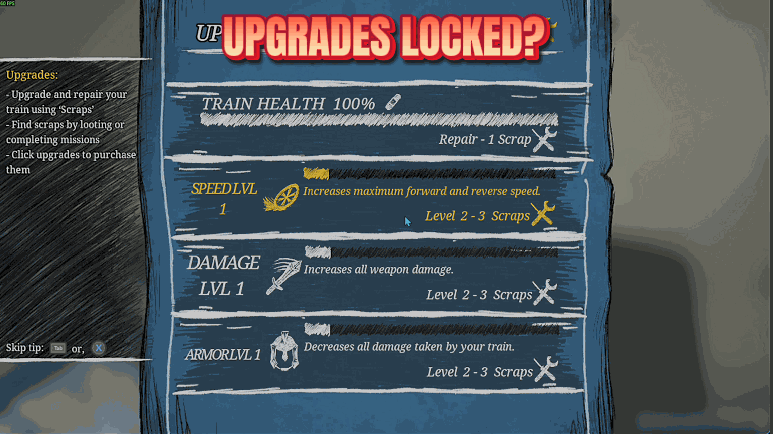
Free Train Upgrades
Every Speed, Damage and Armor level in the train's upgrades menu costs 0 scraps while the switch is on, and repairs cost nothing too. Your scrap count never moves.
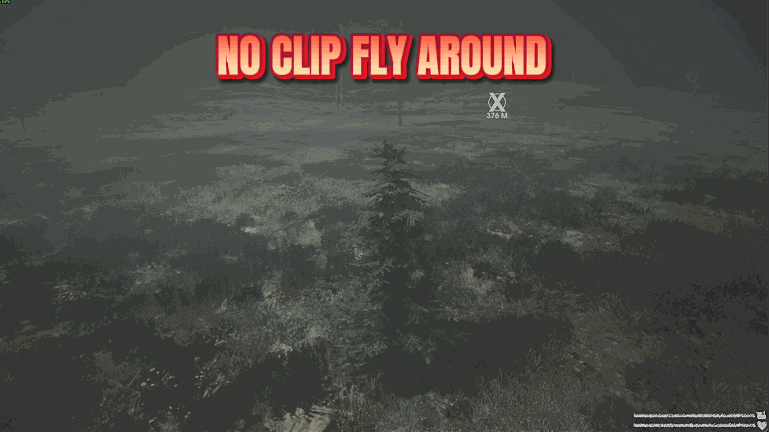
Fly & Noclip
Fly around the island with W A S D, Space and Ctrl at a speed you set, hold Shift for a faster one, and switch on Noclip to pass through walls, rocks, the train and the ground.







