Want more mods for Choo-Choo Charles? Explore our entire collection!
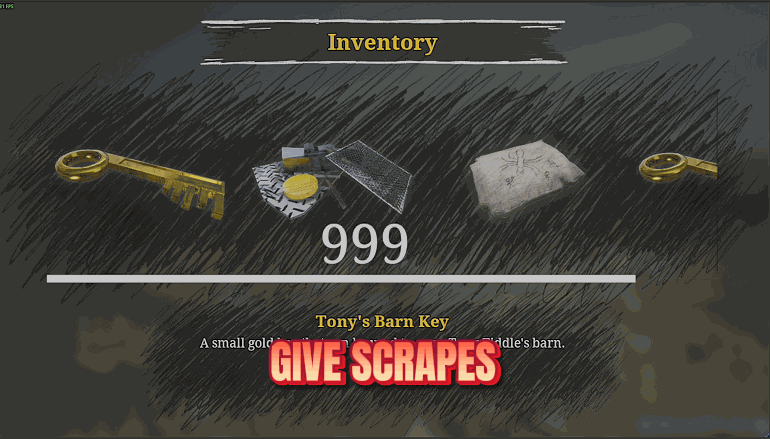
Give Scraps
"Fifty scraps, one button. Or 999."
How do I install Give Scraps?
Download the free ProjectMods desktop app, then install Give Scraps for Choo-Choo Charles in one click.
</>What does Give Scraps do?
Every upgrade and every repair on your train is paid in scraps. Taking Speed, Damage and Armor from level 1 to level 10 costs 126 scraps each, 378 for all three, before you've spent anything on repairs. Give Scraps lets you skip the collecting. Set Scrap Amount to the number you want, anywhere from 1 to 999. It starts at 50. Then press Give Scraps and that many are added to your count, with the launcher's reply telling you the new total. Your total stops at 999, the most the game can count. Reset Scraps sets your count to exactly 0, for when you'd like to earn everything the slow way again. The buttons work while you're alive in a loaded game. They refuse at the main menu and while you're down, on the death screen or after a Nightmare Mode permadeath. Upgrade prices are not changed: you still pay for each level, you just have the scraps to do it.
</>What is Give Scraps?
Give Scraps fills your scrap count on demand. Choose a number with Scrap Amount, press Give Scraps, and the scraps are yours to spend on train upgrades and repairs. Reset Scraps takes the count back to 0. The total is capped at 999 because the game's own counter can't go higher. The mod never makes upgrades cost nothing, never gives any item other than scraps, and shows its replies in the launcher, not in the game.
</>Common questions about Give Scraps
What does Give Scraps do in Choo-Choo Charles?
It adds scraps to your count whenever you press its button, in the amount you set, and can also zero the count. Scraps are what the game charges for train upgrades and repairs, so this is a direct shortcut to both.
Why can't I go above 999 scraps?
Because the game's own counter breaks at 1,000 and reads back as 1. The mod stops your total at 999 to keep you clear of that. If you're sitting at 999, spend a few before you pick up another scrap on the island, so the pickup doesn't tip the counter over.
I pressed Give Scraps and nothing changed on screen. Did it work?
Check the launcher: the button's reply there gives your new total. The game has no live scrap counter and no message appears in the game, so the place to see the change is the upgrades screen, which shows the new count the next time you open it. The scraps themselves are ready to spend at once, even if that screen is open when you press the button.
Do given scraps stay after I close the game?
Yes, your scrap count is saved as the buttons left it. Scraps you gave yourself stay, and a reset stays too. Disabling the mod changes nothing back, so if you want them gone, press Reset Scraps or spend them first. Starting a new game is the exception: it erases the save, given scraps included.
How much does each train upgrade level cost?
Level 1 of Speed, Damage and Armor costs nothing in the game. Levels 2 to 10 cost 3, 5, 7, 10, 13, 16, 20, 24 and 28 scraps in turn. The mod leaves those prices alone, so one press at the default Scrap Amount of 50 pays for a single upgrade up to level 6 with 12 scraps over.
What options does Give Scraps include?
Give Scraps
Adds Scrap Amount to your scraps. Your total stops at 999, the most the game can count. They are ready to spend at once; the upgrades screen shows the new count the next time you open it. Works while you are alive in a game.
Scrap Amount
How many scraps the Give Scraps button adds, from 1 to 999. Default 50.
Reset Scraps
Sets your scraps to exactly 0.
Give Scraps is a ProjectMods mod for Choo-Choo Charles that adds the number of scraps you choose with each press, to a maximum total of 999, and can reset your scraps to 0. The new count shows on the upgrades screen.
System Requirements
What features does Give Scraps include?
- Scrap Amount sets how many scraps one press adds, with 50 as the starting value.
- Give Scraps adds that amount and replies with your new total.
- At 999 scraps the button refuses until you spend some.
- Reset Scraps wipes the count clean in one press.
Best For
- You want a fully upgraded train before the first real fight with Charles. Set Scrap Amount to 378, press Give Scraps and buy Speed, Damage and Armor up to level 10.
- Your train is badly damaged and you have nothing left to fix it with. Repairs cost 1 scrap per 10 train health, so a Scrap Amount of 20 pays for 200 health.
- You've finished experimenting and want a normal run on the same save. Press Reset Scraps and earn the rest yourself.
More Mods for Choo-Choo Charles
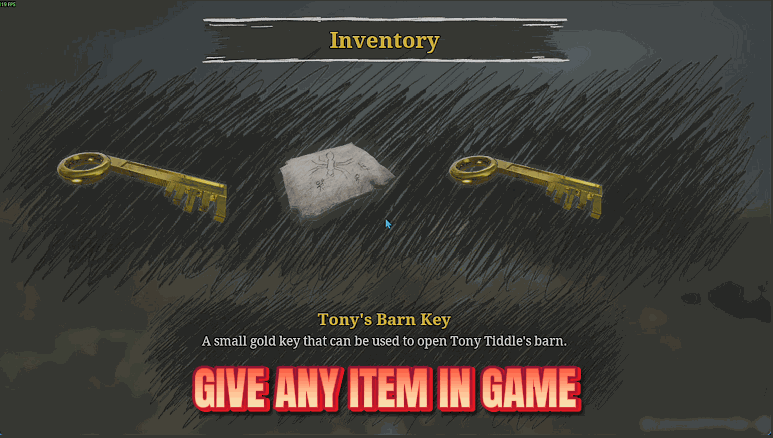
Give Item
Pick any of the game's 25 keys and mission items, set an Amount from 1 to 10 and press Give Item to add it to your inventory with the game's own pickup message.
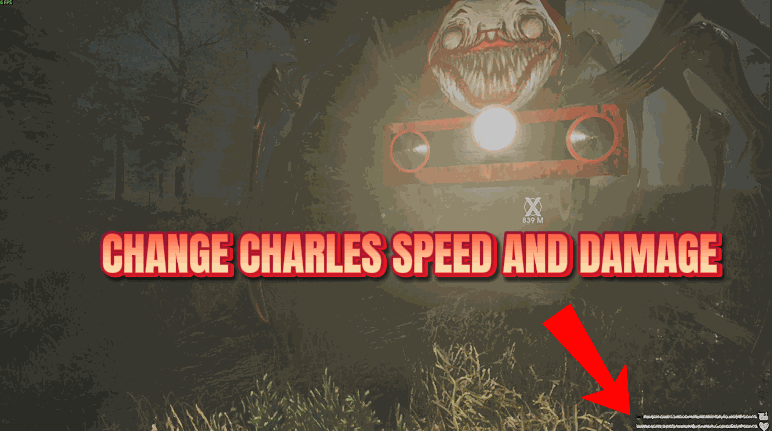
Charles Speed & Damage
Set how fast Charles moves (25 to 300 percent of normal) and how hard his hits land on you and your train (0 to 500 percent), each with its own switch.
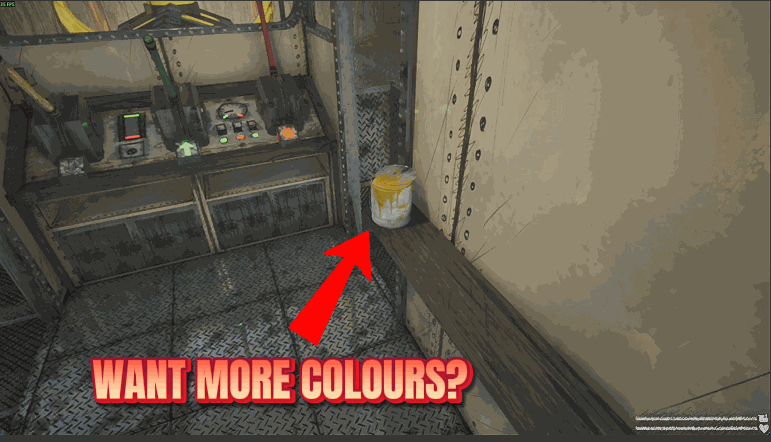
Unlock All Paint Colors
One button unlocks all 11 collectible paint colors for your train and puts their cans on the paint shelf, next to the Yellow you always have.







