Want more mods for Choo-Choo Charles? Explore our entire collection!
Give Item
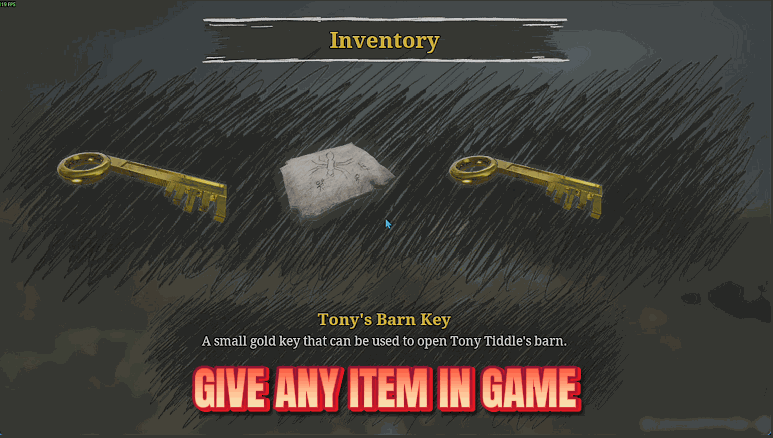
"Any key, any mission item. Straight to your inventory."
How do I install Give Item?
Download the free ProjectMods desktop app, then install Give Item for Choo-Choo Charles in one click.
</>What does Give Item do?
Most missions in Choo-Choo Charles come down to one specific item: a key, an egg, a jar of pickles. Until you have it, that door or step stays shut. Give Item hands you that item directly. Choose it in Item, a list of 25 that runs from Tony's Barn Key and the South Mine Key to the Lockpicks, the Breaker and the Jar of Pickles. It starts on Choose an item, so pick one first. Amount sets how many you get per press, from 1 to 10, and starts at 1, which is all a key or mission item needs. Then press Give Item. The item arrives with the game's own pickup message and sound, and it is kept in your save like anything you picked up yourself. Having an item early opens that mission's door or step early. It never marks a mission as done, and the mod has no button that takes items away. Scraps aren't in the list.
</>What is Give Item?
Give Item puts keys and mission items into your Choo-Choo Charles inventory on demand. Choose one of 25 in Item, set Amount between 1 and 10, then press Give Item in a loaded game. It arrives through the game's normal pickup and is saved. It never completes or skips a mission, can't remove an item once given, and doesn't hand out scraps, guns for the train or paint cans.
</>Common questions about Give Item
What does Give Item do in Choo-Choo Charles?
It adds a chosen key or mission item to your inventory. You pick from a list of 25, set how many, and press the button. The item shows up the same way a picked-up one does, message and sound included. It works in a loaded game only.
Does giving myself a mission item finish that mission?
No. Mission progress is kept separately from what you carry, so an item you give yourself only opens the door or step that needs it. You still play the mission through. Handing yourself items far out of their usual order isn't guaranteed to leave every mission behaving normally, so take them when you actually need them.
Why isn't Scraps in the Item list?
Scraps are the one item of the game's 26 that this list leaves out. They have their own mod, Give Scraps, so Give Item sticks to the other 25. The train's guns aren't here either, and paint cans are handled by Unlock All Paint Colors.
I pressed Give Item and nothing arrived. What went wrong?
Check three things. Item still on Choose an item gives nothing, so pick one. The button also does nothing at the main menu, while you are dead, or while the death screen is up, so press it again once you are playing. And once you hold 999 of an item, no more will fit. If only part of the Amount arrived, the button's message says how many.
Can I remove an item I gave myself by mistake?
No, the mod only adds. Nothing in it takes items out of your inventory, and what you were given is saved with your game. Double-check the Item dropdown before pressing, especially for the three Eggs and the Temple Key, since those lead to the final fight with Charles.
What options does Give Item include?
Item
The item to add to your inventory: any of the game's 25 keys and mission items. Scraps are not in this list. Nearly all of these are mission items: having one early opens that mission's door or step early, but it never marks a mission as done. The Green, Blue and Red Eggs and the Temple Key lead to the final fight with Charles. Default: none chosen.
Give Item
Adds the chosen amount of the chosen item to your inventory, with the game's own pickup message and sound. Use it in a loaded game. The item stays in your save.
Amount
How many of the chosen item Give Item adds, from 1 to 10. Default: 1. One is enough for keys and mission items. You can carry at most 999 of an item.
Give Item is a ProjectMods mod for Choo-Choo Charles that adds 1 to 10 of any of 25 keys and mission items to your inventory at the press of a button, without completing the missions those items belong to.
System Requirements
What features does Give Item include?
- Item lists all eight keys, the Green, Blue and Red Eggs and 14 other mission items.
- Amount gives 1 to 10 per press and starts at 1.
- Give Item adds the item with one pickup message and the pickup sound.
- You can hold at most 999 of an item, and if fewer arrive than you asked for, the button tells you how many did.
- Given items are saved with your game like ones you picked up.
Best For
- You've reached a locked door and its key is somewhere you haven't been yet, so pick South Mine Key in Item, leave Amount at 1 and press Give Item.
- You want to head for the final fight with Charles sooner, so give yourself the Green Egg, Blue Egg, Red Egg and Temple Key one after another. Those four lead to it.
- On a second playthrough you want the Lockpicks in hand early, so choose Lockpicks in Item and press Give Item. The mission itself still has to be played.
More Mods for Choo-Choo Charles
Free Train Upgrades
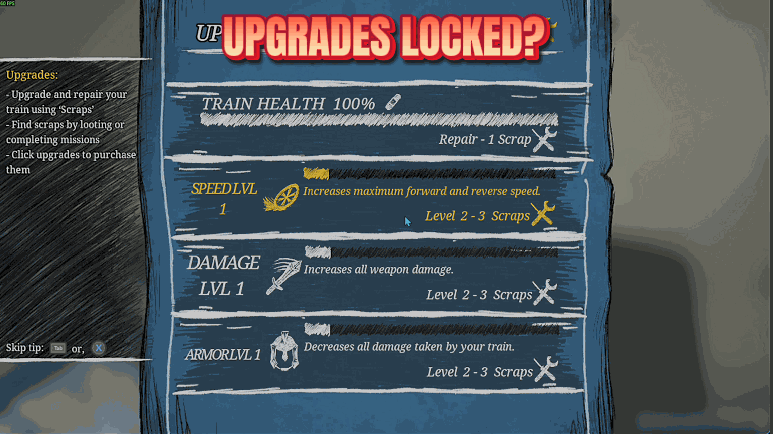
Every Speed, Damage and Armor level in the train's upgrades menu costs 0 scraps while the switch is on, and repairs cost nothing too. Your scrap count never moves.
God Mode
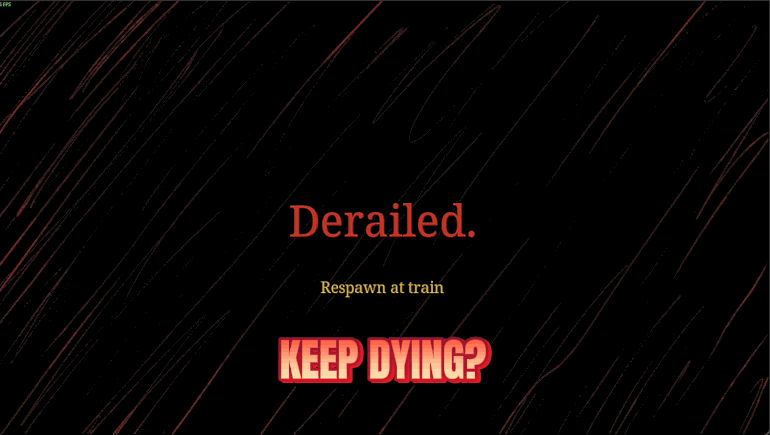
Take no damage from anything while God Mode is on, switch off fall damage on its own, or refill your health to 100% with one button. Your train isn't covered.
Indestructible Train
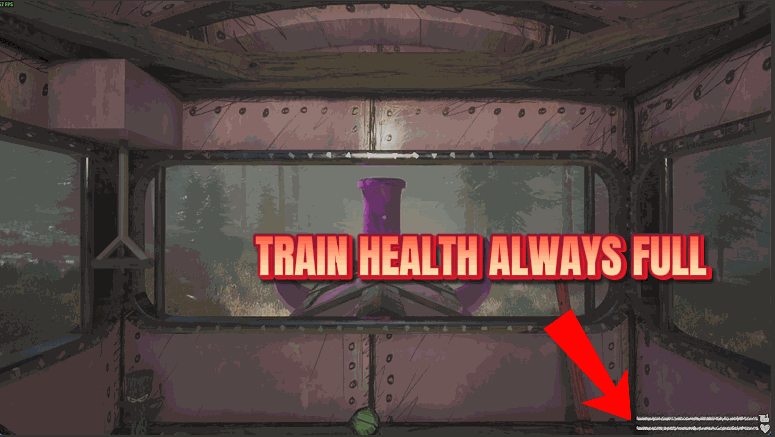
Stops all damage to your train from Charles and from cultists, and adds a Repair Train Now button that fills its health to 100 without spending scraps.







