Want more mods for Choo-Choo Charles? Explore our entire collection!
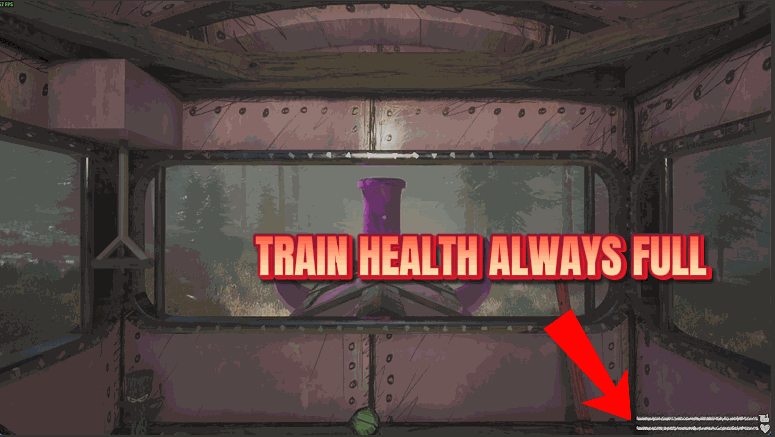
Indestructible Train
"Charles can hit it all day. Your train holds."
How do I install Indestructible Train?
Download the free ProjectMods desktop app, then install Indestructible Train for Choo-Choo Charles in one click.
</>What does Indestructible Train do?
Every hit on the train costs you twice. A damaged train drives slower, and at zero health it is forced to stop and you take damage aboard. Then repairs eat your scraps. Indestructible Train hands you a switch and a button. Switch on Indestructible Train and hits from Charles and from cultists do nothing: the train's health stays where it is, so it keeps its speed and keeps moving. The switch doesn't heal. A train that was already damaged stays damaged until it's repaired, and that's what Repair Train Now is for. Press it in a loaded game and the train goes to full health, 100, with no scrap cost. The game's own repair charges 1 scrap per 10 health. Switch Indestructible Train off and the train takes damage again from the next hit, keeping the health it has. You on foot are not protected by this mod.
</>What is Indestructible Train?
Indestructible Train keeps your train in one piece in Choo-Choo Charles. With the Indestructible Train switch on, attacks from Charles and cultists leave its health untouched, so it never slows or breaks down. Repair Train Now sets health to 100 for no scraps. The switch does not heal by itself, it does not protect you on foot, and it leaves your armor upgrades as they are. Both need a loaded game, not the main menu.
</>Common questions about Indestructible Train
What does Indestructible Train do in Choo-Choo Charles?
It stops your train from taking damage and lets you repair it in one press. The switch and the button work independently, so you can use Repair Train Now alone as a repair that costs nothing, or run the switch alone and repair the usual way.
I switched it on but my train is still slow. Why?
The switch stops new damage but doesn't undo old damage. The game slows a train according to its health, so a train that was hurt before you switched on stays slow. Press Repair Train Now to bring it to 100 and its normal speed returns. The switch holds health at whatever number it finds, so repair first and switch on second. With the train at 100 and the switch on, it stays at 100 through anything Charles or the cultists do to it.
Does it protect me as well as the train?
No, only the train. You can still be hurt on foot and by anything that damages you directly. What it does remove is the damage you'd take for sitting in a train at zero health, because a protected train can't be knocked down to zero. If yours is already wrecked, repair it first.
Why doesn't the train's health bar flash red when it's hit?
While the switch is on, the red hit flash on the health bar doesn't play, because no health is lost. The train itself still shakes and flashes when something hits it, so you can tell an attack landed. Turn the switch off and the red flash comes back with the next hit that does damage.
Does Repair Train Now stay after I save and reload?
Yes. The button saves the train at 100 health, the same value the game's own repair saves, so it's still there after a reload. The switch itself leaves nothing in your save. There is no automatic repair: the train is only filled when you press the button. If the repair can't be saved, the button tells you so and changes nothing.
What options does Indestructible Train include?
Repair Train Now
Repairs your train to full health (100) at once, without spending scraps. Works in a loaded game.
Indestructible Train
Your train takes no damage from Charles or from cultists, so it never slows down, never breaks down and never gets you hurt inside a wrecked train. It keeps the health it has now: use Repair Train Now to fill it. Off by default; off, the train takes damage as usual.
Indestructible Train is a ProjectMods mod for Choo-Choo Charles that stops Charles and cultists from damaging your train, and adds a button that repairs it to full health at once. It protects the train only, not you on foot.
System Requirements
What features does Indestructible Train include?
- With Indestructible Train on, hits from Charles and from cultists leave the train's health unchanged.
- Because its health can't drop, the train is never slowed by damage, never forced to a stop and never hurts you for riding a wreck.
- Repair Train Now fills the train's health in one press, where the game's own repair takes 1 scrap per 10 health.
- The repair is saved and stays, and switching the protection off keeps whatever health the train has.
Best For
- Charles catches you far from anywhere with the train half wrecked, so press Repair Train Now, then switch on Indestructible Train and drive out at full speed.
- You'd rather put scraps into upgrades than repairs, so press Repair Train Now after each fight and keep the scraps.
- Cultists keep chipping away at the train during a mission, so leave Indestructible Train on and its health is the same when the shooting stops.
- You want to learn how Charles fights without losing the train, so switch on Indestructible Train and stay in the fight as long as you like.
More Mods for Choo-Choo Charles
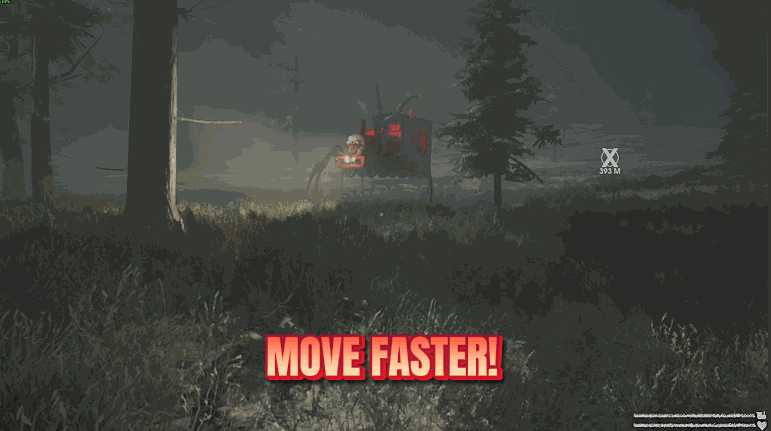
Movement Speed & Jump
Three separate switches with a percent slider each: walk at 25 to 400 percent of the game's speed, sprint at 25 to 400 percent, and jump 50 to 300 percent as high.
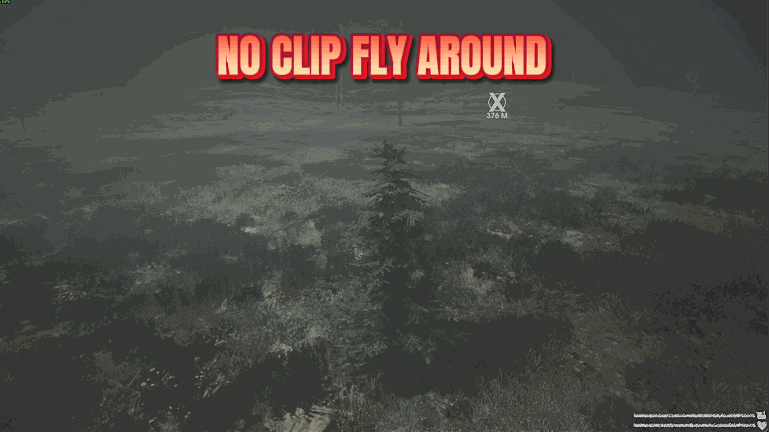
Fly & Noclip
Fly around the island with W A S D, Space and Ctrl at a speed you set, hold Shift for a faster one, and switch on Noclip to pass through walls, rocks, the train and the ground.
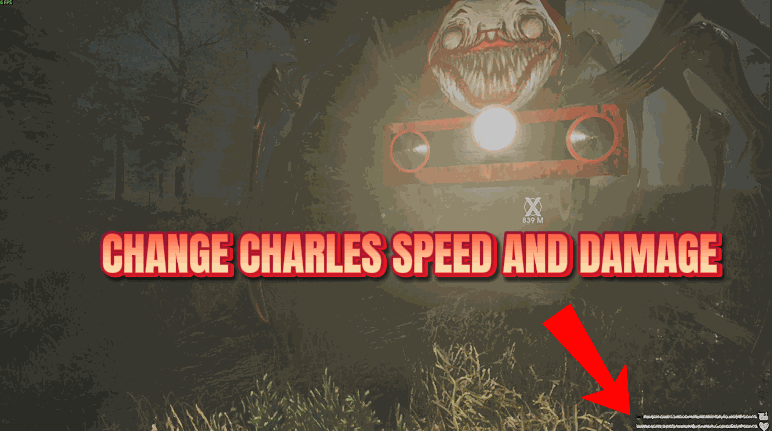
Charles Speed & Damage
Set how fast Charles moves (25 to 300 percent of normal) and how hard his hits land on you and your train (0 to 500 percent), each with its own switch.







