Want more mods for Choo-Choo Charles? Explore our entire collection!
Movement Speed & Jump
"Walk like you sprint. Jump three times as high."
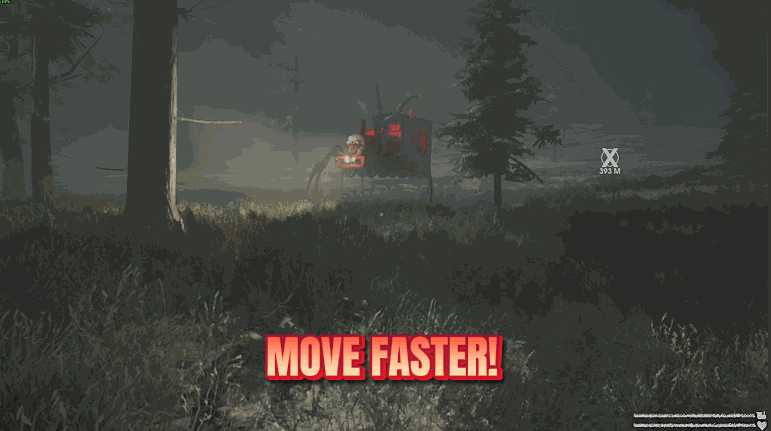
How do I install Movement Speed & Jump?
Download the free ProjectMods desktop app, then install Movement Speed & Jump for Choo-Choo Charles in one click.
</>What does Movement Speed & Jump do?
On foot you cover 3 metres a second walking and 7 sprinting, which feels slow when the place you need is a long way from the tracks. Movement Speed & Jump hands you three switches, each with its own slider, and each one works without the others. Change Walk Speed makes you walk at Walk Speed Percent, from 25 to 400, where 100 is the game's own pace and the default is 150. Change Sprint Speed does the same for sprinting with Sprint Speed Percent, same range and default. Both sliders go below 100, so you can slow yourself down too. Change Jump Height uses Jump Height Percent, from 50 to 300 with a default of 150. At 200 you jump twice as high. Switch any of the three off and that one thing returns to the game's own value straight away. Speed eases back the way it does between a walk and a sprint.
</>What is Movement Speed & Jump?
Movement Speed & Jump changes how you get around on foot in Choo-Choo Charles. Change Walk Speed, Change Sprint Speed and Change Jump Height each switch on one slider: Walk Speed Percent, Sprint Speed Percent and Jump Height Percent. A value of 100 is the game's own. It never touches the train's speed, gives no extra jumps and leaves gravity alone, and water slows you as it always does. Nothing is saved.
</>Common questions about Movement Speed & Jump
What does Movement Speed & Jump do in Choo-Choo Charles?
It changes how fast you walk, how fast you sprint and how high you jump, each by a percent you choose. The three switches take effect as soon as you are in a loaded game. Only you on foot are affected: your train moves exactly as fast as before.
How fast am I in water with the speed sliders on?
Water still slows you, and your percent is applied to the slower water speed. At 100 you walk at 2.25 metres per second and sprint at 3.45 in medium-depth water, and at 1.5 and 2.3 in deep water. With Walk Speed Percent at 200, walking becomes 4.5 and 3 metres per second in the two depths.
Can a high jump hurt me when I land?
Not from flat ground. At 300 percent you land at 7.8 metres per second, just under the 8 where the game's fall damage starts. Jumping off something high is different, because the extra height adds to the drop and that landing can still hurt.
Why can't I jump in deep water with Change Jump Height on?
The game switches jumping off in deep water, and that stays. Change Jump Height only changes how high a jump goes, not when you can jump. It also adds no second or mid-air jump and leaves gravity as it is.
What options does Movement Speed & Jump include?
Change Sprint Speed
On: you sprint at the Sprint Speed Percent below. Water still slows you down as usual. Off: the game's own sprinting speed.
Sprint Speed Percent
Your sprinting speed while Change Sprint Speed is on: 100 is the game's own speed, 200 is twice as fast, 50 is half. From 25 to 400, default 150.
Walk Speed Percent
Your walking speed while Change Walk Speed is on: 100 is the game's own speed, 200 is twice as fast, 50 is half. From 25 to 400, default 150.
Change Walk Speed
On: you walk at the Walk Speed Percent below. Water still slows you down as usual. Off: the game's own walking speed.
Change Jump Height
On: you jump as high as the Jump Height Percent below. Off: the game's own jump.
Jump Height Percent
How high you jump while Change Jump Height is on: 100 is the game's own jump, 200 is twice as high, 300 is three times as high. From 50 to 300, default 150. A jump on flat ground never hurts you on landing.
Movement Speed & Jump is a ProjectMods mod for Choo-Choo Charles that sets your walking and sprinting speed anywhere from 25 to 400 percent and your jump height from 50 to 300 percent, each behind its own switch.
System Requirements
What features does Movement Speed & Jump include?
- Walk Speed Percent runs from 25 to 400 in steps of 5, so walking can be anything from a quarter of the game's pace to four times it.
- Sprint Speed Percent has the same range and its own switch, so you can speed up sprinting and leave walking alone.
- Jump Height Percent goes from 50 to 300 in steps of 10.
- A jump from flat ground never hurts on landing, even with the slider at 300.
- Each switch puts back only its own value when you turn it off, so the other two keep their settings.
Best For
- You face a long run from a building back to the tracks. Switch on Change Sprint Speed with Sprint Speed Percent at 300 and the 7 metres per second sprint becomes 21.
- You keep falling short of a ledge. Change Jump Height with Jump Height Percent at 200 doubles the jump.
- You want a slower, heavier pace for a harder run. Change Walk Speed with Walk Speed Percent at 50 halves your walking speed, and sprinting stays as it was.
- Walking feels too slow but sprinting is fine. Leave Change Sprint Speed off and set Walk Speed Percent to 235, which walks you at just over the game's sprinting speed.
More Mods for Choo-Choo Charles
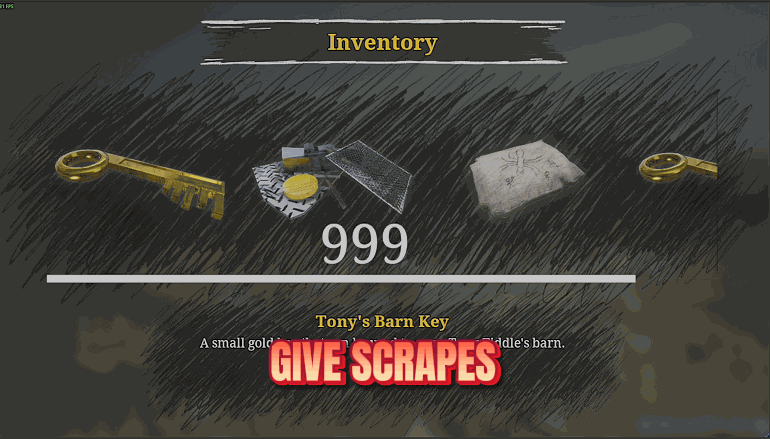
Give Scraps
Add 1 to 999 scraps to your count with one press, up to the game's limit of 999, or reset your scraps to exactly 0.
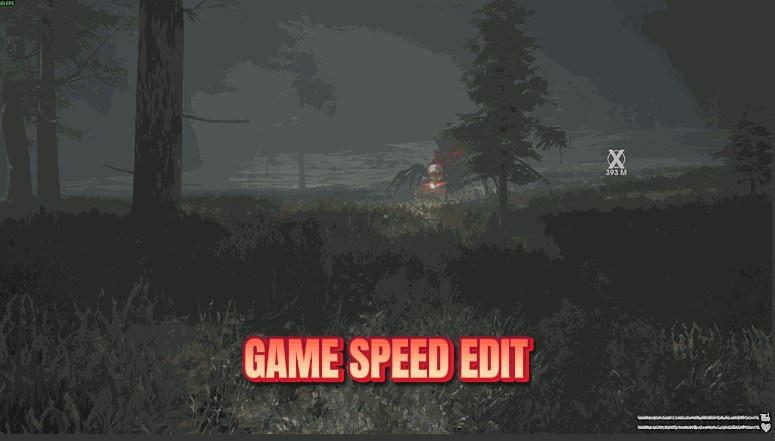
Game Speed
Run the whole game from 25% to 300% of normal speed. You, your train, Charles and the cultists all slow down or speed up together.

Summon Charles
Call Charles to you with one button, a short run away and already hunting, or send him off to one of his retreat spots with the other.







