Want more mods for Choo-Choo Charles? Explore our entire collection!
Game Speed
"Slow Charles to a crawl. Or fast-forward the island."
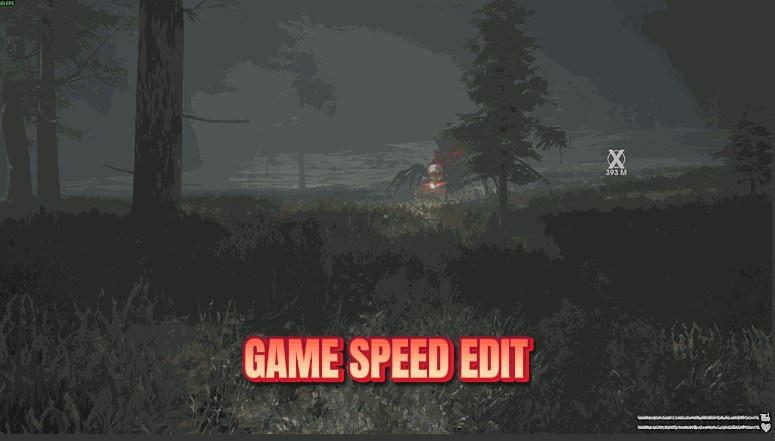
How do I install Game Speed?
Download the free ProjectMods desktop app, then install Game Speed for Choo-Choo Charles in one click.
</>What does Game Speed do?
Long rides between missions drag, and a fight with Charles can be over before you've worked out what went wrong. Game Speed hands you one switch and one slider for the pace of the whole game. Switch on Change Game Speed and everything runs at Game Speed Percent, which goes from 25 to 300 in steps of 5 and starts at 200. 100 is normal, 50 is half speed, 300 is three times as fast. Nothing is singled out: you, the train, Charles and the cultists all change together, so slow motion buys you time to aim and fast forward shortens the trip. It only works while you're playing, so the main menu and loading screens stay as they are. Switch Change Game Speed off, or set the slider to 100, and normal speed is back straight away. The speed is never written to your save.
</>What is Game Speed?
Game Speed changes the pace of everything in Choo-Choo Charles at once. Switch on Change Game Speed, then set Game Speed Percent between 25 and 300 (it starts at 200, and 100 is normal). It applies during play, not at the main menu or on a loading screen. It never speeds up just you or just the train, it doesn't skip cutscenes, and it steps aside when the game runs a slow-motion moment of its own. Your save is not touched.
</>Common questions about Game Speed
What does Game Speed do in Choo-Choo Charles?
It runs the whole game faster or slower than normal while you play. Switch on Change Game Speed and pick a Game Speed Percent: below 100 is slow motion, above 100 is fast forward. There's no way to speed up one thing alone, so a faster train also means a faster Charles.
Why did the game go back to normal speed after I died?
The game starts every respawn and every load at normal speed, and the mod puts your chosen speed back about one second later. You don't need to touch the switch or the slider. If a second passes and nothing changes, check that Change Game Speed is still on and that Game Speed Percent isn't sitting at 100.
What happens during the game's own slow-motion scenes?
The mod steps aside and lets the scene play at the speed the game chose. It takes over again once the game has been back at normal speed for one second. If the game never returns to normal speed in that scene, the mod stays out until your next load, and your speed comes back then.
Does a faster game help the train outrun Charles?
No. Everything changes by the same amount, so Charles speeds up exactly as much as your train does. It's the same chase, played faster or slower. What changes is how much real time you get to react: less when you speed up, more at 25 or 50.
Does it skip cutscenes or loading screens?
No. Nothing is skipped, and loading screens and the main menu run as they always do. The mod has no hotkey of its own either, so you change the pace from the launcher with Change Game Speed and Game Speed Percent.
What options does Game Speed include?
Change Game Speed
Runs the whole game at Game Speed Percent while you are playing: you, the train, Charles and everyone else speed up or slow down together. Switch it off for normal speed. Off by default.
Game Speed Percent
How fast the game runs while Change Game Speed is on, from 25 to 300: 100 is normal, 50 is half speed (slow motion), 300 is three times as fast. Default 200.
Game Speed is a ProjectMods mod for Choo-Choo Charles that runs the whole game at 25% to 300% of normal speed while you play, so you, the train, Charles and the cultists all move in slow motion or fast forward together.
System Requirements
What features does Game Speed include?
- Game Speed Percent runs from 25 (quarter speed) to 300 (three times as fast) in steps of 5, and starts at 200.
- The change covers the whole game, so you, your train, Charles and the cultists keep the same pace relative to each other.
- When the game plays a slow-motion moment of its own, the mod lets it run and picks up again afterwards.
- Turning the switch off brings normal speed back at once, with nothing left behind in your save.
Best For
- A long ride back across the island with nothing chasing you, so switch on Change Game Speed at its default 200 and the trip takes half as long.
- Charles is closing on the train and your shots keep missing, so drop Game Speed Percent to 50 and line them up at half speed.
- You're on foot near cultists and want more time to react, so set Game Speed Percent to 25 and take it at quarter speed.
- Collecting scraps feels slow on a repeat playthrough, so set Game Speed Percent to 300 and cover the island three times as fast.
More Mods for Choo-Choo Charles
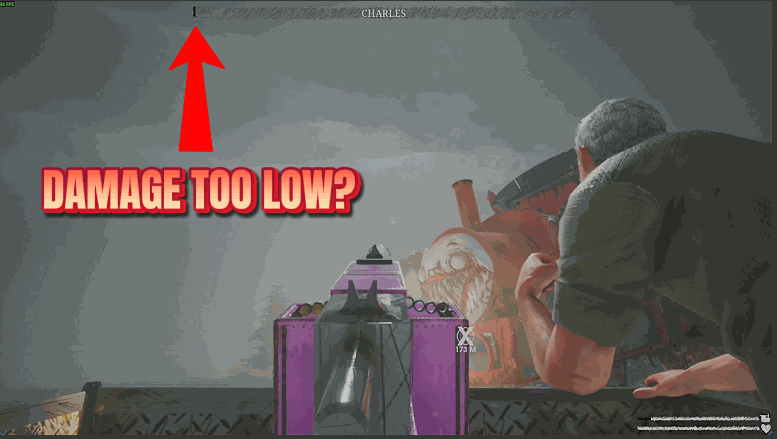
Weapon Damage Multiplier
A switch and a percent slider that scale the damage of all four train guns, from a tenth of normal (10) to ten times (1000).
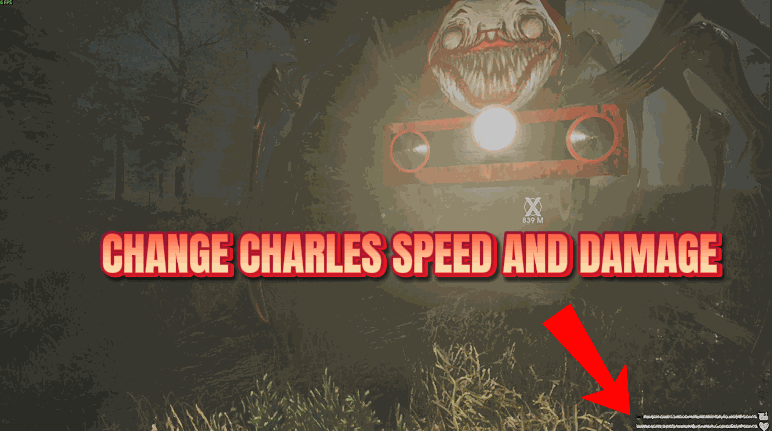
Charles Speed & Damage
Set how fast Charles moves (25 to 300 percent of normal) and how hard his hits land on you and your train (0 to 500 percent), each with its own switch.
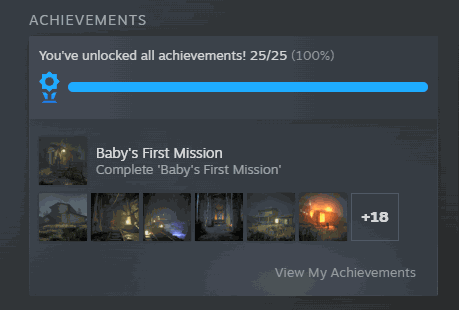
Achievement Unlocker
Unlock any one of the game's 25 Steam achievements, unlock all of them at once, or lock them all again so you can earn them by playing.







