Want more mods for Choo-Choo Charles? Explore our entire collection!
Achievement Unlocker
"All 25 achievements. One at a time, or all at once."
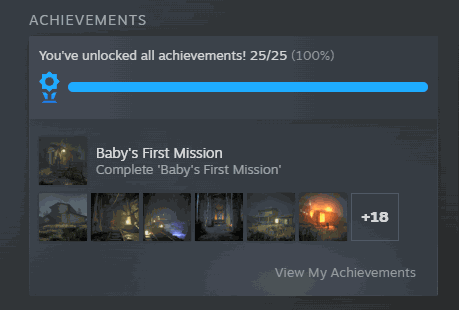
How do I install Achievement Unlocker?
Download the free ProjectMods desktop app, then install Achievement Unlocker for Choo-Choo Charles in one click.
</>What does Achievement Unlocker do?
Some of the 25 achievements are a long way off: Nightmare Hunter wants Charles beaten in Nightmare Mode, and Dripped Out wants all eleven paint cans. Achievement Unlocker hands you a list and three buttons. Select Achievement shows all 25 by their Steam names, each with what it normally asks for, such as Speed Demon (Fully upgrade your speed). It starts on Choose an achievement. Pick one and press Unlock Specified Achievement to get just that one. Unlock All Achievements does the whole set in one press. Lock All Achievements goes the other way and locks all 25 again, so the game can award them as you meet their conditions. Every button works at the main menu as well as in a game, as long as the game was started through Steam. Nothing touches your save: no missions are completed and the train isn't upgraded. The achievements live on your Steam account and stay as the buttons left them.
</>What is Achievement Unlocker?
Achievement Unlocker manages the 25 Steam achievements of Choo-Choo Charles. Pick one in Select Achievement and press Unlock Specified Achievement, press Unlock All Achievements for the full set, or use Lock All Achievements to start over. It works at the main menu and needs the game started through Steam. It never completes missions, upgrades the train or edits your save.
</>Common questions about Achievement Unlocker
What does Achievement Unlocker do in Choo-Choo Charles?
It sets the game's Steam achievements for you. One button unlocks the achievement you chose from the list, a second unlocks all 25, and a third locks all 25 so they can be earned again. The change is made on your Steam account, not in your save.
If I use Lock All Achievements, do I lose my progress in the game?
No. Lock All Achievements only locks the 25 achievements on Steam. Your save, your missions and your train's upgrades are exactly where you left them. One thing follows from that: a locked achievement comes back only when you meet its condition again while playing.
Why did pressing an unlock button do nothing?
The game has to be started through Steam, because the achievements are set on your Steam account. Also check the list: Select Achievement starts on Choose an achievement, and Unlock Specified Achievement has nothing to unlock until you pick one of the 25. Unlock All Achievements and Lock All Achievements don't use the list at all.
Does unlocking The End or a mission achievement complete it in my game?
No. Unlocking an achievement doesn't play the mission for you. The End, The Main Event and mission achievements such as Canyon Caper or Swamp Swimmer show as unlocked on Steam, while the missions themselves stay unfinished in your save until you do them. The same goes for Speed Demon, Heavy Hitter and *Almost* Impenetrable: the train's upgrade levels don't move.
What options does Achievement Unlocker include?
Unlock Specified Achievement
Unlocks the achievement picked in Select Achievement on your Steam account. Works at the main menu too.
Select Achievement
Pick one of the game's 25 Steam achievements by its Steam name, shown with what it normally asks for. Default: none chosen.
Lock All Achievements
Locks all 25 Steam achievements again so you can earn them by playing. Works at the main menu too.
Unlock All Achievements
Unlocks all 25 of the game's Steam achievements at once. Works at the main menu too.
Achievement Unlocker is a ProjectMods mod for Choo-Choo Charles that unlocks one chosen Steam achievement or all 25 at once, and can lock all 25 again, without changing your save or your mission progress.
System Requirements
What features does Achievement Unlocker include?
- Select Achievement lists all 25 Steam achievements by name, each followed by its normal requirement.
- Unlock Specified Achievement unlocks only the one you picked.
- Unlock All Achievements unlocks the whole list in one press.
- Lock All Achievements locks every one again, and the game awards each when you meet its condition again.
- All three buttons work at the main menu as well as in a loaded game.
Best For
- You beat Charles on a normal run and don't fancy doing it again in Nightmare Mode, so pick Nightmare Hunter (Defeat Charles in Nightmare Mode) in Select Achievement and press Unlock Specified Achievement.
- You're one achievement short of the full list, so find it in Select Achievement by its Steam name and unlock only that one, leaving the rest as you earned them.
- You want a clean slate before a second playthrough, so press Lock All Achievements at the main menu and earn each one again as you play.
- You used Unlock All Paint Colors and want the achievement to go with it, so choose Dripped Out (Collect all eleven paint cans) and press Unlock Specified Achievement.
More Mods for Choo-Choo Charles
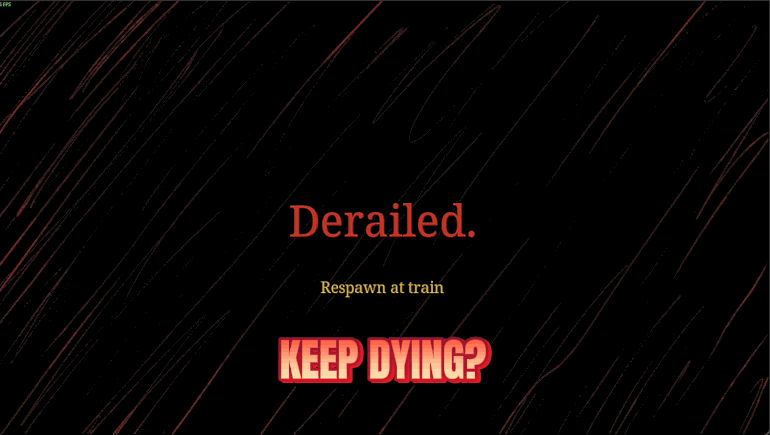
God Mode
Take no damage from anything while God Mode is on, switch off fall damage on its own, or refill your health to 100% with one button. Your train isn't covered.
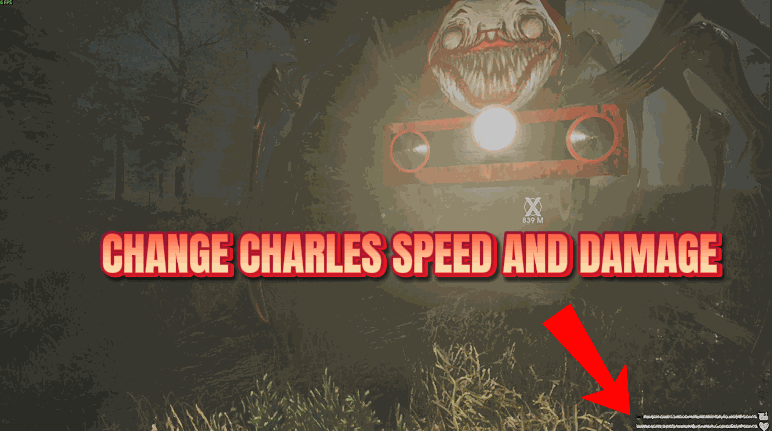
Charles Speed & Damage
Set how fast Charles moves (25 to 300 percent of normal) and how hard his hits land on you and your train (0 to 500 percent), each with its own switch.
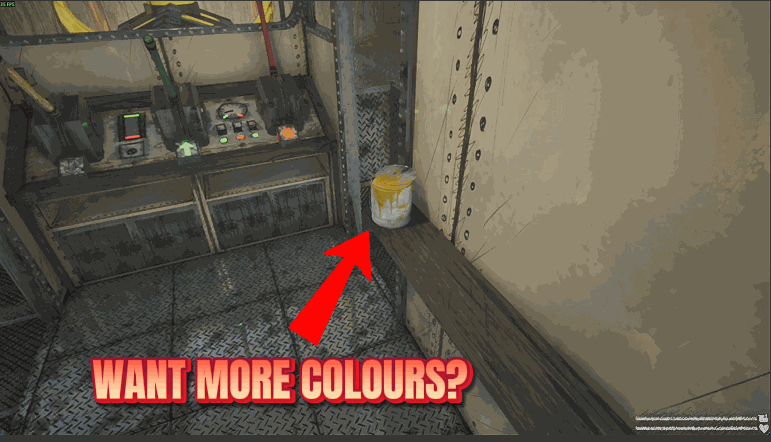
Unlock All Paint Colors
One button unlocks all 11 collectible paint colors for your train and puts their cans on the paint shelf, next to the Yellow you always have.







