Want more mods for Choo-Choo Charles? Explore our entire collection!
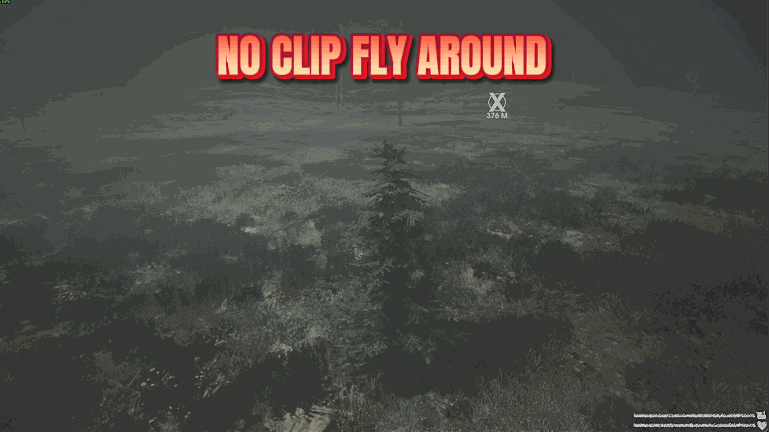
Fly & Noclip
"The island from above. Or from inside the rock."
How do I install Fly & Noclip?
Download the free ProjectMods desktop app, then install Fly & Noclip for Choo-Choo Charles in one click.
</>What does Fly & Noclip do?
The island is big, your legs manage 3 metres per second, and the train only goes where the tracks go. Fly & Noclip hands you the air instead. Switch on Fly Enabled and W A S D move you where you look, Space rises and Ctrl sinks. Fly Speed sets the pace from 2 to 50 metres per second (default 12), and holding Shift swaps to Shift Speed, 5 to 150 (default 40). While you fly, Space and Shift stop being jump and sprint. Noclip is the second switch. With it on, a flight goes through walls, rocks, the train and the ground. It needs Fly Enabled, so on foot it changes nothing. Switch it off and solid things stop you again. Switch Fly Enabled off and you drop from wherever you are. That one landing does no damage, however high you were. Falls after it hurt as usual. Flying doesn't protect you from anything else: Charles and cultists can still hurt you in the air.
</>What is Fly & Noclip?
Fly & Noclip lifts you off the ground in Choo-Choo Charles. Fly Enabled starts the flight, Fly Speed and Shift Speed set how fast it goes (up to 50 and 150 metres per second), and Noclip lets a flight cross walls, rocks, the train and the ground. Dropping out of a flight does no damage. It never makes you invulnerable, never moves the train, and Noclip does nothing on foot. Nothing is written to your save.
</>Common questions about Fly & Noclip
What does Fly & Noclip do in Choo-Choo Charles?
It lets you fly around the island and, with Noclip on, straight through solid things. It only runs once a game is loaded, not at the main menu. The flying keys are fixed (W A S D, Space, Ctrl and Shift), but you can give the Fly Enabled and Noclip switches a hotkey with the launcher's Keybind button.
Why did my flight stop on its own?
Flying pauses whenever the game holds your character: while you talk to someone, while Charles has caught you, while you are dead and while you are on one of the train's guns. It picks up again by itself afterwards. The keys are also ignored while a menu is open or the game window isn't the active one.
What happens if I switch Noclip off while I'm under the ground?
You are moved out. Switching Noclip off, or ending a flight that used it, while you are under the ground or inside a rock or wall puts you onto the ground above you, at the nearest open spot, or on the highest surface at that spot. One rare pocket isn't caught: under the ground with something solid straight above you and ground straight below. You can fly out of that one.
Does anything stop noticing me while Noclip is on?
Yes, anything that works by touching you. With Noclip on, water, the inside area of your train and the game's out-of-bounds reset don't notice you as you fly past. Charles and cultists are a different matter and can still hurt you.
Can I take fall damage after flying?
Not from the landing that ends the flight. Every fall after that one follows the game's usual rule, where damage starts at a landing speed of 8 metres per second, so stepping off a roof you flew up to can still hurt.
What options does Fly & Noclip include?
Shift Speed
How fast you fly while you hold Shift, in metres per second. From 5 to 150, default 40.
Fly Speed
How fast you fly, in metres per second. From 2 to 50, default 12. You walk at 3 and sprint at 7.
Noclip
On: while you fly you pass through walls, rocks, the train and the ground. It needs Fly Enabled: on foot it changes nothing. Off: solid things stop you again, and if you are under the ground or inside a rock or wall you are moved out to the nearest open spot or up onto the surface above.
Fly Enabled
On: you fly. W A S D move you where you look, Space rises, Ctrl sinks and holding Shift uses the Shift Speed. Flying pauses while you talk to someone, use the train's gun or are caught by Charles. Off: you drop to the ground and that landing never hurts.
Fly & Noclip is a ProjectMods mod for Choo-Choo Charles that lets you fly with W A S D, Space and Ctrl at a speed you set and go through walls and the ground with Noclip on, though Charles and cultists can still hurt you.
System Requirements
What features does Fly & Noclip include?
- Fly Enabled puts you in the air: W A S D move you where you look, Space rises and Ctrl sinks.
- Fly Speed runs from 2 to 50 metres per second and starts at 12, four times your walking pace.
- Hold Shift to fly at Shift Speed instead, anywhere from 5 to 150 metres per second, default 40.
- Noclip lets a flight pass through walls, rocks, the train and the ground.
- The landing after you switch Fly Enabled off does no fall damage, from any height.
Best For
- The place you need is on the far side of the island and the tracks go the long way round. Switch on Fly Enabled, hold Shift at the default Shift Speed of 40 and cross in a straight line.
- You want to see inside a building without finding the door. Switch on Noclip while flying, go through the wall, then switch Fly Enabled off and you drop to the floor, solid again.
- Charles is closing in and your train is a long way off. Fly Speed at 50 is about seven times your sprint, but he can still hurt you if he reaches you, so keep moving.
- You want a slow, close look at the roof of your train. Set Fly Speed to 2, slower than walking, and drift over it.
More Mods for Choo-Choo Charles
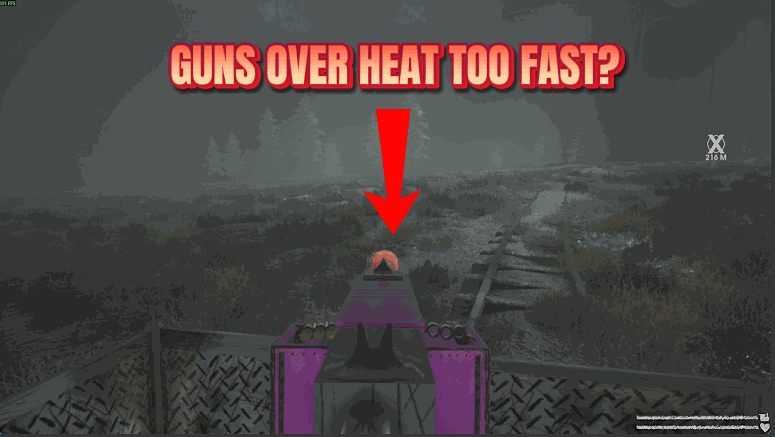
No Gun Overheating
Your train's Derailer machine gun, Bob cannon and Bug Spray flamethrower build no heat, so they never jam and you can keep firing without a pause.
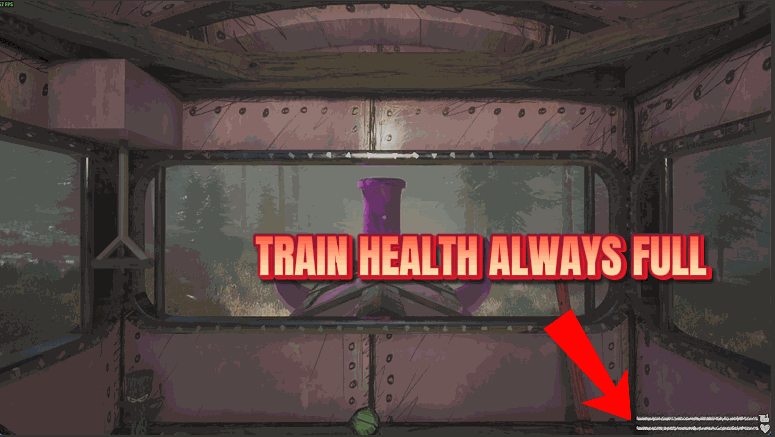
Indestructible Train
Stops all damage to your train from Charles and from cultists, and adds a Repair Train Now button that fills its health to 100 without spending scraps.
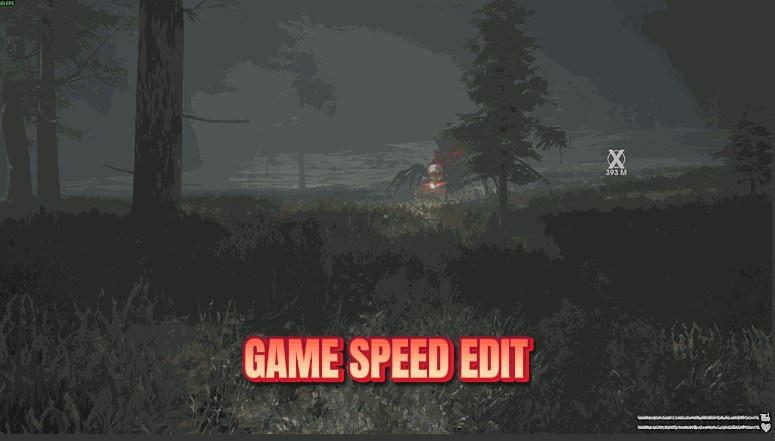
Game Speed
Run the whole game from 25% to 300% of normal speed. You, your train, Charles and the cultists all slow down or speed up together.







