Want more mods for Clone Drone in the Danger Zone? Explore our entire collection!
Ghost Mode (No Clip)
"Walls are just a suggestion. Fly anywhere and phase through everything."
/CloneDroneInTheDangerZoneGhostModeNoClip1.png)
How do I install Ghost Mode (No Clip)?
Download the free ProjectMods desktop app, then install Ghost Mode (No Clip) for Clone Drone in the Danger Zone in one click.
</>What does Ghost Mode (No Clip) do?
Ever wanted to leave the ground behind and just soar around a level? Ghost Mode lets your robot take off and fly wherever you point - up, down, and everywhere in between. Flip on No Clip and nothing solid can stop you. Slide through walls, drop through floors, and peek behind the scenes of any arena. Turn it off and you'll bump into things like normal flight. Two speed dials let you cruise gently for a closer look or hold Shift to rocket across the map in a blink - perfect for exploring, lining up the perfect screenshot, or just messing about. Fly with WASD, rise with Space, sink with Ctrl, and hold Shift for a burst of speed.
</>What is Ghost Mode (No Clip)?
Ghost Mode lets your robot leave the ground and fly anywhere in Clone Drone in the Danger Zone. Flip on No Clip and nothing solid stops you: slide through walls, drop through floors, and peek behind the scenes of any arena. Two speed dials let you cruise for a close look or hold Shift to rocket across the map. From ProjectMods, a community-first modding platform.
</>Common questions about Ghost Mode (No Clip)
What does Ghost Mode do in Clone Drone in the Danger Zone?
Ghost Mode lets your robot take off and fly wherever you point in Clone Drone in the Danger Zone - up, down, and everywhere in between. Flip on No Clip and nothing solid can stop you: slide through walls, drop through floors, and peek behind the scenes of any arena. Turn No Clip off and you will bump into things like normal flight. Two speed dials let you cruise gently for a closer look or hold Shift to rocket across the map in a blink. It is built for exploring levels, lining up the perfect screenshot, or just messing about above the action.
How does the no-clip part of Ghost Mode work?
No Clip is the switch inside Ghost Mode that turns off collisions for your robot in Clone Drone in the Danger Zone. With it on, walls, floors and arena boundaries stop mattering - you drift straight through them, so you can slip outside a level to see how it is built or drop below the floor to explore. With it off, Ghost Mode still lets you fly freely, but you bump into solid surfaces like normal flight, which is handy when you want to hover around a level without falling through it. Toggle No Clip on and off depending on whether you want to pass through the world or float within it.
Can I control how fast Ghost Mode flies?
Yes. Ghost Mode gives you two speed dials in Clone Drone in the Danger Zone so your flight matches what you are doing. Keep the speed low to cruise gently for a close-up look at a wall detail or a screenshot angle, or push it up to cover ground quickly. On top of that, holding Shift gives you a burst of speed that rockets you across the whole map in a blink - ideal for crossing a big arena fast and then easing off to line up a shot. Between the dials and the Shift boost, you can go from a slow drift to a full sprint through the level.
What are the Ghost Mode flight controls?
Ghost Mode uses simple movement keys in Clone Drone in the Danger Zone. Fly around with WASD, rise straight up with Space, sink down with Ctrl, and hold Shift for a burst of speed when you want to cross the arena fast. No Clip is a separate toggle that decides whether you phase through walls and floors or bump into them like normal flight. That layout keeps everything within easy reach - point where you want to go, thumb on Space or Ctrl for height, and Shift ready for a quick dash - so exploring a level feels natural rather than fiddly.
Why would I use Ghost Mode in Clone Drone?
Ghost Mode is for seeing Clone Drone in the Danger Zone from angles the game never intended. Use it to explore how an arena is built, to slip behind the scenery for a hidden view, or to line up cinematic screenshots from spots you could never reach on foot. It is also just fun to soar around a level with no walls in your way. It pairs well with Size Matters and Robot Summoner from ProjectMods when you are staging a scene and want to frame it exactly right. Turn No Clip off any time you would rather fly within the level's solid geometry.
What options does Ghost Mode (No Clip) include?
Shift Speed
How fast you fly while holding Shift.
Fly Speed
How fast you fly normally.
Noclip
Pass straight through walls, floors, and everything else.
Fly Enabled
Lift off and fly your robot anywhere.
Ghost Mode from ProjectMods lets your robot lift off and fly in any direction in Clone Drone in the Danger Zone, then flip on no-clip to phase straight through walls, floors and the whole arena.
System Requirements
What features does Ghost Mode (No Clip) include?
- Lift your robot off the ground and fly anywhere - up, down, and everywhere in between with WASD
- Flip on No Clip to drift straight through walls, drop through floors, and peek behind any arena
- Two speed dials let you cruise slowly for a close look or hold Shift to rocket across the map
- Rise with Space, sink with Ctrl, and turn No Clip off to bump into things like normal flight
Best For
- Explorers who want to see behind the scenes of an arena the game never lets you reach
- Lining up the perfect screenshot from an angle you could never stand at on foot
- Creators scouting a level for the best camera path before setting up a real shot
- Just messing about, phasing through the map and soaring around for the fun of it
More Mods for Clone Drone in the Danger Zone
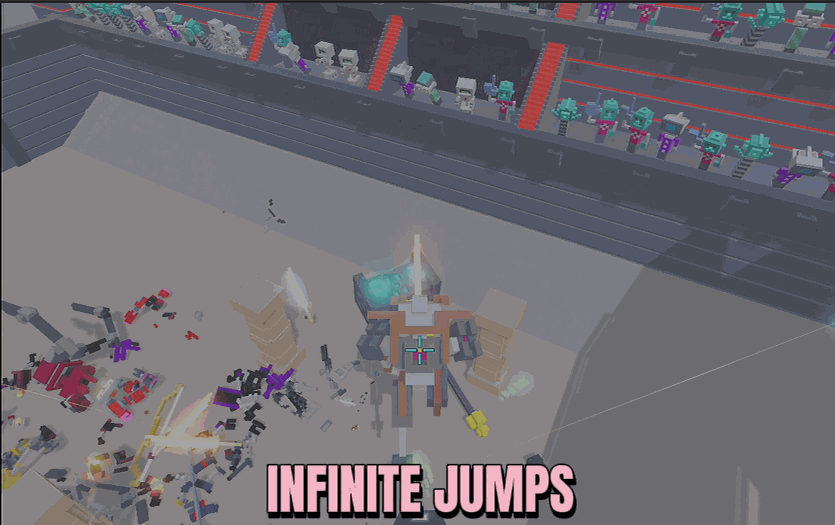
Infinite Jump Speed
Keep jumping in mid-air as many times as you like, then dial in exactly how high each hop launches you and how fast your robot runs.
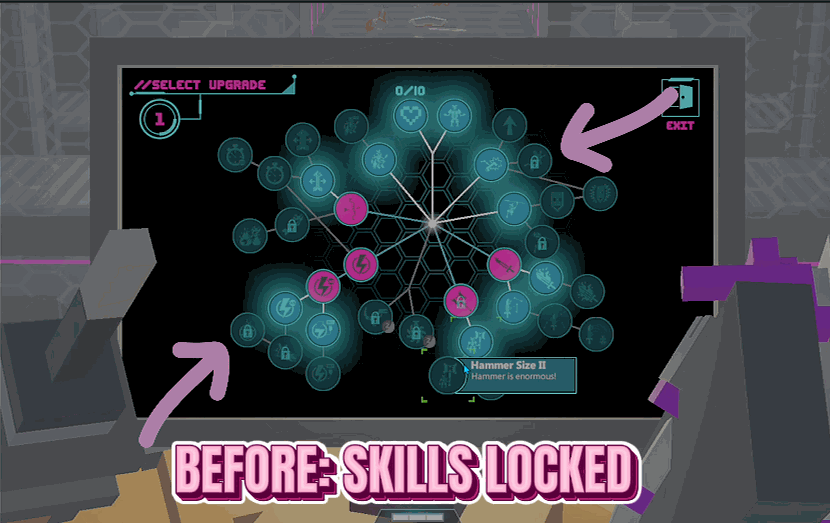
Skill Unlocker (Master Key)
Opens up every upgrade on the skill screen so you can pick anything, without waiting on challenges or long-term progress to unlock it.
/CloneDroneInTheDangerZoneSizeMattersEditor1.png)
Size Matters (Editor)
Three sliders to grow or shrink your whole robot and supersize your sword and hammer, with your feet always staying on the ground.







