Want more mods for Clothing Store Simulator? Explore our entire collection!
Closing Time
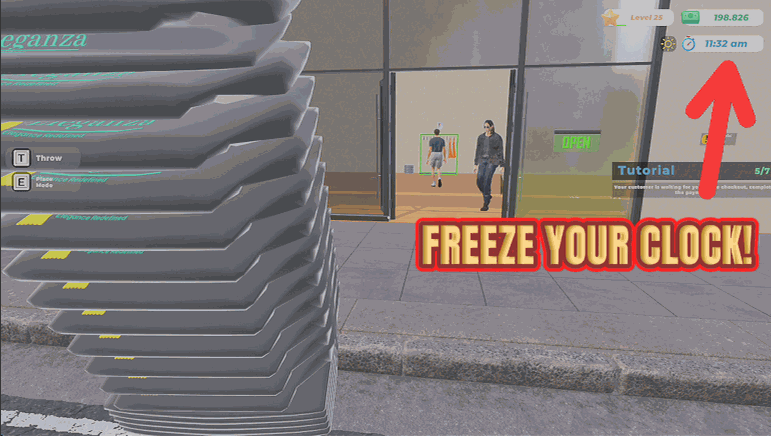
"Stretch the trading day, speed it up, or stop the clock dead."
How do I install Closing Time?
Download the free ProjectMods desktop app, then install Closing Time for Clothing Store Simulator in one click.
</>What does Closing Time do?
The trading day is always either too short to get everything done or too long when you are waiting for the next delivery. Closing Time hands you the clock. Stretch the day out when you want to serve every customer, price every rail and still have time to redecorate. Shorten it when you are chasing a target and want to blast through a week. Or hit the freeze switch and the clock stops entirely, which is perfect for a long build session where you want to rearrange the whole shop without the day ending around you. Everything goes back exactly as it was when you switch it off, including the day length the game shipped with.
</>What is Closing Time?
Closing Time hands you the clock in Clothing Store Simulator. Set a trading day anywhere between 1 and 240 real minutes, or freeze it for a build session where you rearrange the whole shop without the day ending around you. Everything, including the original day length, returns when you switch it off. A premium mod from ProjectMods, the community-first PC mod manager for 400+ games.
</>Common questions about Closing Time
What does Closing Time do in Clothing Store Simulator?
Closing Time puts the trading day on a dial. You choose how many real minutes one day in Clothing Store Simulator lasts, anywhere from a single minute up to four full hours, and a separate switch stops the clock dead so the day never ends at all. Stretch the day when you want to serve every customer and still have time to redecorate, or shorten it when you are chasing a target and want to blast through a week. Switch the mod off and the day length the game shipped with comes back. It is a premium mod from ProjectMods.
How long can I make one trading day?
Anywhere from 1 to 240 real minutes. Day Length is the Closing Time setting that decides it, so 10 gives you a brisk ten-minute day and 240 gives you a four-hour marathon where you will run out of jobs before the shop closes. The slider starts at 30 minutes, so anything above that buys you more room in a day and anything below it makes days roll over faster. You can change it during a run of Clothing Store Simulator and the new length takes effect from there, so nothing is locked in when you start a save.
What does Freeze Clock do?
Freeze Clock stops time in Clothing Store Simulator completely, so the trading day never ends. Nothing is counting down while you rearrange fixtures, reprice every rail, redesign the floor plan or work through a big restock. It is the option to reach for when the end of the day is the only thing in your way. While it is on, Closing Time effectively overrides the Day Length setting, because there is no point counting minutes that are not passing. Switch Freeze Clock off and the clock picks straight back up at whatever day length you have chosen.
Does my shop still run while the clock is frozen?
Yes. Freezing the clock stops the day ending, not the shop working. Trading carries on around you in Clothing Store Simulator, the day simply never rolls over into closing, so nothing forces you to wrap up a restock or a redesign halfway through. That makes Freeze Clock the natural pick for a long build session where the day timer is the only thing rushing you. It also means you can leave the game sitting while you plan and come back to the same point in the day. Switch Closing Time off and the clock resumes with the original day length restored.
When would I use a shorter day instead of a longer one?
Short days are for grinding. If you are chasing a lifetime earnings target, a customer count or a store level in Clothing Store Simulator, dropping Day Length low means days roll over quickly and the numbers stack up without you sitting through every quiet afternoon. Long days are the opposite, for sessions where you want to serve everyone, price every rail and still have time to move the mannequins around. Freeze Clock is the third option, for when you want no clock at all. Closing Time keeps all three within reach, so you can flip between them depending on what a session is for.
What options does Closing Time include?
Day Length
How many real minutes one trading day lasts.
Freeze Clock
Stop the clock completely so the day never ends.
Enabled
Master switch. Turn off to return to the normal day.
Closing Time, the Clothing Store Simulator mod from ProjectMods, lets you set a trading day anywhere from 1 to 240 real minutes, or freeze the clock entirely so the day never ends.
System Requirements
What features does Closing Time include?
- Sets one trading day anywhere from a single minute to four solid hours
- Freezes the clock completely so the day never rolls over while you rebuild the shop floor
- Shortens the day right down when you are chasing a target and want to blast through a week
- Puts the day length the game shipped with back exactly as it was when you switch off
Best For
- Long redecoration sessions where you want to move every fixture without closing time arriving mid-refit
- Players with an hour spare who want a full trading day to actually fit inside it
- Grinding towards a store level target by running short days back to back
- Streamers who want the shop day to line up with a segment instead of ending mid-conversation
More Mods for Clothing Store Simulator
Wall of Fame
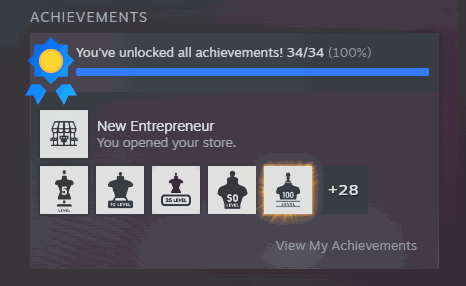
Unlocks all 34 achievements at once and reports back exactly how many actually landed.
Pack Mule
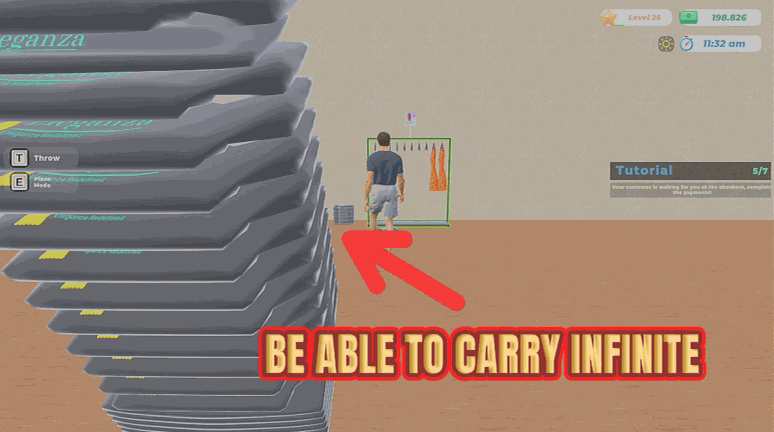
Massively increases how many garments you can carry at once, cutting restock trips to the back room.
Anywhere Goes
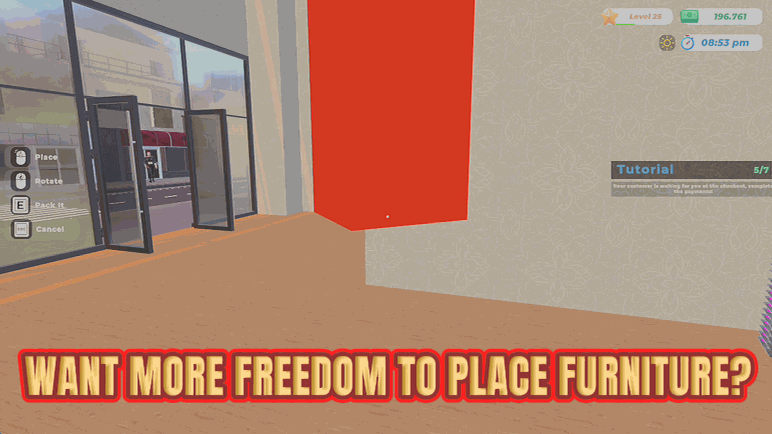
Removes the placement rules on furniture so you can put fixtures anywhere you like.