Want more mods for Clothing Store Simulator? Explore our entire collection!
Corner Office
"Jump your shop to the big-league level and grab the skill points to match."
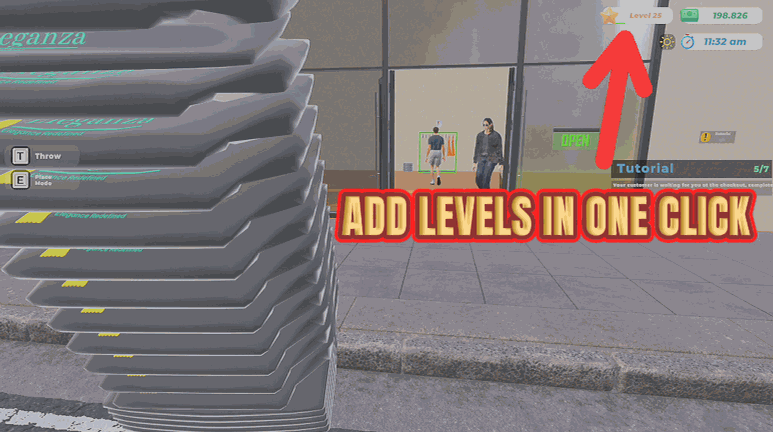
How do I install Corner Office?
Download the free ProjectMods desktop app, then install Corner Office for Clothing Store Simulator in one click.
</>What does Corner Office do?
Store level is the gate on almost everything good in this game. Better brands, more floor space, bigger storage, the fixtures that actually look nice. Corner Office lets you decide when you get there. Pick a level, press the button, and your shop is promoted. Then top up your skill points so you can actually spend the promotion on the perks you want rather than the ones you can afford. Great for a second playthrough where you already know the game and want to jump straight to the interesting decisions, or for a build session where you want the whole catalogue of fixtures available while you design. The two buttons are separate, so you can raise the level without touching skill points or vice versa.
</>What is Corner Office?
Store level gates almost everything good in Clothing Store Simulator: better brands, more floor space, bigger storage and the fixtures that actually look nice. Corner Office jumps you to any level up to 100 and tops up your skill points so you can spend the promotion on the perks you want. A premium mod from ProjectMods, the community-first PC mod manager for 400+ games.
</>Common questions about Corner Office
What does Corner Office do in Clothing Store Simulator?
Corner Office promotes your shop. Pick the store level you want in Clothing Store Simulator, press Set Store Level, and your shop jumps straight there, up to level 100, so the brand deals, floor expansions, bigger storage and better-looking fixtures that were gated behind it open up. A second button hands you skill points, so you can spend that promotion on the perks you actually want rather than the ones you can afford. The two buttons are independent, so you can raise the level without touching points or top up points without moving the level. A premium mod from ProjectMods.
How high can I set my store level?
Up to 100. Type the level you want into Store Level and press Set Store Level, and Corner Office moves your Clothing Store Simulator shop there. You do not have to go all the way either. Nudging forward a few levels to reach one specific unlock works just as well as jumping to the top, and the run stays interesting when there is still something left to earn. You can press the button again later to go higher. If you want the whole product catalogue open without touching your level at all, Full Rack does that job instead.
Do brand deals and floor expansions actually unlock when the level jumps?
Yes. Corner Office moves your store level the same way the game does when you earn it, so everything gated behind that level in Clothing Store Simulator becomes available: brand deals, extra floor space, bigger storage and the fixtures that only show up later on. You are not looking at a cosmetic number on the HUD, because the unlocks follow the level. Anything gated behind something other than level still needs that other thing, so pair it with Retail Therapy when you want the cash to go with the promotion. Perks that cost skill points come from the second button on the card.
Can I add skill points without changing my store level?
Yes, and that is exactly why they are separate buttons. Skill Points sets how many points a single press of Give Skill Points hands you, and it has no effect on your store level at all. Press it once for a small top-up or several times to build a pool, then spend them on whichever perks you want in Clothing Store Simulator. Equally, you can raise your level with Set Store Level and never touch the points if you would rather earn those the normal way. Corner Office keeps the two apart so that you decide which half of the progression you are skipping.
Why would I jump my store level instead of earning it?
Usually because you have already earned it once. Corner Office is made for a second run of Clothing Store Simulator, where you know the game, know which brands you want and would rather get to the interesting decisions than repeat the opening twenty hours. It is also the fastest way to open the full range of fixtures for a build session, so you can design the shop you actually want with everything on the table. And if you are only a level away from the one brand you have had your eye on, a small bump gets you there without the grind.
What options does Corner Office include?
Set Store Level
Press to move your shop to the level above.
Skill Points
How many skill points each press hands you.
Give Skill Points
Press to add the skill points above.
Store Level
The store level you want to jump to.
Corner Office, a premium Clothing Store Simulator mod from ProjectMods, jumps your shop to any store level up to 100 and hands you skill points, so brand deals, floor expansions and better fixtures open up immediately.
System Requirements
What features does Corner Office include?
- Jumps your shop to any store level up to 100 with one press
- Hands you skill points in whatever chunk you type, on a button of their own
- Opens the brands, floor expansions, storage and nicer fixtures your level was holding back
- Keeps the two buttons independent, so you can promote the shop without touching your skill spend
Best For
- Second playthroughs where you already know the systems and want the interesting decisions on day one
- Design sessions where you want the whole fixture catalogue available while you plan the floor
- Players sitting two levels short of the one brand they actually wanted to stock
- Trying a perk build you were never confident enough to spend hard-earned points on
More Mods for Clothing Store Simulator
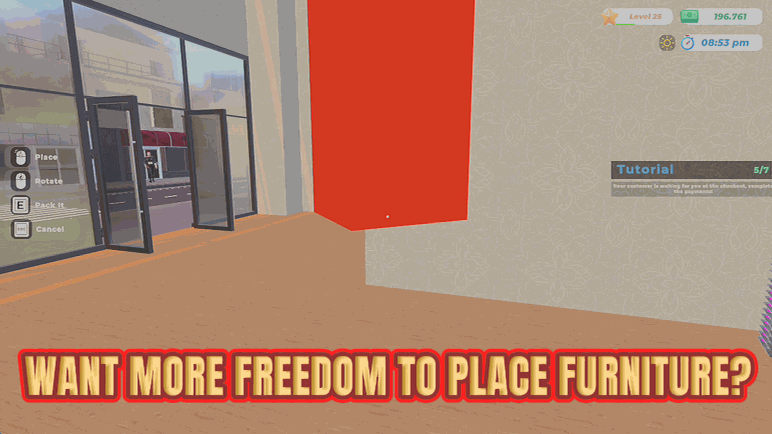
Anywhere Goes
Removes the placement rules on furniture so you can put fixtures anywhere you like.
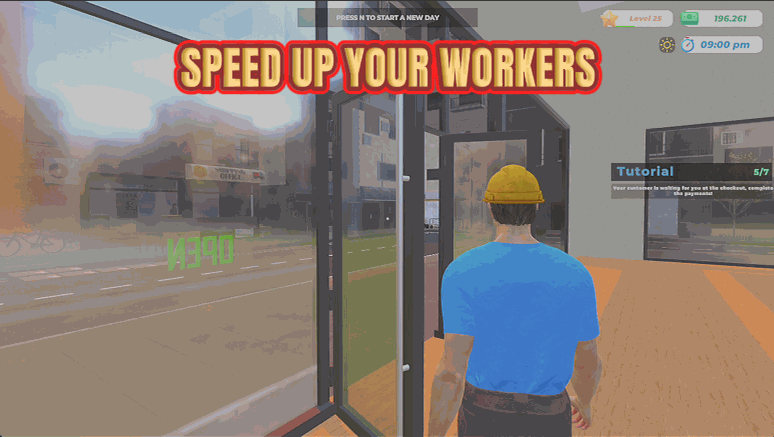
Dream Team
Speeds your hired workers up so they restock shelves and serve customers far faster.
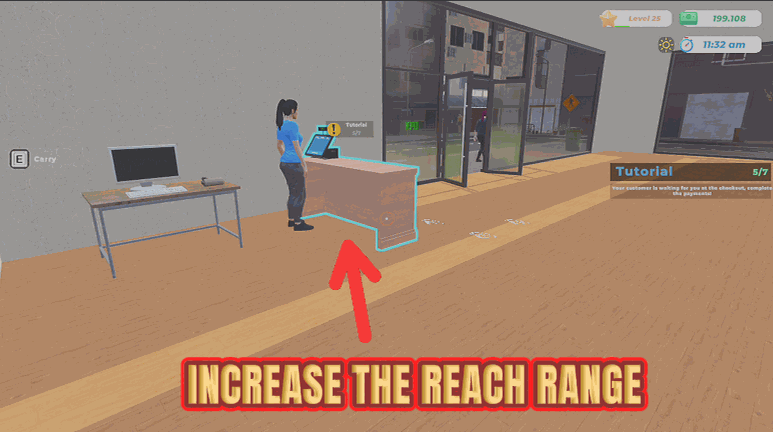
Long Arms
Extends how far you can reach, so you can pick things up and use fixtures from right across the room.