Want more mods for CloverPit? Explore our entire collection!
Give Coins
"Add a stack of coins or wipe your balance clean."
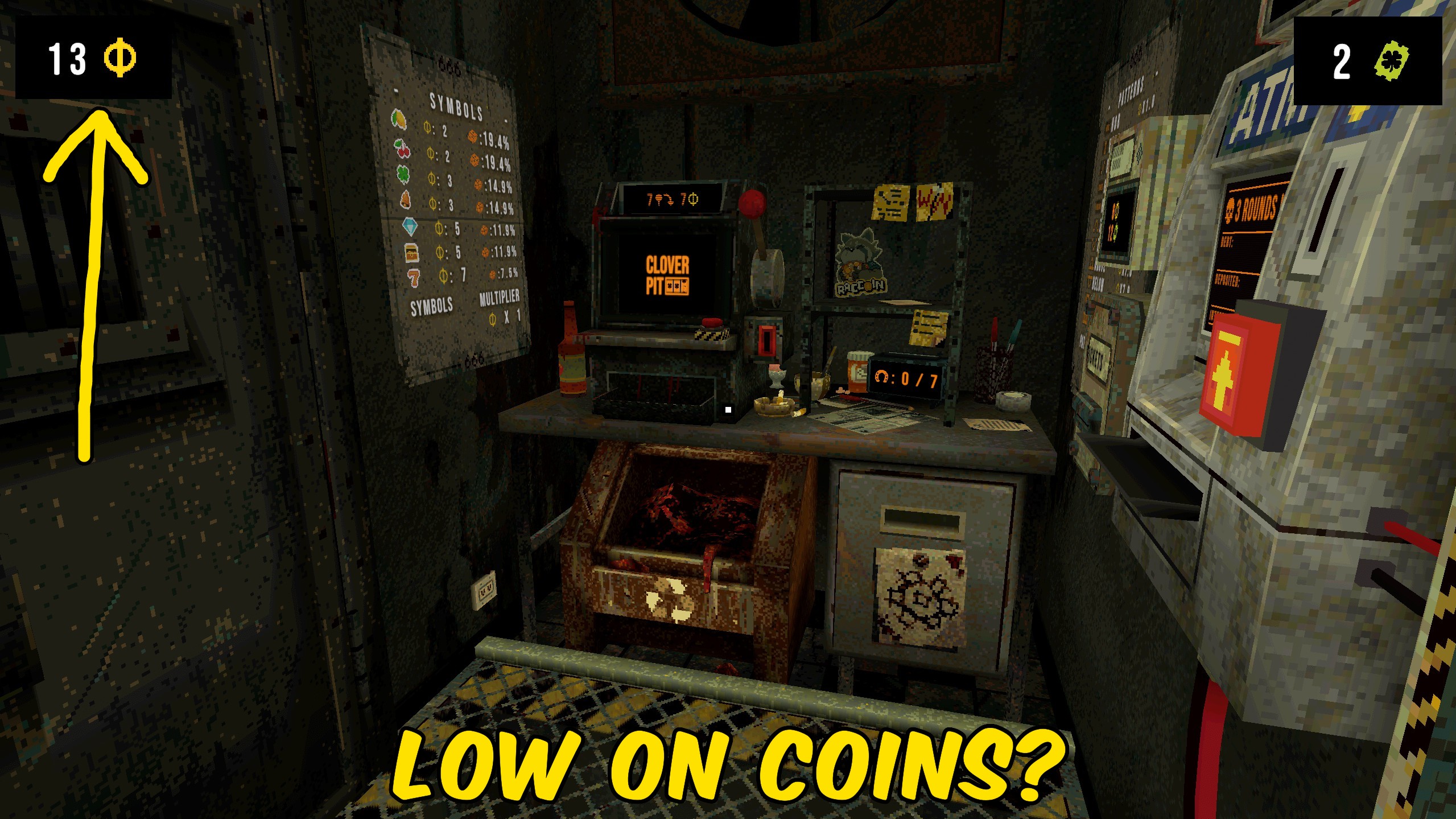
How do I install Give Coins?
Download the free ProjectMods desktop app, then install Give Coins for CloverPit in one click.
</>What does Give Coins do?
Give Coins lets you drop a precise coin amount into your current CloverPit run. Set Coin Amount, press Give Coins, and the money is ready for spins, shops, and ATM deposits. Reset Coins sets the balance to exactly zero when you want a broke start or need to undo a huge stack. Use it after a run has started so the coin values are live.
</>What is Give Coins?
Looking for a CloverPit money mod? Give Coins adds a selected amount to your run balance and includes a reset button. Useful for shop funds, ATM deposits, or a fresh broke run.
</>Common questions about Give Coins
Can I choose the amount?
Yes. Set Coin Amount before pressing Give Coins.
Does Reset Coins wipe tickets too?
No. It only sets coins to zero.
When should I use it?
Start a run first, then press the button.
Does this change debt?
No. Debt and deposits stay separate.
What options does Give Coins include?
Reset Coins
Set your coin balance to exactly zero.
Coin Amount
How many coins to add.
Give Coins
Add the chosen coin amount.
Enter a coin amount and press Give Coins, or press Reset Coins to set the balance to zero.
System Requirements
What features does Give Coins include?
- Add an exact coin amount.
- Reset coins to zero.
- Uses the live coin add and set APIs.
Best For
- Fund a shop restock or ATM deposit mid-run.
- Reset coins before a broke challenge.
More Mods for CloverPit

Spins Manager
Set or add spins left, extra spins, and max spins so a no-more-spins screen does not end your experiments.
Unlock All Charms
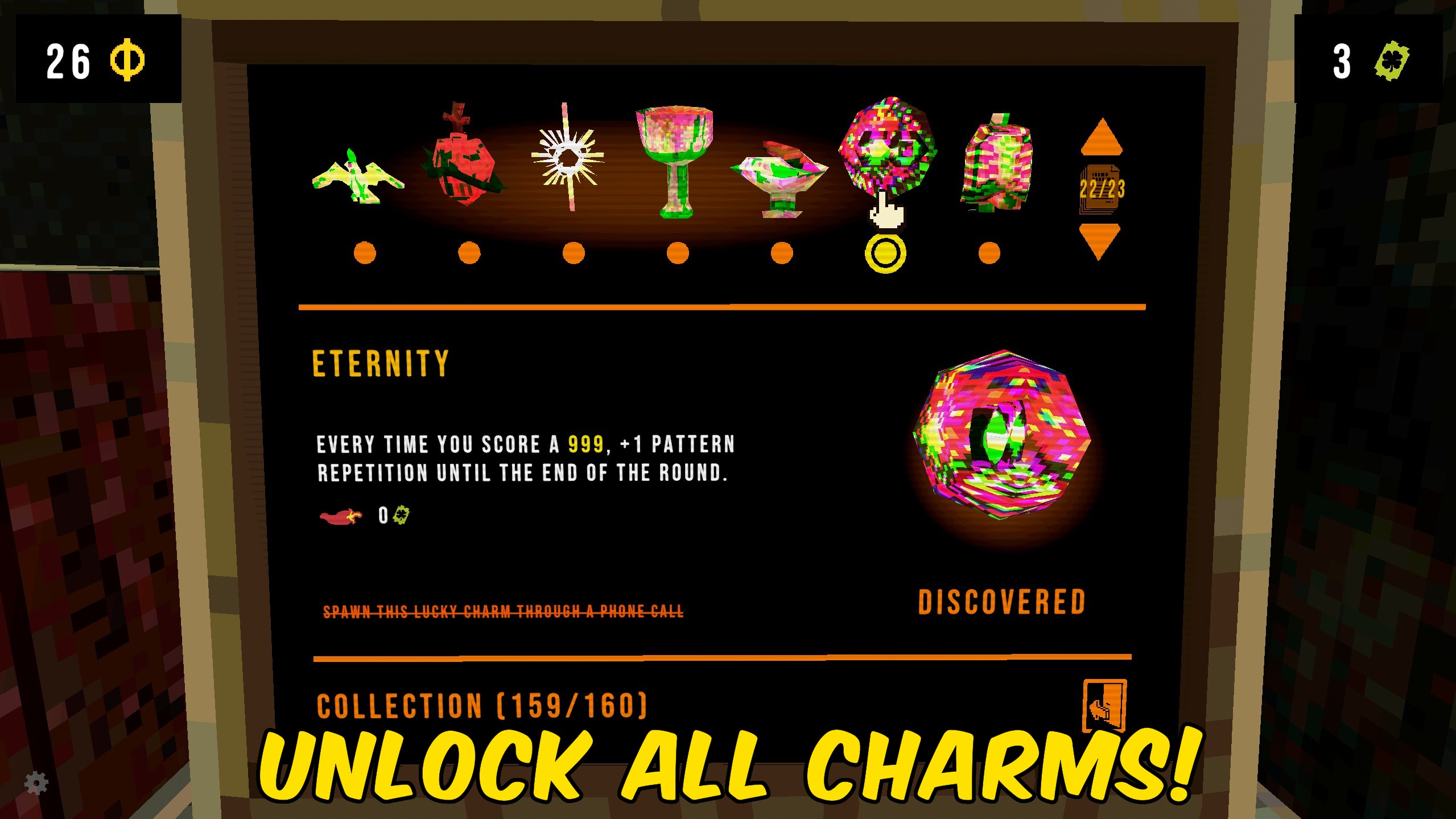
Unlock every CloverPit charm for the terminal catalog and collection path.
Luck Override
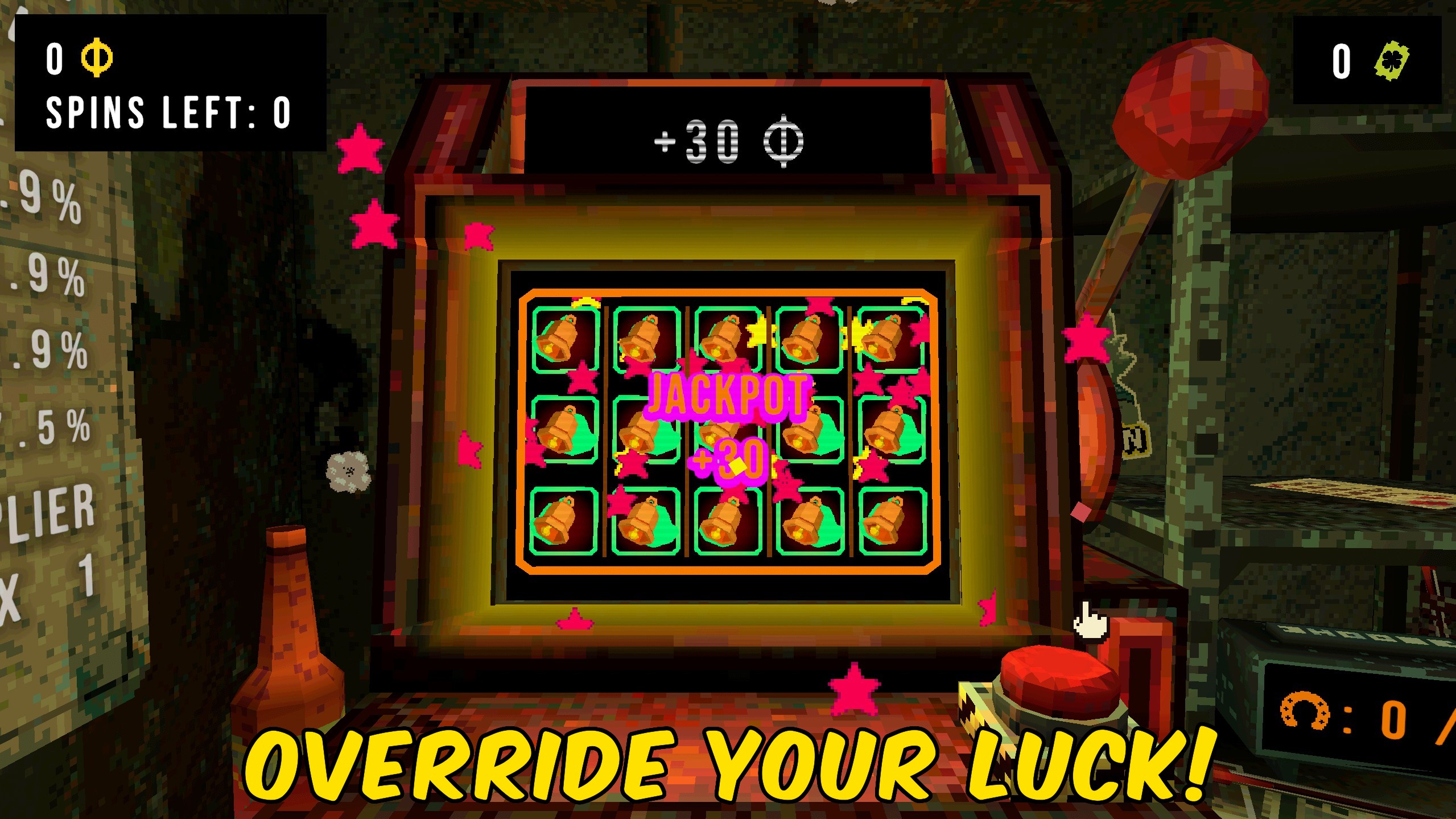
Set powerup luck, force the next spin's luck, and add timed extra luck entries.







