Want more mods for CloverPit? Explore our entire collection!
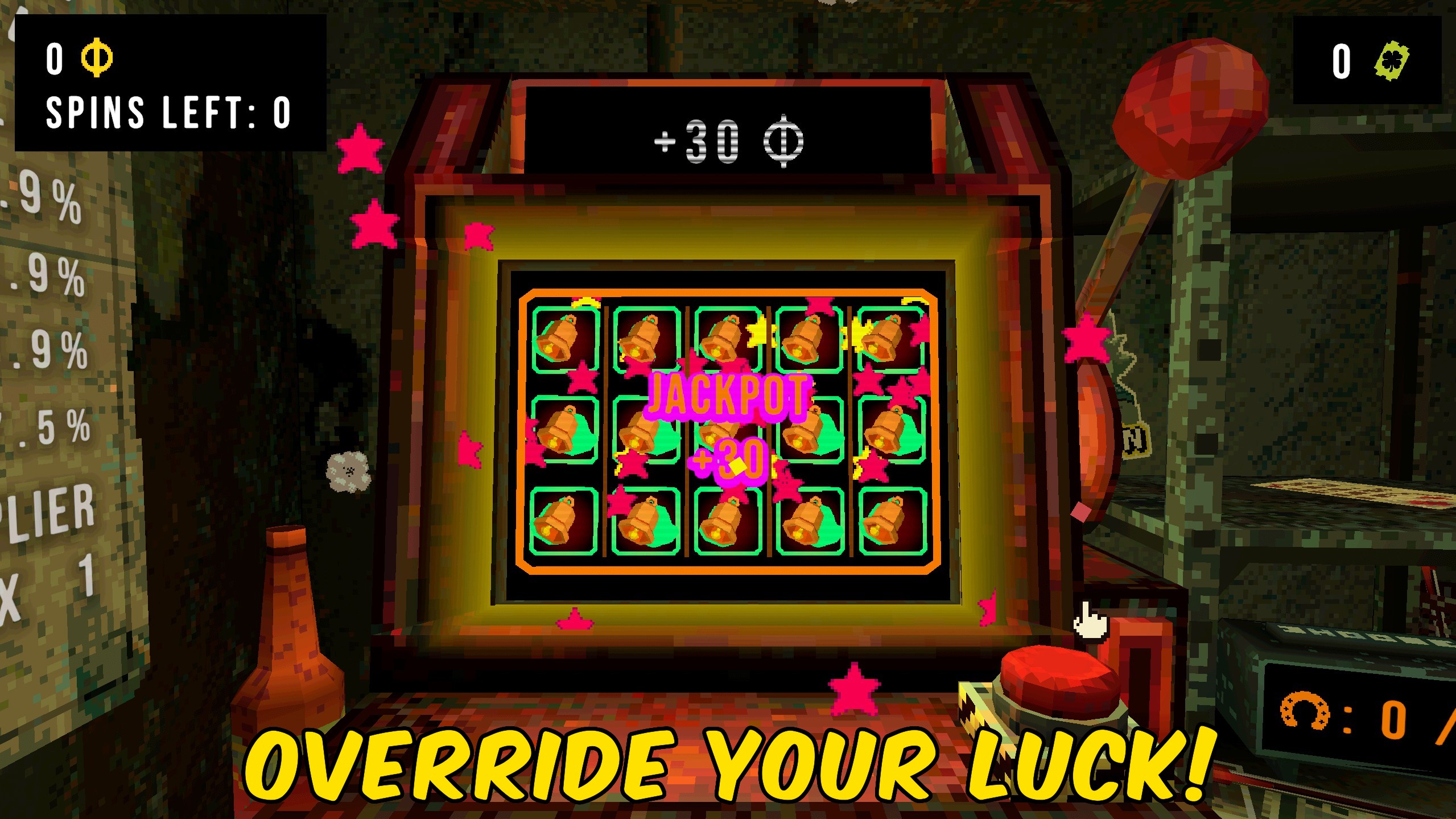
Luck Override
"Rig powerup luck, forced next luck, and extra luck entries."
How do I install Luck Override?
Download the free ProjectMods desktop app, then install Luck Override for CloverPit in one click.
</>What does Luck Override do?
Luck Override is for controlled spin testing. Set powerup luck, force a next-spin luck value on the slot machine, or drop an extra luck entry that lasts a chosen number of spins. Reset buttons restore each luck channel without restarting the run. Start a run first so both GameplayData and the slot machine are available.
</>What is Luck Override?
CloverPit Luck Override lets you rig spin outcomes for testing jackpots, charm procs, and store luck without waiting on random rolls.
</>Common questions about Luck Override
What does Force Next Luck do?
It sets luck for the upcoming spin only.
What is Extra Luck?
A temporary luck entry that lasts several spins.
Does this change symbols directly?
No. It changes luck values that guide rolls.
When should I use it?
During a live run with the slot machine ready.
What options does Luck Override include?
Forced Luck
Luck value forced onto the next spin.
Force Next Luck
Rig luck for the next spin.
Reset Forced Luck
Clear forced next-spin luck.
Set powerup luck, force next luck, or add an extra luck entry, then spin.
System Requirements
What features does Luck Override include?
- Set or reset powerup luck.
- Force luck on the next spin.
- Add and clear extra luck entries.
Best For
- Test a charm that needs lucky spins.
- Force a high-luck pull during a build trial.
More Mods for CloverPit
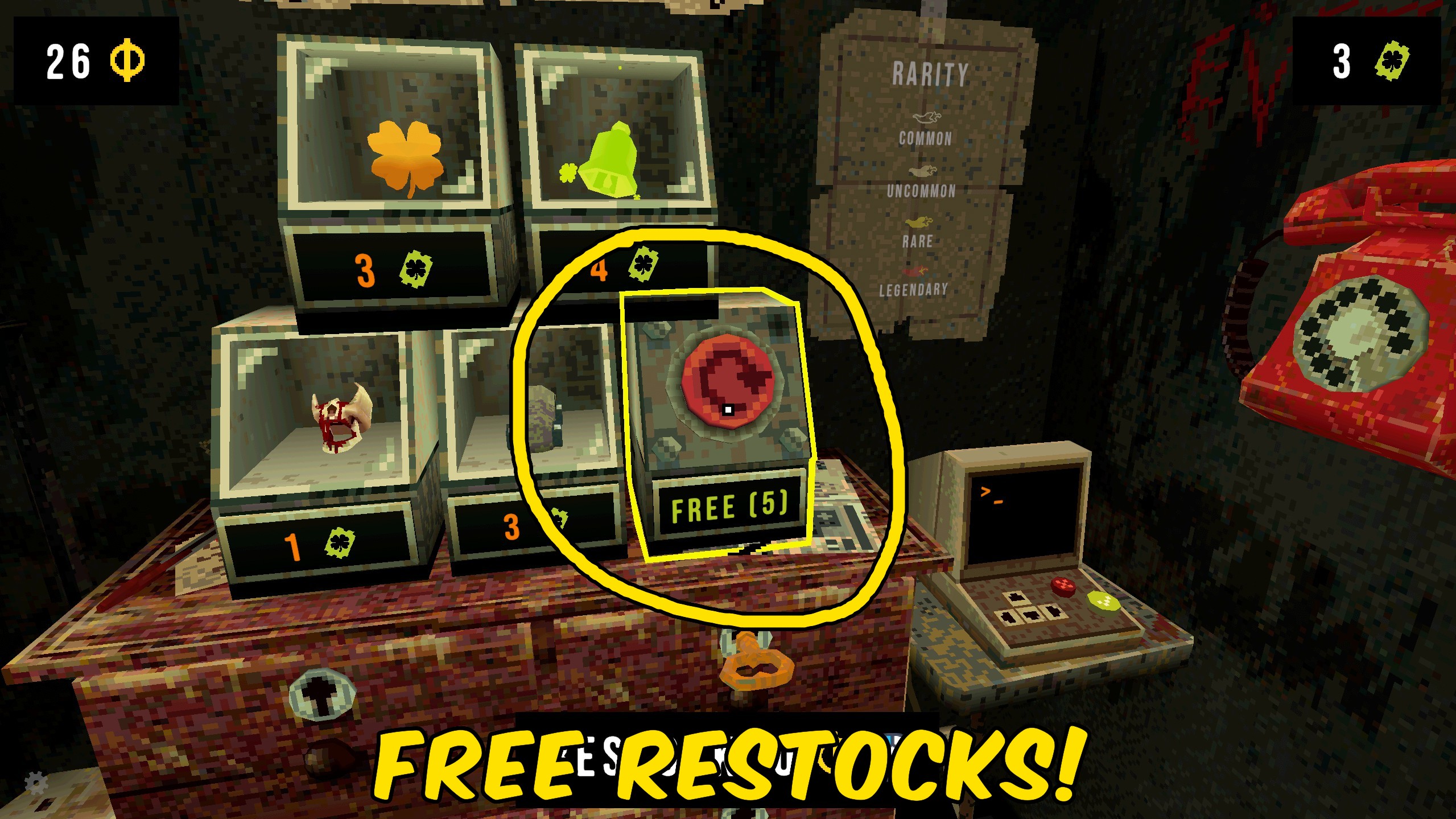
Store Tools
Grant free restocks, clear extra restock cost, and force the charm store to restock.
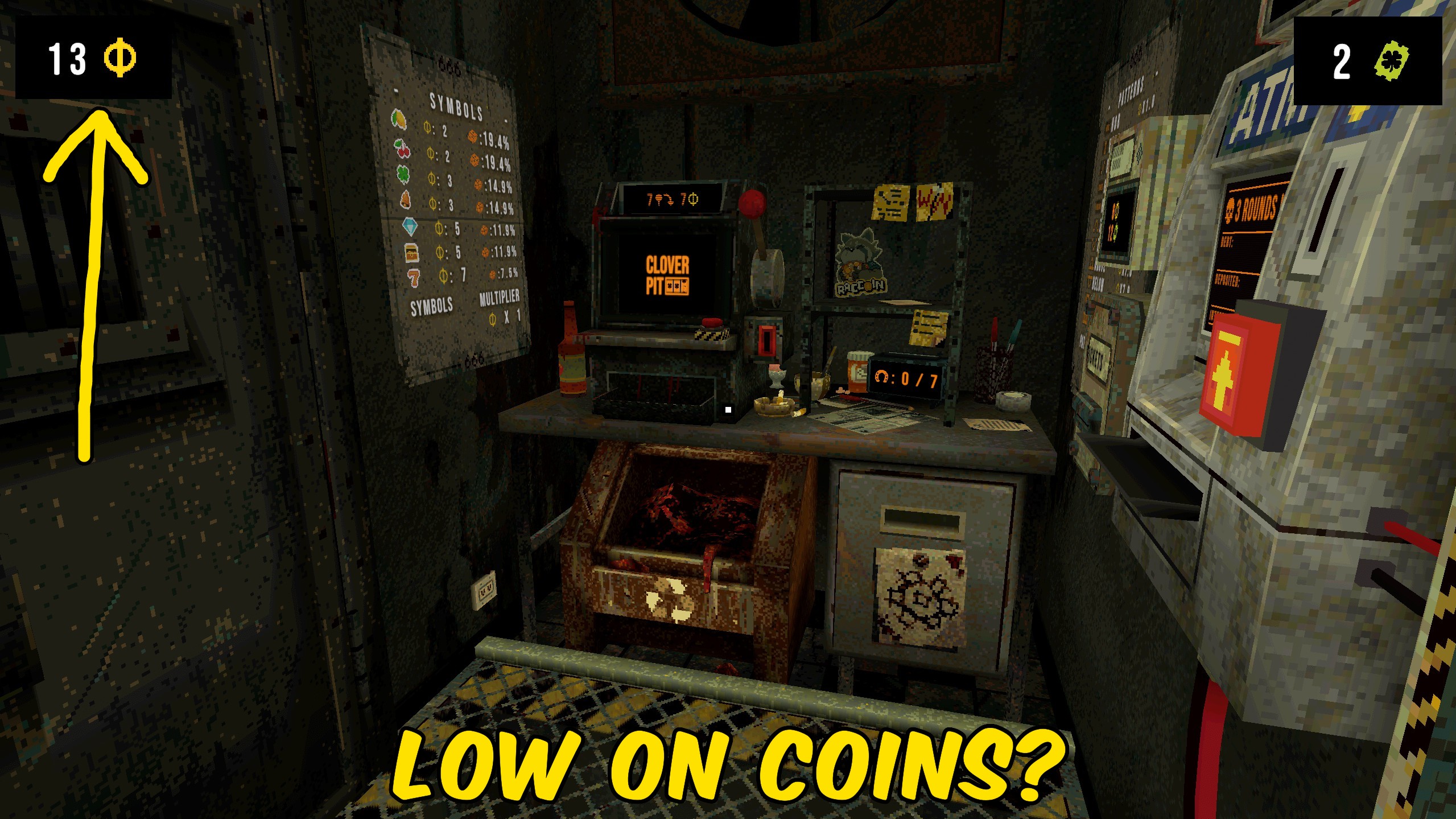
Give Coins
Add a chosen coin amount during a CloverPit run, or reset coins to zero.

Give Clover Tickets
Add clover tickets for shops and rewards, or reset the ticket count to zero.







