Want more mods for Coloring Pixels? Explore our entire collection!
Auto Select Color
"The palette jumps to the right color as soon as you paint a pixel."
How do I install Auto Select Color?
Download the free ProjectMods desktop app, then install Auto Select Color for Coloring Pixels in one click.
</>What does Auto Select Color do?
Auto Select Color watches the pixel you are about to paint and picks the matching palette color for you. You still draw the picture yourself. You just stop scrolling the color bar every few seconds. Turn it on while working a busy image with dozens of similar shades, then turn it off when you want to pick colors by hand again. It only runs while a picture is open and ignores clicks on the bottom UI. Wrong-color slips from a stale swatch drop off, and you can stay zoomed in on a corner without bouncing back to the palette after every stroke.
</>What is Auto Select Color?
Auto Select Color for Coloring Pixels keeps the palette on the correct number while you paint, so large numbered pictures stay relaxing instead of turning into constant swatch hunting.
</>Common questions about Auto Select Color
Do I still paint the picture myself?
Yes. This only switches the selected color. You still draw each pixel.
When does the color change?
As soon as your cursor is over a numbered pixel, including while you are painting.
Does it work on the color bar?
No. It ignores the bottom UI and only watches the picture.
Can I turn it off?
Yes. Disable Auto Select Color whenever you want to pick swatches yourself.
What options does Auto Select Color include?
Auto Select Color
Automatically select the correct palette color for the pixel under your cursor while you draw. Turn this off to pick colors yourself.
The palette follows the pixel under your cursor so every stroke uses the right color.
System Requirements
What features does Auto Select Color include?
- Selects the correct palette color for the pixel under your cursor.
- Keeps working while you click or drag across the picture.
- Turns off cleanly so you can pick colors by hand again.
Best For
- Color a dense picture without constantly scrolling the palette.
- Stay zoomed in on a corner and still hit the right number every stroke.
More Mods for Coloring Pixels
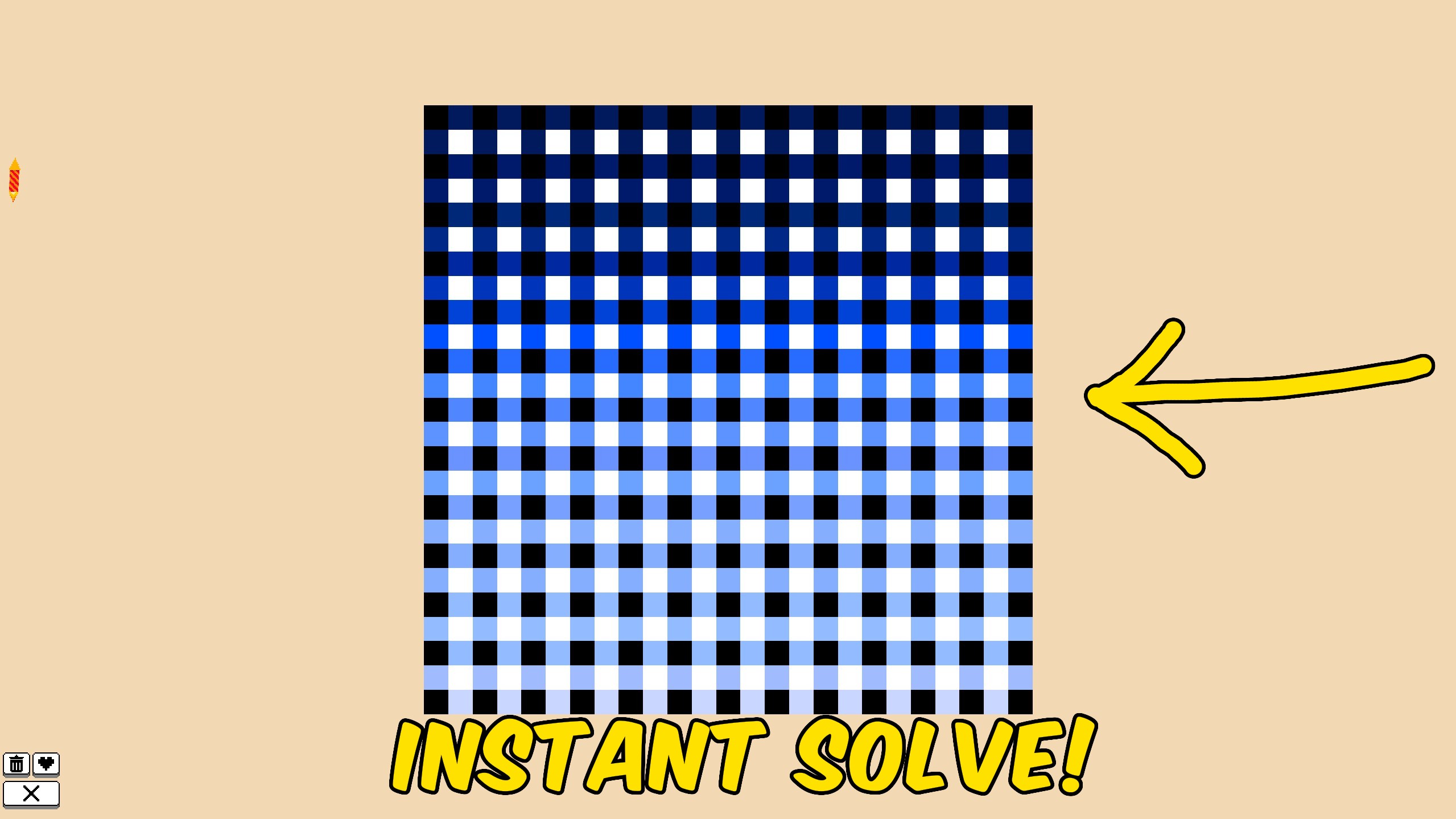
Instant Solve
Fill every remaining pixel on the current Coloring Pixels image so the picture completes immediately and saves.
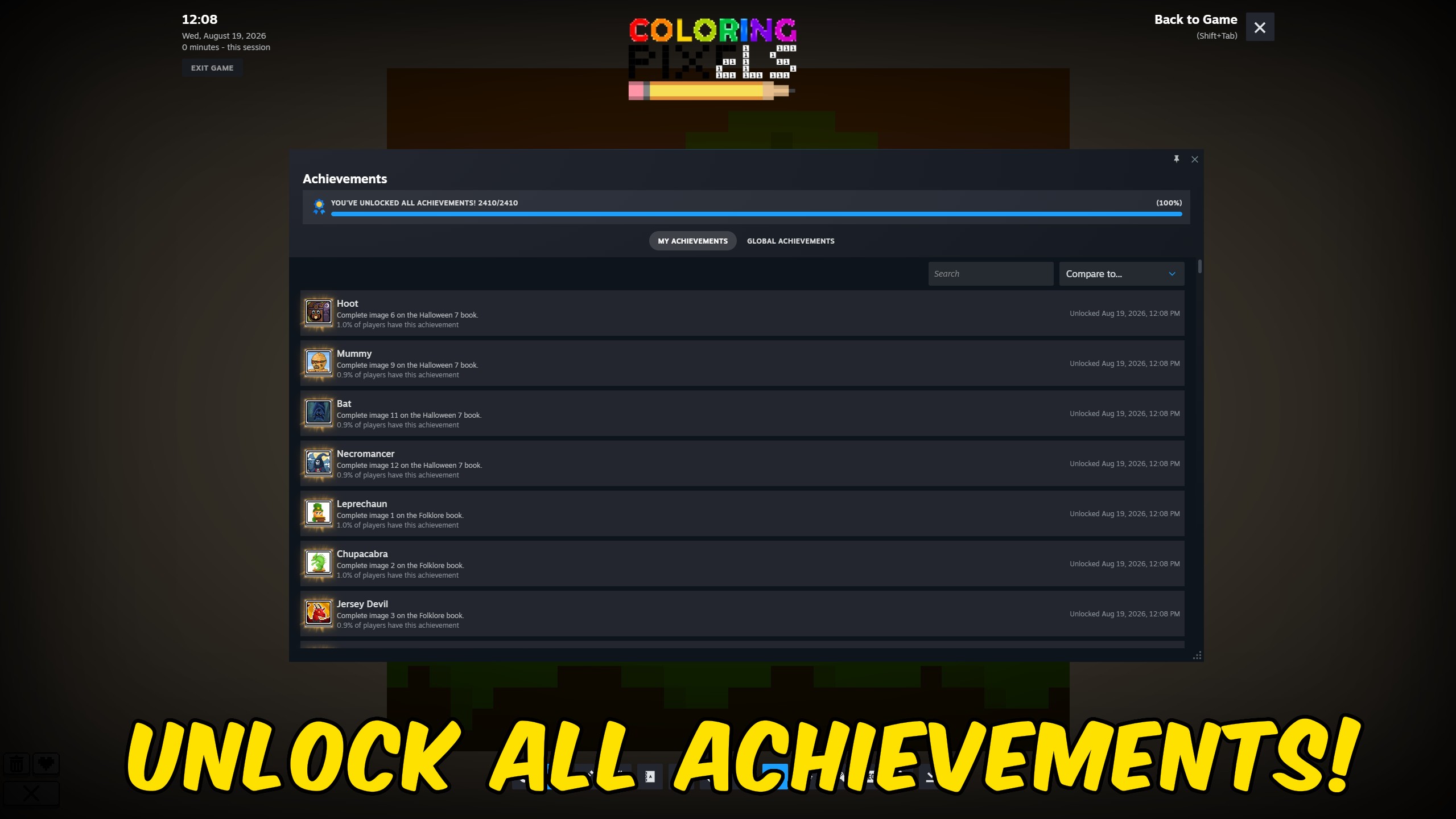
Achievement Unlocker
Pick any Coloring Pixels Steam achievement to unlock, complete the full 2,409-achievement list, or clear everything for a fresh run.
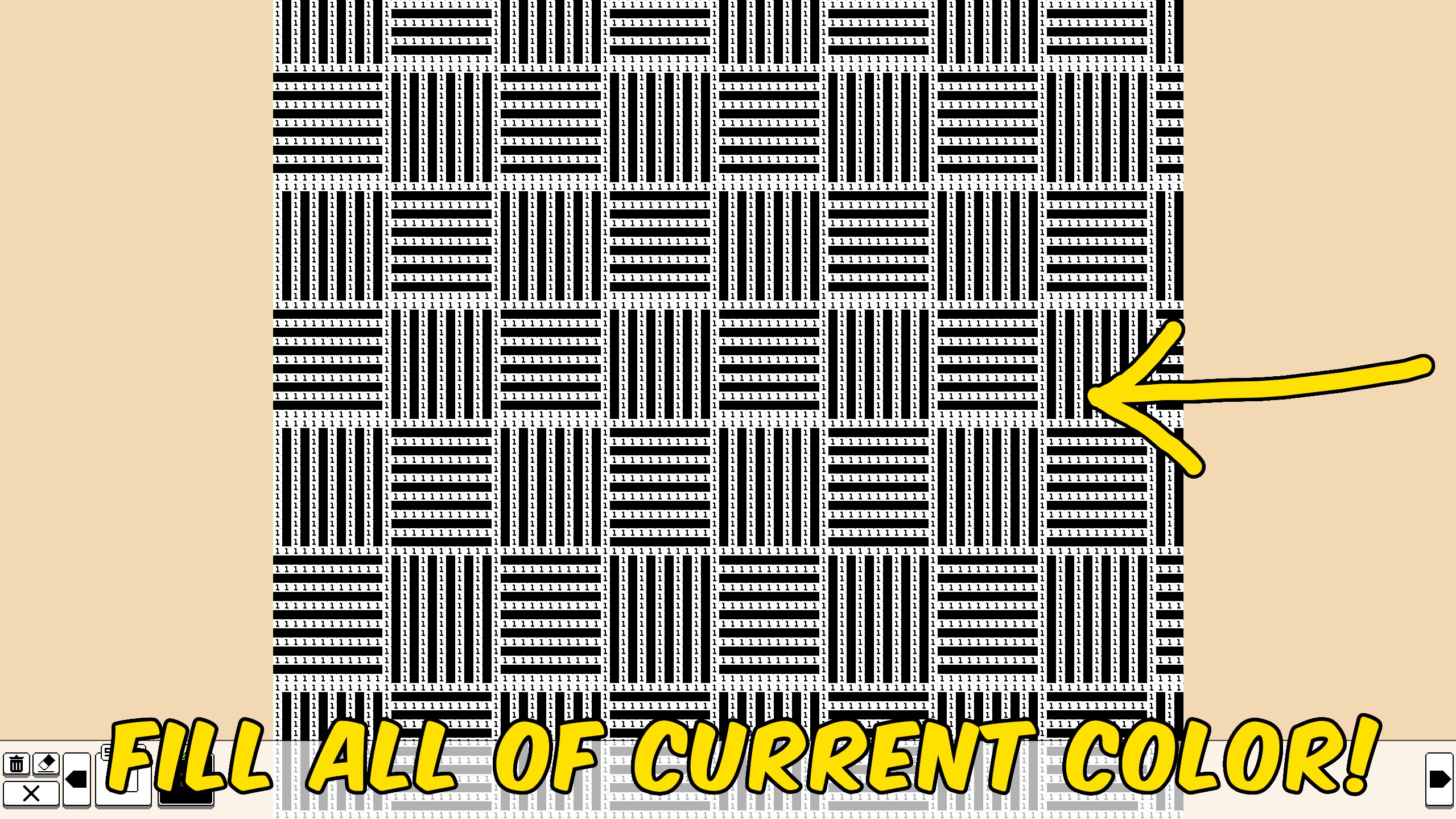
Fill Remaining Color
Fill all remaining pixels of the currently selected color on the open Coloring Pixels picture, then save your progress.



























































































































































































