Want more mods for Coloring Pixels? Explore our entire collection!
Fill Remaining Color
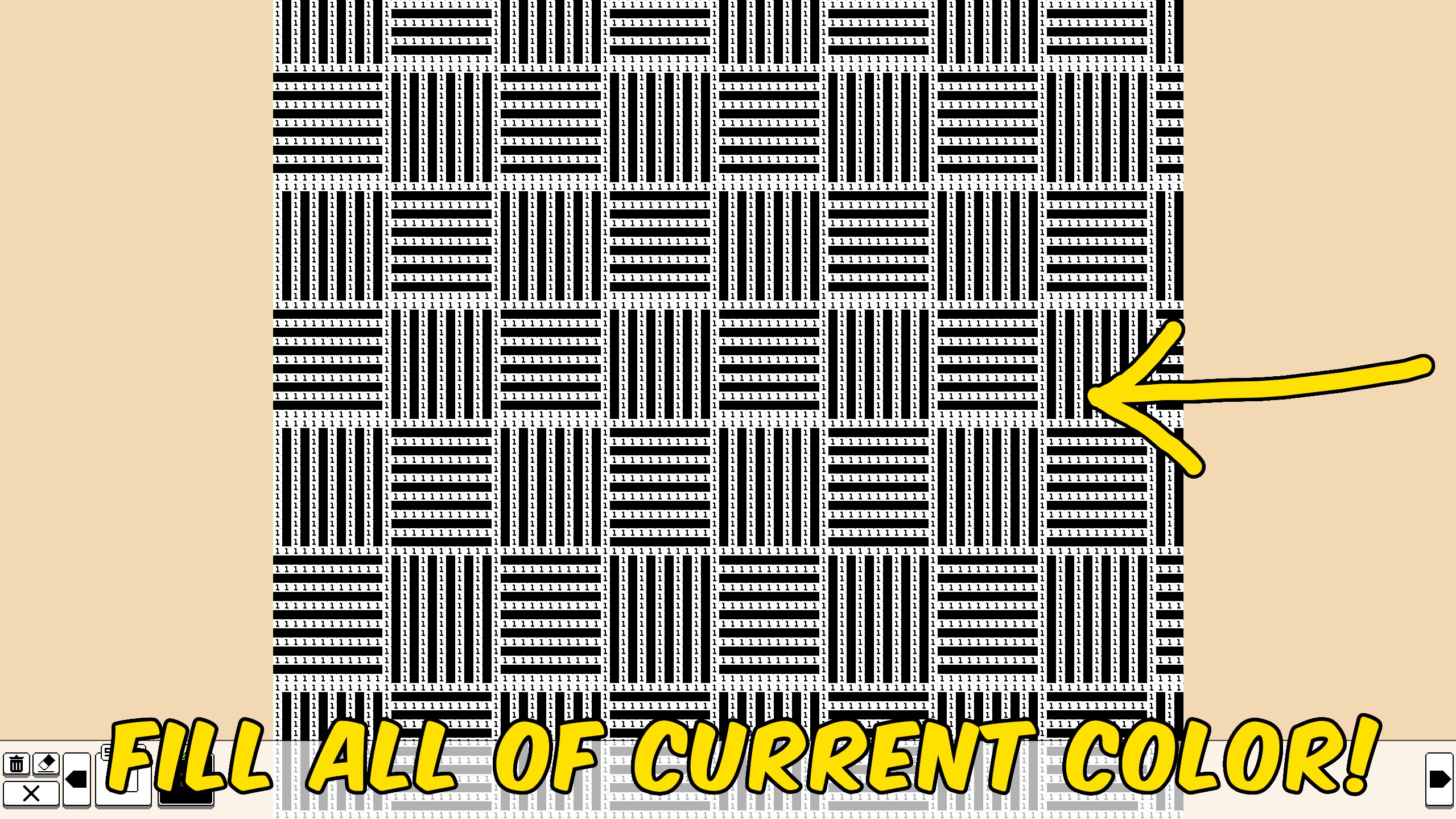
"Finish every leftover pixel of the color you have selected."
How do I install Fill Remaining Color?
Download the free ProjectMods desktop app, then install Fill Remaining Color for Coloring Pixels in one click.
</>What does Fill Remaining Color do?
Fill Remaining Color finishes the swatch you are working on. Pick a number, press the button, and every leftover pixel of that color is filled in. It is the middle ground between painting by hand and solving the whole picture. Large flats of sky, grass, or outlines drop away in one press while the rest of the image stays yours to color. Open a picture, select the color you want to finish, then press Fill Remaining Color. Other colors are left alone.
</>What is Fill Remaining Color?
Fill Remaining Color for Coloring Pixels finishes the selected swatch on the open picture so large same-number areas do not have to be painted pixel by pixel.
</>Common questions about Fill Remaining Color
Which pixels get filled?
Only leftover pixels that belong to the color you currently have selected.
Does it finish the whole picture?
Only if that selected color was the last unfinished number. Otherwise the rest of the picture stays as it is.
Do I need to pick a color first?
Yes. Select the number you want to finish, then press Fill Remaining Color.
Is the fill saved?
Yes. Your updated picture is saved afterward.
What options does Fill Remaining Color include?
Fill Remaining Color
Fill every leftover pixel of the currently selected color on the open picture and save your progress.
Select a color and fill every remaining pixel of that number in one press.
System Requirements
What features does Fill Remaining Color include?
- Fills leftover pixels of the color you currently have selected.
- Leaves every other color on the picture untouched.
- Saves the updated picture after the fill.
Best For
- Clear a huge sky, grass, or outline number without tracing every pixel.
- Finish the last stubborn leftovers of a color before moving on.
More Mods for Coloring Pixels
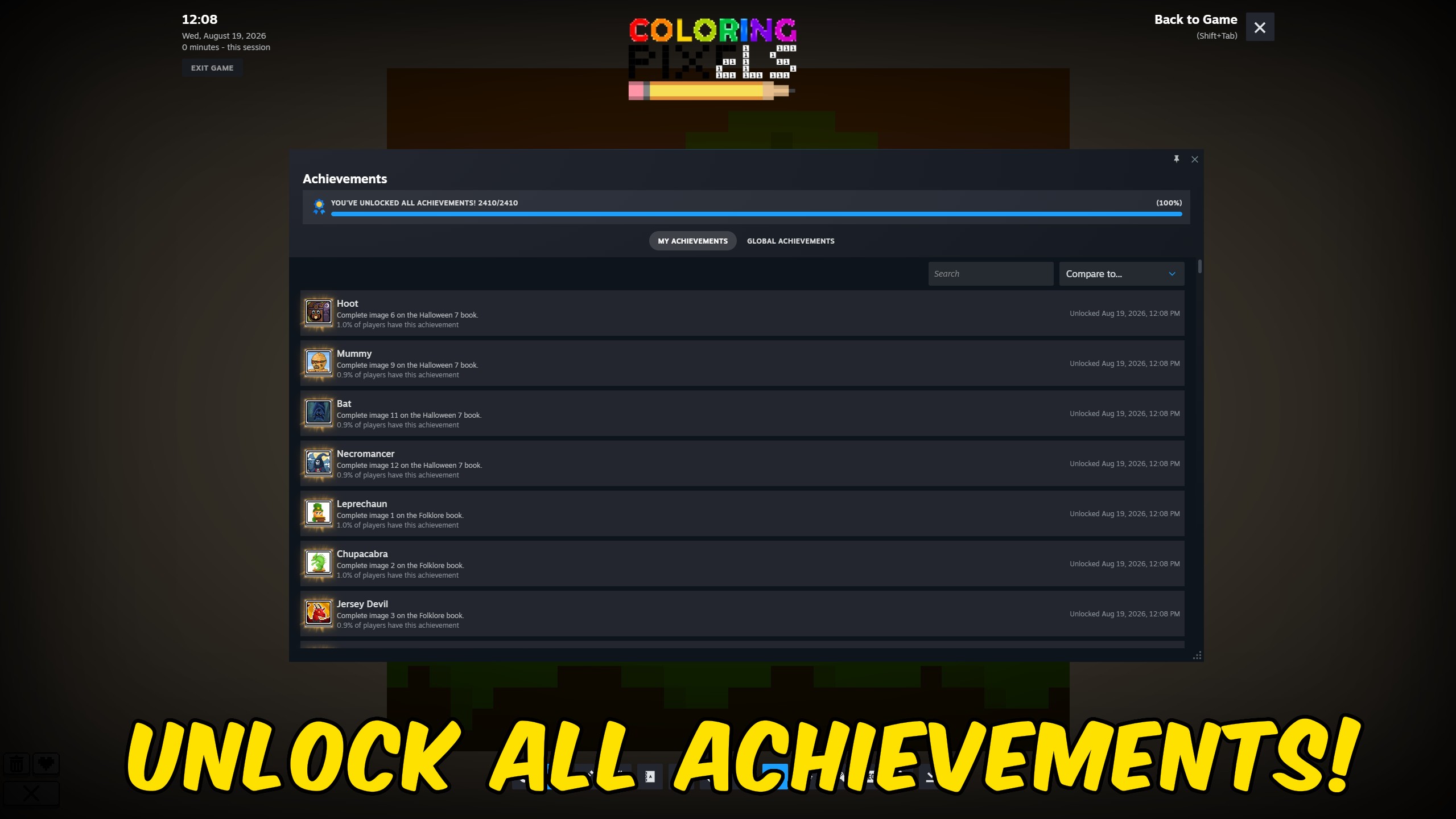
Achievement Unlocker
Pick any Coloring Pixels Steam achievement to unlock, complete the full 2,409-achievement list, or clear everything for a fresh run.
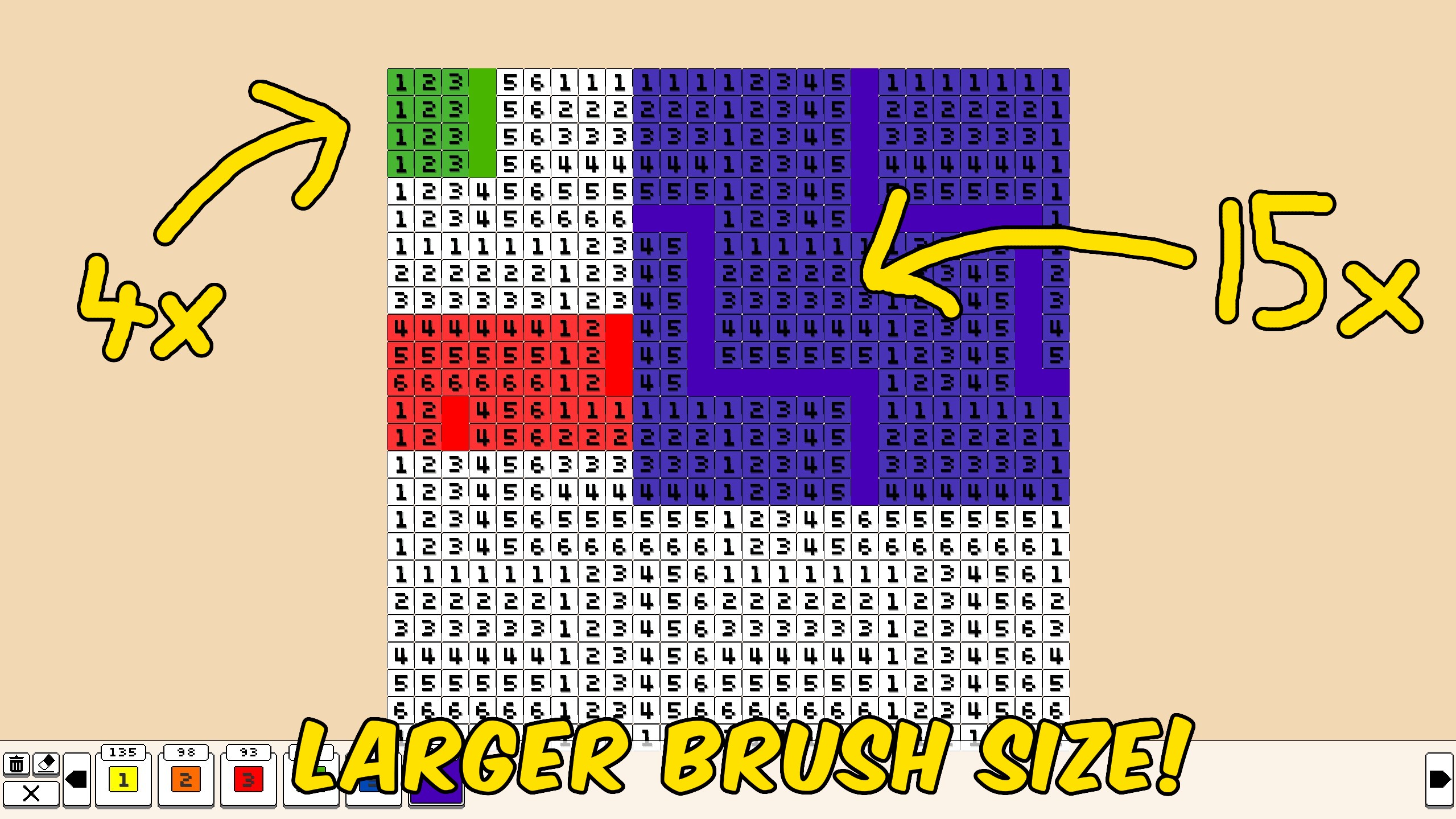
Larger Brush
Increase how many pixels each stroke covers in Coloring Pixels. Set Brush Size to 1 for the normal one-pixel brush, or raise it to paint a bigger square around your cursor.
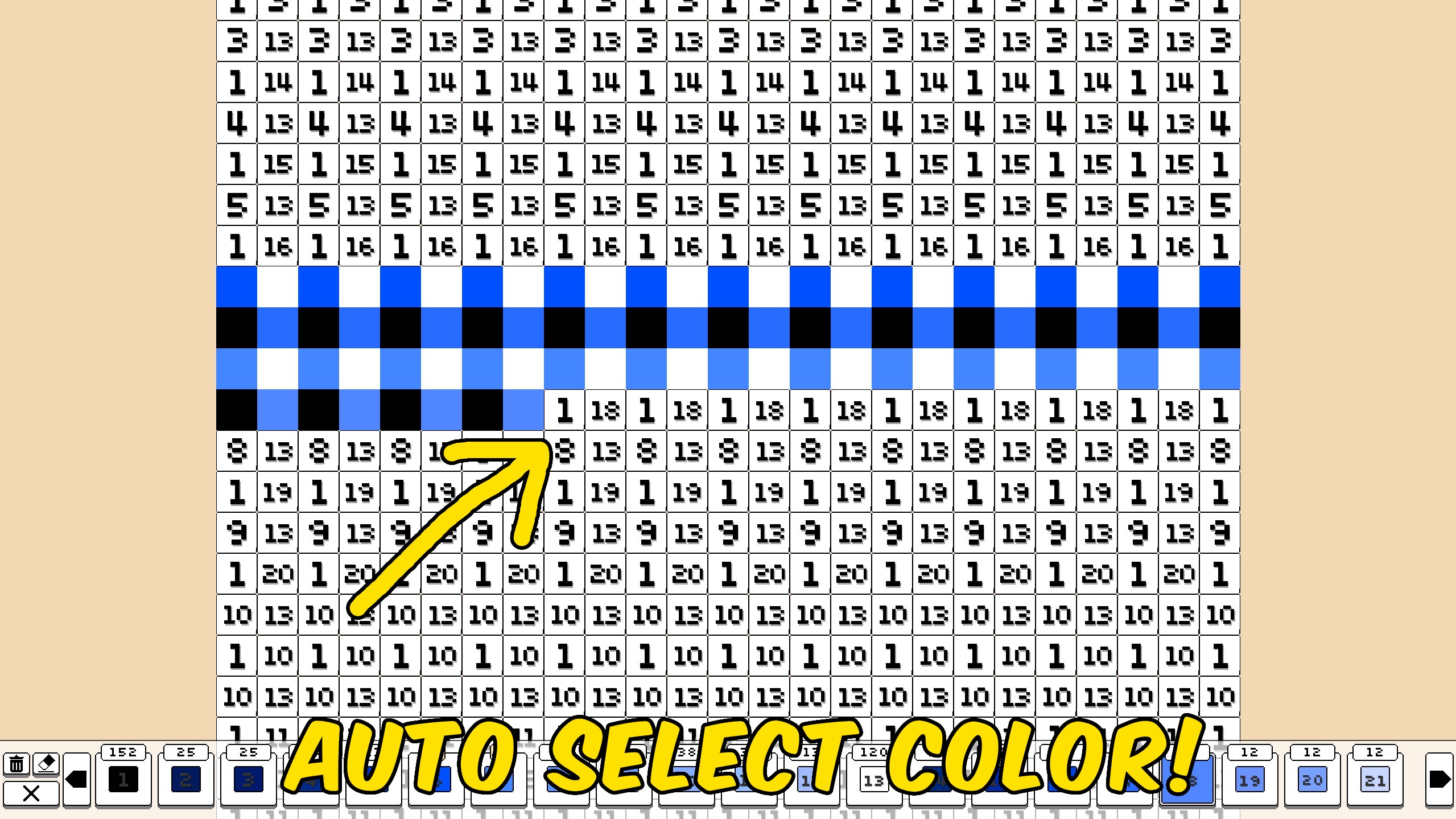
Auto Select Color
While you color, the palette automatically switches to the correct number for the pixel under your cursor, so you can keep drawing without hunting swatches.



























































































































































































