Want more mods for Coloring Pixels? Explore our entire collection!
Larger Brush
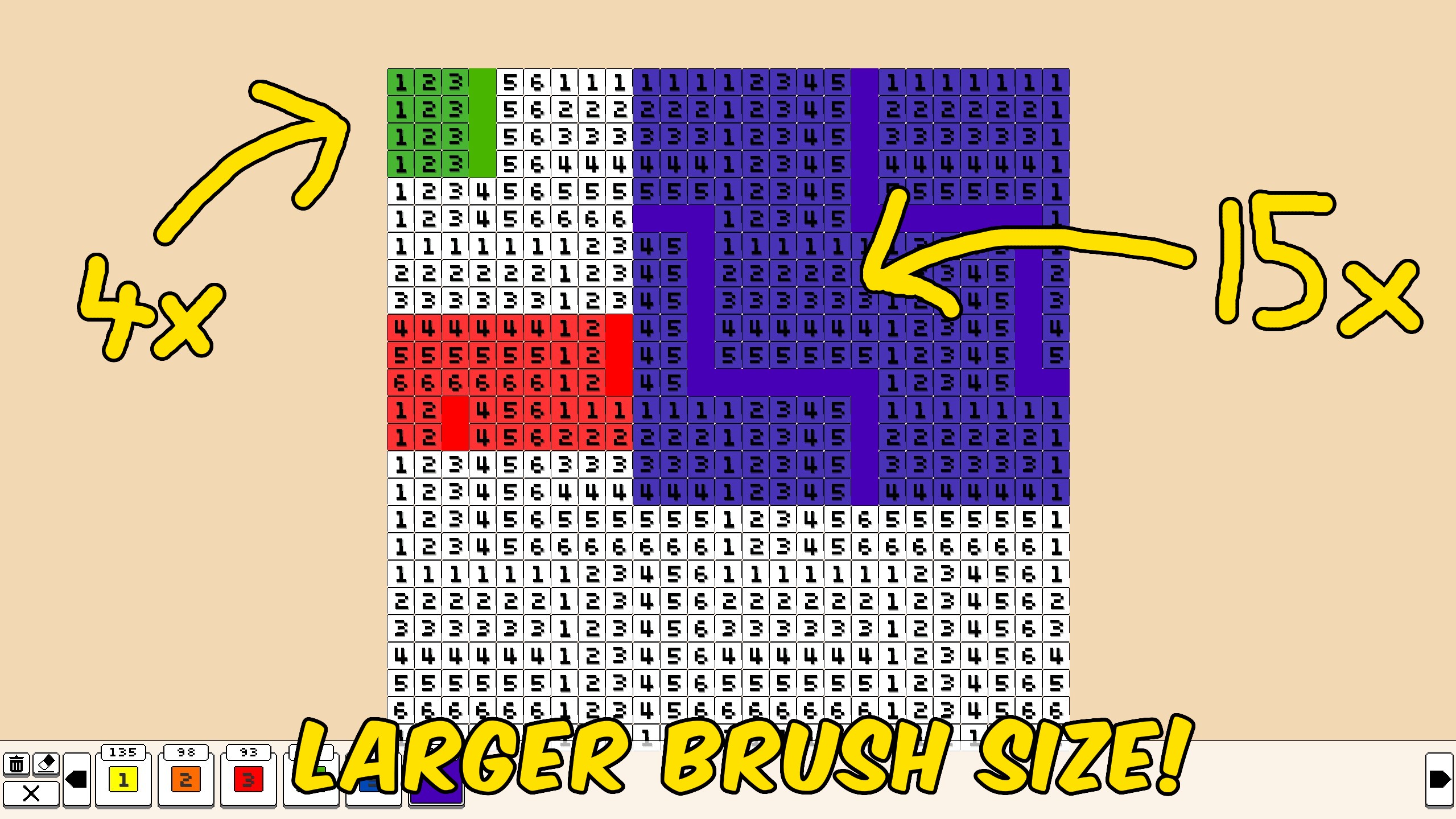
"Paint a wider stamp so big same-color areas fill in a few strokes."
How do I install Larger Brush?
Download the free ProjectMods desktop app, then install Larger Brush for Coloring Pixels in one click.
</>What does Larger Brush do?
Larger Brush turns the usual one-pixel click into a wider stamp. Drag across a sky, wall, or outline and the selected color covers a square around the cursor instead of a single cell. Set Brush Size to 1 when you need sharp edges and tiny details. Push it up for large flats so a few strokes finish a whole patch. Your color lock setting still applies, so finished pixels stay protected if you have that option on. Open a picture, pick a color, then draw as usual. The stamp follows your cursor while you click or drag. Slide Brush Size back to 1 any time you want the original tiny brush.
</>What is Larger Brush?
Larger Brush for Coloring Pixels lets you cover more of a numbered picture with each stroke. A size slider controls how wide the stamp is, so big same-color areas go faster without giving up the tiny brush when you need it.
</>Common questions about Larger Brush
What does Brush Size mean?
It is how many pixels across the stamp is. Size 1 is the normal one-pixel brush. Size 5 paints a 5 by 5 square around the cursor.
Does it use the color I have selected?
Yes. Every pixel in the stamp uses your current color, including the eraser if that is selected.
Will it overwrite pixels I already finished?
Only if your in-game color lock allows it. With color lock on, finished pixels stay as they are.
How do I get the tiny brush back?
Set Brush Size to 1, or unload the mod.
What options does Larger Brush include?
Brush Size
How many pixels across each stroke covers. 1 is the normal one-pixel brush. Higher values paint a bigger square around your cursor.
Raise Brush Size to paint a bigger square around your cursor. Set it to 1 for the normal one-pixel brush.
System Requirements
What features does Larger Brush include?
- Paints a square stamp around your cursor instead of a single pixel.
- Brush Size slider from 1 to 15, with 1 matching the normal tiny brush.
- Keeps your color lock setting, so finished pixels stay safe when that option is on.
Best For
- Fill large sky, grass, or background numbers without tapping every cell.
- Switch down to size 1 for outlines and small details, then raise it again for the next flat.
More Mods for Coloring Pixels
Instant Solve
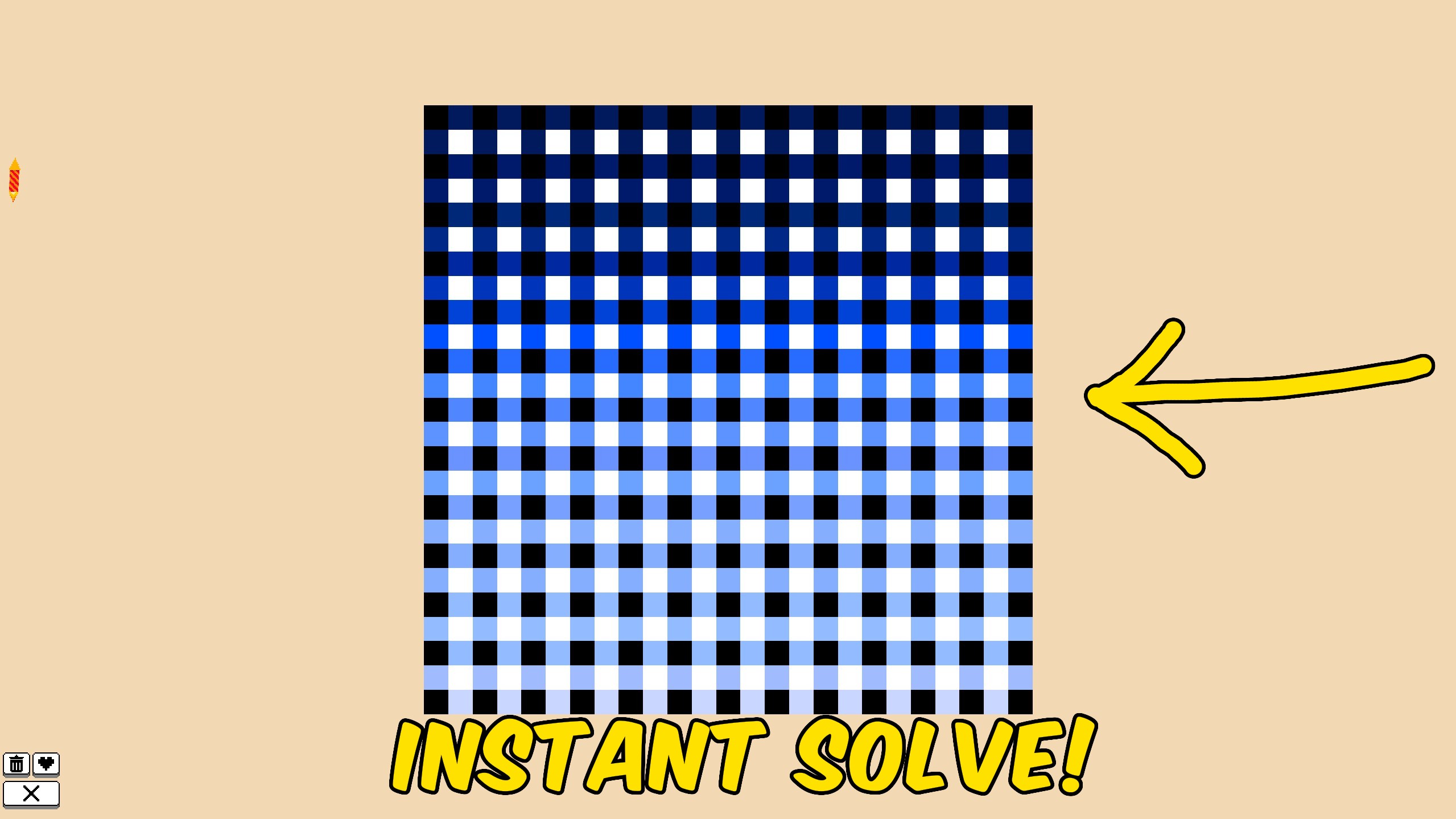
Fill every remaining pixel on the current Coloring Pixels image so the picture completes immediately and saves.
Achievement Unlocker
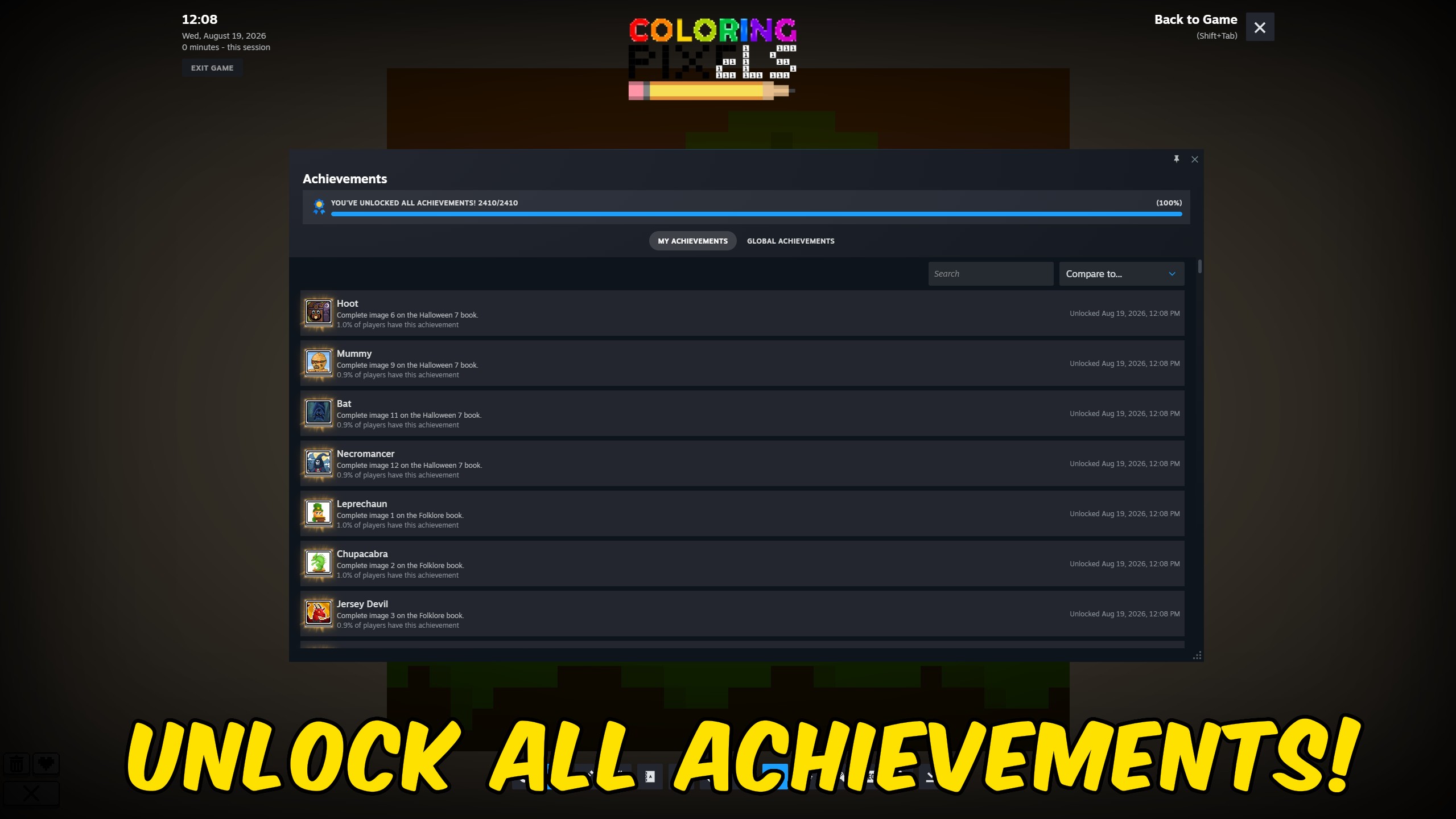
Pick any Coloring Pixels Steam achievement to unlock, complete the full 2,409-achievement list, or clear everything for a fresh run.
Auto Select Color
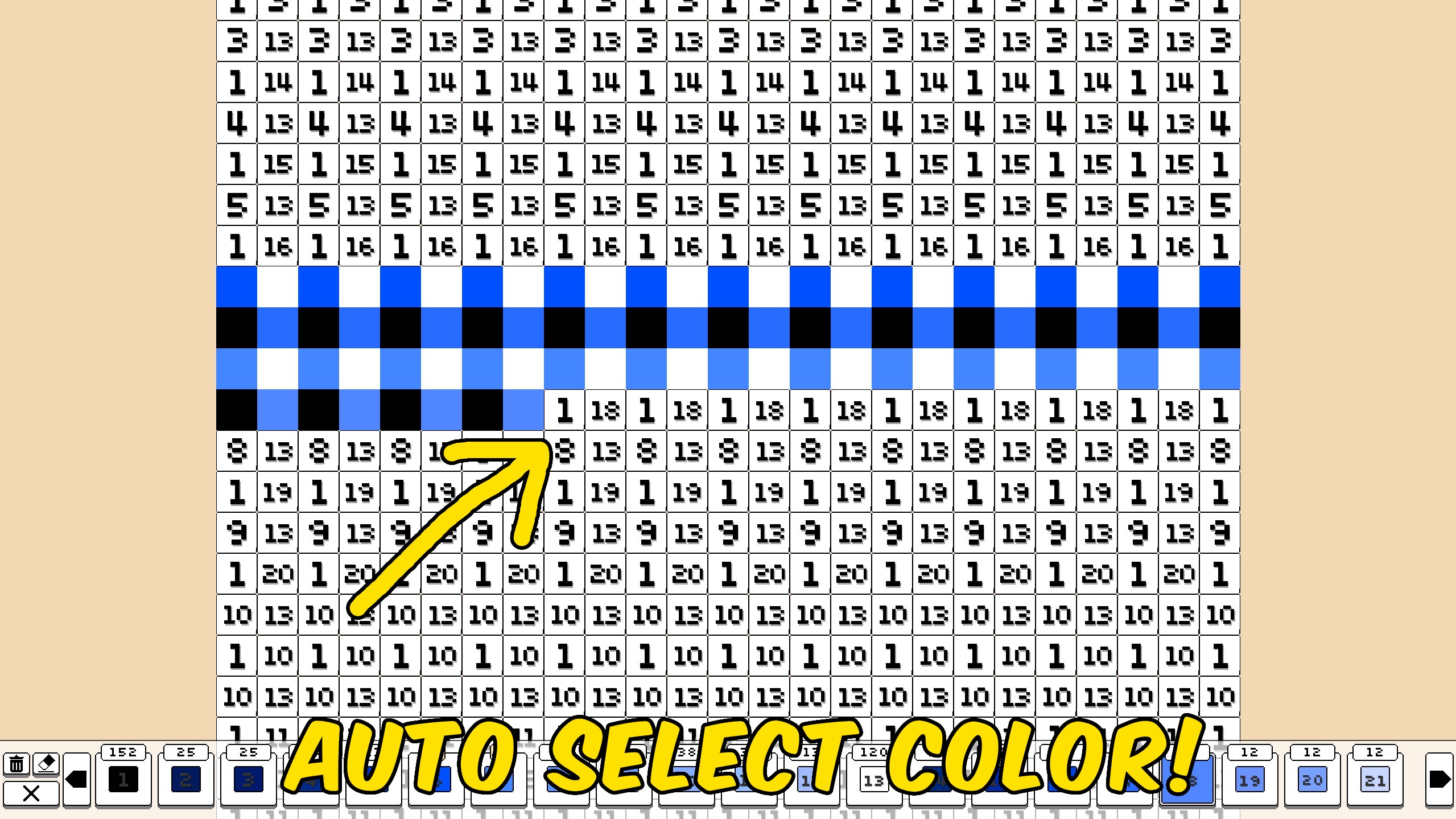
While you color, the palette automatically switches to the correct number for the pixel under your cursor, so you can keep drawing without hunting swatches.



























































































































































































