Want more mods for DEEEER Simulator: Your Average Everyday Deer Game? Explore our entire collection!
Antler Arsenal
"Every weapon in the game, on tap. No pickup hunting."
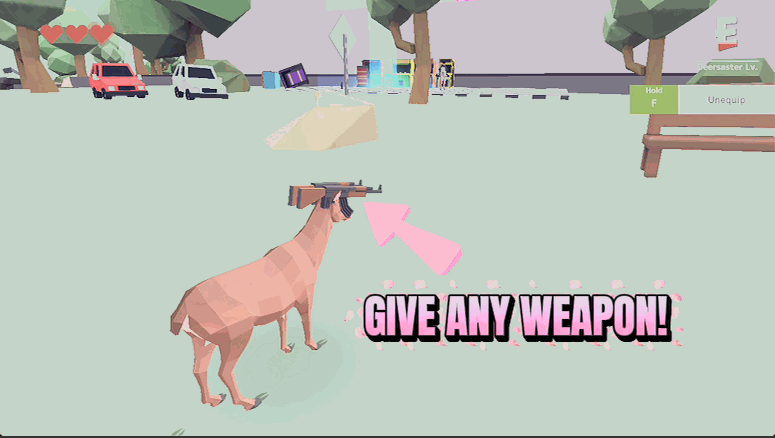
How do I install Antler Arsenal?
Download the free ProjectMods desktop app, then install Antler Arsenal for DEEEER Simulator: Your Average Everyday Deer Game in one click.
</>What does Antler Arsenal do?
Normally you have to stumble onto a weapon crate to arm up. Antler Arsenal skips the scavenger hunt: pick any weapon or gadget from the list and it snaps straight onto your deer. The whole toybox is here — desert eagle, AK, minigun, RPG, rocket pods, the boots, the flight unit and more — equipped exactly the way the game equips its own pickups, so everything animates and fires the way it should. Want to go from a peashooter to a walking artillery battery? Two clicks. Done with a loadout? Unequip everything and start fresh. It's the fastest way to try every tool of destruction the game has to offer, whenever the mood strikes.
</>What is Antler Arsenal?
Antler Arsenal turns DEEEER Simulator's weapon hunt into a menu. Pick any gun or gadget, from the desert eagle and minigun to the RPG, rocket pods and the flight unit, and it snaps onto your deer ready to fire. Swap loadouts in two clicks or strip back to bare antlers whenever you like. One of the DEEEER Simulator mods on ProjectMods, the community-first PC mod manager.
</>Common questions about Antler Arsenal
What does Antler Arsenal do in DEEEER Simulator?
Antler Arsenal is a DEEEER Simulator mod that lets you equip any weapon or gadget on demand, with no pickup crates required. Normally you have to stumble onto a weapon crate to arm up; with Antler Arsenal you open the list, choose what you want, and it snaps straight onto your deer ready to use. The full toybox is here, from the desert eagle, AK and minigun to the RPG, rocket pods, the boots and even the flight unit. Everything equips just the way the game arms its own pickups, so your deer animates and fires the way it should. Go from a peashooter to a walking artillery battery in two clicks.
Which weapons and gadgets can I equip with Antler Arsenal?
Antler Arsenal covers the whole DEEEER Simulator arsenal in one list. On the gun side you get the desert eagle, the AK, the minigun and the RPG, plus the rocket pods for raining down chaos from above. It is not only weapons, though: the gadget side includes the boots and the flight unit, so you can kit your deer out for mobility as well as mayhem. Pick any single item from the Weapon dropdown, hit Equip Selected, and it lands on your deer instantly. Want to try everything the game has? Cycle through the list one entry at a time and feel how each tool of destruction plays before settling on a favourite loadout.
Do weapons equipped with Antler Arsenal actually fire and animate properly?
Yes. Anything you equip through Antler Arsenal behaves exactly like a weapon you found the normal way in DEEEER Simulator, so it aims, animates and fires the way it should. There is no half-attached, floating-gun weirdness; the minigun spins, the RPG launches, the rocket pods salvo, and the flight unit lifts you off the ground just as if you had picked them up in a crate. Because each item is armed the same way the game hands out its own pickups, your deer's poses and firing effects all line up. That means you can pull off the same stunts and combos you would with a found pickup, only you never had to go looking for one first.
What do the Equip Selected and Unequip All buttons do in Antler Arsenal?
Those two buttons are how you manage your loadout in Antler Arsenal. Choose a weapon or gadget from the dropdown, press Equip Selected, and that item snaps onto your deer straight away. Change your mind or want to try something else? Pick a different entry and press Equip Selected again to swap. When you are done and want a clean slate, Unequip All strips off everything you are currently carrying so your deer goes back to bare antlers. It is the fastest way to bounce between builds in DEEEER Simulator, whether you are stacking gear for a rampage or clearing it all to start a fresh experiment with a different tool.
Why is the weapon list empty when I first load in, and what is Refresh List for?
The Weapon dropdown in Antler Arsenal fills itself in once you are actually in-game, so if you open it too early, before your deer has fully loaded into DEEEER Simulator, it can look empty. That is exactly what the Refresh List button is for: give it a tap once you are in town and the full weapon and gadget list populates. If the list ever looks short or blank after launching, Refresh List is your fix, with no restart needed. Once it is filled, pick your item, hit Equip Selected, and you are armed. Think of Refresh as the little nudge that tells the mod to go and check what is available right now.
What options does Antler Arsenal include?
Equip Selected
Equip the weapon chosen above.
Refresh List
Reload the weapon list. Use this if the list looks empty after launching.
Unequip All
Take off everything you currently have equipped.
Weapon
Choose which weapon or gadget to equip. The list fills in once you're in-game.
Antler Arsenal is a DEEEER Simulator mod from ProjectMods that lets you equip any weapon or gadget on demand, from pistols and miniguns to rocket pods and the flight unit, without hunting for pickup crates.
System Requirements
What features does Antler Arsenal include?
- Pull up a dropdown and equip any weapon or gadget on the spot — pistols, AK, minigun, RPG, rocket pods, even the flight unit.
- Swap loadouts in two clicks with zero crate-hunting: go from peashooter to walking artillery whenever the mood strikes.
- Every weapon behaves just like the ones you'd find in a crate — proper firing, proper animations, no janky half-equips.
- Hit Unequip All to strip everything off and start a completely fresh loadout from scratch.
- Refresh the list any time it looks empty after loading in, so your whole toybox stays one click away.
Best For
- You want to try every weapon back-to-back without wandering the map hoping the right crate finally spawns.
- Content creators filming a weapon showcase who need the minigun, RPG, and flight unit on command for clean side-by-side clips.
- Streamers whose chat keeps asking what the rocket pod does and want to equip it instantly instead of hunting one down.
- You've got Trigger Happy running and want the biggest gun in town to feed it — grab the minigun and make it a firehose.
- Mid-rampage and your current gun feels weak? Swap to a rocket launcher on the spot and keep the chaos rolling.
More Mods for DEEEER Simulator: Your Average Everyday Deer Game
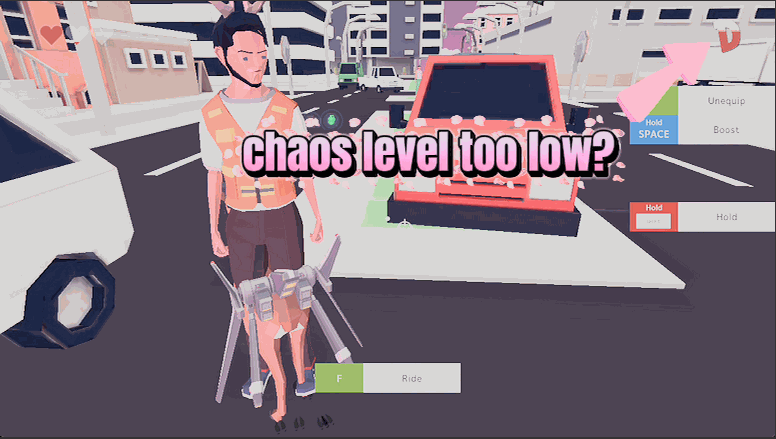
Disaster Dial
Control the town's panic level. Jump straight to a full-blown disaster to bring out the big guns, crank how fast chaos builds, or freeze it to explore in peace.
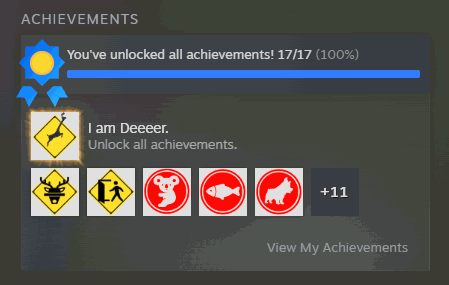
Trophy Case
Unlock any single achievement or the whole set in one click. Fills both the in-game trophy screen and your Steam profile, so nothing reads as locked.
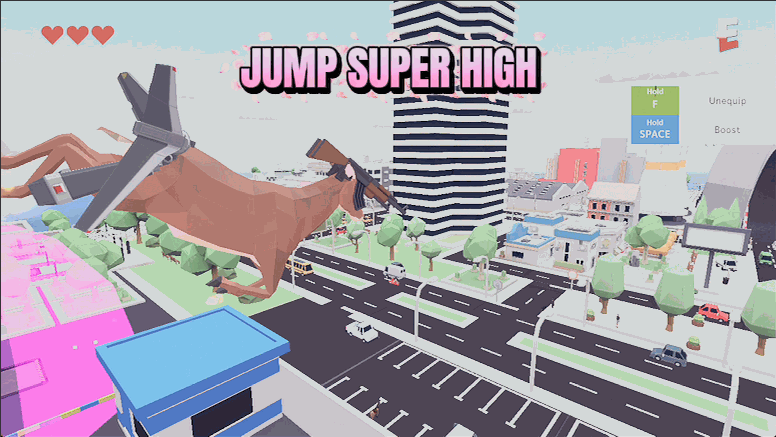
Sky Hopper
A jump-height slider that works for both your deer and your human form. Nudge it up for handy hops or max it out to clear rooftops in one leap.







