Want more mods for DEEEER Simulator: Your Average Everyday Deer Game? Explore our entire collection!
Disaster Dial
"Skip straight to the tanks — or keep the town blissfully calm."
How do I install Disaster Dial?
Download the free ProjectMods desktop app, then install Disaster Dial for DEEEER Simulator: Your Average Everyday Deer Game in one click.
</>What does Disaster Dial do?
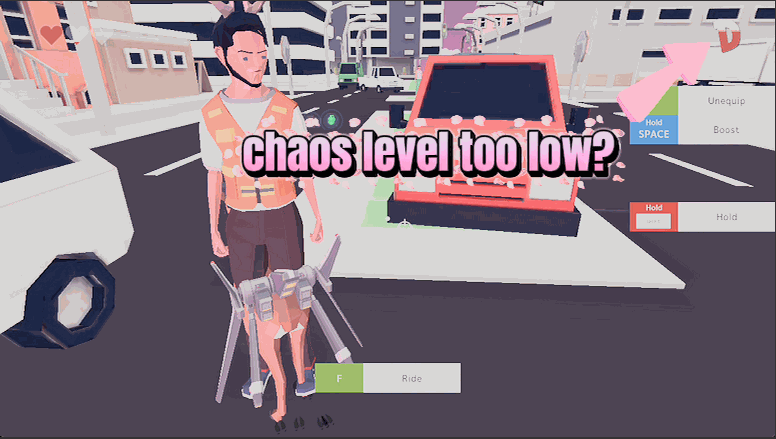
As you make a mess, the town's disaster meter climbs from E all the way up to S, calling in bigger crowds, more police, and eventually the military. Disaster Dial puts that meter in your hands. Want the wildest response right now? Hit Max Chaos and the town escalates instantly. Prefer to build up gradually? Set an exact level, or turn up the chaos multiplier so every bit of mayhem counts for more. Set the multiplier to zero and the meter freezes, letting you roam a calm town and just enjoy being a deer. It's the fastest way to reach the game's most explosive moments — or the most peaceful ones.
</>What is Disaster Dial?
Disaster Dial gives you a knob for DEEEER Simulator's disaster meter, the gauge that climbs from E to S and calls in bigger crowds, more police and eventually the military. Hit Max Chaos to escalate instantly, set an exact level, or drop the multiplier to zero to freeze the meter and roam a peaceful town. A free DEEEER Simulator mod on ProjectMods, the community-first PC mod manager.
</>Common questions about Disaster Dial
What does Disaster Dial do in DEEEER Simulator?
Disaster Dial is a free DEEEER Simulator mod that puts the town's panic meter under your control. As you cause trouble, that meter normally climbs on its own from E all the way up to S, calling in bigger crowds, more police and eventually the full military. Disaster Dial lets you set that level directly instead of grinding toward it. Want the wildest response right now? Jump straight to the top. Prefer a quiet afternoon? Freeze the meter so the town stays calm. It is the fastest way to reach DEEEER Simulator's most explosive moments, or its most peaceful ones, without waiting for the game to escalate at its own pace.
How does the E-to-S disaster meter work with Disaster Dial?
In DEEEER Simulator, the disaster meter is the town's panic gauge. The more damage you do, the higher it climbs, moving up through the letter grades from E toward S. Each step up brings a bigger reaction: thicker crowds, more police, and at the top end the military with its heavy vehicles. Disaster Dial exposes that whole ladder to you. Open the Disaster Level dropdown, pick the exact grade you want, and press Set Level to send the town straight there. No slow build-up, no waiting around. You can drop back down to a calm grade just as easily, so you are free to bounce between a sleepy town and total anarchy whenever the mood changes.
What does the Chaos Multiplier slider do, and what happens if I set it to zero?
The Chaos Multiplier controls how fast the town's panic builds as you cause mayhem in DEEEER Simulator. At 1x it climbs at the normal rate. Push it higher and every bit of destruction counts for more, so the meter races upward and the police and military show up much sooner. Set it all the way down to zero and the meter freezes in place entirely; no matter how much chaos you cause, the town stays exactly as calm as it is right now. That zero setting is perfect for sightseeing, messing about, or lining up a stunt without the whole army descending on you. Slide it back up whenever you want the pressure to return.
What is the difference between Set Level and Max Chaos in Disaster Dial?
Both jump the town's panic, but they give you different amounts of control. Set Level works with the Disaster Level dropdown: pick the exact grade you want, from a mild E all the way toward S, press Set Level, and the town escalates to precisely that point. It is the surgical option when you want a specific amount of heat. Max Chaos is the big red button: one press instantly cranks DEEEER Simulator's disaster meter to its highest level, calling in the largest crowds and the full military right away. Use Set Level when you want to dial in a mood, and Max Chaos when you just want everything to kick off immediately without any fuss.
Why is the Disaster Level dropdown empty when I first load in?
The Disaster Level dropdown fills itself in once you are actually in town in DEEEER Simulator, so if you open it before the game world has loaded, it can look empty. This is normal and nothing is broken. Give it a moment after you are in the world and the list of disaster grades will populate on its own. Once it is filled, pick the level you want and press Set Level to send the town there, or skip the dropdown entirely and hit Max Chaos to jump straight to the top. If the list still looks blank, just make sure you are fully loaded into a town rather than sitting in a menu, and it will appear.
What options does Disaster Dial include?
Set Level
Jump the town straight to the disaster level chosen above.
Disaster Level
Choose a disaster level to jump to. The list fills in once you're in town.
Chaos Multiplier
How fast the town's panic builds. 1x is normal, higher builds disaster faster, and 0 freezes the meter so the town stays calm.
Max Chaos
Instantly crank the town to its highest disaster level.
Disaster Dial is a free DEEEER Simulator mod from ProjectMods that puts the town's E-to-S panic meter in your hands, so you can jump straight to a full disaster, speed up how fast chaos builds, or freeze it for a calm town.
System Requirements
What features does Disaster Dial include?
- Hit Max Chaos to rocket the town straight to its highest disaster level and bring out the tanks instantly.
- Pick an exact level from E all the way to S and jump there whenever you want a specific flavour of mayhem.
- Dial the chaos multiplier up so every bit of destruction counts for more and disaster builds faster.
- Set the multiplier to zero to freeze the meter completely and roam a calm, peaceful town as a deer.
- Skip the slow climb to the good stuff and reach the game's biggest, most explosive responses in a single click.
Best For
- You just want to see the tanks and helicopters without spending twenty minutes slowly annoying the town first.
- Content creators who need a specific disaster level on demand to film consistent footage of each escalation tier.
- Players who want a chill sightseeing session — freeze the meter and wander a town that never calls the cops.
- You're testing a new weapon from Antler Arsenal and want maximum enemies on screen to try it against.
- Chaos-hungry players who set a high multiplier so the town escalates fast and every rampage stays intense.
More Mods for DEEEER Simulator: Your Average Everyday Deer Game
Time Bender
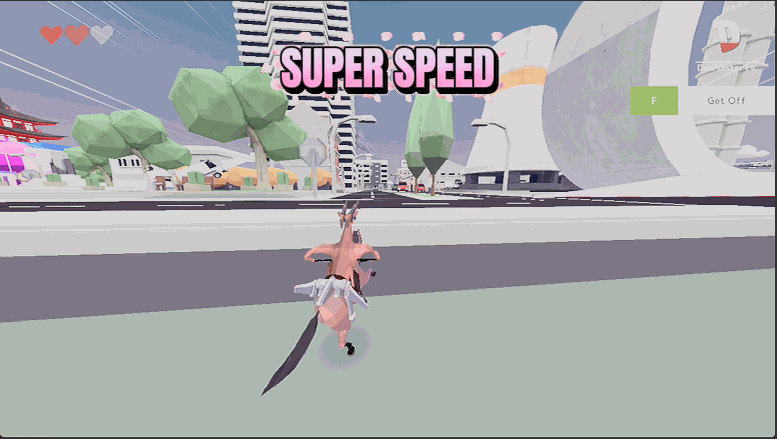
A game-speed slider from dreamy slow-motion to hyper turbo. Line up a perfect chaos shot in slow-mo, or blitz through the boring bits at high speed.
Sky Hopper
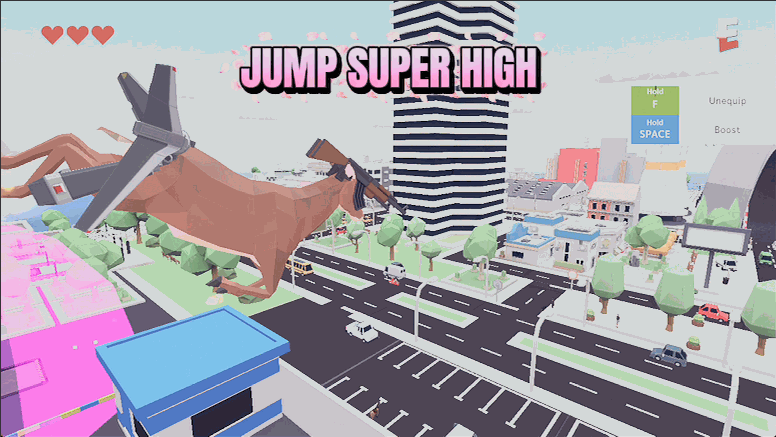
A jump-height slider that works for both your deer and your human form. Nudge it up for handy hops or max it out to clear rooftops in one leap.
Antler Arsenal
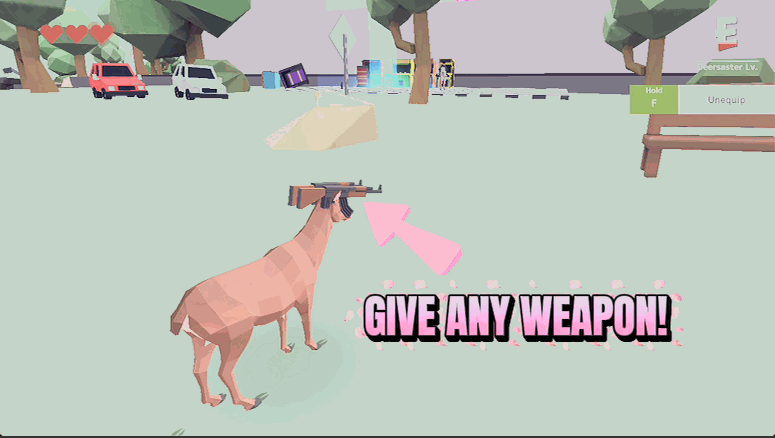
Equip any weapon or gadget on demand — pistols, miniguns, rocket launchers, rocket pods, even the flight unit — without hunting for pickups. Pick one and it's yours.







