Want more mods for DEEEER Simulator: Your Average Everyday Deer Game? Explore our entire collection!
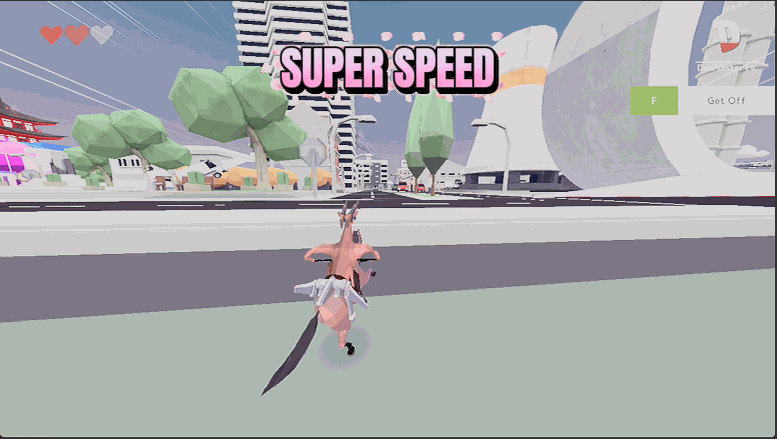
Time Bender
"Slow the world to a crawl or fast-forward the mayhem."
How do I install Time Bender?
Download the free ProjectMods desktop app, then install Time Bender for DEEEER Simulator: Your Average Everyday Deer Game in one click.
</>What does Time Bender do?
Time Bender hands you a dial for how fast the whole world runs. Slide it down for cinematic slow-motion — perfect for lining up a ridiculous stunt or watching a pileup unfold frame by frame. Slide it up for turbo mode and tear through town at double, quadruple, or faster. It only bends time while you're actually playing, so your menus and pauses still work exactly as they should. Whether you want a stylish slow-mo takedown or a caffeinated speed-run of pure destruction, it's one slider away.
</>What is Time Bender?
Time Bender hands you a dial for how fast the whole world runs in DEEEER Simulator. Slide down for cinematic slow motion to line up a stunt, or up for turbo mode to tear through town at several times normal speed. It only bends time while you play, so menus and pauses still work. A free DEEEER Simulator mod on ProjectMods, the community-first PC mod manager.
</>Common questions about Time Bender
What does Time Bender do in DEEEER Simulator?
Time Bender is a free DEEEER Simulator mod that hands you a dial for how fast the whole world runs. Slide it down and everything drops into cinematic slow motion, which is perfect for lining up a ridiculous stunt or watching a pileup unfold frame by frame. Slide it up and you get turbo mode, tearing through town at double, quadruple or even faster speeds. It affects the entire game world, not just your deer, so slow motion makes the whole scene dramatic and turbo speeds up everything at once. Whether you want a stylish slow-motion takedown or a caffeinated speed-run of pure destruction, it is all one slider away.
How slow and how fast can I set the Game Speed slider?
The Game Speed slider stretches from dreamy slow motion all the way up to hyper turbo. At 1x, DEEEER Simulator runs at its normal pace. Anything below 1 slows the world down: gentle values give you a stylish slow-mo for stunts, while the lowest settings crawl along frame by frame so you can savour a big crash. Anything above 1 speeds things up: a modest bump makes the whole game feel snappier, and the top of the range blitzes town at several times normal speed. Because it is a live slider, you can slide between crawl and blur whenever you want, matching the pace to whatever you are doing, whether that is a careful setup or a fast, chaotic run.
Does Time Bender mess with my menus and pause screen?
No. Time Bender only bends time while you are actually playing DEEEER Simulator, so your menus, pause screen and any other interface still behave exactly as they should. That means you can crank the world into extreme slow motion or blazing turbo without your menus becoming sluggish or unresponsive. Pause still pauses cleanly, and navigating options feels normal no matter what the game speed is set to. This is a deliberate design choice: the fun of a speed slider disappears fast if it also makes your menus painful to use. So Time Bender keeps the effect where it belongs, on the action in the world, and leaves the parts you need to stay responsive alone. Adjust freely without worrying about clunky menus.
When would I use slow motion versus turbo in DEEEER Simulator?
It comes down to whether you want to savour a moment or skip one. Slow motion shines when you are setting up something spectacular: lining up a perfect stunt, timing a jump through traffic, or watching a huge pileup crumple frame by frame for a clip. Dropping the Game Speed makes DEEEER Simulator feel cinematic and gives you room to react. Turbo is the opposite tool, ideal for blitzing through the parts you find slow, covering ground quickly, or just enjoying the mayhem at a frantic, comedic pace. Many players flick between the two: slow-mo to compose the shot, then turbo to race to the next bit of chaos. One slider covers both moods.
Does Time Bender affect the whole game or just my deer?
Time Bender affects the entire DEEEER Simulator world, not just your deer. When you slow it down, everything slows with you: traffic, pedestrians, physics and explosions all drop into synchronised slow motion together. When you speed it up, that same whole-world scaling applies, so the town, its crowds and every bit of chaos race along faster as one. This is what makes the slow motion look so cinematic and the turbo feel so frantic; the whole scene moves together rather than your deer being out of step with its surroundings. The one thing it deliberately leaves untouched is your menus and pauses, which keep working normally so the effect never gets in the way of navigating the game.
What options does Time Bender include?
Game Speed
How fast the whole game runs. 1x is normal, below 1 is slow motion, above 1 speeds everything up.
Time Bender is a free DEEEER Simulator mod from ProjectMods that gives you a game-speed slider, from dreamy slow motion for perfect chaos shots to hyper turbo for blitzing through the slow parts.
System Requirements
What features does Time Bender include?
- Slide the world into cinematic slow-motion to line up a ridiculous stunt or watch a pileup unfold frame by frame.
- Push it the other way for turbo mode and tear through town at double, quadruple, or faster.
- One slider covers the whole range — dreamy slow-mo at one end, caffeinated chaos at the other.
- Menus and pauses keep working normally, so only the action bends while you're actually playing.
- Line up stylish slow-mo takedowns one minute, then blitz a speed-run of pure destruction the next.
Best For
- You want a slow-motion money shot of a bus flipping end over end for the perfect clip.
- Content creators editing action montages who want real in-game slow-mo instead of faking it in the edit.
- The walk between chaos hotspots feels slow — crank the speed and blitz across the boring stretches.
- Streamers setting up a big stunt who want to drop into slow-mo so viewers catch every absurd detail.
- Pair it with One-Hit Wonder for slow-motion one-punch finishers that look straight out of an action movie.
More Mods for DEEEER Simulator: Your Average Everyday Deer Game
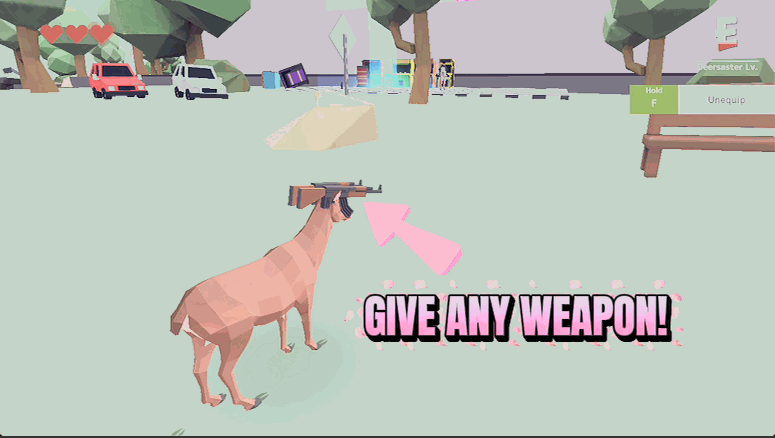
Antler Arsenal
Equip any weapon or gadget on demand — pistols, miniguns, rocket launchers, rocket pods, even the flight unit — without hunting for pickups. Pick one and it's yours.
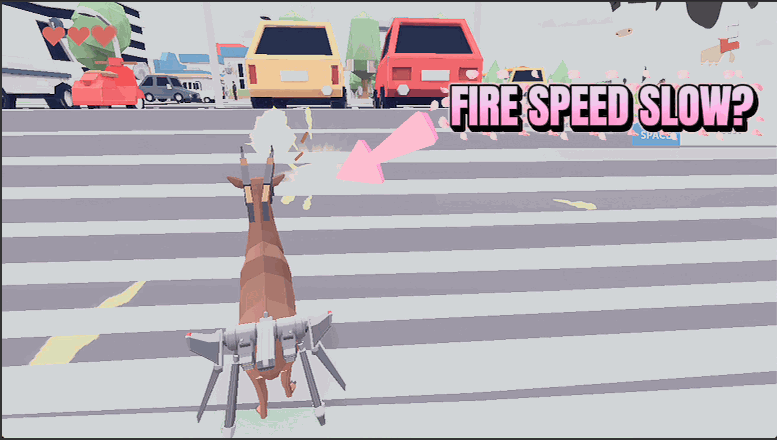
Trigger Happy
Shreds the delay between shots so every gun you hold fires way faster. A slow pistol becomes a machine gun; a minigun becomes a wall of lead.
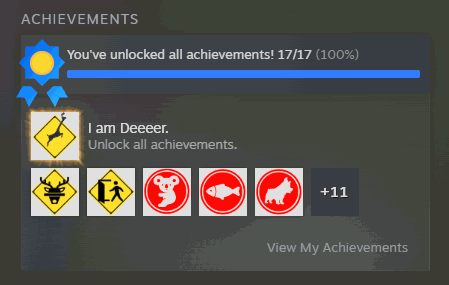
Trophy Case
Unlock any single achievement or the whole set in one click. Fills both the in-game trophy screen and your Steam profile, so nothing reads as locked.







