Want more mods for DREDGE? Explore our entire collection!
Boat Styler
"Your boat, your colours, your flag - no painter's dock needed."
How do I install Boat Styler?
Download the free ProjectMods desktop app, then install Boat Styler for DREDGE in one click.
</>What does Boat Styler do?
Out in the Marrows your boat is your whole world - so why sail it stock? Boat Styler is your personal paint shop, no painter's dock required. Pick a colour for the hull down at the waterline and another for the roof and trim, choose a flag to fly (or go bare-masted), and drape cheerful bunting along the rails when you're feeling festive. You can even change how your foghorn sounds, from a deep low bellow to a higher call. Set everything the way you want, hit Apply Changes, and watch your boat redress itself on the spot. Your choices stick with your save, just like a trip to the painter. If the colour or flag lists ever look short after you load in, tap Refresh Options once and they'll fill right up.
</>What is Boat Styler?
Boat Styler turns your DREDGE trawler into a personal canvas. Pick separate colours for the hull and roof, choose a flag to fly from the mast, hang festive bunting along the rails, and swap your foghorn sound from a deep bellow to a sharp call. Hit Apply Changes and your boat redresses on the spot. Your choices save with your game, and a Refresh Options button ensures the full selection loads in every session. Available free through ProjectMods.
</>Common questions about Boat Styler
What does Boat Styler do in DREDGE?
Boat Styler is a DREDGE mod from ProjectMods that gives you full control over your boat's appearance and sound. You can pick a colour for the hull and a separate colour for the roof and trim, choose a flag to fly from your mast or go bare-masted, hang bunting along the rails for a festive look, and change the tone of your foghorn. Once you have set everything the way you want, tap Apply Changes and your boat updates on the spot. All choices stick with your save file, so your custom look carries across sessions.
Can I change my boat's hull and roof to different colours?
Yes. Boat Styler gives you independent colour pickers for the hull at the waterline and for the roof and upper trim. You can set them to the same colour for a uniform look or mix contrasting colours for something that stands out on the water. The full range of colours available in DREDGE is accessible through the mod's dropdown selectors. Once you have picked your combination, hit Apply Changes and the new paint job takes effect immediately without needing to visit any dock or painter NPC. Your colour choices persist in your save file.
What flag and bunting options are available in Boat Styler?
Boat Styler pulls in every flag option that exists in DREDGE, letting you fly whichever one fits your style, or go without a flag entirely for a cleaner mast. Bunting can be toggled on to drape colourful decoration along your boat's rails, giving the trawler a cheerful, festive appearance that contrasts nicely with the Marrows' gloomy atmosphere. If the flag or bunting lists appear short when you first load in, tapping Refresh Options repopulates them with the full set. Both decorations apply instantly alongside your paint and foghorn choices.
How do I change my foghorn sound with Boat Styler?
Boat Styler includes a foghorn selector that lets you pick from the range of horn tones built into DREDGE. Options range from a deep, low bellow to higher-pitched calls, each giving your boat a distinct voice on the water. Select your preferred tone from the dropdown, then hit Apply Changes along with any other customisations you have set. The foghorn change takes effect immediately and saves with your game. It is a small detail, but hearing your chosen horn echo across the fog adds a surprisingly personal touch to every voyage.
What should I do if some options are missing when I open Boat Styler?
If the colour, flag, or bunting lists look shorter than expected after loading into your save, tap the Refresh Options button once. This repopulates every dropdown with the full set of options available in your copy of DREDGE, including any content added by DLC. This occasional hiccup happens because some game data loads slightly after the mod initialises, and a quick refresh catches everything. After that first refresh, all options should stay available for the rest of your session. Your previously applied choices are never lost during this process.
What options does Boat Styler include?
Enable Bunting
Drape cheerful little flags along your boat for a festive look. Turn it off to take them down, then press Apply Changes.
Flag Style
Choose a flag to fly from your mast, or pick No Flag to sail bare. Press Apply Changes to raise it. The real names load automatically once you're sailing (or press Refresh Options).
Horn Pitch
Choose how your foghorn sounds - from a deep low bellow to a higher call. Press Apply Changes to set it.
Roof Color
Pick the colour for your boat's roof and trim. Press Apply Changes to see it. The real names load automatically once you're sailing (or press Refresh Options).
Apply Changes
Redress the boat now - applies your hull colour, roof colour, flag, foghorn tone and bunting all at once.
Refresh Options
Load the full set of colours and flags straight from your game. Tap this once after you're out on the water if any list looks short.
Hull Color
Pick the colour for your boat's hull - the big body down at the waterline. Press Apply Changes to see it. The real names load automatically once you're sailing (or press Refresh Options).
Boat Styler is a ProjectMods mod for DREDGE that lets you repaint your hull and roof, fly a flag, drape bunting, and change your foghorn tone, then apply everything in a single tap.
System Requirements
What features does Boat Styler include?
- Repaint your hull and roof with any colour in the game's palette from wherever you are sailing
- Fly a flag of your choice from the mast or go bare for a clean silhouette
- Drape festive bunting along the rails to dress your boat up for the occasion
- Swap your foghorn tone from a deep bellow to a sharp call and everything in between
- Apply all your changes at once with a single tap and see them stick to your save
Best For
- You want your boat to stand out in screenshots against the moody Marrows backdrop
- You are streaming and want a signature look your viewers will recognise on sight
- You finished the story and want a victory-lap makeover for your trusty vessel
- You feel like switching up the vibe mid-playthrough without hunting down a painter's dock
More Mods for DREDGE

Floodlight
Crank your boat light way past its factory setting so the pitch-black night sea is finally navigable. Slide the Brightness dial and switch your lamp on to see the difference.
Ghost Flight
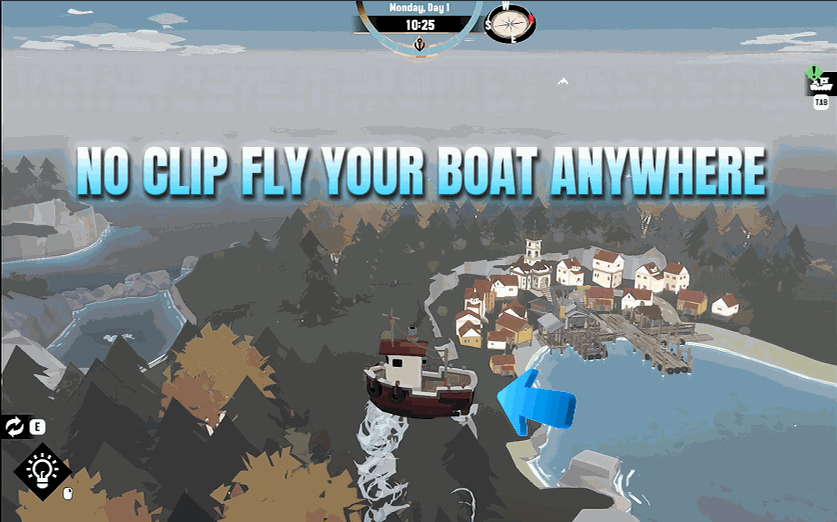
Lift your boat off the water and fly it freely through the world, passing straight through islands, docks, and everything else.
Notification Sender
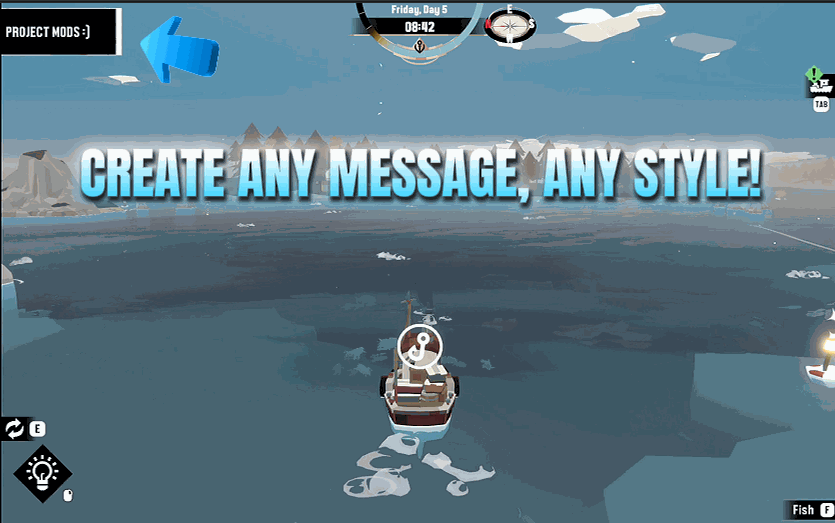
Type any message and pop it on screen as a real in-game notification, styled however you like - from a friendly note to a spooky warning.







