Want more mods for Duck Life 8: Adventure? Explore our entire collection!
Time Warp
"A speed dial for the whole game."
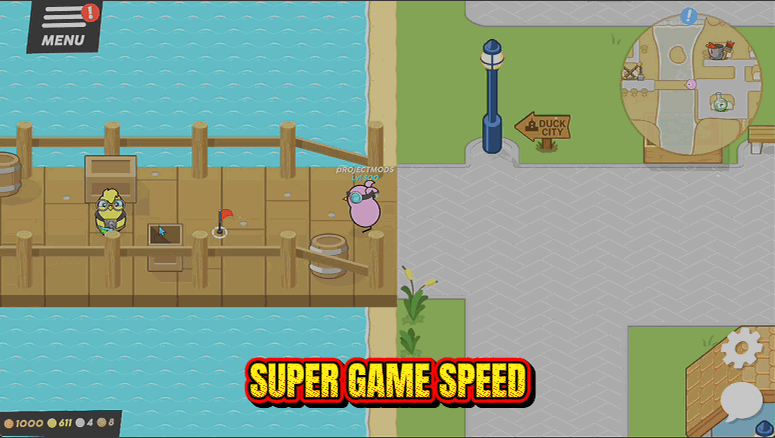
How do I install Time Warp?
Download the free ProjectMods desktop app, then install Time Warp for Duck Life 8: Adventure in one click.
</>What does Time Warp do?
Duck Life 8 asks for a lot of patience. Walking across the world takes a while, training games run at their own pace, and races are as long as they are. Time Warp puts that on a dial. Push it up and everything moves faster, so a trek across the map takes seconds and a training run is over before you get bored. Pull it down for the fiddly bits where you would rather have more reaction time, like a tight flying section or a boss duel. It leaves pauses, menus and the tap-to-start screen completely alone, so nothing gets started for you and nothing gets skipped. The dial goes from a slow quarter speed up to triple speed, which is as fast as the mini games stay reliable.
</>What is Time Warp?
Duck Life 8: Adventure asks for a lot of patience: long walks across the world, training games at their own pace, and races as long as they are. Time Warp puts that on a dial from a slow quarter speed to triple, and leaves menus, pauses and the tap-to-start screen alone so nothing gets skipped. Free in the ProjectMods catalogue, the community-first PC mod manager for 400+ games.
</>Common questions about Time Warp
What does Time Warp do in Duck Life 8: Adventure?
Time Warp puts the speed of Duck Life 8: Adventure on a dial. The game asks for a lot of patience: walking across the world takes a while, training games run at their own pace, and races are as long as they are. Push the slider up and everything moves faster, so a trek across the map takes seconds and a training run is over before you get bored. Pull it down and you get more reaction time for the fiddly bits, like a tight flying section or a boss duel. It is free in the ProjectMods catalogue.
How fast and how slow can the Game Speed slider go?
Time Warp's Game Speed slider runs from a slow quarter speed up to triple speed, with 1 as normal, 2 as double and 0.5 as half. Triple is where the ceiling sits because that is as fast as the Duck Life 8: Adventure mini games stay reliable, and pushing a game past what it can handle is how inputs start getting dropped. Double is a comfortable place to park it for overworld walking and training, and below 1 is worth reaching for on the sections where reading the screen matters more than finishing quickly.
Does Time Warp speed up menus and the tap-to-start screen as well?
No. Time Warp deliberately leaves pauses, menus and the tap-to-start screen at normal speed in Duck Life 8: Adventure, so nothing gets started for you and nothing gets skipped past before you have read it. That matters more than it sounds: a speed dial that also races through menus tends to fire off a mini game the instant you open one, and you spend the session fighting your own settings. Here the dial only affects the game while it is actually running, which means you can leave it turned up and still navigate normally.
What happens when I turn the Enabled switch off?
Duck Life 8: Adventure goes straight back to normal speed. Enabled is a plain master switch, so turning it off returns the game to 1x regardless of where the slider is sitting, and nothing is left behind on your save. That makes it easy to keep Time Warp installed and only reach for it when a section is dragging. It also works well to leave the slider parked on your preferred setting and use the switch as the actual control, flipping it on for a long walk across the map and off again the moment you arrive somewhere interesting.
When would I slow the game down instead of speeding it up?
Slowing Duck Life 8: Adventure down with Time Warp is for the moments where reaction time is the whole problem. A tight flying section with obstacles arriving faster than you can read them, a boss duel where the timing is unfamiliar, or a training game you are trying to learn rather than grind all get noticeably kinder below 1x. It is also useful for anyone capturing footage who wants a clear look at something. Then push the dial back up for the walk to the next area, which is where most of the patience in the game is actually spent.
What options does Time Warp include?
Enabled
Master switch. Turn it off to put the game back to normal speed.
Game Speed
How fast the game runs. 1 is normal, 2 is double speed, 0.5 is half.
Time Warp is a free ProjectMods mod for Duck Life 8: Adventure that puts the whole game on a speed dial, from a slow quarter speed up to triple, so long walks and slow mini games take as long as you want.
System Requirements
What features does Time Warp include?
- One slider takes the whole game from a slow quarter speed up to triple speed
- Push it up and a trek across the world takes seconds, and a training run is over quickly
- Pull it down for tight flying stretches and boss duels where reaction time actually matters
- Pauses, menus and the tap-to-start screen are left alone, so nothing starts or skips on its own
- Master switch puts the game back to normal speed the moment you want it
Best For
- Long walks between towns you have already crossed five times this session
- Training games you know inside out and would rather have finished than savour
- Slowing a fiddly flying section down until it stops being a coin flip
- Streamers keeping a session moving without cutting away to a montage
More Mods for Duck Life 8: Adventure
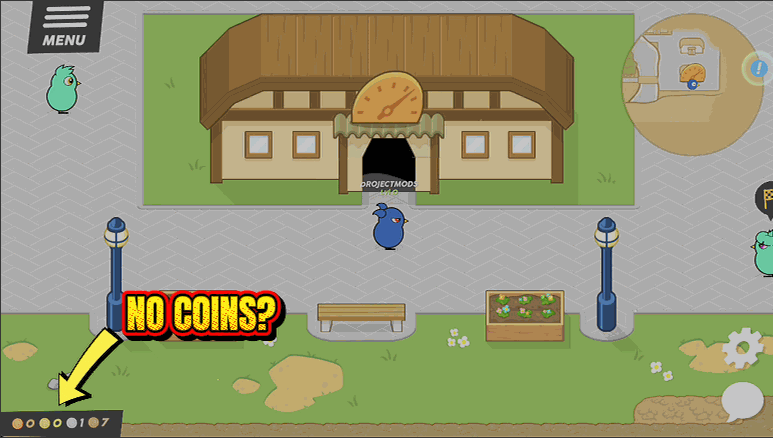
Coin Vault
Tops your purse up to whatever you like, so weapons, hats and costumes are yours the moment you spot them.
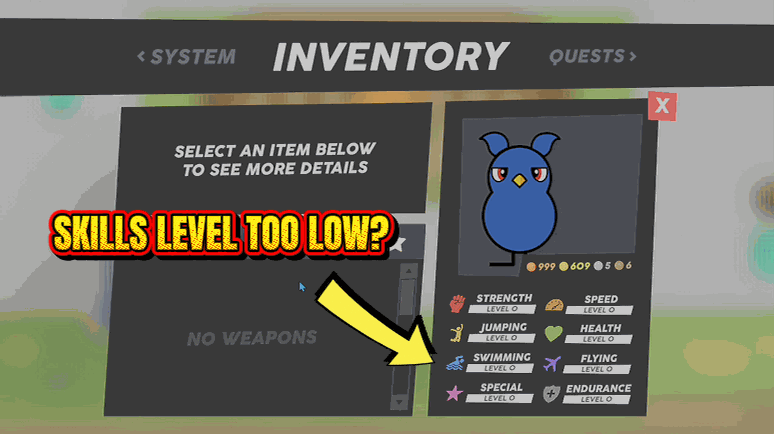
Prodigy Duck
Sets any of your duck's eight skills, or all of them at once, to whatever level you choose from 0 to 100.
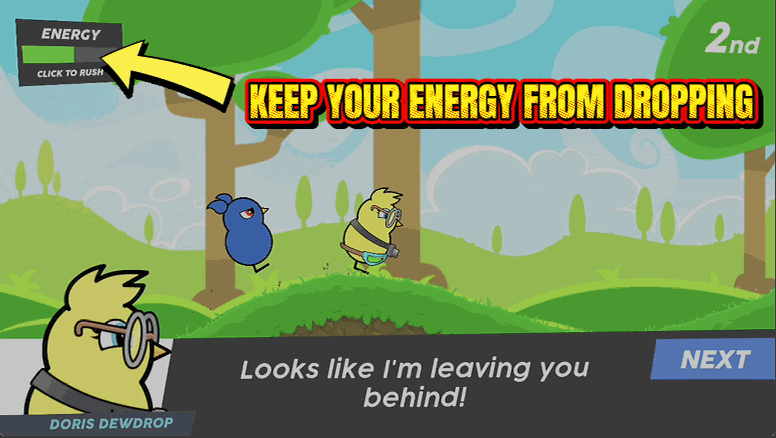
Marathon Duck
Holds your energy bar full for the whole race, so you never nod off halfway to the finish line.