Want more mods for Find The Needle? Explore our entire collection!
Accessibility
"Colours you can tell apart. A HUD you can read."
How do I install Accessibility?
Download the free ProjectMods desktop app, then install Accessibility for Find The Needle in one click.
</>What does Accessibility do?
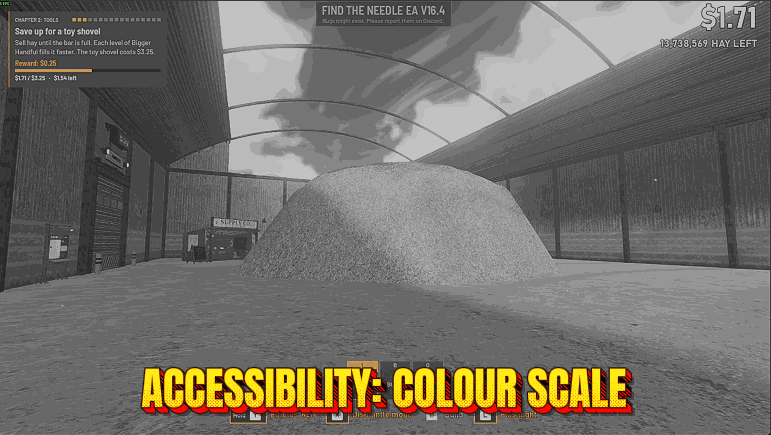
Find The Needle is all about spotting needles in a huge pile of hay, and if you're colour blind some of its colours can sit too close together to tell apart. Colour Filter shifts the colours of your yard so the ones you confuse move apart: choose Red-Green (Green-Weak), Red-Green (Red-Weak) or Blue-Yellow, or Greyscale if you'd rather judge by light and shape. It makes colours easier to tell apart. It doesn't cure colour blindness or show you the colours other people see. Filter Strength (0 to 100, starts at 100) eases the shift back. High Contrast, from 0 (off) to 100, pushes light and dark further apart and makes colours stronger. The filter works on top of the game's own colour grading instead of replacing it, so your yard keeps its warm look while the colours move apart. The HUD, the menus and the title screen keep their own colours. If the HUD is hard to read, Text Size goes from 100 to 200 and turns up the game's own HUD scale and tech text size settings on top of the sizes you chose, as far as the game allows: 1.6 times the normal size for the HUD and its panels, twice for the text in the tech tree. If you change those two settings in the game while it's on, your choice stays. Your own sizes come back when you set Text Size to 100 or turn the mod off, and the game's settings file keeps your own sizes all along. Each option works on its own, so you can use just the one you need. Turning the mod off brings back the game's normal picture and your own sizes, and nothing in your save changes. This is an unofficial mod by ProjectMods; Needless Games doesn't make or endorse it.
</>What is Accessibility?
Pick a Colour Filter for your kind of colour vision or switch to Greyscale, set Filter Strength from 0 to 100, raise High Contrast when light and dark need to stand further apart, and use Text Size to grow the HUD up to 1.6 times and the tech text up to twice its normal size. Nothing here touches your save, and turning the mod off restores the normal picture and your sizes.
</>Common questions about Accessibility
Who is the Accessibility mod for, and what does it change in Find The Needle?
If you're colour blind, have low vision or struggle with small text, it makes Find The Needle easier on your eyes. Four colour filters with a strength slider change how your yard looks on your screen, High Contrast makes shapes stand out, and Text Size grows the HUD and the words in the tech tree. Each option works on its own, so you can use just the one you need.
Does the colour filter fix colour blindness?
No. It moves colours that you would confuse further apart, so they are easier to tell apart, but it can't give anyone colour vision they don't have or show the world the way other people see it. Some colour pairs separate more than others, and how much it helps differs from person to person. That's why Filter Strength exists: try a few values and keep the one that works for your eyes.
Which Colour Filter should I choose?
Start with Red-Green (Green-Weak), since that type of colour blindness is the most common. If reds look dark to you, try Red-Green (Red-Weak). If you mix up blue with green, or yellow with pink, try Blue-Yellow. Greyscale removes colour entirely, for when you'd rather judge by light and shape.
Does the filter change the HUD and menus too?
No. Colour Filter, Filter Strength and High Contrast change the picture of your yard only, so the HUD, the menus and the title screen keep their own colours. Underneath the filter the game's own warm colour grading stays in place, which is why the yard still looks like itself with a filter on.
Does Text Size change my settings in Find The Needle?
Only while it's on, and the game never keeps the mod's sizes. It raises the HUD scale and tech text size from the game's options on top of the sizes you chose, and it stops where the game's sliders stop: 1.6 times the normal size for the HUD and twice for the tech text. Set Text Size to 100 or turn the mod off and your sizes are back. If the game saves its settings while the bigger sizes are in place, the mod writes your sizes back to the settings file straight away.
Is anything in my yard's save changed by the Accessibility mod?
No. Your yard's save never holds any of it: the filters and High Contrast change only the picture the game draws, and Text Size changes how big the HUD and tech text are only while the mod is on. Autosaves and quick saves go on as normal, and turning the mod off brings back the game's normal picture and the sizes you chose.
What options does Accessibility include?
Filter Strength
How far the Colour Filter shifts colours, from 0 (no change) to 100 (the full shift). Lower it if colours look too strong.
Text Size
Makes the HUD and its panels bigger, words included, and the text in the tech tree, from 100 (your own sizes) to 200. It turns up the game's own HUD scale and tech text size settings on top of yours, as far as the game allows: 1.6 times the normal size for the HUD and twice for the tech text. Signs and screens out in the yard keep their size. If you change those two settings in the game while this is on, your choice stays. Your own sizes come back when you set it to 100 or switch the mod off, and they are the ones the game keeps in its settings file.
Colour Filter
Shifts the colours of your yard so the ones you mix up stand further apart. Pick the kind of colour vision you have: Red-Green (Green-Weak) is the most common, Red-Green (Red-Weak) makes reds look dark, Blue-Yellow is for mixing up blue with green, or yellow with pink. Greyscale removes colour entirely. The game's own colour grading stays underneath, and the HUD and menus keep their colours. Off leaves the game's colours as they are.
High Contrast
Makes light and dark parts of your yard stand further apart and colours stronger. 0 is the game's normal look. It adds to the game's own contrast and colour strength.
Accessibility is a ProjectMods mod for Find The Needle that shifts your yard's colours for red-green or blue-yellow colour blindness, offers Greyscale and High Contrast, and makes the HUD and the tech tree's text bigger through the game's own size settings.
What features does Accessibility include?
- Four filters in one dropdown: two for red-green colour blindness, one for blue-yellow and a Greyscale view, built on published research into how each type of colour vision sees.
- The filter sits on top of the game's own colour grading, so your yard keeps its warm look while the colours move apart.
- Filter Strength blends from the normal picture at 0 to the full shift at 100, in steps of 5.
- High Contrast raises contrast and colour strength together on a 0 to 100 slider that starts switched off.
- Text Size runs from 100 to 200 in steps of 5 and works through the game's own options, so the HUD and its panels grow together.
- Your own HUD and tech text sizes come back when Text Size goes to 100 or the mod is turned off, and the game's settings file keeps them all along.
Best For
- You keep confusing two colours in the yard and suspect they're red and green, so try Red-Green (Green-Weak), then Red-Green (Red-Weak), and keep whichever pulls them apart more.
- Colour gets in the way when you judge light and shade in the hay, so pick Greyscale and see the yard by brightness alone.
- The yard looks flat to you at dusk, so put High Contrast at 50 or more to make shapes stand out from the background.
- The numbers on the HUD are hard to read from the sofa, so set Text Size to 150 and the HUD grows with the game's own setting.
- The tech tree's text is too small to read comfortably, so raise Text Size and it grows up to twice its normal size.
More Mods for Find The Needle
Give Item
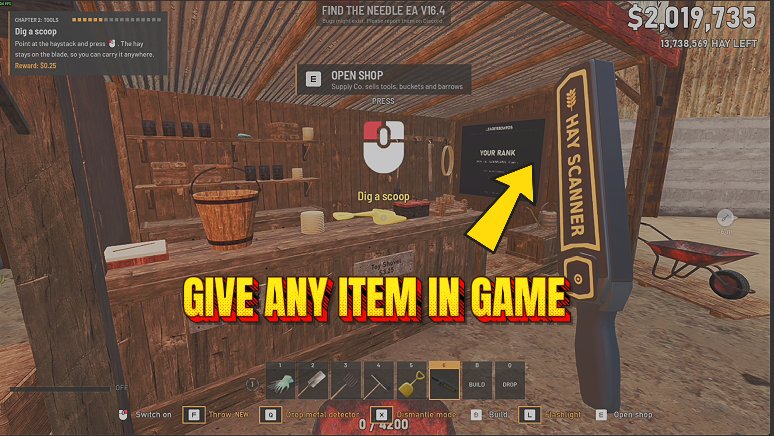
Puts any of the 38 items the game's Sandbox menu can spawn at your feet by its in-game name, from the Yard Vac, Lighter and Forcetron to bales, ingots and parts, 1 to 50 at a time, in any yard.
Set Game Speed
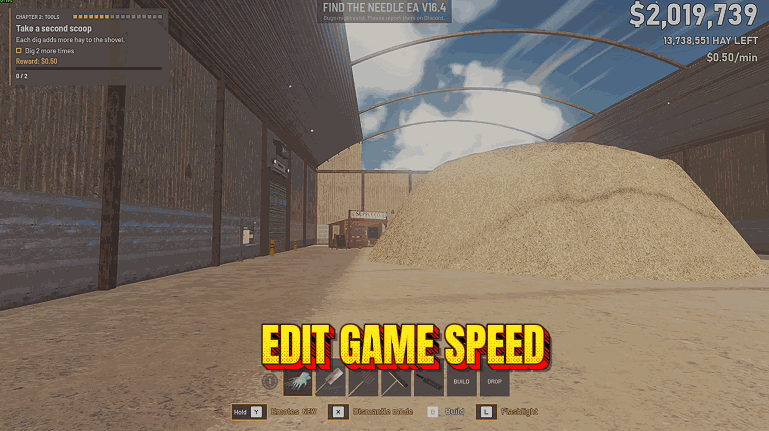
Set Game Speed changes how fast Find The Needle runs in your yard, from 25% to 400%. You, the hay, your machines and the day clock all follow the speed you set, and normal speed returns when you switch it off.
Clear Hay Around Me
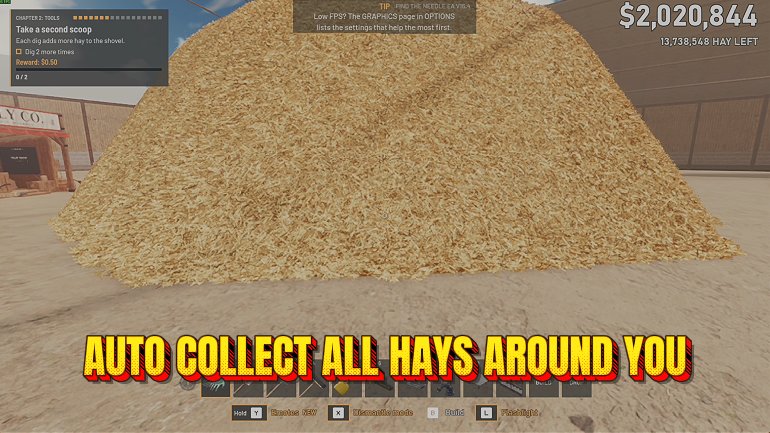
Press Clear Hay and the hay in a ball around you, up to 6 m out, comes out of the pile like one giant dig. The hay counter drops, and any needles in that hay stay in your yard.