Want more mods for Getting Over It with Bennett Foddy? Explore our entire collection!
Speedrun Timer
"Track summit splits with a live overlay and exportable runs."
How do I install Speedrun Timer?
Download the free ProjectMods desktop app, then install Speedrun Timer for Getting Over It with Bennett Foddy in one click.
</>What does Speedrun Timer do?
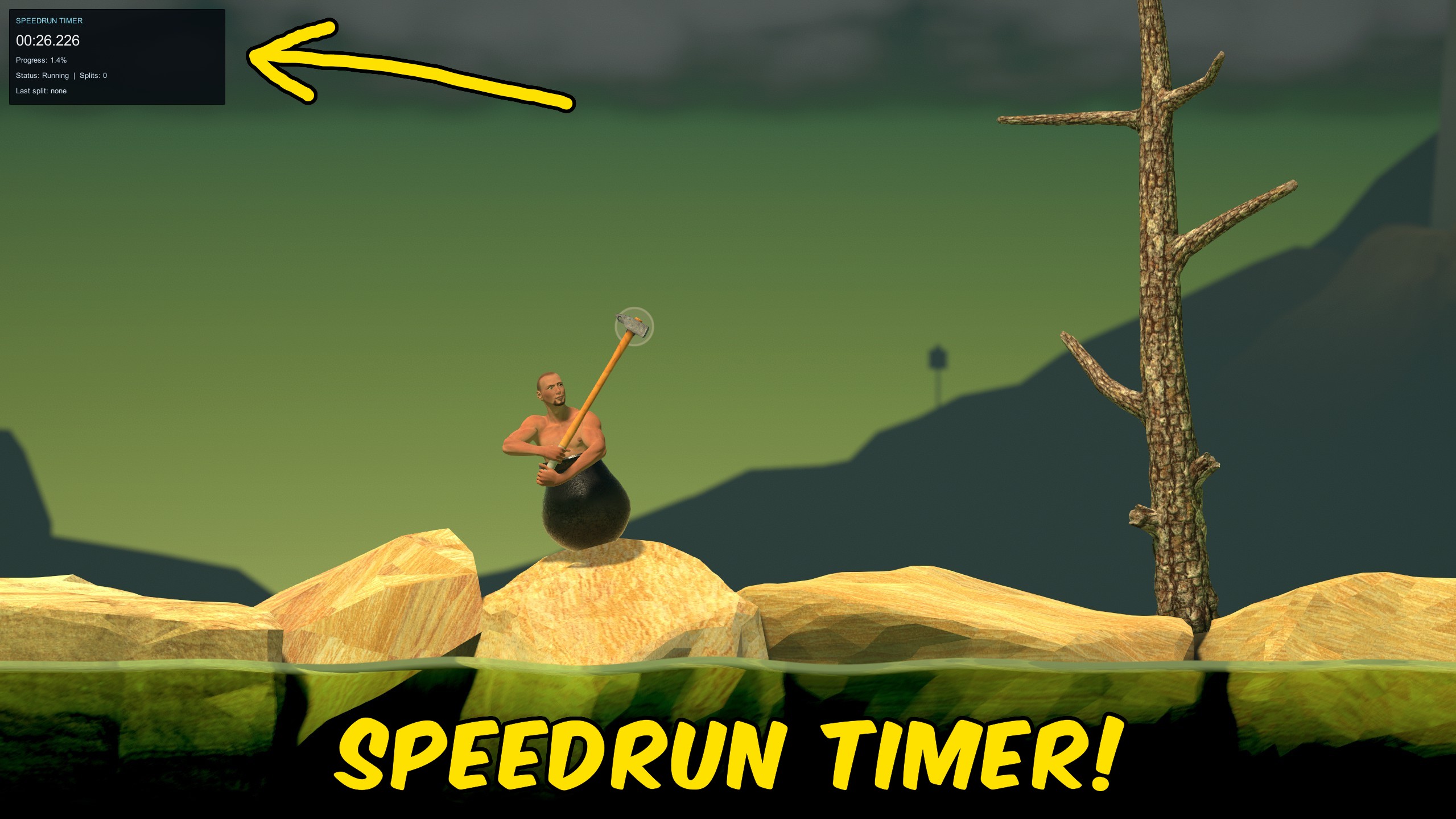
Speedrun Timer adds a full timing suite built for Getting Over It's punishing climb. Turn on Timer Enabled to start tracking from zero and see a live OnGUI overlay in the top-left corner while you play. The in-game overlay shows your current time, climb progress, run status, split count, and last split. Auto Pause On Menu freezes the clock when the game pauses, and Timer Paused gives you a manual hold for bathroom breaks or route planning. Toggle Show In-Game Overlay off if you only want the timer logic without the on-screen panel. When you finish a run or want a clean slate, use Reset Timer. Export Run saves a timestamped text file with your final time, progress, and every split so you can compare attempts or share results with friends.
</>What is Speedrun Timer?
ProjectMods Speedrun Timer for Getting Over It is built for players chasing personal bests or practicing route segments. It tracks elapsed time and climb progress, detects when you reach the summit, supports manual splits at any point, pauses automatically on menus or manually when you need a break, and exports complete run summaries to your game data folder.
</>Common questions about Speedrun Timer
Does the timer start automatically?
Turn on Timer Enabled first. The clock runs while the mod is active and you are climbing.
What happens when I reach the summit?
The mod records a summit split automatically and shows your finish time in a notification.
Where do exported runs go?
Export Run saves a text file to your Desktop. You will see a success notification with the filename.
Can I pause without stopping the game?
Yes. Toggle Timer Paused for a manual hold, or enable Auto Pause On Menu to freeze time when menus pause the game.
What options does Speedrun Timer include?
Auto Pause On Menu
Pause the timer automatically when the game menu pauses time.
Timer Paused
Manually freeze the timer without ending the run.
Timer Stats
Legacy launcher stats field. Timer display is in-game only.
Reset Timer
Clear the timer, progress tracking, and all splits.
Show In-Game Overlay
Show the live timer panel in-game while you climb. Turn off to hide the on-screen overlay.
Split
Record a split at your current progress point.
Timer Enabled
Start and track your speedrun session.
Export Run
Save the current run and splits to a text file.
Enable Timer Enabled to show the live in-game timer overlay, mark splits as you climb, and export your run to a text file when finished.
System Requirements
What features does Speedrun Timer include?
- Live timer with mountain progress percentage and summit auto-split.
- Live in-game overlay showing time, progress, status, and last split.
- Manual Split, Reset Timer, and Export Run actions for full session control.
Best For
- Practice a new route and compare split times between attempts.
- Record a full ascent for a speedrun video with an on-screen clock.
More Mods for Getting Over It with Bennett Foddy
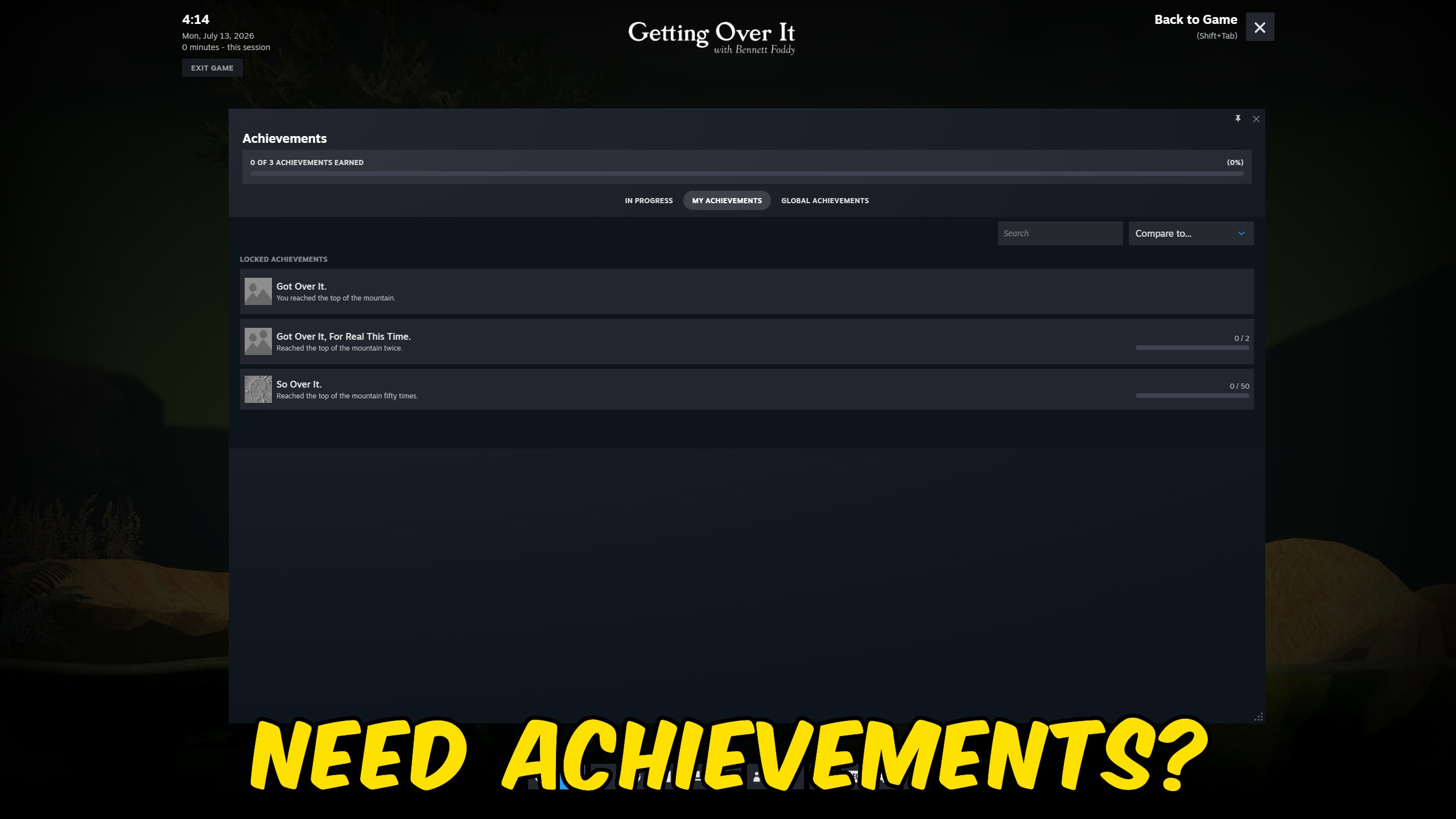
Achievement Unlocker
Unlock Getting Over It Steam achievements instantly from the ProjectMods launcher.
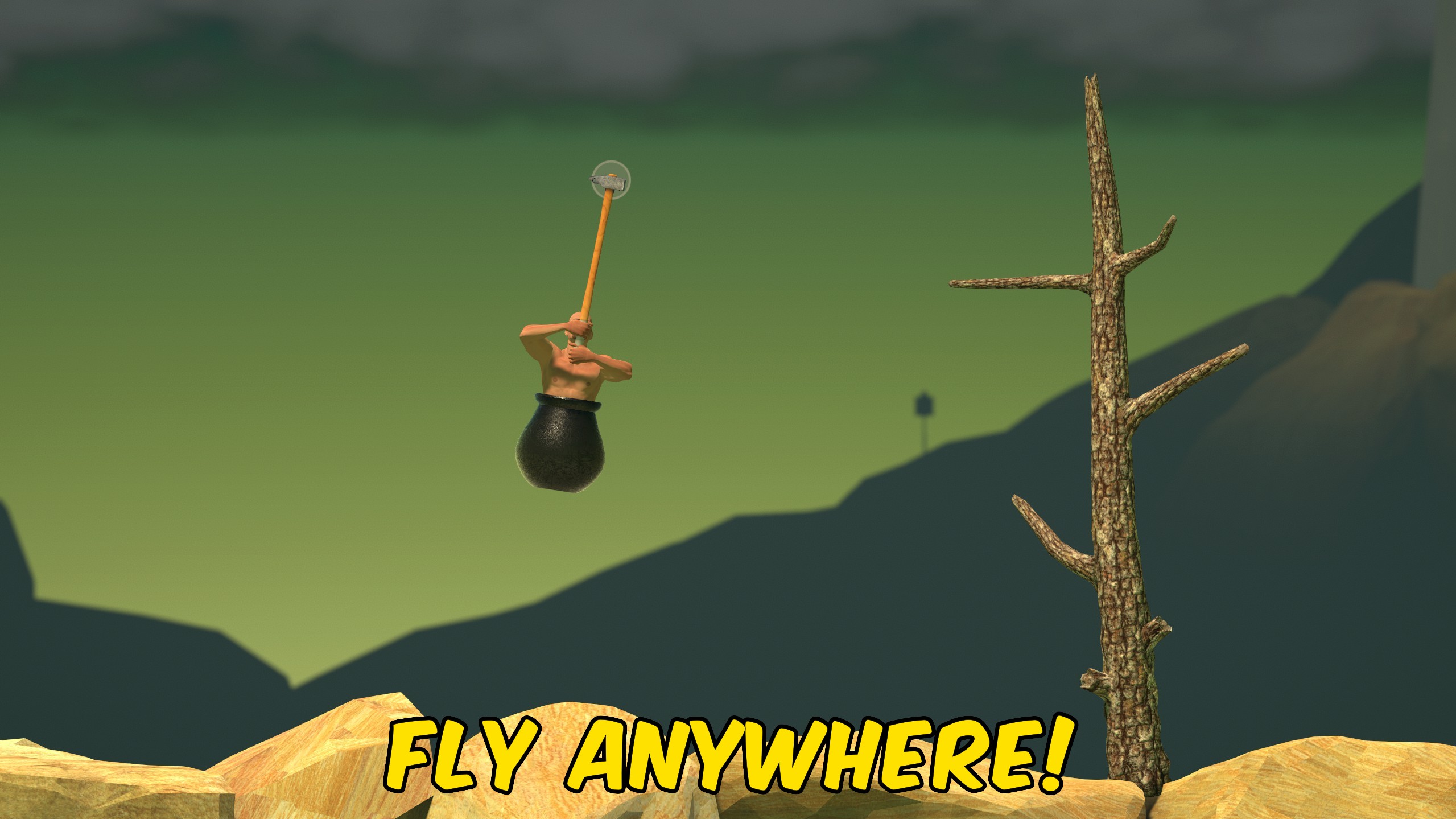
Fly
Fly around Getting Over It with adjustable Fly Speed, a Left Shift boost, and optional noclip through rocks and structures.
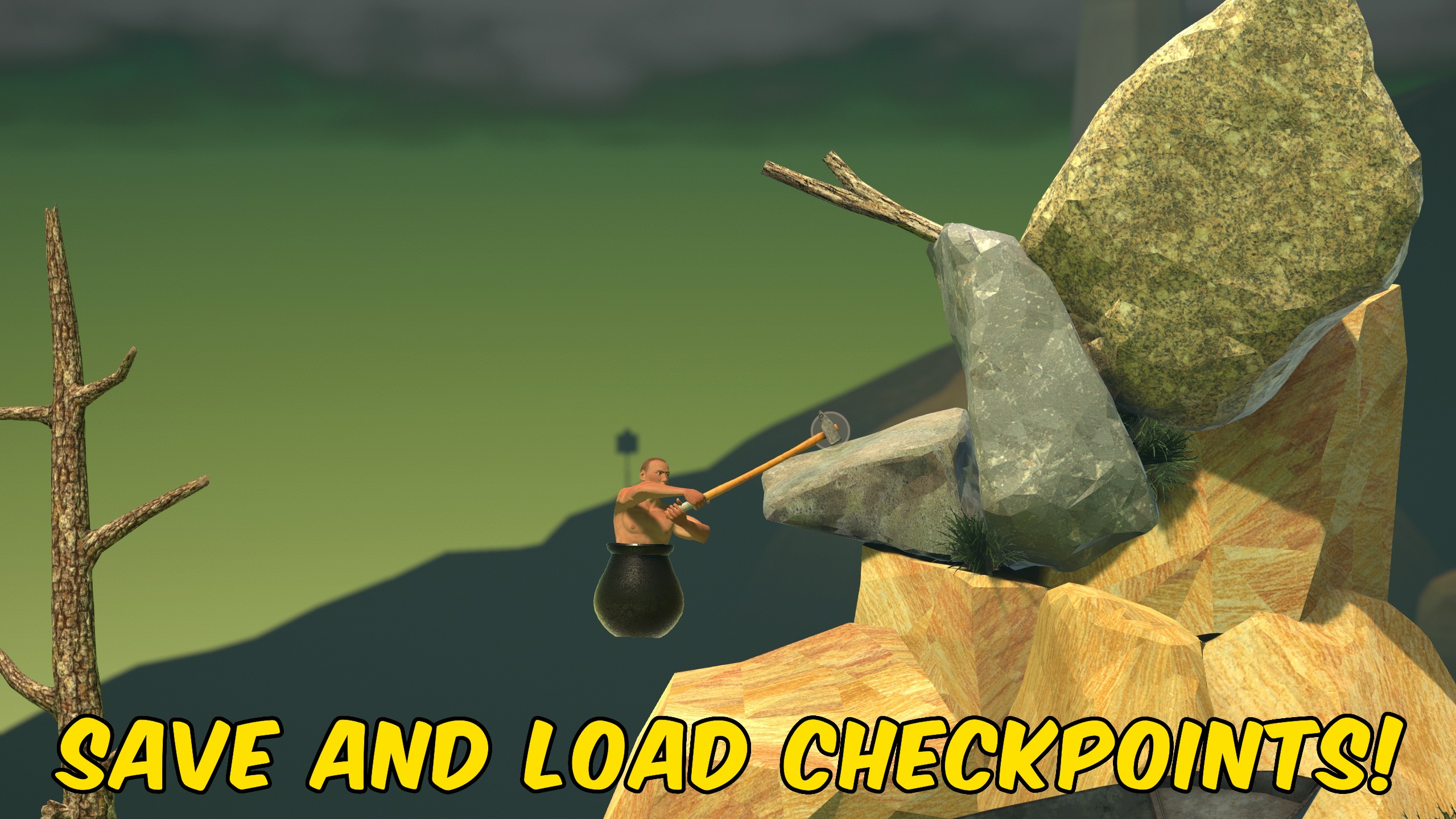
Save States
Save your exact Getting Over It position to one checkpoint and reload or delete it on demand.







