Want more mods for Getting Over It with Bennett Foddy? Explore our entire collection!
Fly
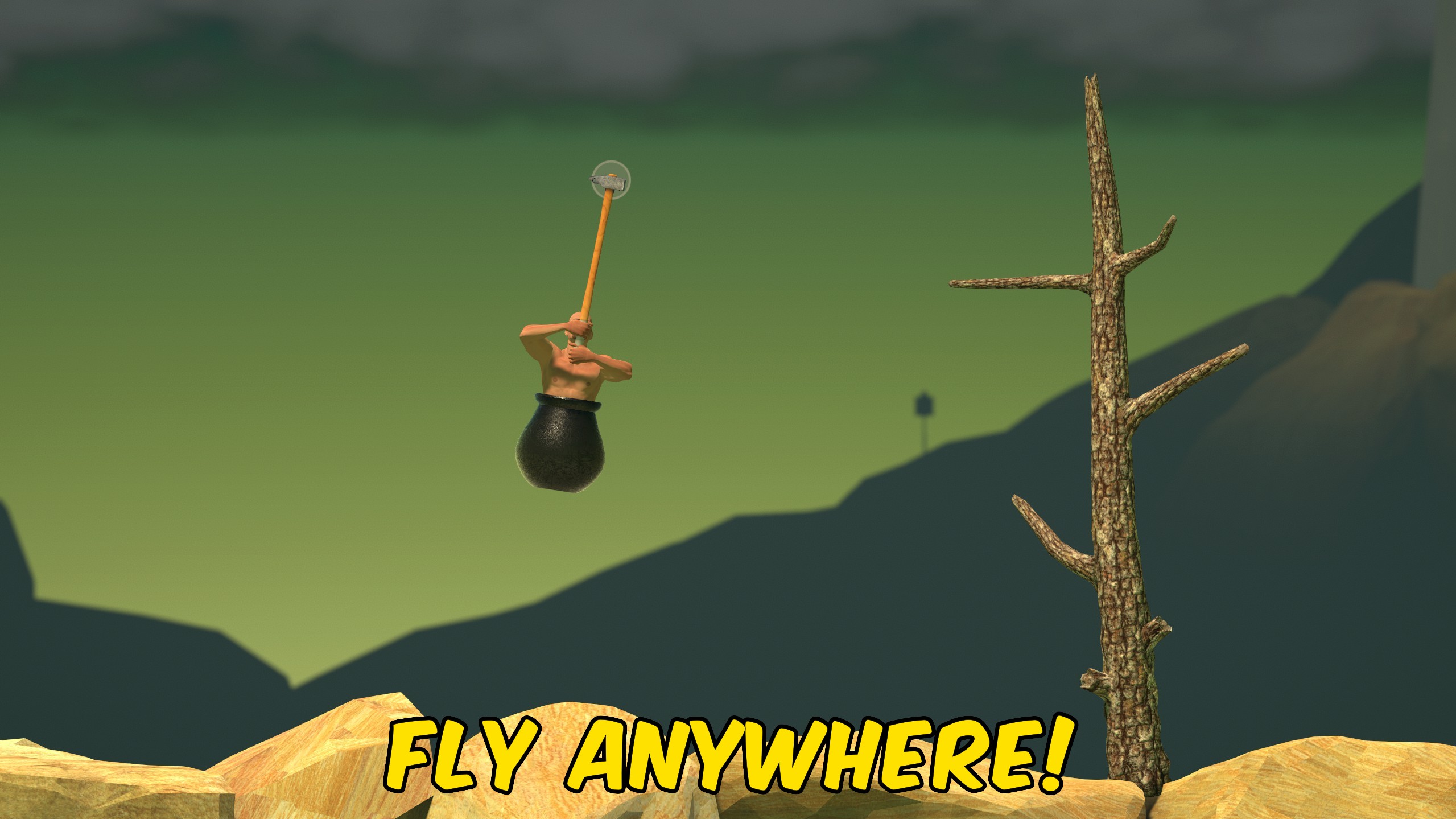
"Fly across the mountain with optional noclip through terrain."
How do I install Fly?
Download the free ProjectMods desktop app, then install Fly for Getting Over It with Bennett Foddy in one click.
</>What does Fly do?
Fly frees you from the hammer climb whenever you need to scout, recover, or skip sections of the mountain. Turn on Fly Enabled, then move with W, A, S, and D while looking where you want to go. Space rises and Left Control descends. Hold Left Shift for the faster Shift Speed boost. Enable Noclip while flying to pass through terrain, rocks, and other solid geometry instead of colliding with them. Tune Fly Speed for comfortable cruising and Shift Speed for crossing long vertical gaps quickly. Turn Fly Enabled off when you are done and normal physics return. Noclip only works while flight is active.
</>What is Fly?
ProjectMods Fly for Getting Over It adds free directional movement across Bennett Foddy's entire map. Use it to reach distant ledges, escape a bad fall, explore out-of-bounds areas for filming, or practice summit lines from above. Separate speed controls for normal flight and Left Shift boost let you pick the pace that fits your session.
</>Common questions about Fly
How do I move while flying?
Use W, A, S, and D to move where you are looking, Space to rise, Left Control to descend, and Left Shift for boost speed.
Does noclip work without fly enabled?
No. Noclip only takes effect while Fly Enabled is turned on.
What are good starting speeds?
Defaults are Fly Speed 6 and Shift Speed 12. Raise them if you need to cross the map faster.
Will I fall normally after turning fly off?
Yes. Disabling Fly Enabled returns you to standard Getting Over It physics and collision.
What options does Fly include?
Shift Speed
Your boosted speed while holding Left Shift.
Fly Speed
Your normal flight speed.
Noclip
Pass through terrain and obstacles while flying.
Fly Enabled
Lets you fly around the mountain.
Enable Fly Enabled, set Fly Speed and Shift Speed, optionally turn on Noclip, and use WASD plus Space and Ctrl to move.
System Requirements
What features does Fly include?
- Free flight with separate Fly Speed and Shift Speed controls up to 50 and 100.
- Optional noclip while flying to pass through terrain and obstacles.
- Restores normal player physics when Fly Enabled is turned off.
Best For
- Scout a difficult section from the air before attempting it with the hammer.
- Recover after a deep fall without climbing the entire route again.
More Mods for Getting Over It with Bennett Foddy
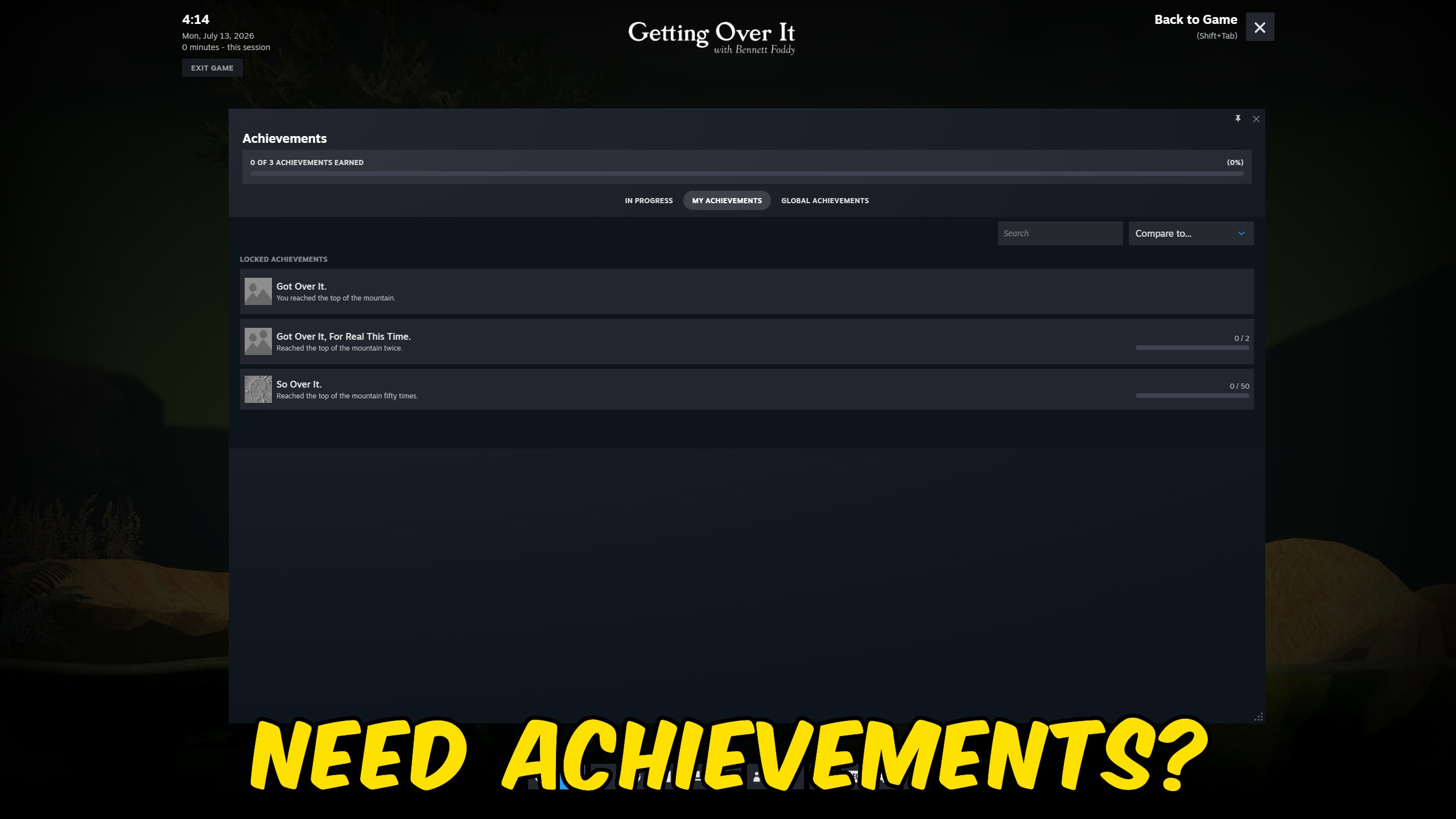
Achievement Unlocker
Unlock Getting Over It Steam achievements instantly from the ProjectMods launcher.
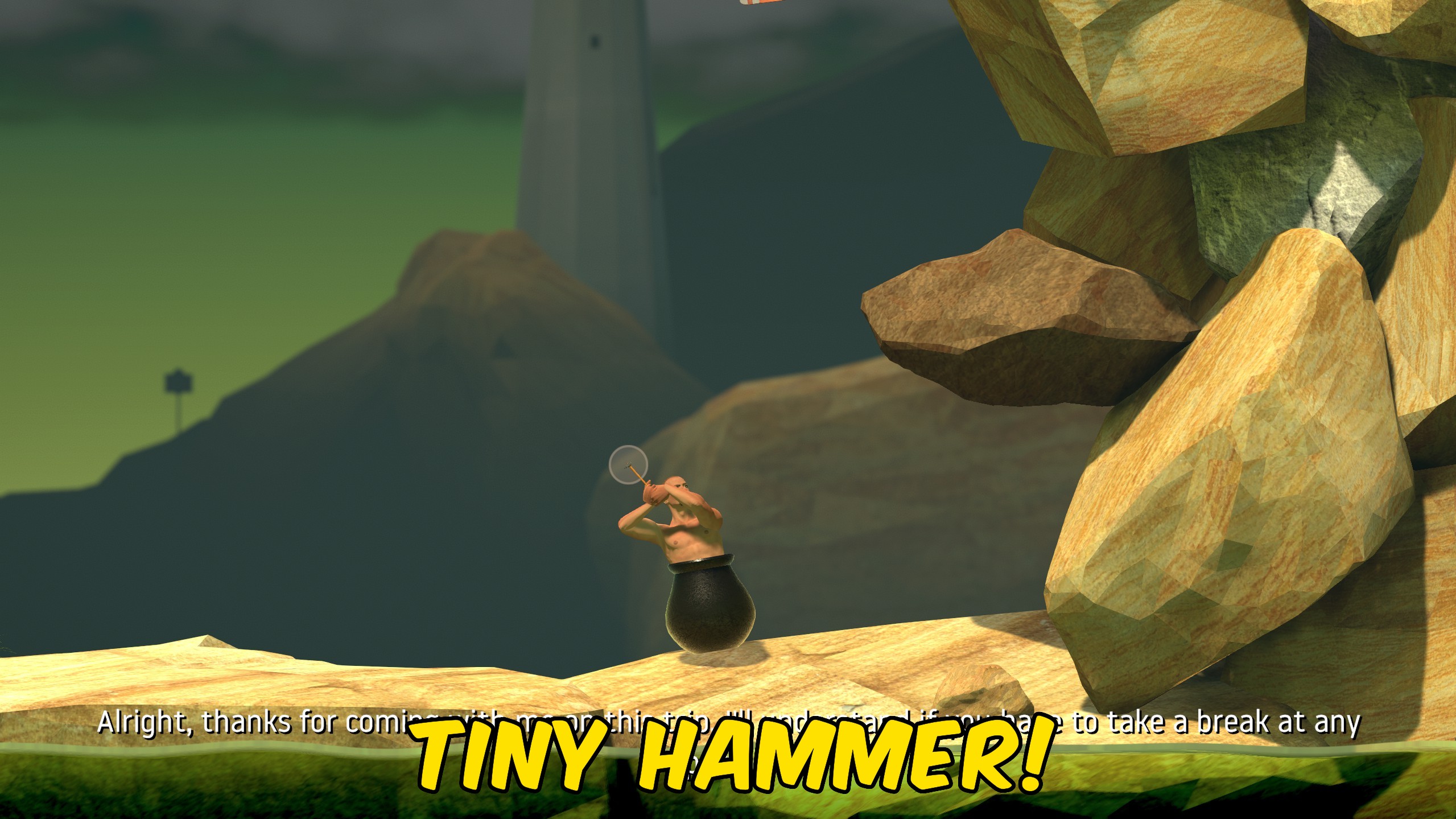
Hammer Size
Resize the Getting Over It hammer from a short stub to a long lever with a precision scale slider.
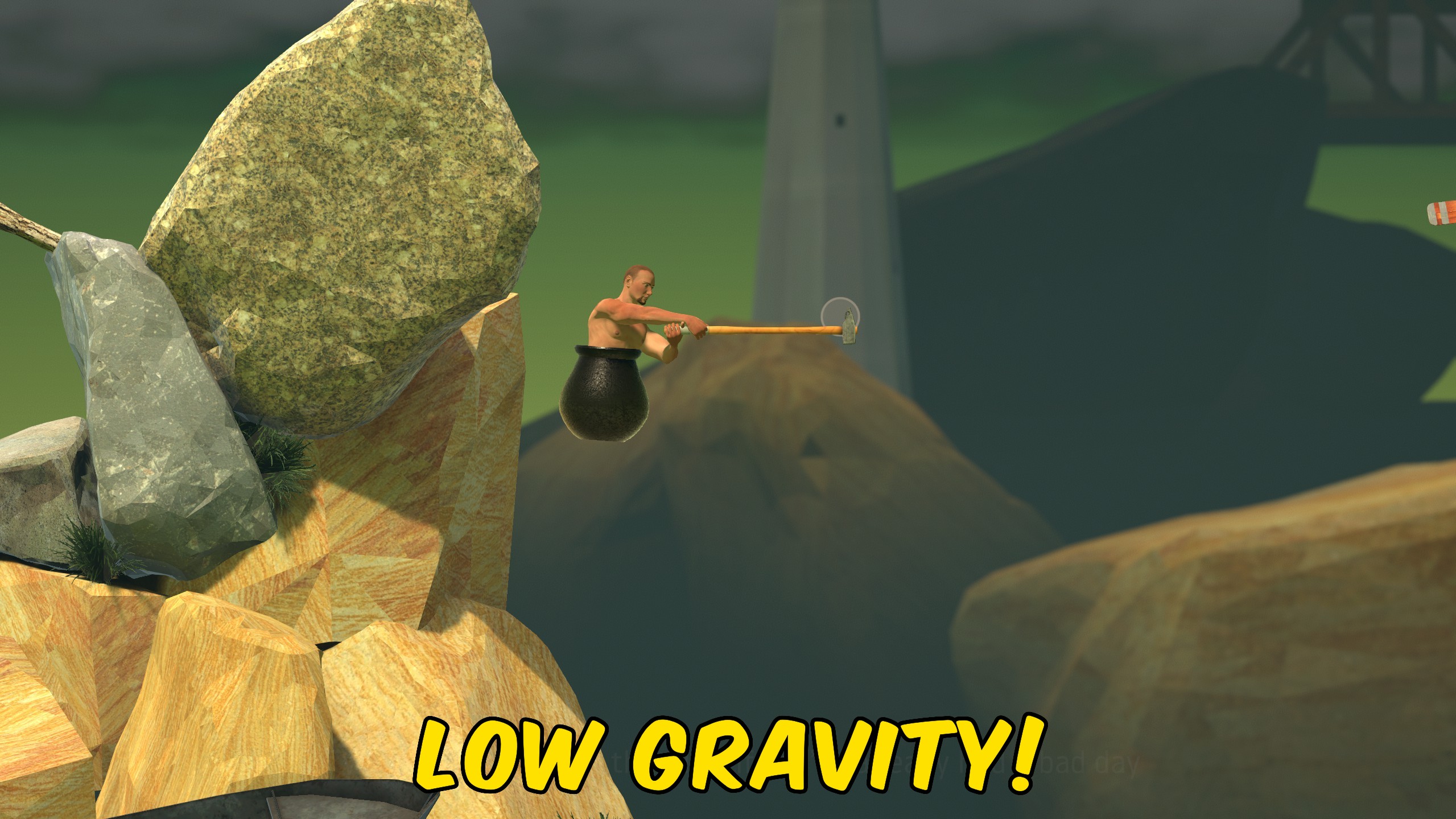
Gravity
Override Getting Over It gravity with a Y-axis slider from moon-low float to crushing weight.







