Want more mods for Graveyard Keeper 2 Demo? Explore our entire collection!
Flash of Genius
"Ideas on tap, in three colours."
How do I install Flash of Genius?
Download the free ProjectMods desktop app, then install Flash of Genius for Graveyard Keeper 2 Demo in one click.
</>What does Flash of Genius do?
Tech points are the toll you pay for every good idea in Graveyard Keeper 2, and they trickle in slowly. Flash of Genius turns that trickle into a tap. Pick a number, choose a colour, and the points land instantly - no chopping, no praying, no waiting for the next batch to float over to you. Each colour has its own button, so you can fix exactly the shortage that is blocking you. Short on red for a workbench upgrade but swimming in blue? Top up the one you need and leave the rest alone. When you just want the whole tree open, Give All Three fills red, green and blue in a single press. Every button reports what you had and what you have now, colour by colour, so there is never any doubt about whether it worked. And if you want the challenge back, Reset Tech Points empties all three and hands the tech tree its teeth again.
</>What is Flash of Genius?
Flash of Genius turns the tech point trickle in Graveyard Keeper 2 Demo into a tap. Pick an amount, choose a colour, and red, green or blue points land instantly, with a Give All Three button when you want the whole tree open. Every press reports your new totals, and Reset Tech Points empties all three again. From ProjectMods, the community-first PC mod manager for 400+ games.
</>Common questions about Flash of Genius
What does Flash of Genius do in Graveyard Keeper 2 Demo?
Flash of Genius hands you tech points in Graveyard Keeper 2 Demo instead of making you wait for them. You set a number in Amount, then press Give Red Points, Give Green Points or Give Blue Points and that many land straight away, with the mod reporting your new total for that colour. Give All Three fills red, green and blue in one press and reports all three totals. Reset Tech Points empties every colour back to nothing if you want the tech tree to bite again. Nothing else about the tree changes, so what you spend points on stays exactly the same.
Why are there separate buttons for red, green and blue?
Because shortages in Graveyard Keeper 2 Demo are rarely even. You end up swimming in one colour and completely stuck on another, and a single button that fills everything would paper over the specific thing blocking you. Flash of Genius gives each colour its own button so you can fix exactly the gap you have - short on red for a workbench upgrade while blue is piling up, top up red and leave the rest alone. It keeps a playthrough feeling like a playthrough instead of switching the whole tech tree off, which matters if you only wanted one branch open.
What does Give All Three actually do?
Give All Three applies your chosen Amount to red, green and blue in one press, then reports all three totals back so you can see exactly where you landed. It is the button for when you have stopped caring about individual branches and just want the Graveyard Keeper 2 Demo tech tree open. The alternative is pressing the three colour buttons one after another, which does the same thing with more clicking. It uses the same Amount box as the individual buttons, so setting a big number and pressing once is the fastest route to a fully funded tree.
How many points does each press give me?
Whatever you put in the Amount box, and each press stacks that many more on top of what you already have. That means Flash of Genius works just as well as a nudge as it does as a flood in Graveyard Keeper 2 Demo - set a small number to cover the one node you are short for, or set a large one and press once. Graveyard Keeper 2 still has its own ceiling on each colour, so if you ask for more than it will hold, the mod tells you it topped out and shows you where you landed. Because every button reports the total before and after, you always know what actually landed rather than guessing. You can change the Amount between presses without turning anything off.
What is Reset Tech Points for?
Reset Tech Points empties red, green and blue back to nothing, which sounds odd on a mod built to hand them out until you have overshot. It is there for two situations in Graveyard Keeper 2 Demo: you gave yourself far more than you meant to and want the tech tree to have teeth again, or you want to see how the early game feels without starting a fresh save. Because the give buttons work any time, resetting is never a one-way decision - you can empty the lot, play a while, and top back up whenever you feel like it.
What options does Flash of Genius include?
Reset Tech Points
Empties all three colours back to nothing, for when you want the tech tree to bite again.
Give Blue Points
Tops up your blue tech points and tells you the new total.
Give Red Points
Tops up your red tech points and tells you the new total.
Amount
How many points each give button hands you.
Give All Three
Fills red, green and blue in one press, then reports all three totals.
Give Green Points
Tops up your green tech points and tells you the new total.
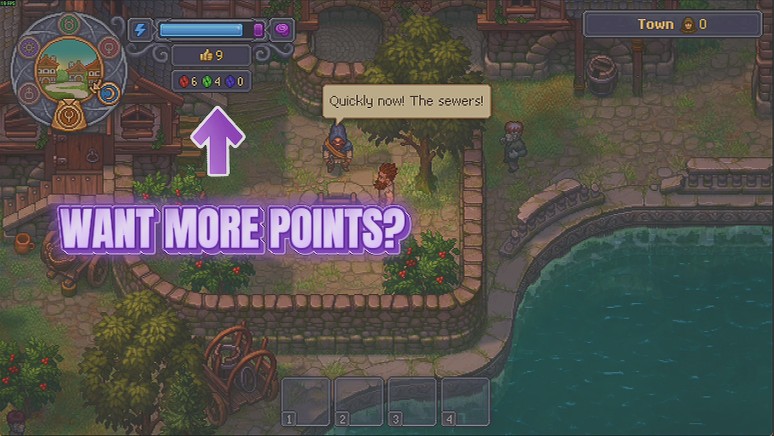
Flash of Genius is a Graveyard Keeper 2 Demo mod from ProjectMods that tops up your red, green and blue tech points on demand, so you can head straight for the part of the tech tree you actually care about.
System Requirements
What features does Flash of Genius include?
- Hand yourself red, green or blue tech points one colour at a time, in whatever amount you set.
- Fill all three colours in a single press with Give All Three when you want the whole tree open.
- Fix the exact shortage that is blocking you and leave the colours you are already swimming in alone.
- Check the before and after totals, reported colour by colour after every press.
- Empty all three back to nothing with Reset Tech Points to put the tree's teeth back in.
Best For
- Players one red point short of the workbench upgrade they have been eyeing all evening.
- Anyone who has decided which end of the tech tree they care about and would rather not earn the other branches to get there.
- Demo players sampling one build idea, then resetting the points to try a completely different one.
- Creators comparing two tech paths side by side in one recording without a long earning session between them.
More Mods for Graveyard Keeper 2 Demo
Endless Swing
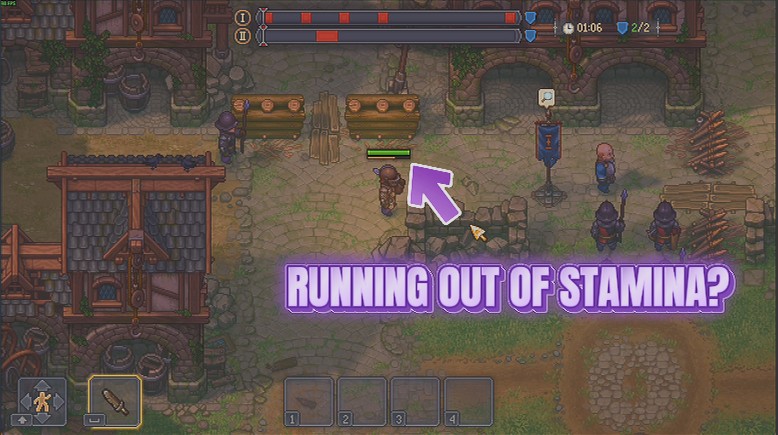
Your stamina stays full, so sword, spear and bow keep going for as long as you hold the button. No more standing still mid-fight waiting for the bar to creep back up.
Thin Air
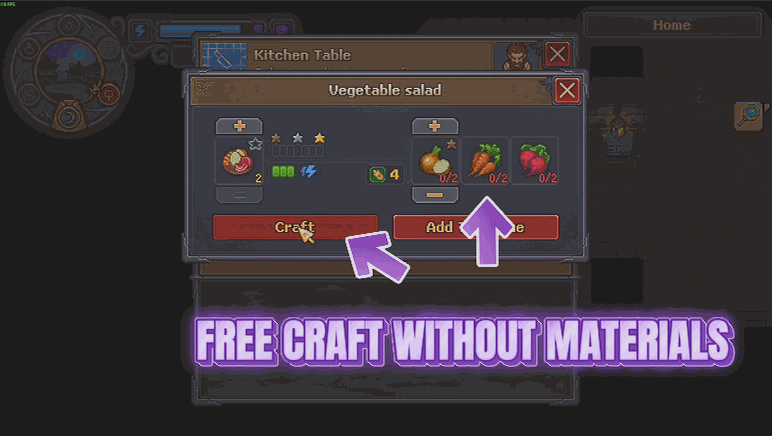
Recipes and buildings stop charging you for materials, and everything still comes out exactly as it always did. Craft and build what you want without the shopping trip first.
Timekeeper
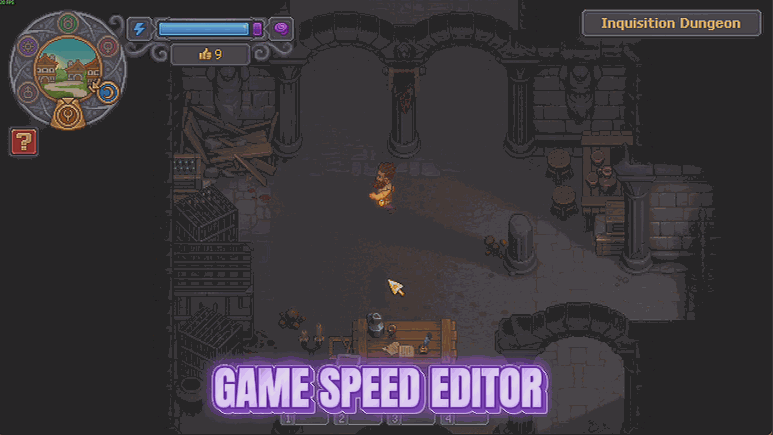
Stretch a day out to a full hour so you can finish what you started, or wind the whole world up to three times speed when you just want the night to be over.







