Want more mods for Graveyard Keeper 2 Demo? Explore our entire collection!
Thin Air
"Make the thing. Keep the materials."
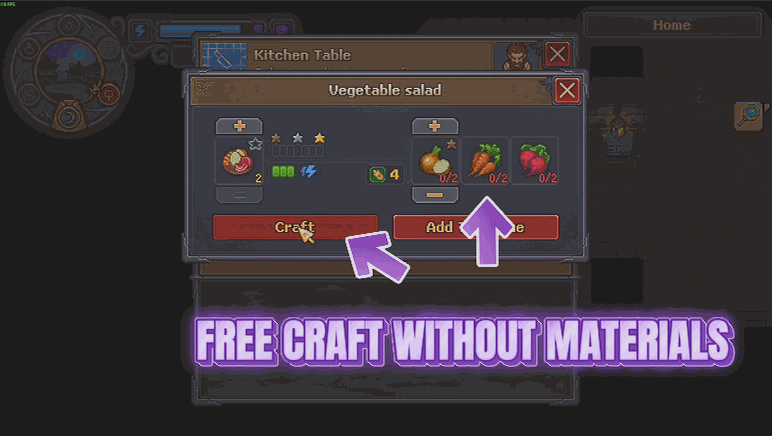
How do I install Thin Air?
Download the free ProjectMods desktop app, then install Thin Air for Graveyard Keeper 2 Demo in one click.
</>What does Thin Air do?
The worst part of building anything in Graveyard Keeper 2 is never the building. It is the errand list in front of it. You want one item, and the game wants five trips, three other stations and a full inventory of things you have to go and fetch before it will even let you press the button. Thin Air cuts the shopping out. Pick a recipe and the craft button lights up whether or not you are holding the materials, and when the job runs, your bags come out the other side untouched. Stations stop eating their own supplies too, so the furnace that always needed feeding just gets on with it. Buildings work the same way on a switch of their own, around the graveyard or in town - put up the workshop you actually wanted instead of the one your stock cupboard allows. It is deliberately narrow. Only crafting and building stop charging you - selling, quest hand-ins and story moments still take what they always took, so the rest of the game carries on exactly as it should. Skill requirements are left completely alone as well, because being handed something you have not earned is a different mod and a different decision. The usual limits on how many of a building you can have still apply. Two switches, one for recipes and one for buildings, each on when you want it and off when you want the errands back.
</>What is Thin Air?
Thin Air cuts the shopping trip out of crafting and building in Graveyard Keeper 2 Demo. Recipes and buildings stop charging you for materials - the buttons work whether or not you hold the parts, and stations stop eating their own supplies. Selling and skill requirements are left alone. From ProjectMods, the community-first PC mod manager for 400+ games.
</>Common questions about Thin Air
What does Thin Air do in Graveyard Keeper 2 Demo?
Thin Air lets you craft without paying for it in Graveyard Keeper 2 Demo. Every recipe still makes what it always made, it just stops asking for materials: pick a recipe and the craft button lights up whether or not you are holding the parts, and when the job runs your bags come out the other side untouched. Stations stop eating their own supplies too, so the ones that normally need topping up just keep working. Nothing else changes: the recipes, the results and the time they take are exactly as the game shipped them.
Do stations stop consuming their own supplies as well?
Yes. It is not only your bag that stops being charged in Graveyard Keeper 2 Demo - the stations themselves stop eating what they normally burn through, so the furnace that always needed feeding just gets on with the job. That matters more than it sounds, because a lot of the errand-running in this game is topping up a station rather than gathering for the recipe itself. With Thin Air on, you can set up the workshop you actually wanted rather than the one your stock cupboard allows, and leave it running without a resupply trip.
What still costs me materials or gets taken?
Everything outside crafting and building. Thin Air is deliberately narrow, so selling, quest hand-ins and story moments in Graveyard Keeper 2 Demo still take exactly what they always took, and quest givers and shopkeepers get exactly what they always expected. Skill requirements are left completely alone as well, because being handed something you have not earned is a different decision and a different mod - Natural Talent is the one for that. The usual limits on how many of a building you can have stay in place too. Keeping the scope tight is what makes Thin Air safe to leave on: only the crafting and building bills disappear, and the rest of the game keeps its rules.
Does Thin Air have any settings to adjust?
Two switches, and nothing to tune beyond them. The one labelled Free Crafting covers recipes and the supplies stations use up, and the one labelled Free Construction covers buildings, whether you put them up around your graveyard or in town. They work independently, so you can build without paying while still crafting the normal way, or the other way round. Each takes effect the moment you flip it in Graveyard Keeper 2 Demo, even halfway through placing something, and nothing is baked into your save, so you can switch either one mid-session without a second thought.
When would I want Thin Air switched on?
When you want to see what Graveyard Keeper 2 Demo lets you build rather than how long it takes to afford it. You want one item, and the game wants five trips, three other stations and a full inventory of things to fetch first - Thin Air skips straight to the building. It is also the fastest way to test a workshop layout before committing real materials. Pair it with Enlightenment if you want every recipe available as well, or Snap Craft if the waiting rather than the cost is what is slowing you down.
What options does Thin Air include?
Free Crafting
Recipes stop asking for materials and stop taking them. The craft button works whether or not you have the parts, and your bags stay exactly as they were. Turn it off to start paying for your crafts again.
Free Construction
Buildings stop asking for materials too, whether you put them up around your graveyard or in town. The usual limits on how many of a building you can have still apply. Turn it off to start paying for buildings again.
Thin Air is a Graveyard Keeper 2 Demo mod from ProjectMods that stops recipes and buildings asking for or taking materials, so crafting and building work whether or not you have the parts and your bags come out untouched.
System Requirements
What features does Thin Air include?
- Craft any recipe whether or not you are holding the materials, because the button lights up regardless.
- Put up buildings around the graveyard and in town without the materials, on a switch of their own.
- Watch stations stop eating their own supplies, so nothing needs topping up between jobs.
- Sell and hand in quests exactly as before, because only crafting and building stop asking for materials.
- Earn your skills the normal way, since skill requirements are left completely alone.
Best For
- Builders who want the workshop they pictured rather than the one their stock cupboard allows.
- Players fed up with the errand list in front of a single item: five trips and three other stations.
- Demo players who want to see what the bigger crafts look like before the full game arrives.
- Anyone who enjoys the building and decorating and treats the fetching as the price of admission.
More Mods for Graveyard Keeper 2 Demo
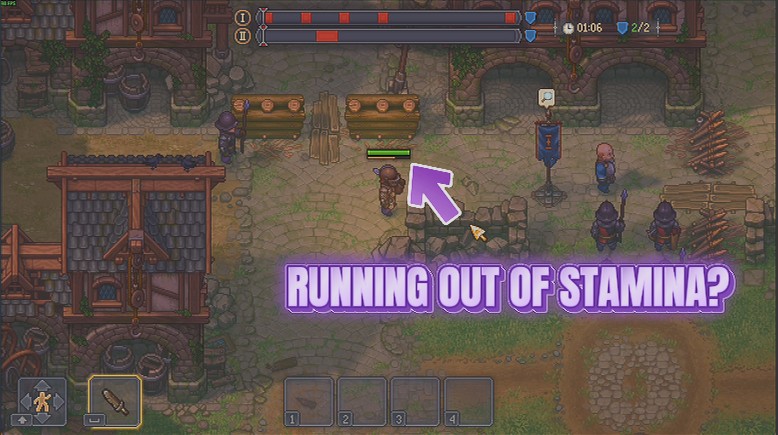
Endless Swing
Your stamina stays full, so sword, spear and bow keep going for as long as you hold the button. No more standing still mid-fight waiting for the bar to creep back up.
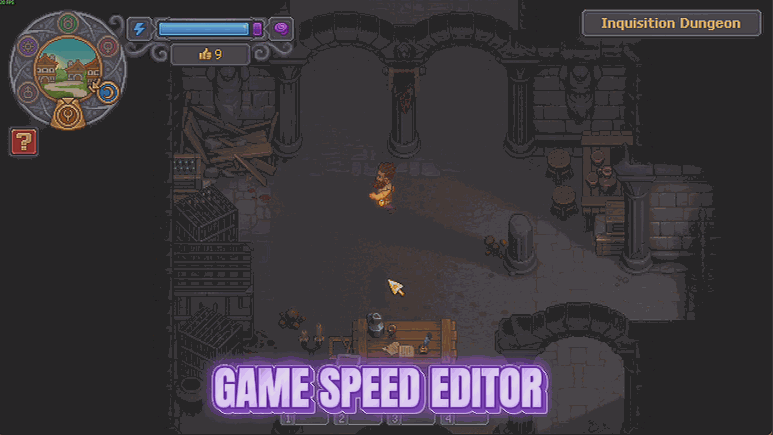
Timekeeper
Stretch a day out to a full hour so you can finish what you started, or wind the whole world up to three times speed when you just want the night to be over.
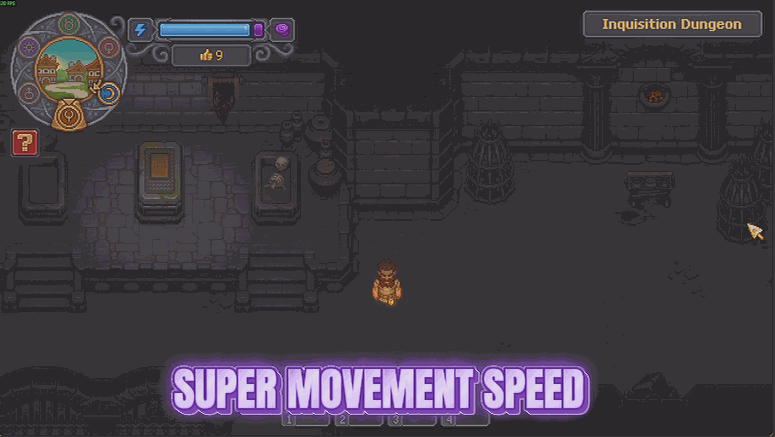
Quick Step
Pick your own walking pace with a slider, from a gentle nudge up to four times quicker. The trek between the graveyard, the workbench and town stops eating your whole day.







